
brightwheel vs Sawyer Tools Comparison

brightwheel
Starting at Contact for pricing
- Free Trial
- Large Enterprises
- Medium Business
This child care software is focused on helping families manage their life and keeping track of children when they are with a caregiver. It features parent and caregiver dashboards with real-time updates, student check-in…

Sawyer Tools
Starting at Contact for pricing
- Large Enterprises
- Medium Business
Sawyer Tools simplifies activity administration for children with powerful yet intuitive software. Created with input from teachers who use it frequently, every feature has been built with the needs of caregivers in mind…
Sawyer Tools leads on user satisfaction with a 4.7-star rating across 256 reviews.
brightwheel vs Sawyer Tools — at a glance
| Feature | brightwheel | Sawyer Tools |
|---|---|---|
| Rating | 4.6 / 5 | 4.7 / 5 |
| Reviews | 115 | 256 |
| Starting price | Contact for pricing | Contact for pricing |
| Free trial | Yes | No |
| Free version | No | No |
| Best for | Large Enterprises, Medium Business, Small Business | Large Enterprises, Medium Business, Small Business |
| Category | Child Care Software | Child Care Software |
| Integrations | 2+ apps | — |
| Platforms | SaaS/Web/Cloud, Mobile - Android, Mobile - iOS | SaaS/Web/Cloud |
| API | — | — |
| Support modes | Business Hours, Online | Online |
| Certifications | SOC 2 | — |
| Data residency | — | US |
Key differences between brightwheel and Sawyer Tools
- Free trial: brightwheel offers a free trial; Sawyer Tools does not.
- User satisfaction: Sawyer Tools scores higher with a 4.7-star average.
- Deployment: brightwheel supports SaaS/Web/Cloud, Mobile - Android, Mobile - iOS; Sawyer Tools supports SaaS/Web/Cloud.
brightwheel vs Sawyer Tools — find the better fit before you commit.
Which tool fits your team best
Which is actually cheaper for your team size
Where each product wins, per real buyers
Most Child Care Software tools look identical on paper. This comparison cuts to the differences that matter — pricing structure, team fit, and what real buyers found after signing up.
Biggest differences
Features
Pricing
Buying details
Security
Buyer feedback
Integrations
Product tour
Other options
Talk to an expert Talk to an expert | Talk to an expert Talk to an expert |
Free PDF comparison
Download this brightwheel vs Sawyer Tools comparison
Get the full side-by-side as a PDF — these picks plus the top Child Care Software tools, with verified ratings, pricing and features.
- Side-by-side on pricing, features & ratings
- Plus the category top 10, scored & ranked
- Emailed to you — no on-screen download
No file downloads on screen — we email it to you. One-click unsubscribe anytime.
brightwheel vs Sawyer Tools: Biggest differences
Start here before you go deeper into features.
Best for streamlining early childhood center operations with real-time parent communication.
- You manage a medium-sized preschool or daycare needing digital attendance and check-in/out.
- You want integrated parent and caregiver dashboards for transparent, real-time updates.
- You require a mobile-first platform tailored to fast-paced childcare environments.
- You run a very small childcare program with minimal administrative needs.
- You need advanced reporting and analytics without paying for subscription upgrades.
Best for streamlined child activity management in small to medium childcare settings.
- You need software designed with direct input from teachers and caregivers.
- You want integrated family habit tracking alongside attendance and precautionary notes.
- Your organization is a small or medium-sized child care center, preschool, or after-school program.
- You require transparent, fixed pricing without sales consultation.
- You need extensive third-party integrations or a broad software ecosystem.
brightwheel: Best for streamlining early childhood center operations with real-time parent communication. Sawyer Tools: Best for streamlined child activity management in small to medium childcare settings.
Description | This child care software is focused on helping families manage their life and keeping track of children when they are with a caregiver. It features parent and caregiver dashboards with ... Read More about brightwheel | Sawyer Tools simplifies activity administration for children with powerful yet intuitive software. Created with input from teachers who use it frequently, every feature has been built with ... Read More about Sawyer Tools |
|---|---|---|
Free Trial Availability |
| |
User RatingsBased on verified Spotsaas reviews | ||
Best Company Size | 501-1,000 employeesMedium Business | Small BusinessMedium Business |
Get pricing help | Get pricing help |
Where each option fits best
See where each product is strongest, which teams it fits, and what causes buyers to keep looking — before you commit.
Based on buyer reviews and verified product data collected by Spotsaas.
Key strengths
- Secure Cloud Access: Brightwheel uses secure cloud storage for all classroom data, attendance records, photos, and messages. Authorized users can access information from mobile devices or desktops, supporting flexible classroom workflows and remote administration.
- Activity & Milestone Tracking: Teachers can log developmental milestones, classroom activities, and individual progress reports. These records help educators document learning outcomes and share meaningful updates with parents and leadership teams.
- Digital Attendance & Check-In: The platform supports digital attendance tracking and secure check-in/out processes, improving safety and compliance. Administrators gain real-time visibility on who is present and simplify daily attendance logs without paper sign-in sheets.
Best fit
- 501–1,000 employees
- Early Childhood Education, Childcare, Daycare Management, Preschool Software, Education Technology (EdTech)
- Preschool Director, Daycare Administrator, Early Childhood Educator, Classroom Teacher, Program Coordinator, Operations Manager, Billing Specialist, Parent Communication Lead
Reasons buyers look elsewhere
- Lacks built-in analytics for accreditation, compliance, or operational forecasting
- Missing workforce management features like payroll, staffing ratios, and substitute scheduling
- No parent engagement tools such as learning portfolios, digital portfolios, or classroom social feeds
Software Demo
Demo |
|---|
Need a second opinion?
Get decision help from a software advisor
Share your priorities, budget, and team needs, and we’ll help you narrow the options and understand the tradeoffs before you talk to vendors.

- Independent advice — matched to your business
- Understand the tradeoffs before you talk to vendors
- Free 15-min call with a software advisor.
Step 1 of 4
How big is your team?
We tailor recommendations to companies your size.















How do brightwheel and Sawyer Tools Compare on Features?
Total Features | 7 Features | 6 Features |
|---|---|---|
Unique Features | No unique features | No unique features |
Get Quote | Get Quote |
Compare brightwheel and Sawyer Tools on pricing
Review starting price, plan structure, and free-trial access side by side so you can see which option fits your budget and buying process.
Pricing Option | ||
|---|---|---|
Pricing Plans |
|
|
Pricing Page | 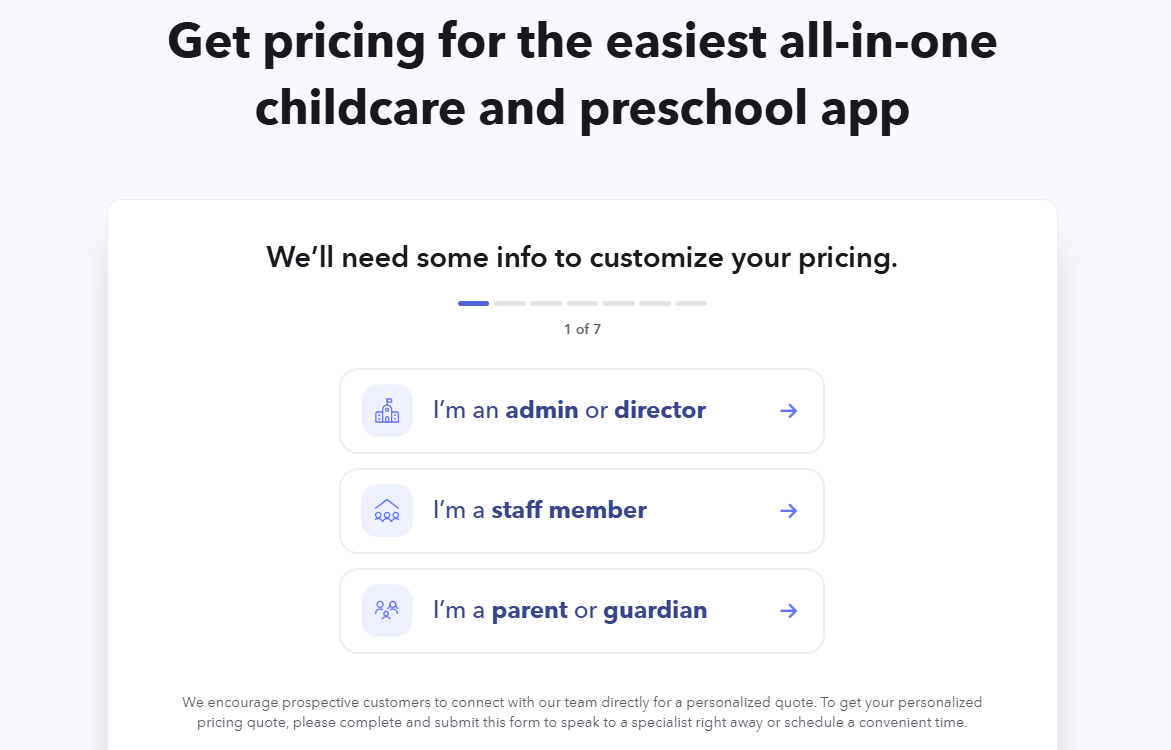 | Pricing information not available |
brightwheel vs Sawyer Tools: Other Details
Organization Types supported |
|
|
|---|---|---|
Platforms Supported |
|
|
Modes of support |
|
|
API Support |
|
|
Get help choosing | Get help choosing |
brightwheel vs Sawyer Tools Security & Compliance
Certifications, data handling, and security controls for IT and compliance evaluators.
SOC 2 | ✓ Yes | — |
|---|---|---|
HIPAA | ✗ No | — |
GDPR | ✗ No | — |
Single Sign-On (SSO) | ✓ Yes | — |
Multi-Factor Auth (MFA) | ✓ Yes | — |
Data Encryption | ✓ Yes | — |
Audit Logs | ✓ Yes | — |
Data Residency | — | 🇺🇸 US |
brightwheel User Reviews & Rating Comparison
User Ratings | 4.7 (based on 256 reviews) | |
|---|---|---|
Rating Distribution | ||
Spotsaas Editor’s POV generated by AI | Buyer sentiment Overall positive sentiment highlights ease of use, effective parent communication, and operational streamlining, with some concerns about learning curve and feature complexity for smaller users. What buyers like
Common complaints
| Buyer sentiment Buyers generally express high satisfaction with the ease of use and thoughtful features tailored for childcare providers. What buyers like
Common complaints
|
Pros and Cons |
|
|
Positive Reviews | No reviews available for the product | No reviews available for the product |
Integrations
Integration with other apps | No Integration information available. |
|---|


brightwheel and Sawyer Tools Customers
Customers |  Chickadees  Four Square Preschool | No Customers information available. |
|---|
Media and Screenshots
Screenshots | No screenshots available. |  1 Screenshots |
|---|---|---|
Videos |  4 Videos |  1 Videos |


Add another option to compare side by side
Search by product name to compare pricing, fit, and buyer feedback in one view.Compare similar software options


Related Blogs and Articles for Child Care Software

Disclaimer: This research has been collated from a variety of authoritative sources. We welcome your feedback at [email protected].
Frequently asked questions
- Which is better, brightwheel or Sawyer Tools?
- Sawyer Tools edges out the other on user ratings (4.7 vs 4.6). That said, the best pick depends on your use case, so use the comparison tables above to evaluate each dimension.
- Do brightwheel and Sawyer Tools offer a free trial?
- brightwheel offers a free trial. Sawyer Tools does not.
- What is the starting price of brightwheel vs Sawyer Tools?
- brightwheel starts at Contact for pricing. Sawyer Tools starts at Contact for pricing.
- What are the top alternatives to brightwheel?
- Top alternatives to brightwheel include Illumine, EZCare, Smartcare, Kangarootime, Sandbox.
- What are the top alternatives to Sawyer Tools?
- Top alternatives to Sawyer Tools include Sandbox, Parenta Abacus, EZCare, Cheqdin Childcare, Famly.