

Zoho Tables Review: Is It The Right Project Management Software For Your Team?
Best for SMB teams · Mid-market · Enterprise
Free Trial & Free Plan Available
 SOC 2
SOC 2Add to compare
Overview
Pricing
Features
Alternatives
Media
Security & Compliance
Support
FAQ
Blogs
What is Zoho Tables?
Zoho Tables redefines collaborative work management by offering an intuitive platform that combines all team tasks and data into a single, easy-to-navigate interface. With its spreadsheet-like layout, Zoho Tables provides a familiar environment for organizing and storing work-related information. However, its capabilities extend beyond data consolidation, facilitating smart relationships and seamless collaboration among team members while automating mundane tasks to enhance efficiency. What sets Zoho Tables apart is its versatility, boasting five different views—Grid, Kanban, Calendar, Gallery, and Form—that allow users to explore data from various angles, gaining insights and enhancing decision-making. The platform prioritizes simplicity and usability, ensuring that every team member can easily navigate and utilize its powerful features without needing coding knowledge.
Pricing
Free Trial available
Best For
Suited for small teams, SMBs, and enterprise
Security & Compliance
SOC 2Platform
Web + mobile app (iOS & Android)
Zoho Tables Screenshots

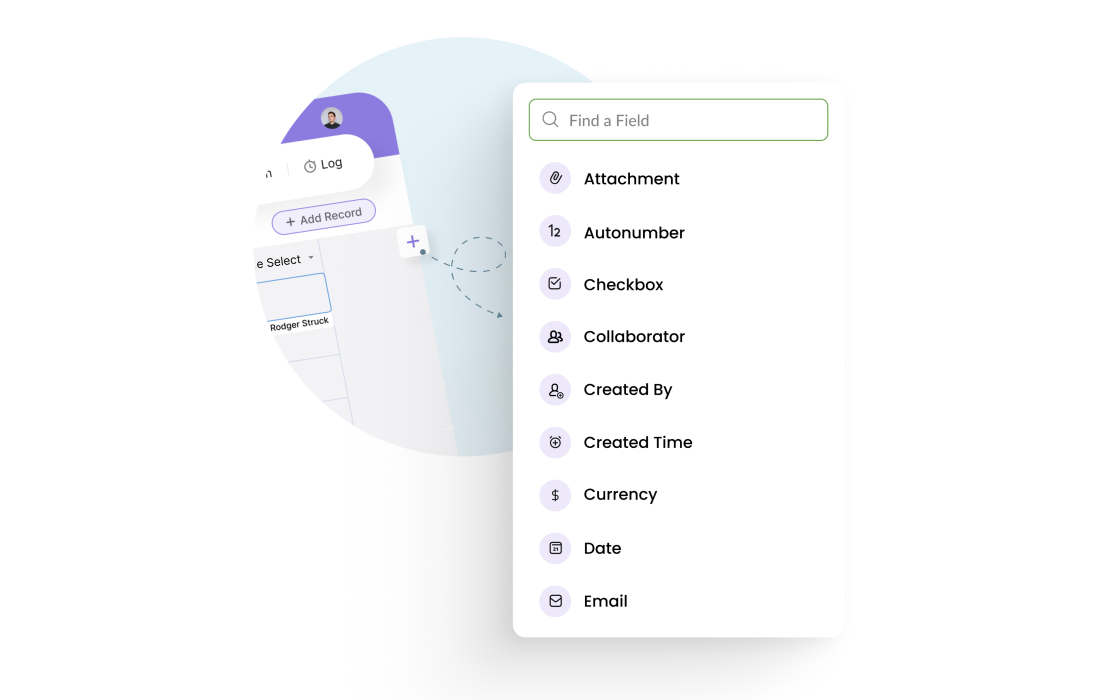
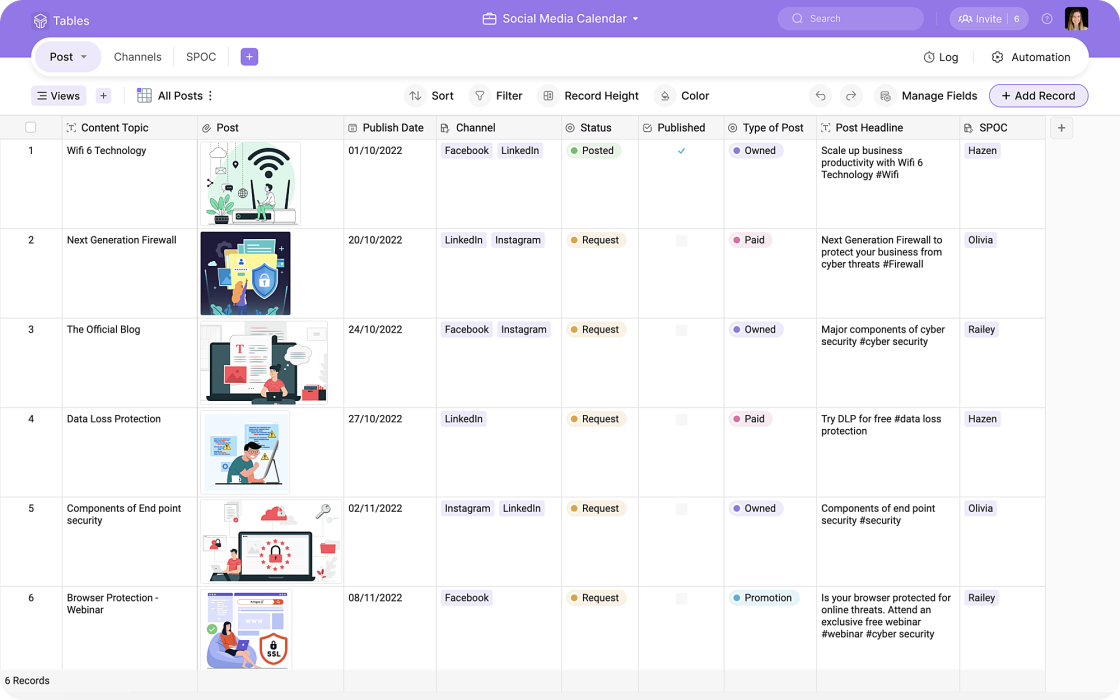
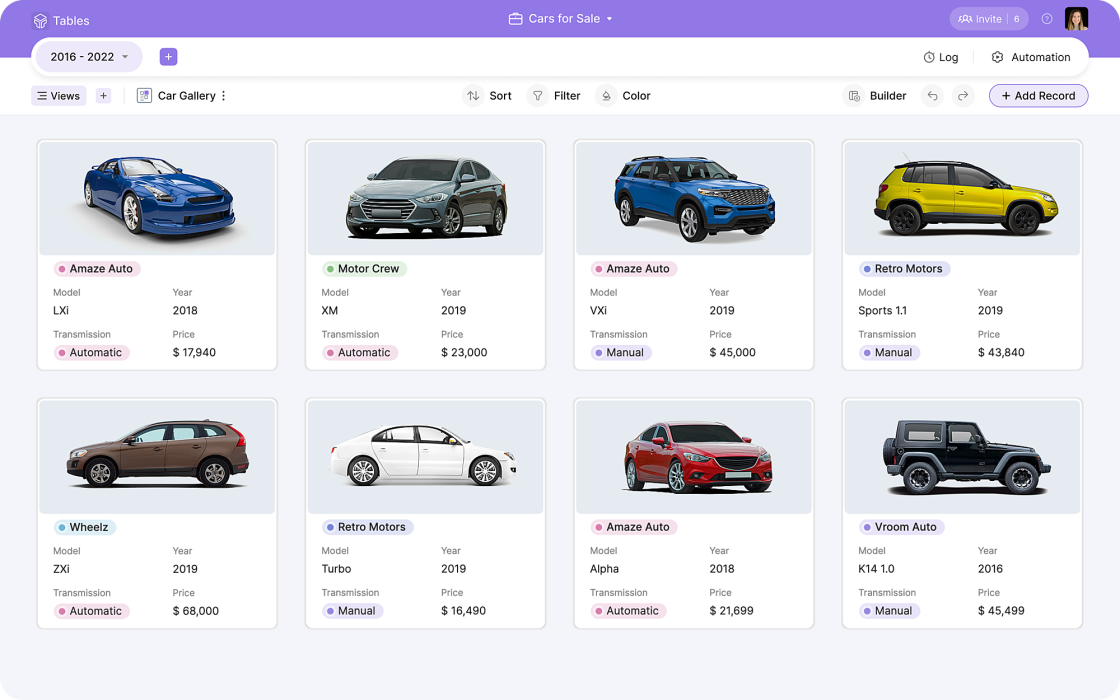
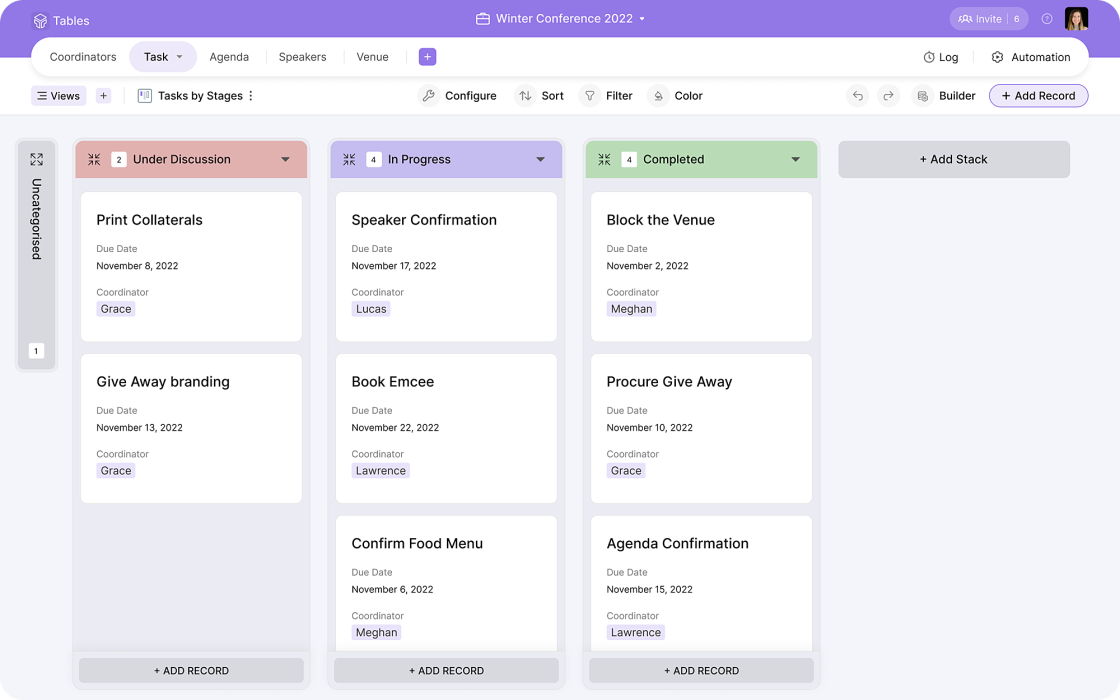
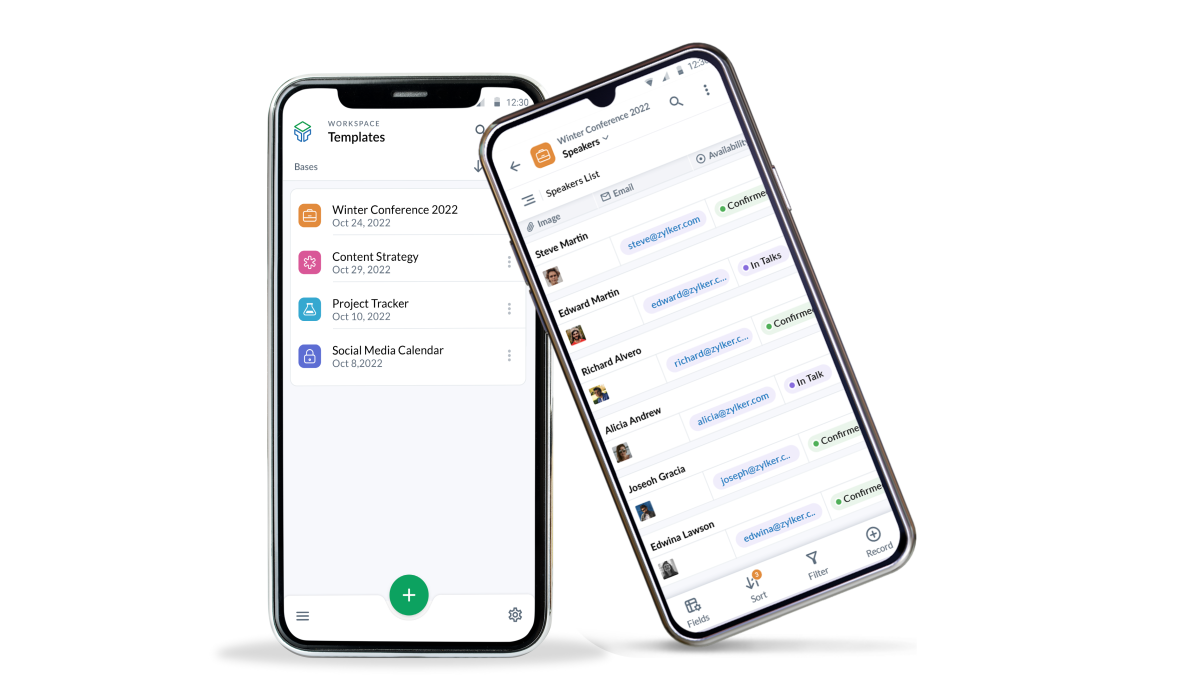
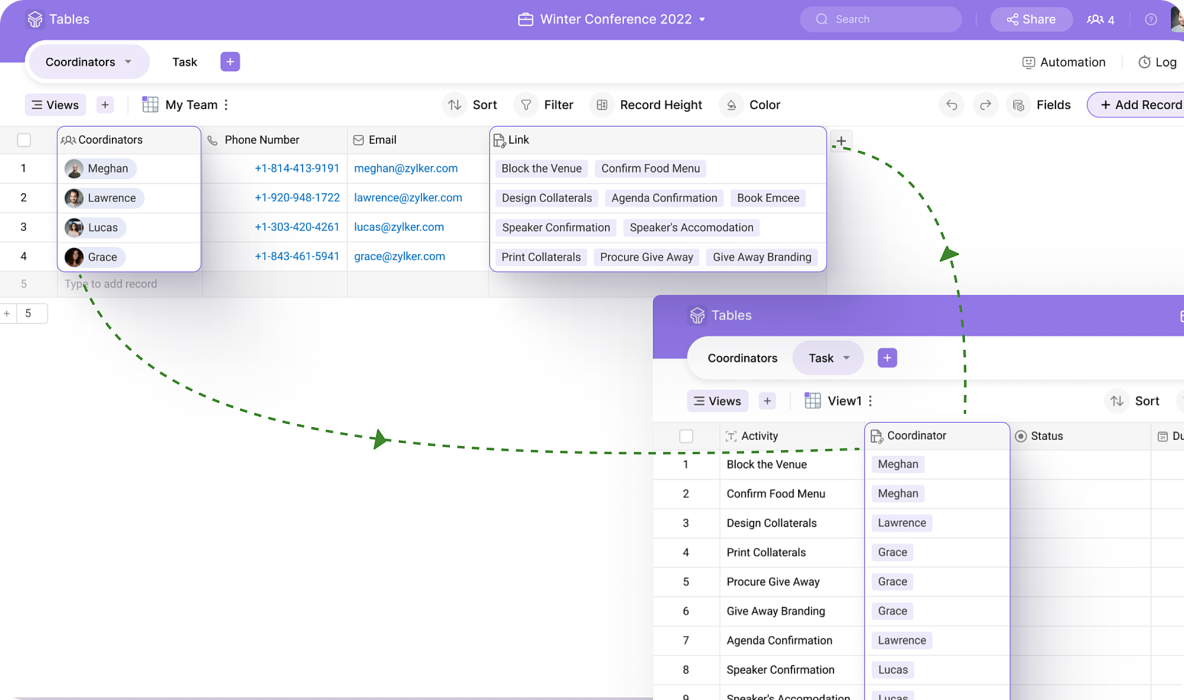
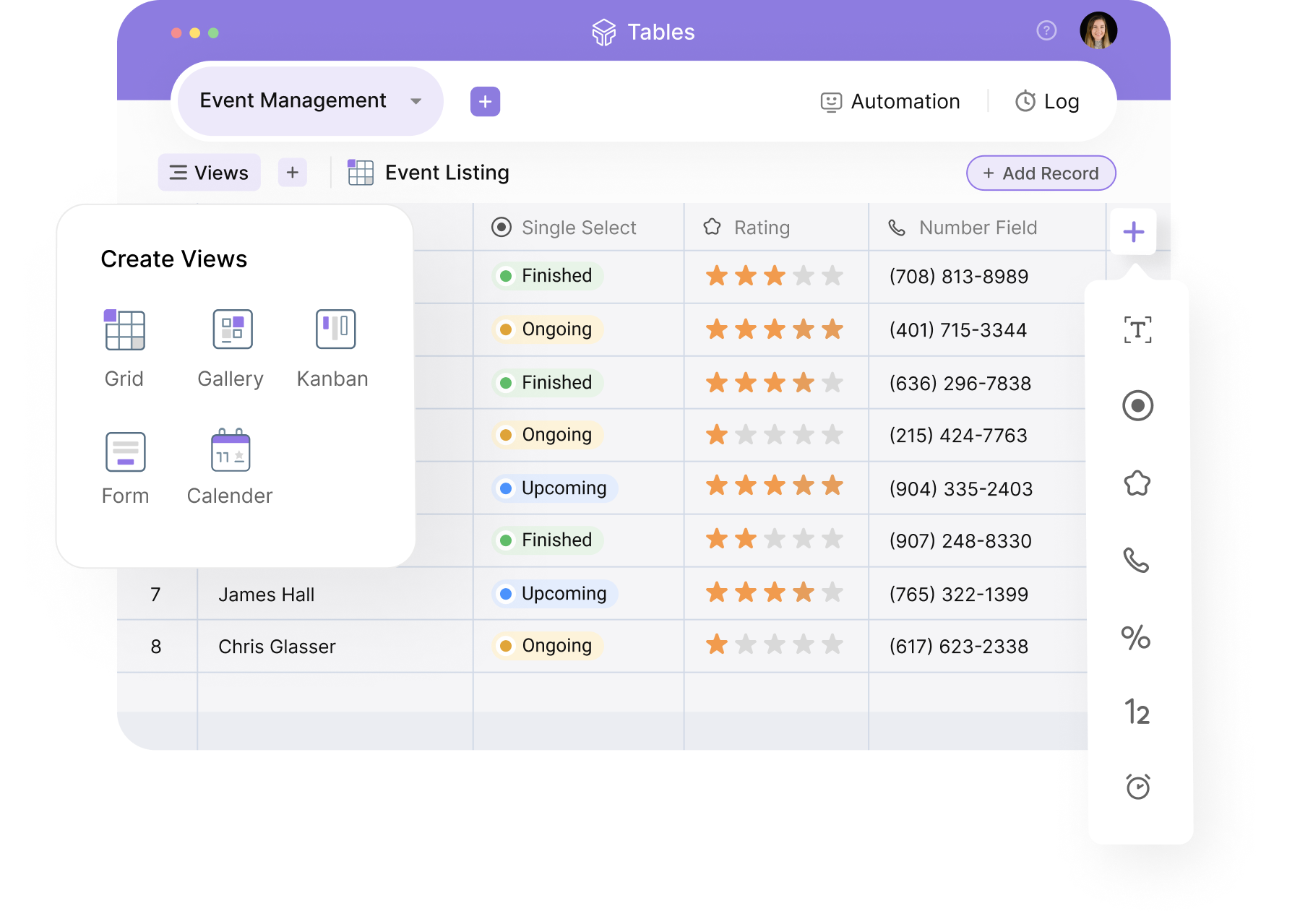
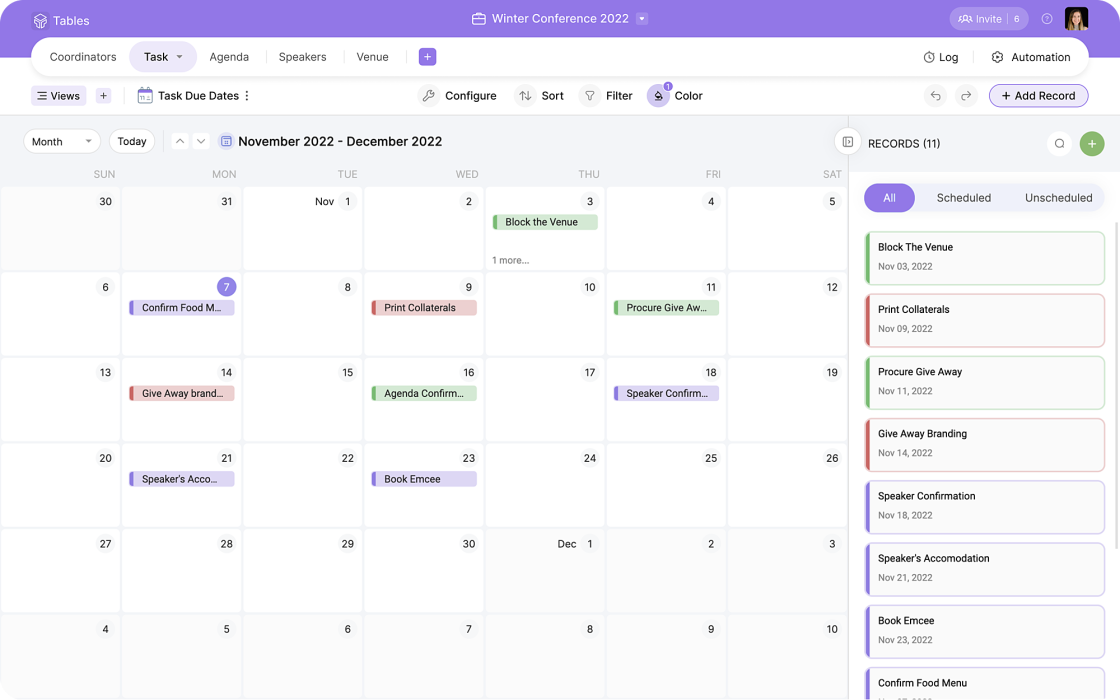
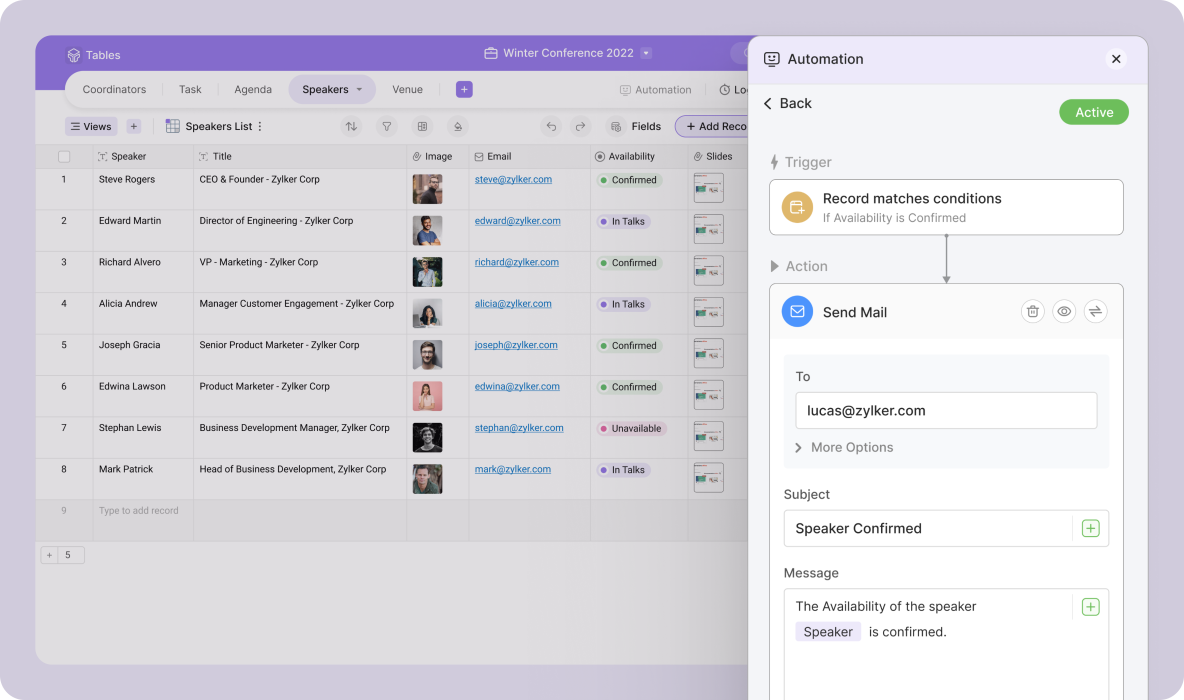
Zoho Tables was reviewed internally using user feedback, in-house testing, and market research to assess its performance, reliability, and user experience. Learn how we review products and our evaluation process.

Who should consider Zoho Tables
- Use cases
- Project management, Data organization and tracking, Cross-functional team collaboration
- Team types
- Project managers, Operations teams
- Company size
- 1-50 employees, 51-500 employees
- Workflow style
- Simple and streamlined
- Setup complexity
- Low
Why teams choose Zoho Tables
Intuitive spreadsheet-like interface familiar to most users
Strong collaboration features enabling seamless team communication
Automation of routine tasks to improve efficiency
Is Zoho Tables right for you?
Best for SMBs needing simple, collaborative project and data management.
Choose Zoho Tables if
- You want an intuitive, spreadsheet-like interface for easy adoption.
- Your team requires seamless collaboration and communication features.
- You need basic automation to streamline routine tasks without complexity.
Consider alternatives if
- Your workflows demand advanced customization or complex automation beyond spreadsheets.
- You are a large enterprise needing scalable, specialized ERP or project management tools.
Zoho Tables pros and cons
- Zoho Tables pros
Intuitive spreadsheet-like interface familiar to most users
Strong collaboration features enabling seamless team communication
Automation of routine tasks to improve efficiency
- Zoho Tables cons
Limited advanced customization for complex workflows
Potential scalability concerns for very large enterprises
Ready to try it?
Get started with Zoho Tables
Start your free trial — no credit card required.
Still comparing?
See how it stacks up
Compare Zoho Tables side-by-side with top Project Management Software alternatives.


What is the pricing of Zoho Tables?
Weighing your options?
Not sure if Zoho Tables fits your budget?
Zoho Tables reviews and ratings
Buyer sentiment
Buyers appreciate Zoho Tables for its ease of use and collaboration features but note limitations in advanced customization and scalability.
What buyers like
- Ease of use
- Collaboration capabilities
- Automation features
Common complaints
- Limited advanced customization
- Pricing transparency
Be the first to review Zoho Tables
You'll help thousands of buyers make a smarter decision.

- See if Zoho Tables fits your business
- Real pricing — no sales pressure
- A demo or quick answers, your call
Step 1 of 4
How big is your team?
We tailor recommendations to companies your size.















What are the features of Zoho Tables?
Few people have mastered the ability to organize their calendars. It is the practice of optimizing your calendar by combining priority manag…
Collaboration has received a lot of attention in the marketing world recently. It's taking off in a big way but still has many questions sur…
Contact management refers to keeping, organizing, and managing information about your customers, prospects, and sales leads. In its most bas…
Kanban Board is a powerful project management tool that helps teams to visualize their work and optimize their workflow. It is based on the…
Project planning is a subset of project management, and it refers to the use of schedules such as Gantt charts to plan and track progress wi…
The technique of managing a task throughout its life cycle is known as task management. Planning, testing, tracking, and reporting are all p…
Team Management is a crucial aspect of any organization, as it involves coordinating and organizing the efforts of a group of individuals to…
Zoho Tables security and data handling
Key compliance certifications and security features for IT and security teams evaluating Zoho Tables.
Certifications

Security features
Alternatives to Zoho Tables
Recommended
A Complete Solution for Streamlined ...
Recommended
Streamline your projects with ...
9.8
Excellent











Zoho Tables Support Options
Frequently Asked Questions About Zoho Tables
Common questions buyers ask before choosing Zoho Tables.
Zoho Tables is a Project Management Software. Zoho Tables offers Team Management, Task Management, Kanban Board, Project Planning, Collaboration and many more functionalities.
Zoho Tables is a strong fit if: You want an intuitive, spreadsheet-like interface for easy adoption.; Your team requires seamless collaboration and communication features.. Consider alternatives if: Your workflows demand advanced customization or complex automation beyond spreadsheets.; You are a large enterprise needing scalable, specialized ERP or project management tools..
Buyers commonly note the following limitations of Zoho Tables: Limited advanced customization for complex workflows; Potential scalability concerns for very large enterprises; Pricing details are not fully transparent.
Some top alternatives to Zoho Tables includes Quickbase, monday Work Management, Smartsheet, ClickUp and FinancialForce PSA.
Zoho Tables offers Free Trial, Freemium, Subscription pricing models
The starting price is not disclosed by Zoho Tables. You can visit Zoho Tables pricing page to get the latest pricing.
Free buyer scorecard
Evaluate Zoho Tables with the project management software buyer scorecard
A weighted project management software scorecard to assess Zoho Tables objectively and compare it against the alternatives.
- Weighted criteria you can edit
- Score vendors side-by-side
- Shareable with your buying committee
No file downloads on screen — we email it to you. One-click unsubscribe anytime.
Ready to try it?
Get started with Zoho Tables
Start your free trial — no credit card required.
About the reviewer
Rajat Gupta is the founder of Spotsaas. Over the past two years, he has reviewed 2,000+ tools across CRM, HR, AI, and finance — applying hands-on product research and a background in commerce and the CFA program to evaluate software through a business and ROI lens. His goal: help teams make software decisions they won't regret.
Compare Zoho Tables with project management software options by country
Disclaimer: This research has been collated from a variety of authoritative sources. We welcome your feedback at [email protected].