
7.9
SpotScore

MouseStats Review: Is It The Right UX Software For Your Team?
Best for SMB teams · Mid-market · Enterprise
Add to compare
Starts from $25 / Month when Billed Yearly
Overview
Pricing
Features
Buyer feedback
Alternatives
Media
Security & Compliance
Support
FAQ
Blogs
What is MouseStats?
MouseStats is a UX research platform used by UX designers, researchers, and product teams who need heatmaps, session recordings, user flow analysis, persona tools, and wireframing consolidated into one subscription instead of multiple point solutions. It addresses the overhead of managing separate tools for behavioral analytics and design documentation. The breadth of features creates a steep initial learning curve—teams should allocate onboarding time before expecting full adoption across the team.
Pricing
Starts from $25 / Month when Billed Yearly
Best For
Suited for small teams, SMBs, and enterprise
Security & Compliance
Data residency:Global
MouseStats Screenshots

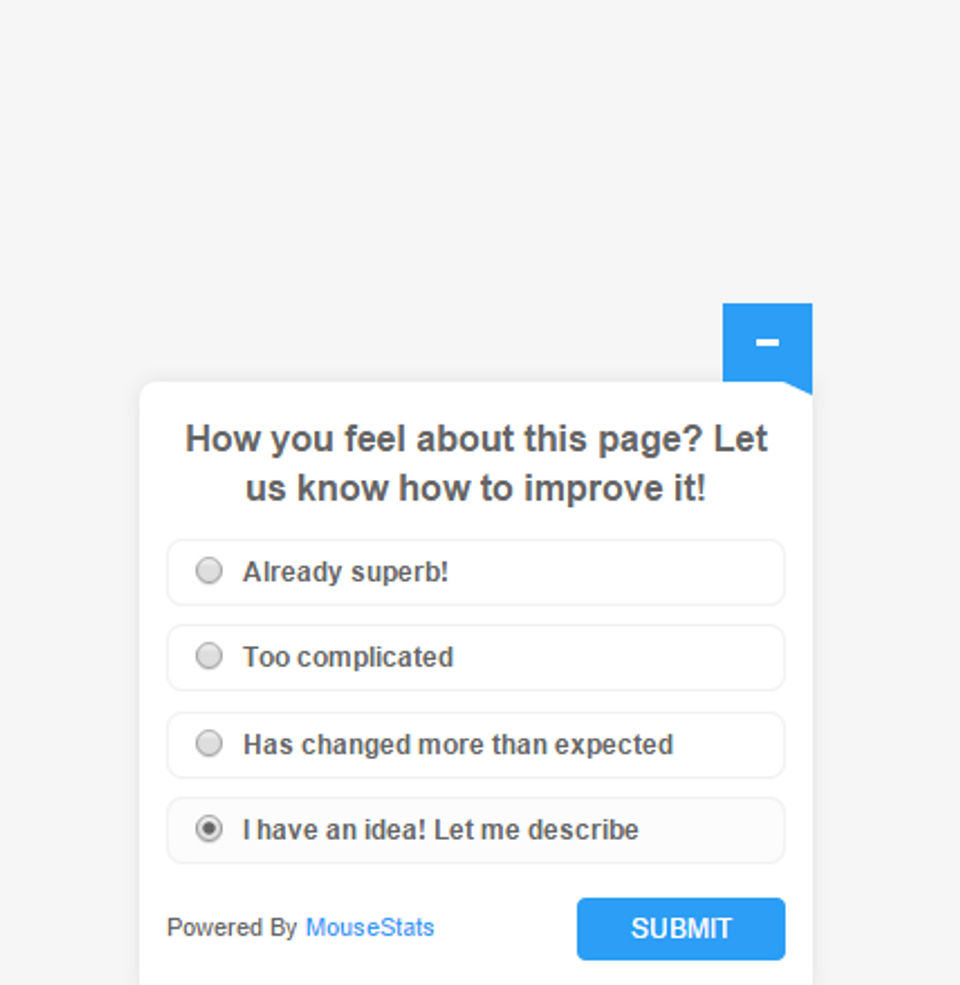
MouseStats was reviewed internally using user feedback, in-house testing, and market research to assess its performance, reliability, and user experience. Learn how we review products and our evaluation process.

Who should consider MouseStats
- Team types
- Large Enterprises, Medium Business
Why teams choose MouseStats
Diverse range of UX tools available
Strong community support and resources
Scalable for teams of all sizes
Is MouseStats right for you?
What buyers should know before choosing MouseStats
MouseStats offers a robust suite of UX tools that cater to a wide range of professionals. Its extensive features make it suitable for both novice and experienced UX designers, although the learning curve may be steep for new users.
MouseStats pros and cons
- MouseStats pros
Diverse range of UX tools available
Strong community support and resources
Scalable for teams of all sizes
- MouseStats cons
May require training for effective use
Pricing can be high for small teams
Ready to try it?
Get started with MouseStats
Connect with the team for a personalised demo.
Still comparing?
See how it stacks up
Compare MouseStats side-by-side with top UX Software alternatives.


What is the pricing of MouseStats?
MouseStats Pricing Plans
Bronze
15,000 Recordings
1 website
Heatmaps
Visitor Playback
Screen Activity Recording
Show more +
Gold
50,000 Recordings
5 websites
Heatmaps
Visitor Playback
Screen Activity Recording
Show more +
Platinum
100,000 Recordings
unlimited websites
Heatmaps
Visitor Playback
Screen Activity Recording
Show more +
Ultimate
250,000 Recordings
unlimited websites
Heatmaps
Visitor Playback
Screen Activity Recording
Show more +
Weighing your options?
Not sure if MouseStats fits your budget?
MouseStats reviews and ratings
What buyers like
- Comprehensive UX research tools
- User-friendly interface
- Supports multiple UX methodologies
Common complaints
- Can be overwhelming for beginners
- Requires time to learn all features
- Limited integrations with other tools
Be the first to review MouseStats
You'll help thousands of buyers make a smarter decision.

- See if MouseStats fits your business
- Real pricing — no sales pressure
- A demo or quick answers, your call
Step 1 of 4
How big is your team?
We tailor recommendations to companies your size.















What are the features of MouseStats?
For mobile is a software feature that allows users to access and use software applications on their mobile devices. With the increasing use…
For Websites is a software feature that is designed specifically for websites to enhance their functionality and performance. This feature o…
A heat map (or heatmap) is a color-coded graphical representation of data. Heatmaps make it simple to see and understand complex data at a g…
Screen activity recording is a key feature found in various software that allows users to capture and save their on-screen activities. This…
When utilizing a website, a user journey is a path that a user can take to attain their goal. User journeys are used to identify multiple ro…
User research is a vital aspect of software development that involves understanding the needs, preferences, and expectations of the users. I…
MouseStats security and data handling
Key compliance certifications and security features for IT and security teams evaluating MouseStats.
Certifications

Developer & data
Alternatives to MouseStats
Recommended
Sleek, stylish, and always ready to ...
9.8
Excellent





MouseStats Support Options
Frequently Asked Questions About MouseStats
Common questions buyers ask before choosing MouseStats.
MouseStats is a UX Software. MouseStats offers User Research, User Journeys, Screen Activity Recording, For Websites, For Mobile and many more functionalities.
Buyers commonly note the following limitations of MouseStats: May require training for effective use; Pricing can be high for small teams; Some features may be underutilized.
Some top alternatives to MouseStats includes Figma, UXCam, UXPressia, Evrybo and The User Interview.
MouseStats offers Subscription pricing model
The starting price of MouseStats is $25/Month when Billed Yearly
Ready to try it?
Get started with MouseStats
Get connected with the team for a personalised demo.
About the reviewer
Rajat Gupta is the founder of Spotsaas. Over the past two years, he has reviewed 2,000+ tools across CRM, HR, AI, and finance — applying hands-on product research and a background in commerce and the CFA program to evaluate software through a business and ROI lens. His goal: help teams make software decisions they won't regret.
Disclaimer: This research has been collated from a variety of authoritative sources. We welcome your feedback at [email protected].