
FlexTime Manager vs Klas Comparison

FlexTime Manager
Starting at $6 custom
- Large Enterprises
- Medium Business
Securly Flex is a web-based scheduling platform designed to help K–12 schools personalize learning, support student well-being, and maximize instructional time. Trusted by over 1,000 schools and used by a million educato…

Klas
Starting at $29.00 per month
- Free Version
- Large Enterprises
- Small Business
Klas is an online platform for hosting live classes, letting instructors accept student payments from anywhere, track earnings, and set custom payout schedules. It handles payment and scheduling infrastructure so educato…
FlexTime Manager vs Klas — at a glance
| Feature | FlexTime Manager | Klas |
|---|---|---|
| Rating | — | — |
| Reviews | — | — |
| Starting price | $6 custom | $29.00 per month |
| Free trial | No | No |
| Free version | No | Yes |
| Best for | Large Enterprises, Medium Business, Small Business | Large Enterprises, Small Business, Medium Business |
| Category | Online Learning Platforms | Online Learning Platforms |
| Integrations | 5+ apps | — |
| Platforms | SaaS/Web/Cloud, Mobile - Android, Mobile - iOS | Browser Based (Cloud) |
| API | — | — |
| Support modes | Online | Online |
Key differences between FlexTime Manager and Klas
- Pricing: FlexTime Manager starts at $6 custom, while Klas starts at $29.00 per month.
- Deployment: FlexTime Manager supports SaaS/Web/Cloud, Mobile - Android, Mobile - iOS; Klas supports Browser Based (Cloud).
FlexTime Manager vs Klas — find the better fit before you commit.
Which tool fits your team best
Which is actually cheaper for your team size
Where each product wins, per real buyers
Most Online Learning Platforms tools look identical on paper. This comparison cuts to the differences that matter — pricing structure, team fit, and what real buyers found after signing up.
Biggest differences
Features
Pricing
Buying details
Security
Buyer feedback
Integrations
Product tour
Other options
Talk to an expert Talk to an expert | Talk to an expert Talk to an expert |
Free PDF comparison
Download this FlexTime Manager vs Klas comparison
Get the full side-by-side as a PDF — these picks plus the top Online Learning Platforms tools, with verified ratings, pricing and features.
- Side-by-side on pricing, features & ratings
- Plus the category top 10, scored & ranked
- Emailed to you — no on-screen download
No file downloads on screen — we email it to you. One-click unsubscribe anytime.
FlexTime Manager vs Klas: Biggest differences
Start here before you go deeper into features.
Large Enterprises, Medium Business, Small Business
Large Enterprises, Small Business, Medium Business
FlexTime Manager typically suits Large Enterprises and Medium Business. Klas tends to fit Large Enterprises and Small Business better. The right choice depends on your team size, workflow, and whether a free trial matters.
Description | Securly Flex is a web-based scheduling platform designed to help K–12 schools personalize learning, support student well-being, and maximize instructional time. Trusted by over 1,000 ... Read More about FlexTime Manager | Klas is an online platform for hosting live classes, letting instructors accept student payments from anywhere, track earnings, and set custom payout schedules. It handles payment and ... Read More about Klas |
|---|---|---|
Entry Level Pricing |
|
|
Free Trial Availability |
|
|
Best Company Size | Medium BusinessLarge Enterprises | — |
Get pricing help | Get pricing help |
Where each option fits best
See where each product is strongest, which teams it fits, and what causes buyers to keep looking — before you commit.
Based on buyer reviews and verified product data collected by Spotsaas.
Key strengths
- Automated, Intelligent Scheduling: The Autoassign feature simplifies daily roster creation using teacher input, student needs, and system-generated logic—saving time and reducing manual work.
- Student-Centered Learning Support: Offers students flexible scheduling that matches their academic goals, personal interests, and wellness needs while maintaining administrative oversight.
- All-in-One Flex Period Management: Handles student assignment, notifications, attendance tracking, conflict resolution, and reporting—a complete solution for K–12 scheduling.
Best fit
- 50 to 2,000 Employees
- K–12 Education, Charter Schools, Public Schools, Private Education, School District Administration
- Principals, Assistant Principals, Instructional Coaches, Guidance Counselors, RTI Coordinators, District Technology Officers, Academic Deans, Scheduling Coordinators
Reasons buyers look elsewhere
- Securly Flex is purpose-built for K–12 schools and may lack the flexibility or scalability needed for higher education institutions or corporate training environments.
- As a cloud-based tool requiring internet and browser access, it may not suit schools in low-connectivity regions or with offline scheduling needs.
- While powerful internally, Flex may not integrate as deeply with all student information systems (SIS) compared to other more open-platform tools.
Need a second opinion?
Get decision help from a software advisor
Share your priorities, budget, and team needs, and we’ll help you narrow the options and understand the tradeoffs before you talk to vendors.

- Independent advice — matched to your business
- Understand the tradeoffs before you talk to vendors
- Free 15-min call with a software advisor.
Step 1 of 4
How big is your team?
We tailor recommendations to companies your size.















How do FlexTime Manager and Klas Compare on Features?
Total Features | 9 Features | 6 Features |
|---|---|---|
Unique Features | No unique features | No unique features |
Get Quote | Get Quote |
Compare FlexTime Manager and Klas on pricing
Review starting price, plan structure, and free-trial access side by side so you can see which option fits your budget and buying process.
Pricing Option | ||
|---|---|---|
Starting From |
|
|
Pricing Plans |
|
|
Pricing Page | 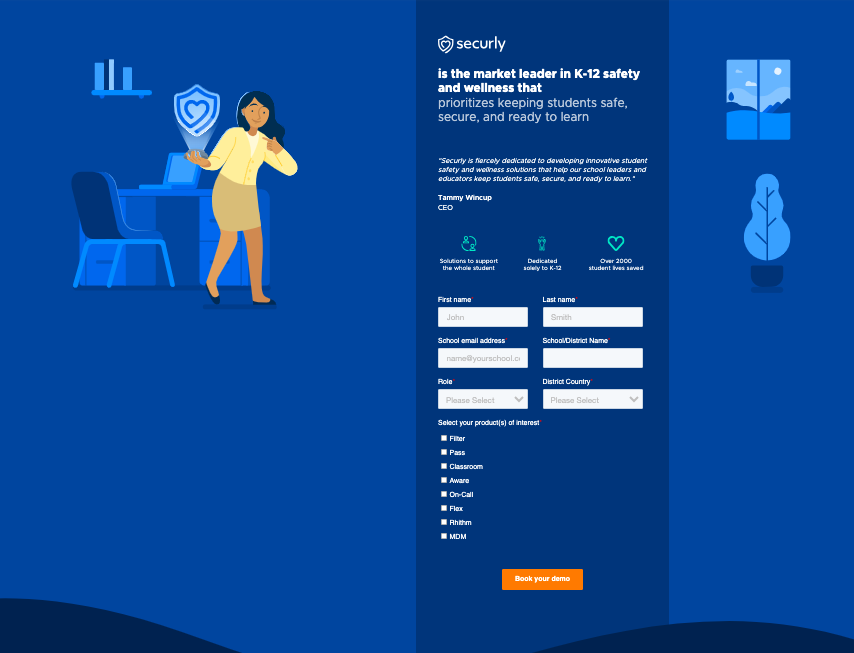 |  |
FlexTime Manager vs Klas: Other Details
Organization Types supported |
|
|
|---|---|---|
Platforms Supported |
|
|
Modes of support |
|
|
API Support |
|
|
Get help choosing | Get help choosing |
FlexTime Manager User Reviews & Rating Comparison
Spotsaas Editor’s POV generated by AI | Buyer sentiment Users appreciate the time-saving automated scheduling and flexible student-centered features but report significant usability issues on Android and occasional data inaccuracies. What buyers like
Common complaints
| No expert review available for this product |
|---|---|---|
Pros and Cons |
| No pros or cons available for this product |
Integrations
Integration with other apps | No Integration information available. |
|---|


FlexTime Manager and Klas Customers
Customers |  Tring School  MEMPHIS _School_of_Excellence  Camelback_HighSchool.png | No Customers information available. |
|---|
Media and Screenshots
Screenshots |  5 Screenshots | No screenshots available. |
|---|



Add another option to compare side by side
Search by product name to compare pricing, fit, and buyer feedback in one view.Compare similar software options


Related Blogs and Articles for Online Learning Platforms
Disclaimer: This research has been collated from a variety of authoritative sources. We welcome your feedback at [email protected].
Frequently asked questions
- Which is better, FlexTime Manager or Klas?
- The right choice depends on your team size, budget, and specific Online Learning Platforms needs.
- Do FlexTime Manager and Klas offer a free trial?
- Neither FlexTime Manager nor Klas currently lists a free trial.
- What is the starting price of FlexTime Manager vs Klas?
- FlexTime Manager starts at $6 custom. Klas starts at $29.00 per month.
- What are the top alternatives to FlexTime Manager?
- Top alternatives to FlexTime Manager include Traverse, Certifier, Relias CE Direct, KodeKloud, WebAssign.
- What are the top alternatives to Klas?
- Top alternatives to Klas include FavTutor, Classtra, Sertifier, Varsity Tutors, WebAssign.
- Who should avoid FlexTime Manager?
- It depends what you need. In its favour: automated scheduling with Autoassign reduces manual rostering and conflict resolution; supports student choice while maintaining teacher oversight. Against it: frequent app crashes and login issues on Android devices; users redirected to desktop site from app, causing clunky experience. Note that it does not include Accounts Payable and Accounts Receivable.
More Online Learning Platforms comparisons
Side by side breakdowns of the same products against other options in this category.