

FlexTime Manager Review: Is It The Right Online Learning Platform For Your Team?
Best for SMB teams · Mid-market · Enterprise
Add to compare
Starts from $6 / custom when yearly
 Tring School
 MEMPHIS _School_of_Excellence
 Camelback_HighSchool.png
Trusted by teams including Tring School
Integrates with
 ClassLink
 Securly MDM
 Canvas LMS
 Schoology
Overview
Pricing
Features
Buyer feedback
Alternatives
Integrations
Customers
Media
Security & Compliance
Support
FAQ
Blogs
What is FlexTime Manager?
Securly Flex is a powerful, web-based scheduling platform designed to help K–12 schools personalize learning, support student well-being, and maximize instructional time. Trusted by over 1,000 schools and used by a million educators and students, it simplifies complex scheduling needs with features like Autoassign, student choice, and real-time conflict resolution. Flex enables targeted intervention by automatically placing students based on academic needs, teacher input, and availability—saving staff hours each week. It integrates seamlessly with existing devices and browsers, requiring no extra hardware. The software also promotes SEL, wellness, and college-readiness by scheduling enrichment, counseling, and wellness activities. With mobile access and automated notifications, Securly Flex ensures every student is accounted for daily. Schools can create daily or weekly flex periods that are both intentional and impactful. Designed by former educators, the onboarding is guided and user-friendly. Securly Flex empowers schools to manage flexible learning time with ease, equity, and efficiency.
Pricing
Starts from $6 / custom when yearly
Best For
Suited for small teams, SMBs, and enterprise
Security & Compliance
Data residency:🇺🇸
Platform
Web + mobile app (iOS & Android)
FlexTime Manager Screenshots

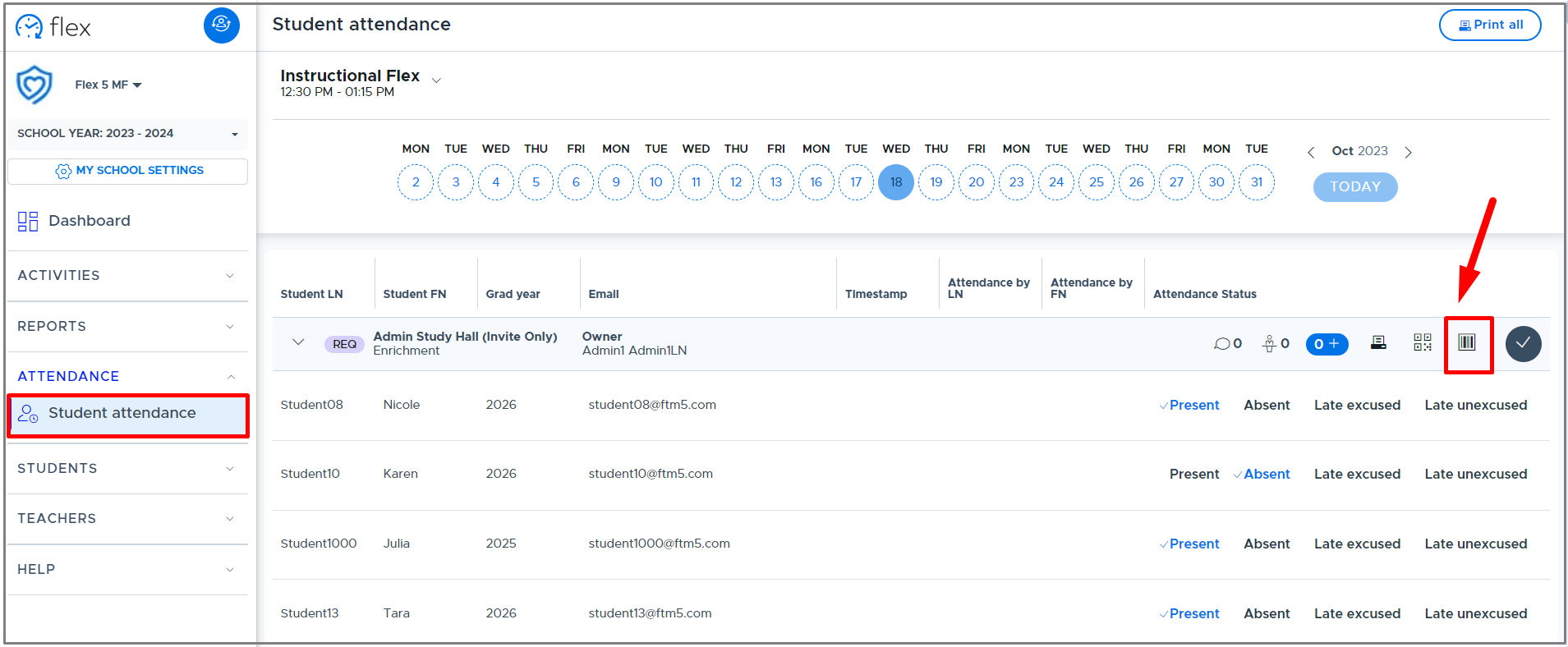
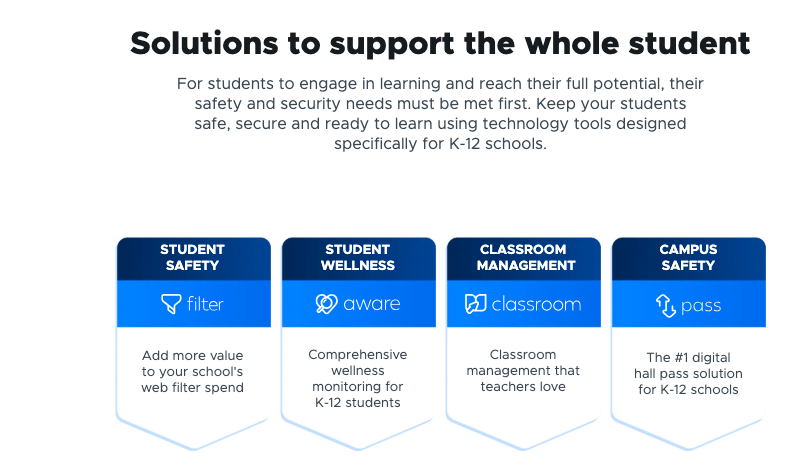
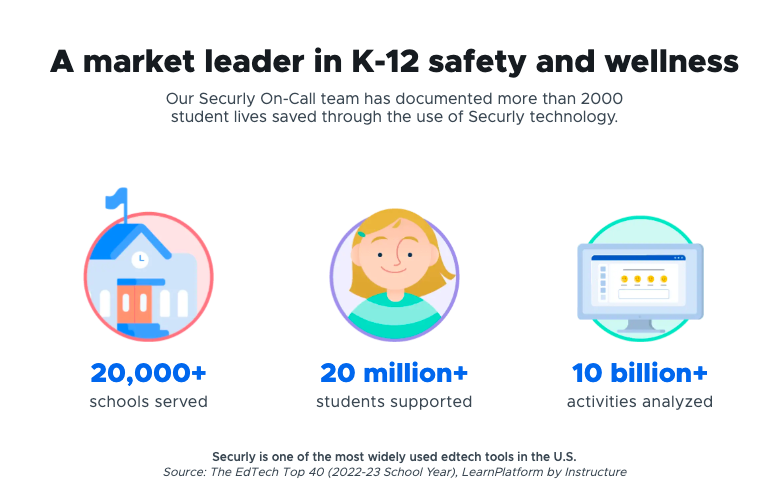
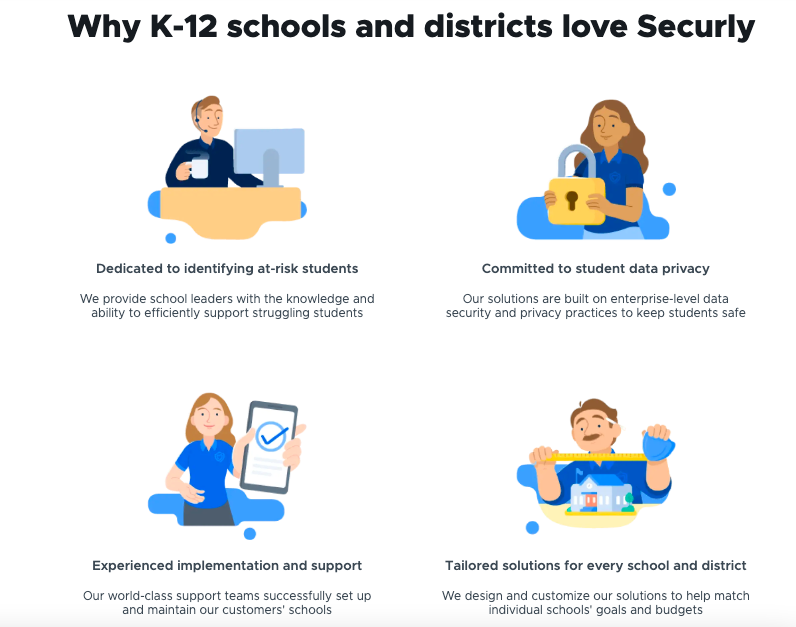
FlexTime Manager was reviewed internally using user feedback, in-house testing, and market research to assess its performance, reliability, and user experience. Learn how we review products and our evaluation process.

Who should consider FlexTime Manager
- Use cases
- K–12 Education, Charter Schools, School District Administration
- Team types
- Principals, Instructional Coaches
- Company size
- Medium Business, Large Enterprises
- Workflow style
- Flexible and configurable
- Setup complexity
- Medium
Why teams choose FlexTime Manager
Automated scheduling with Autoassign reduces manual rostering and conflict resolution
Supports student choice while maintaining teacher oversight
Accessible on multiple devices including mobile apps for iOS
Is FlexTime Manager right for you?
What buyers should know before choosing FlexTime Manager
FlexTime Manager (Securly Flex) has significantly streamlined how schools manage flex scheduling and student placements. As an edtech consultant, I find its Autoassign feature especially powerful—automating rosters, resolving conflicts, and delivering daily schedules proactively.
The platform is intuitive for both educators and students, and the mobile-friendly interface broadens accessibility. However, Android app inconsistencies and occasional UI glitches can affect overall usability.
Despite these bumps, FlexTime Manager delivers tangible value in saving administrative time and enhancing student agency. For K–12 institutions seeking scalable, automated scheduling with student choice at the center, this is a compelling solution.
FlexTime Manager pros and cons
- FlexTime Manager pros
Automated scheduling with Autoassign reduces manual rostering and conflict resolution
Supports student choice while maintaining teacher oversight
Accessible on multiple devices including mobile apps for iOS
- FlexTime Manager cons
Frequent app crashes and login issues on Android devices
Users redirected to desktop site from app, causing clunky experience
Ready to try it?
Get started with FlexTime Manager
Connect with the team for a personalised demo.
Still comparing?
See how it stacks up
Compare FlexTime Manager side-by-side with top Online Learning Platform alternatives.



What is the pricing of FlexTime Manager?
FlexTime Manager Pricing Plans
Weighing your options?
Not sure if FlexTime Manager fits your budget?
FlexTime Manager reviews and ratings
Buyer sentiment
Users appreciate the time-saving automated scheduling and flexible student-centered features but report significant usability issues on Android and occasional data inaccuracies.
What buyers like
- Ease of scheduling automation
- Student choice and teacher oversight balance
- Multi-device accessibility
Common complaints
- Android app instability
- Schedule data inaccuracies
Be the first to review FlexTime Manager
You'll help thousands of buyers make a smarter decision.

- See if FlexTime Manager fits your business
- Real pricing — no sales pressure
- A demo or quick answers, your call
Step 1 of 4
How big is your team?
We tailor recommendations to companies your size.















What are the features of FlexTime Manager?
"Academic" Education is often described as instruction with the primary learning goal. Academic has been linked with "university" by some or…
FlexTime Manager provides reliable Activity Management tools that let educators and administrators organize, schedule, and monitor school-re…
The Customization feature in FlexTime Manager allows schools to design schedules, activity types, and rostering rules according to instituti…
FlexTime Manager implements strict protocols for collecting, using, and storing student and staff data. Built for K–12 schools, it complies…
With growing concerns over cybersecurity, FlexTime Manager emphasizes Data Security by using advanced technologies like encrypted transmissi…
Enrollment Management within FlexTime Manager refers to the platform's ability to manage student participation in flexible instructional per…
FlexTime Manager’s Scheduling feature is its foundational strength, offering automated, conflict-free, and data-driven flex time planning. S…
Time tracking in FlexTime Manager involves recording and analyzing how students use their allocated flex periods throughout the day or week.…
In FlexTime Manager, Virtualization refers to the platform's web-based nature, giving access from any internet-enabled device without the ne…
FlexTime Manager security and data handling
Key compliance certifications and security features for IT and security teams evaluating FlexTime Manager.
Certifications

Developer & data
Alternatives to FlexTime Manager









Why buyers keep looking beyond FlexTime Manager
Securly Flex is purpose-built for K–12 schools and may lack the flexibility or scalability needed for higher education institutions or corporate training environments.
As a cloud-based tool requiring internet and browser access, it may not suit schools in low-connectivity regions or with offline scheduling needs.
While powerful internally, Flex may not integrate as deeply with all student information systems (SIS) compared to other more open-platform tools.
For data-driven schools needing complex visual analytics or longitudinal trend reporting, Flex may fall short without custom integrations or exports.
While mobile-friendly, users have reported that app responsiveness and mobile UI optimization lag behind full desktop functionality in some cases.
International or alternative education models may find that the terminology and structure of Flex are more aligned with U.S. public school frameworks.
FlexTime Manager Integrations

FlexTime Manager Customers
Tring School
MEMPHIS _School_of_Excellence
Camelback_HighSchool.png
FlexTime Manager Support Options
Frequently Asked Questions About FlexTime Manager
Common questions buyers ask before choosing FlexTime Manager.
FlexTime Manager is a Online Learning Platform . FlexTime Manager offers Academic (Education), Activity Management, Virtualization, Scheduling, Enrollment Management and many more functionalities.
Buyers commonly note the following limitations of FlexTime Manager: Frequent app crashes and login issues on Android devices; Users redirected to desktop site from app, causing clunky experience; Occasional incorrect schedule data and missing classes in app interface.
Some top alternatives to FlexTime Manager includes Teach n Go, Qualified, Checkeden, SMART Learning Suite and IFTTT.
FlexTime Manager offers Quotation Based pricing model
Yes, FlexTime Manager can integrate with ClassLink, Securly MDM, Canvas LMS, Schoology and many more.You can find more integration for FlexTime Manager here
The starting price of FlexTime Manager is $6custom when yearly
Ready to try it?
Get started with FlexTime Manager
Get connected with the team for a personalised demo.
About the reviewer
Rajat Gupta is the founder of Spotsaas. Over the past two years, he has reviewed 2,000+ tools across CRM, HR, AI, and finance — applying hands-on product research and a background in commerce and the CFA program to evaluate software through a business and ROI lens. His goal: help teams make software decisions they won't regret.
Disclaimer: This research has been collated from a variety of authoritative sources. We welcome your feedback at [email protected].