
FlexTime Manager vs VideoMark Comparison

FlexTime Manager
Starting at $6 custom
- Large Enterprises
- Medium Business
Securly Flex is a powerful, web-based scheduling platform designed to help K–12 schools personalize learning, support student well-being, and maximize instructional time. Trusted by over 1,000 schools and used by a milli…

VideoMark
Starting at $1.49 /Month
- Individuals
- Medium Business
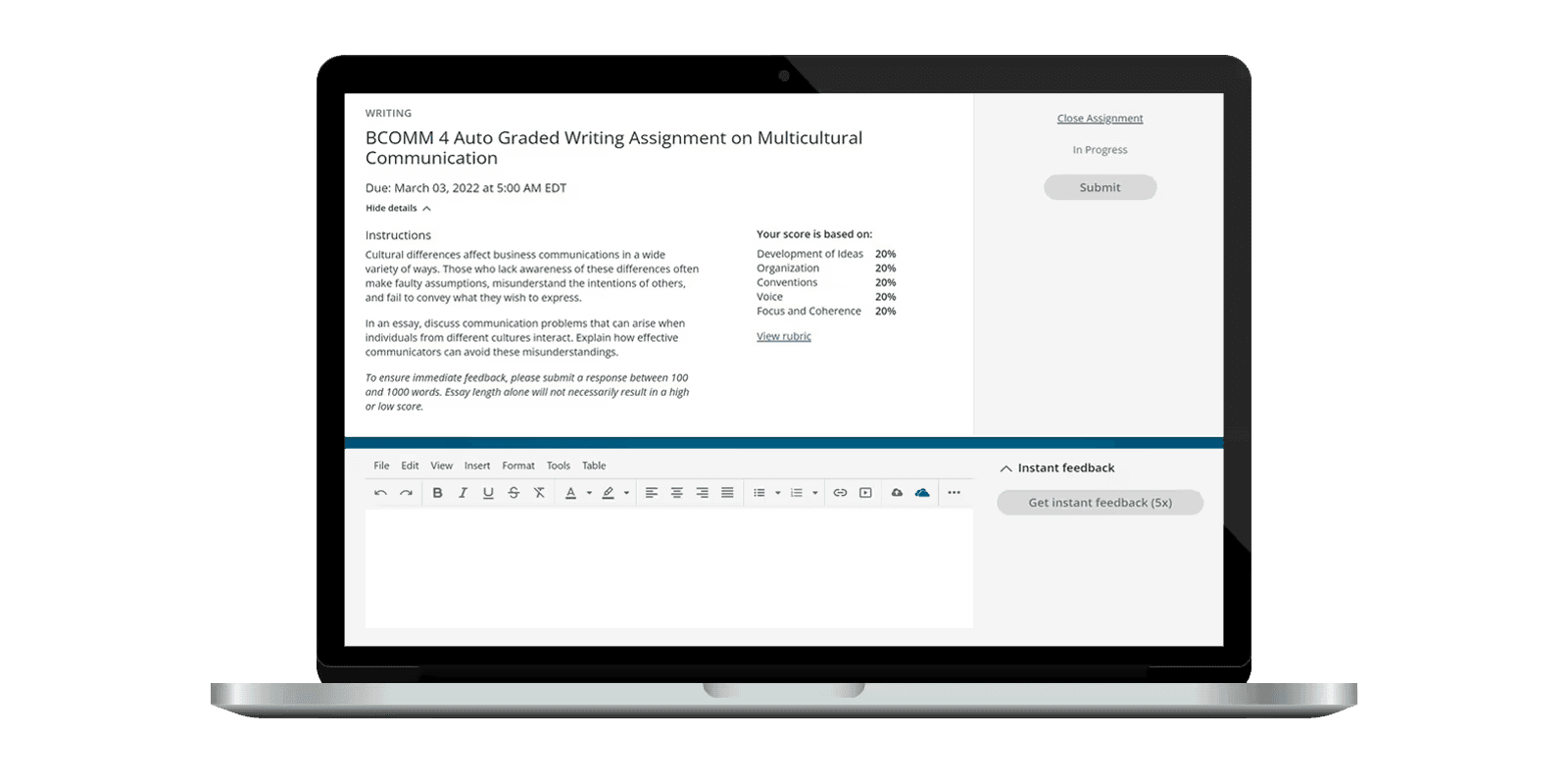
VideoMark is a convenient solution for online learning and collecting inspirational content. With its intuitive drawing tools, you can take notes and highlight objects in the video quickly and efficiently. You can store…
FlexTime Manager vs VideoMark — at a glance
| Feature | FlexTime Manager | VideoMark |
|---|---|---|
| Rating | — | — |
| Reviews | — | — |
| Starting price | $6 custom | $1.49 /Month |
| Free trial | No | No |
| Free version | No | No |
| Best for | Large Enterprises, Medium Business, Small Business | Individuals, Medium Business, Small Business |
| Category | Online Learning Platform | Online Learning Platform |
| Integrations | 5+ apps | — |
| Platforms | SaaS/Web/Cloud, Mobile - Android, Mobile - iOS | SaaS/Web/Cloud |
| API | — | — |
| Support modes | Online | Online |
| Certifications | — | — |
| Data residency | US | Global |
Key differences between FlexTime Manager and VideoMark
- Pricing: FlexTime Manager starts at $6 custom, while VideoMark starts at $1.49 /Month.
- Target audience: FlexTime Manager is built for Large Enterprises and Medium Business, while VideoMark targets Individuals and Medium Business.
- Deployment: FlexTime Manager supports SaaS/Web/Cloud, Mobile - Android, Mobile - iOS; VideoMark supports SaaS/Web/Cloud.
FlexTime Manager vs VideoMark — find the better fit before you commit.
Which tool fits your team best
Which is actually cheaper for your team size
Where each product wins, per real buyers
Most Online Learning Platform tools look identical on paper. This comparison cuts to the differences that matter — pricing structure, team fit, and what real buyers found after signing up.
Biggest differences
Features
Pricing
Buying details
Security
Buyer feedback
Integrations
Product tour
Other options
Talk to an expert Talk to an expert | Talk to an expert Talk to an expert |
Biggest differences
Start here before you go deeper into features.
Large Enterprises, Medium Business, Small Business
Individuals, Medium Business, Small Business
FlexTime Manager typically suits Large Enterprises and Medium Business. VideoMark tends to fit Individuals and Medium Business better. The right choice depends on your team size, workflow, and whether a free trial matters.
Description | Securly Flex is a powerful, web-based scheduling platform designed to help K–12 schools personalize learning, support student well-being, and maximize instructional time. Trusted by over ... Read More about FlexTime Manager | VideoMark is a convenient solution for online learning and collecting inspirational content. With its intuitive drawing tools, you can take notes and highlight objects in the video quickly ... Read More about VideoMark |
|---|---|---|
Entry Level Pricing |
|
|
Free Trial Availability |
|
|
Best Company Size | Medium BusinessLarge Enterprises | — |
Get pricing help | Get pricing help |
Where each option fits best
See where each product is strongest, which teams it fits, and what causes buyers to keep looking — before you commit.
Based on buyer reviews and verified product data collected by Spotsaas.
Key strengths
- Automated, Intelligent Scheduling: The Autoassign feature streamlines daily roster creation using teacher input, student needs, and system-generated logic—saving time and reducing manual work.
- Student-Centered Learning Support: Empowers students with flexible scheduling that aligns with their academic goals, personal interests, and wellness needs—while maintaining administrative oversight.
- All-in-One Flex Period Management: Handles student assignment, notifications, attendance tracking, conflict resolution, and reporting—making it an all-in-one solution for K–12 scheduling.
No key benefits available yet.
Best fit
- 50 to 2,000 Employees
- K–12 Education, Charter Schools, Public Schools, Private Education, School District Administration
- Principals, Assistant Principals, Instructional Coaches, Guidance Counselors, RTI Coordinators, District Technology Officers, Academic Deans, Scheduling Coordinators
No best-fit guidance available yet.
Reasons buyers look elsewhere
- Securly Flex is purpose-built for K–12 schools and may lack the flexibility or scalability needed for higher education institutions or corporate training environments.
- As a cloud-based tool requiring internet and browser access, it may not suit schools in low-connectivity regions or with offline scheduling needs.
- While powerful internally, Flex may not integrate as deeply with all student information systems (SIS) compared to other more open-platform tools.
No alternatives guidance available yet.
Need a second opinion?
Get shortlist help from a software advisor
Share your priorities, budget, and team needs, and we’ll help you narrow the options and understand the tradeoffs before you talk to vendors.
How do FlexTime Manager and VideoMark Compare on Features?
Total Features | 9 Features | 3 Features |
|---|---|---|
Unique Features | No unique features | No unique features |
Get Quote | Get Quote |
Compare FlexTime Manager and VideoMark on pricing
Review starting price, plan structure, and free-trial access side by side so you can see which option fits your budget and buying process.
Pricing Option | ||
|---|---|---|
Starting From |
|
|
Pricing Plans |
|
|
Pricing Page | 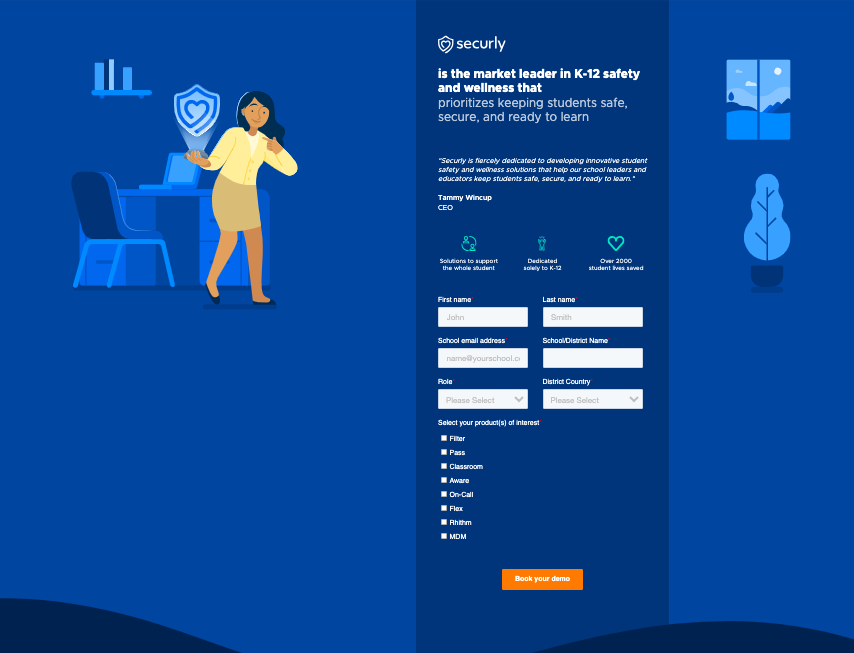 |  |
Other Details
Organization Types supported |
|
|
|---|---|---|
Platforms Supported |
|
|
Modes of support |
|
|
API Support |
|
|
Get help choosing | Get help choosing |
Security & Compliance
Certifications, data handling, and security controls for IT and compliance evaluators.
HIPAA | ✗ No | ✗ No |
|---|---|---|
Data Residency | 🇺🇸 US | 🌐 Global |
FlexTime Manager User Reviews & Rating Comparison
Spotsaas Editor’s POV generated by AI | Buyer sentiment Users appreciate the time-saving automated scheduling and flexible student-centered features but report significant usability issues on Android and occasional data inaccuracies. What buyers like
Common complaints
| What buyers like
Common complaints
|
|---|---|---|
Pros and Cons |
|
|
Integrations
Integration with other apps | No Integration information available. |
|---|


List of Customers
Customers |  Tring School  MEMPHIS _School_of_Excellence  Camelback_HighSchool.png | No Customers information available. |
|---|
Media and Screenshots
Screenshots |  5 Screenshots |  3 Screenshots |
|---|



Add another option to compare side by side
Search by product name to compare pricing, fit, and buyer feedback in one view.Compare similar software options


Related Blogs and Articles for Online Learning Platform


Disclaimer: This research has been collated from a variety of authoritative sources. We welcome your feedback at [email protected].
Frequently asked questions
- Which is better, FlexTime Manager or VideoMark?
- FlexTime Manager and VideoMark are closely matched with equal user ratings of -1.0. The right choice depends on your team size, budget, and specific Online Learning Platform needs.
- Do FlexTime Manager and VideoMark offer a free trial?
- Neither FlexTime Manager nor VideoMark currently lists a free trial.
- What is the starting price of FlexTime Manager vs VideoMark?
- FlexTime Manager starts at $6 custom. VideoMark starts at $1.49 /Month.
- What are the top alternatives to FlexTime Manager?
- Top alternatives to FlexTime Manager include Teach n Go, Qualified, Checkeden, SMART Learning Suite, Frontline Absence & Time.
- What are the top alternatives to VideoMark?
- Top alternatives to VideoMark include Amanote, Notes.io, QuickNote, Einote, NoteBytes.