

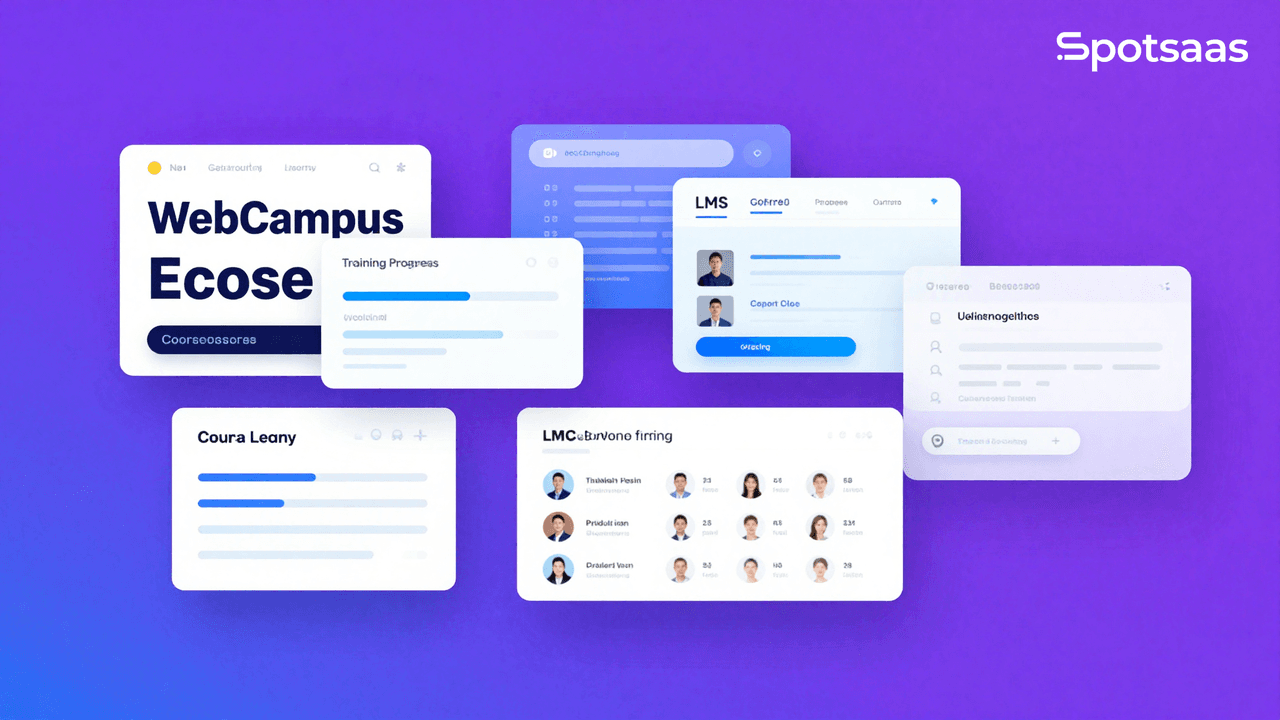
WebCampus stands as a modern solution designed to serve medium-sized businesses with the tools they need for effective employee training. At its core, it’s a learning management system that blends technology with education, offering features such as a complete content management system, user and course administration routines, and strong reporting tools – all accessible via web browsers or mobile apps on your Android or iPhone/iPad devices.
Despite its high technical standards and regular updates that ensure data security and responsive design capabilities, it doesn’t offer an API for third-party integrations.
This platform gears up to address the demands of a dynamic workforce by bringing affordable options into play with plans starting at €149.00 per month and even presenting an enticing free trial to get things rolling.
With three distinct pricing strategies – catering specifically to educational providers, premium users, and larger enterprise requirements – WebCampus makes sure there’s something suitable for every budget.
However, just like any product in the marketplace today, alternatives are plenty. From LearnWorlds to dominKnow | ONE among others – options abound for those looking around.
Key Takeaways
- WebCampus is a Learning Management System that offers online course creation and management, user tracking, and interactive learning options for medium-sized businesses.
- The platform has a flexible subscription model starting at €149.00 per month with different tiers of features and support, including a free trial to test its capabilities.
- Alternatives to WebCampus include LearnWorlds, AcademyOcean, Constructor, Synap, Wonderway, UKG Ready, and dominKnow | ONE, each providing unique advantages for digital learning needs.
- Mobile compatibility allows users to access educational materials on Android or iPhone devices for convenient on-the-go learning experiences.
- Despite strong features like course authoring tools and user management systems in WebCampus, it may lack the sophisticated API integration some institutions require for advanced reporting functions.
Understanding WebCampus: Features and Capabilities

WebCampus stands at the forefront. This delivers a suite of smooth functionalities that enhance the educational landscape for both instructors and learners alike. It’s a nexus where management efficiency and learning innovation converge, offering strong tools tailored to simplify course creation, track academic progress, and build interactive online environments.
Learning Content Management System
Managing online courses effectively is essential for employee training, and that’s where WebCampus steps in with its strong Learning Content Management System. It simplifies the creation and administration of coursework by providing built-in course authoring tools.
These intuitive features allow businesses to tailor their educational content, establishing clear learning paths for different roles within the organization. With this system, can you design interactive tests and assessments to gauge progress, but you can also embrace blended learning techniques that cater to various learning styles.
The platform supports asynchronous learning. This enables employees to complete training at their own pace while still being part of a structured program. Course tracking features ensure that both trainers and learners stay on top of milestones achieved along the way.
This direct integration of course management functions into one interface simplifies how medium-sized companies implement complete training programs tailored to meet specific objectives.
Moving beyond individual courses, effective user management in a learning environment is equally essential for success.
User and Course Management
WebCampus equips you with strong user and course management tools. This makes it easy to oversee online course creation and employee training. You can easily enroll users, set learning paths, and update course materials in real-time.
This flexibility ensures that your training program aligns with evolving business needs and employee skill development requirements.
The system’s intuitive interface allows for quick setup of blended learning environments or asynchronous learning opportunities tailored to diverse learners’ styles. With these features at your fingertips, you’ll maintain a smooth flow from one training module to the next, an important aspect given the dynamic nature of corporate education.
Moving forward, let’s look at the reporting tools that offer insights into the effectiveness of your training programs.
Reporting Tools
Monitoring progress and analyzing results is essential in any online learning platform. WebCampus addresses this need with its progress tracking feature. This enables users to oversee the advancement of their courses effectively.
However, despite its built-in course authoring and tracking capabilities, it lacks an API for direct integration with other systems. This could be a stumbling block for those seeking complete reporting functions that mesh smoothly with external software.
Educational success hinges on understanding how learners are performing and where they may need additional support. For organizations requiring detailed reports on educational outcomes, exploring alternatives might reveal more sophisticated solutions tailored to complex data analysis needs.
Transition smoothly into considering pricing plans as you weigh the benefits of strong reporting tools against overall system cost-efficiency.
WebCampus Pricing: Plans and Options

WebCampus offers an adaptable pricing structure to accommodate the diversified needs of institutions and businesses seeking a strong Learning Management System (LMS). Their subscription-based model ensures that organizations can choose a plan that aligns with their size and budget, with the added benefit of a free trial period to evaluate the platform’s suitability.
| Plan | Monthly Price | Annual Price | Features | Included Support |
|---|---|---|---|---|
| Starter | €149.00 | N/A | Basic Learning Management, Course Creation, Limited Reporting | Email/Help Desk |
| Professional | Contact for pricing | Contact for pricing | Extended User Management, Advanced Reporting, Customization Options | Email/Help Desk, Phone Support |
| Enterprise | Contact for pricing | Contact for pricing | Full Feature Set, Scalability, Integration Possibilities | Email/Help Desk, Phone Support, FAQs/Forum |
Institutions and companies can select from a range of plans starting with the Starter package, priced at €149.00 per month, to kickstart their online learning initiatives. If additional features or scalability is necessary, WebCampus provides the Professional and Enterprise tiers, each with their own set of advanced functionalities tailored to more complex needs. Support options are provided across all plans to ensure smooth deployment and operation of the WebCampus environment.
Comparing WebCampus: Alternatives and Competitors
Exploring the landscape of online learning platforms, we look at how WebCampus stacks up against its competitors. This offers a perspective essential for choosing the system that best fits your organization’s needs, stay tuned to untangle the web of options.
Top WebCampus Alternatives
WebCampus is a prominent player in the realm of online learning platforms, but it’s not the only option available. Educators and institutions often seek LMS alternatives that better suit their unique needs. Here are some popular alternatives to WebCampus:
- LearnWorlds offers a dynamic and interactive platform for creating and selling online courses. It is notable with its strong focus on social learning features and advanced analytics that enable creators to track student engagement and performance.
- AcademyOcean tailors to companies looking for an LMS to onboard and train employees or customers. Its personalized learning paths and gamification tools keep learners motivated throughout their educational journey.
- Constructor distinguishes itself with its customization capabilities. This allows educators to create a tailored learning environment that reflects their branding and instructional approach.
- Synap brings convenience through its intelligent Spaced Learning algorithm, which boosts retention by scheduling reviews at optimal intervals.
- Wonderway champions a easy-to-use design combined with powerful automation features. This reduces administrative workload while delivering high-quality training experiences.
- UKG Ready integrates learning management with workforce management solutions. This offers a complete system for managing employee development alongside other HR tasks.
- dominKnow | ONE provides a strong suite of authoring tools that enable teams to collaborate on interactive eLearning content suitable for any device.
Similarities and Differences with PlanSwift
Given that WebCampus and PlanSwift serve different purposes within the realm of digital solutions, it’s important to clarify that they are designed for distinct needs and user bases. Despite this, readers may be curious about how these two software platforms compare in a broader sense. Below is an HTML table detailing some of their differentiating aspects:
| Aspect | WebCampus | PlanSwift |
|---|---|---|
| Purpose | Learning Management System (LMS) for educational content delivery and management | Construction Takeoff and Estimating software tailored for construction projects |
| Target User | Educators, institutions, and students | Contractors, estimators, and construction companies |
| Core Features | Course creation, user management, learning assessments, and reporting tools | Job cost estimation, blueprint takeoff, and project management tools |
| Integration Potential | May integrate with other educational tools and student information systems | Typically integrates with construction project management software |
The above table should assist readers in understanding the fundamental differences between WebCampus and PlanSwift. Keep in mind that each software excels in its respective domain, WebCampus in managing and delivering educational content, and PlanSwift in simplifying construction takeoffs and estimations.
WebCampus for Different Users: Is It Right for You?
WebCampus is a strong a versatile online learning platform for medium-sized businesses focused on employee training. Its complete curriculum management allows you to create and tailor courses that meet the specific needs of your team. This provides them with the necessary tools to succeed.
With mobile compatibility, employees can learn on-the-go via their Android or iPhone devices, ensuring they have access to training materials anytime, anywhere.
The platform’s subscription-based model begins at €149.00 per month and includes a variety of customer support options such as phone support and an email help desk. This flexibility in learning extends through its course creation tools and evaluation methods designed for both synchronous and asynchronous styles.
Whether your goal is to implement a straightforward training program or a complex blend of instructional content, WebCampus presents multiple flexible learning options that cater to diverse learning preferences and schedules.
Conclusion: Deciding on WebCampus for Your Learning Management Needs
Explore the possibilities that WebCampus offers for simplifying your company’s training approach. With flexible pricing plans tailored to different needs, it stands as a strong option amidst various learning management systems.
Dive into the features that promise efficiency and interactivity for learners and trainers alike. Whether you opt for on-demand classes or face-to-face sessions, ensure your education strategy harnesses the latest in eLearning technology.
Make an informed choice; consider how WebCampus could elevate your employee training experience.
To explore a popular alternative to WebCampus, read our complete guide on PlanSwift pricing, features, and alternatives.
FAQs
1. What exactly is WebCampus?
WebCampus is an online platform used by schools and universities for students to access course materials, submit assignments, and communicate with teachers.
2. How do I start using WebCampus?
To start using WebCampus, you need to create an account with your school’s link or access code provided by your instructor.
3. Does WebCampus offer support if I have technical problems?
Yes, WebCampus typically offers technical support through help desks or customer service channels that you can contact for assistance.
4. Can I use WebCampus on my phone or tablet?
Most times, yes; WebCampus usually works on mobile devices so you can learn on-the-go with a compatible app or mobile-friendly website.
5. Are there alternatives to using WebCampus?
Yes, there are many learning management systems like Moodle, Blackboard Learn, and Canvas that serve as alternatives to WebCampus.

- Independent picks for exactly what you just read about
- Matched to your team size & needs
- Vendors don't pay for placement
Step 1 of 4
How big is your team?
We tailor recommendations to companies your size.















Related Articles
Buyers guide
How to Choose the Best Online Learning Platform for 2026
Continue reading →
Applicant Tracking Software
Best ATS for Retail and Hospitality Hiring in 2026: 5 Platforms for High-Volume Recruiting
Continue reading →
Education Software
eMenuCHOICE 2026 Review: How eMenuCHOICE Software Performs
Continue reading →
Payroll Software
Toast Payroll for Employee and Restaurant Management in Real Time
Continue reading →