

Sharpening a low-quality photo usually means paying for software or watching the picture turn to mush. Upscayl AI takes a different route: it rebuilds grainy shots into crisp high-resolution images for free.
This post explains how the tool uses artificial intelligence to add detail back into your pictures, which file types it handles, how far it can scale an image, and where it fits into a real editing workflow. If you have grainy photos sitting in a folder, this is one way to fix them.
Key Takeaways
- Upscayl uses artificial intelligence to turn grainy, low-resolution images into clear, high-definition pictures at no cost.
- It runs on Windows, Mac, and Linux, so you don’t have to hunt for a version that matches your computer.
- The tool relies on convolutional neural networks and generative adversarial networks to scale images up to 4x their original size while keeping detail sharp.
- Common jobs include enlarging small photos, improving picture quality, resizing without blur, and restoring old snapshots.
- Because it is open source under the MIT license, anyone can use it for free and contribute to its development.
Overview of Upscayl — Free and Open Source AI Image Upscaler
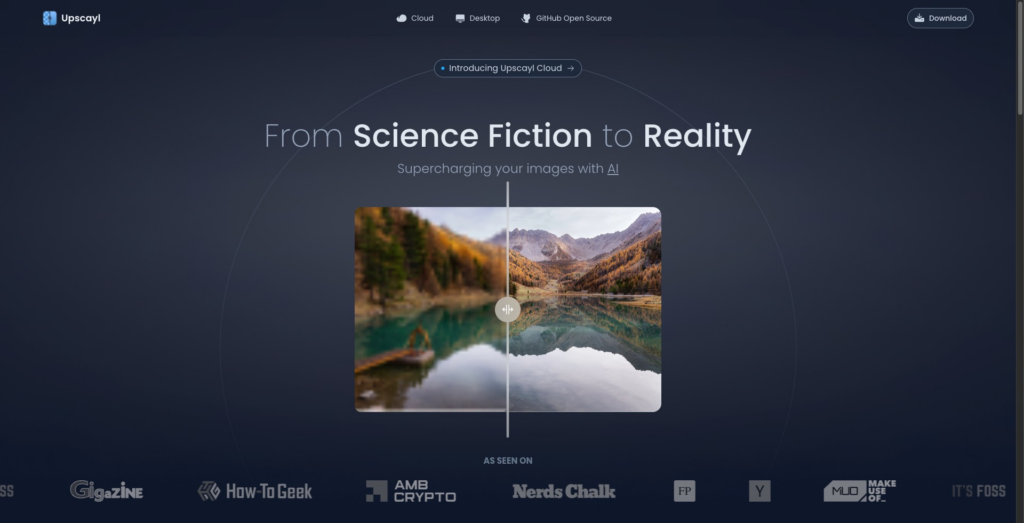
Upscayl is an AI tool for digital image enhancement that puts image upscaling within reach of everyone. Most tools with this quality of output carry a price tag; Upscayl does not.
It is free and open source, hosted under the MIT license. That license lets users and developers on Windows, Mac, and Linux both run the software and help improve it.
The engine behind Upscayl is a set of deep-learning techniques. Using convolutional neural networks (CNNs) and generative adversarial networks (GANs), the software raises image resolution while holding onto clarity.
The payoff is sharper, more detailed output from ordinary JPEG or PNG files. Upscayl can scale images by 2x, 3x, or 4x, and it does so without the cost or technical hurdles that usually get in the way.
Two properties define the tool. First, it is free: there is no subscription and no paid tier gating the higher scaling factors. Second, it is open source, so the code is public and open to contributions from developers on any of the supported platforms. Together those two points explain why it has drawn a community of users and contributors.
Key Features and Benefits of Upscayl
Upscayl applies AI-based image upscaling to lift low-resolution images to a higher quality. Because it runs across platforms, a wide range of users can pick it up on whatever device and operating system they already have.
AI-Based Image Upscaling
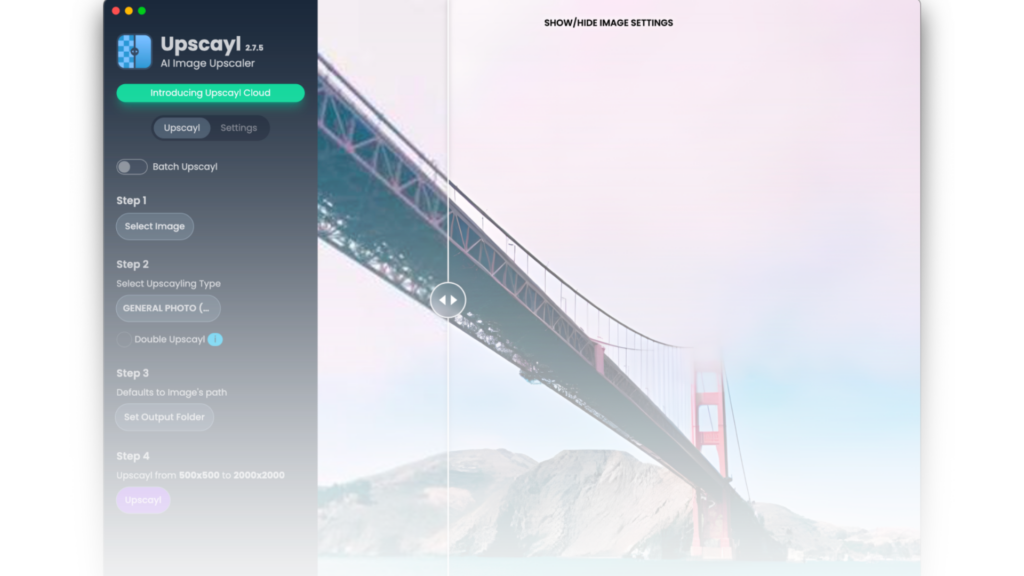
Upscayl’s core feature is AI-based image upscaling, which turns a mediocre image into a much stronger one. It pairs convolutional neural networks (CNNs) with generative adversarial networks (GANs) to improve image quality as a photo enhancer.
The model refines textures, sharpens edges, and recovers details that were lost in low-resolution pictures. A single click can take an old, pixelated photo and return a clear, high-resolution version of it. The CNN reads patterns across the image, while the GAN fills in plausible detail where the original pixels fall short.
This kind of AI image processing changes how enlargement works. With Upscayl’s deep-learning approach, enlarged photos stay crisp instead of turning blurry, whatever the original size or quality.
The software scales JPEG, PNG, and TIFF files up to 4x with the detail intact — useful for hobbyist photographers and professional designers alike.
And since it is a free, open-source, community-supported project, that technology stays available to everyone at no charge.
Cross-platform Compatibility
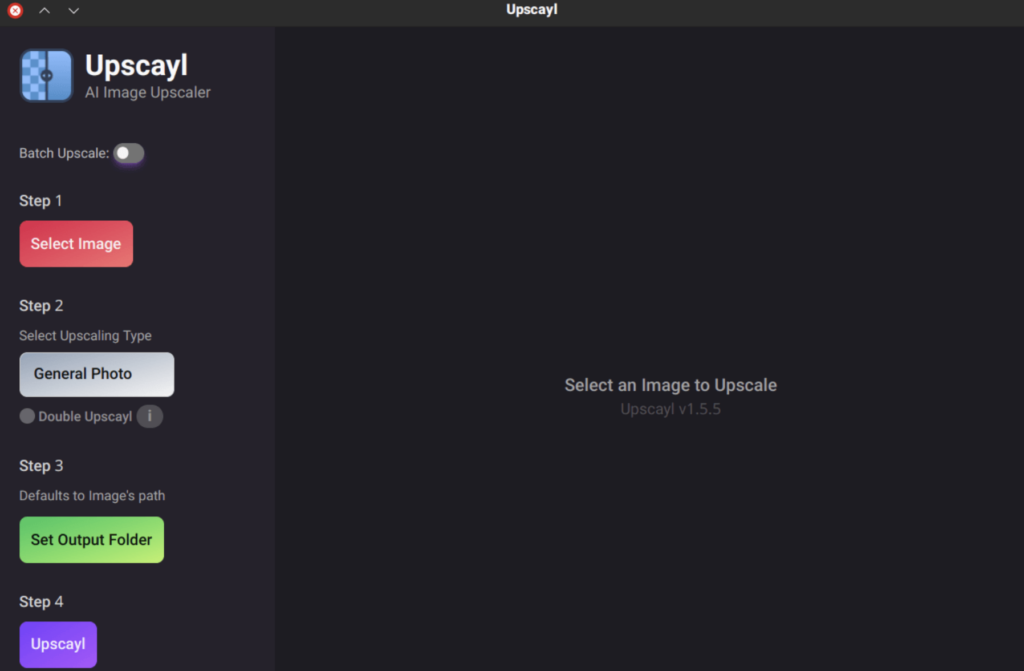
Upscayl runs on any of the three major desktop systems — Windows, Mac, or Linux. Whichever one you use, the tool behaves the same way.
That means your editing routine carries over between machines instead of breaking when you switch devices. A photographer who edits on a Mac at home and a Windows laptop at work gets the same controls and the same output in both places.
Working across operating systems, Upscayl gives you a consistent experience without forcing you to track down a platform-specific alternative. Wide compatibility simplifies your digital artistry and keeps output quality the same on every system.
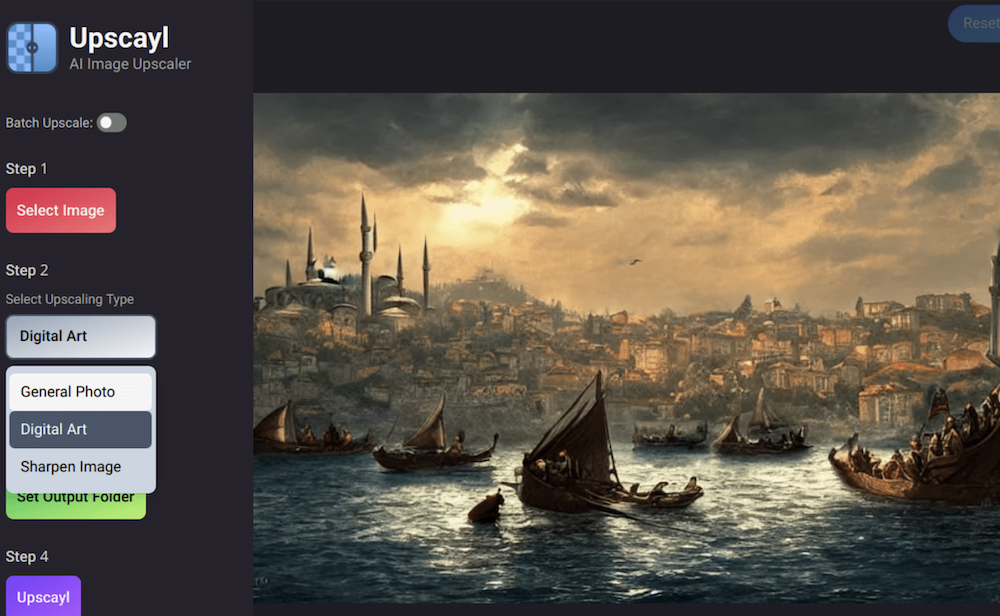
Use Cases and Applications of Upscayl
Upscayl fits a number of image jobs that make it worth keeping around. Here are some of the practical ways people put it to work:
| Use Cases | Applications |
|---|---|
| Image upscaling | Enhance low-resolution images to high quality without losing detail or sharpness. |
| Image enhancement | Improve the overall visual appeal of images by refining colors, clarity, and overall quality. |
| Image quality improvement | Elevate the standard of image content by ensuring better resolution and detail. |
| Image resizing | Adjust the dimensions of images while maintaining quality and clarity. |
| Image processing | Utilize advanced algorithms for efficient photo editing and manipulation. |
| High-resolution image generation | Create detailed, high-quality images suitable for various applications such as printing or digital display. |
| Image restoration | Restore old or damaged images to their former glory by improving resolution and overall visual appeal. |
Read more 10 Best Image Optimisation Software For Image Compression
Conclusion
Upscayl gives low-resolution pictures a second life through AI-based upscaling. You can enlarge, sharpen, and enhance images for professional use without paying anything.
It brings high-resolution results within reach using deep learning technology, backed by a community that keeps building on the project.
(Image Source: Collection)
Frequently Asked Questions
What is Upscayl AI?
Upscayl is a free, open-source AI tool that upscales low-resolution images into higher-resolution ones on Windows, Mac, and Linux.
How can Upscayl AI benefit my work?
It sharpens and enlarges photos up to 4x their size without blur, which helps when you need print-ready or display-ready images from small or grainy originals.
Is specialized training required to use Upscayl AI?
No. The interface is simple enough that users at any technical level can upscale an image without prior training.
What file types does Upscayl AI support?
Upscayl handles common image formats including JPEG, PNG, and TIFF, scaling them up while keeping detail intact.
Does Upscayl AI cost anything?
No. It is released under the MIT license, so the software is free to use and the source code is open for anyone to inspect or improve.
Related Articles

AI Software
How AI-Powered ATS Tools Boost Diversity in Hiring — Real DEI Use Cases (2026)
Continue reading →

AI Software
5 Powerful AI Features Revolutionizing Hiring Workflows in 2026
Continue reading →

AI Software
How To Choose The Best Image Recognition Software For 2026
Continue reading →

AI Software
Best AI Resume Screening Tools in 2026 to Hire Faster
Continue reading →