

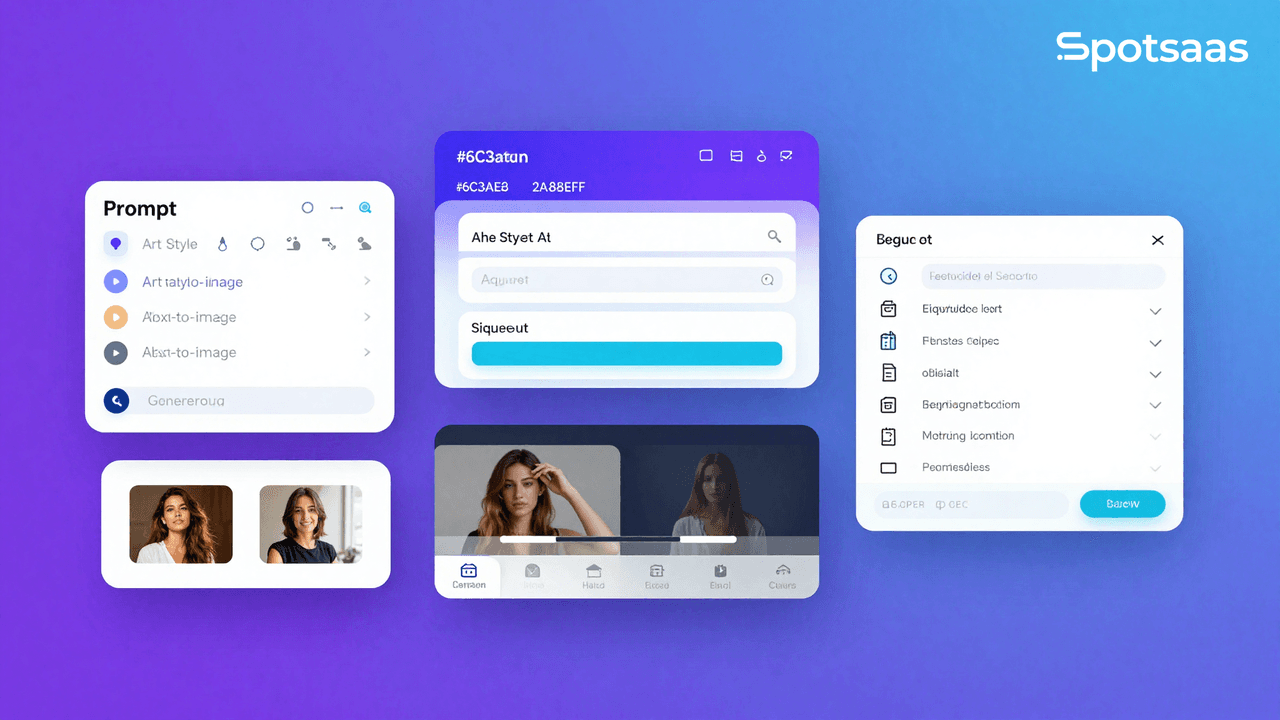
Looking for a fresh way to create stunning digital art? Starry AI turns text prompts into visual art using artificial intelligence. This guide walks you through starryai, an app that turns amateurs into artists with just a few taps.
See what the app can do, put your creative ideas to work, and start making AI-generated art of your own in a few short steps.
Key Takeaways
- Starry AI turns text prompts into visual art using artificial intelligence, with over 1000 styles to choose from for personalization.
- Users get full ownership of the images they create, and can use their art commercially or non-commercially without restrictions.
- The app provides 5 free credits on sign-up, enough to generate up to 25 images, keeping it accessible and cost-effective for aspiring digital artists.
- The interface is user-friendly and suits both artists and people with no graphic design experience, which encourages creativity across a wide audience.
- Starry AI regularly updates its technology and methods so users have access to recent advances in AI-driven art creation.
What is Starry AI?
Moving on from the basics, here is a closer look at Starry AI and its role in digital art creation. The platform lets users turn their ideas into visual art with the help of artificial intelligence.
Its interface makes generating high-quality visuals from simple text descriptions straightforward. That approach keeps the process approachable, so both experienced artists and complete beginners can produce results without a steep learning curve.
Built on neural networks, the app opens up a range of options for content creators. They can make unique social media visuals or user-generated content without prior experience in graphic design.
Each piece created by Starry AI shows how machine learning is changing contemporary digital art, with full ownership rights that allow commercial use of what you make.
Users can produce striking images quickly and efficiently, without hours of manual editing. That speed helps anyone who wants to add compelling visual content to a website, a portfolio, or their wider digital presence.
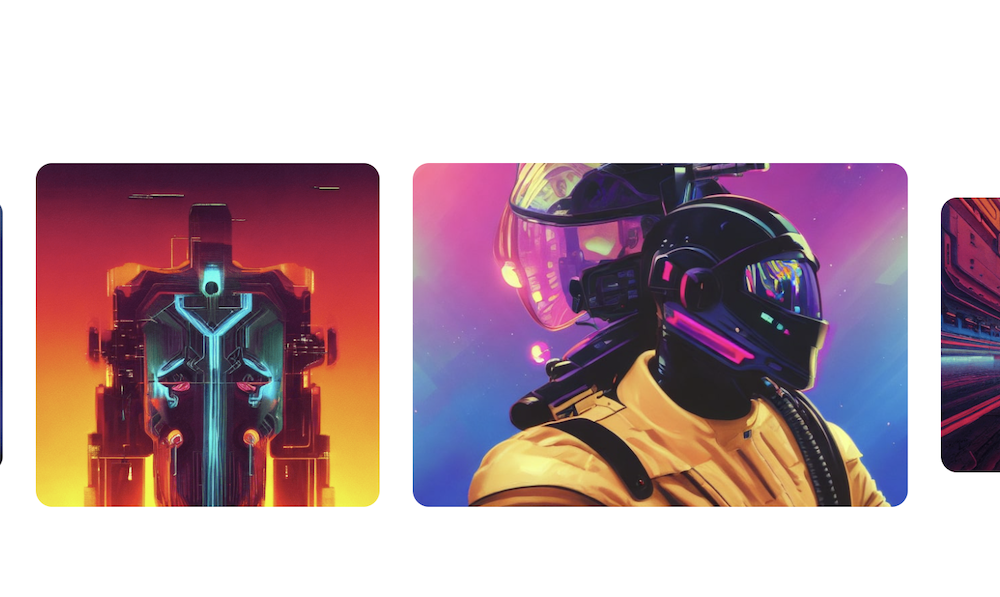
How Starry AI Compares to Other AI Tools like MacGPT
Starry AI stands out by focusing on creativity and artistry. It lets users turn textual ideas into visual art with a personal touch. By contrast, MacGPT and similar AI tools usually handle text-based outputs, such as language translation, content generation, and data analysis. The table below shows the key differences between Starry AI and other AI tools like MacGPT:
| Feature | Starry AI | Other AI Tools (e.g., MacGPT) |
|---|---|---|
| Purpose | Creates visual art from text prompts | Generates text-based content and data analysis |
| Technology | Uses neural style transfers and machine learning | Employs advanced natural language processing (NLP) |
| Customization | Allows style selection for personalized creations | Offers text style and tone adjustments for crafted narratives |
| Ownership | Grants full ownership of generated art to the user | Varies by platform; may include licenses or restrictions |
| Accessibility | Free app on iOS and Android with optional Pro subscription | Often available on multiple platforms; may require subscription or usage fees |
| Updates | Regularly updated with bug fixes and performance improvements | Typically receives updates to improve functionality and add features |
Comparing these differences helps users pick the AI tool that fits their creative or analytical goals. Someone who needs written content or data analysis may be better served by a text-based tool, while Starry AI gives a visually oriented experience focused on artistic expression through technology.
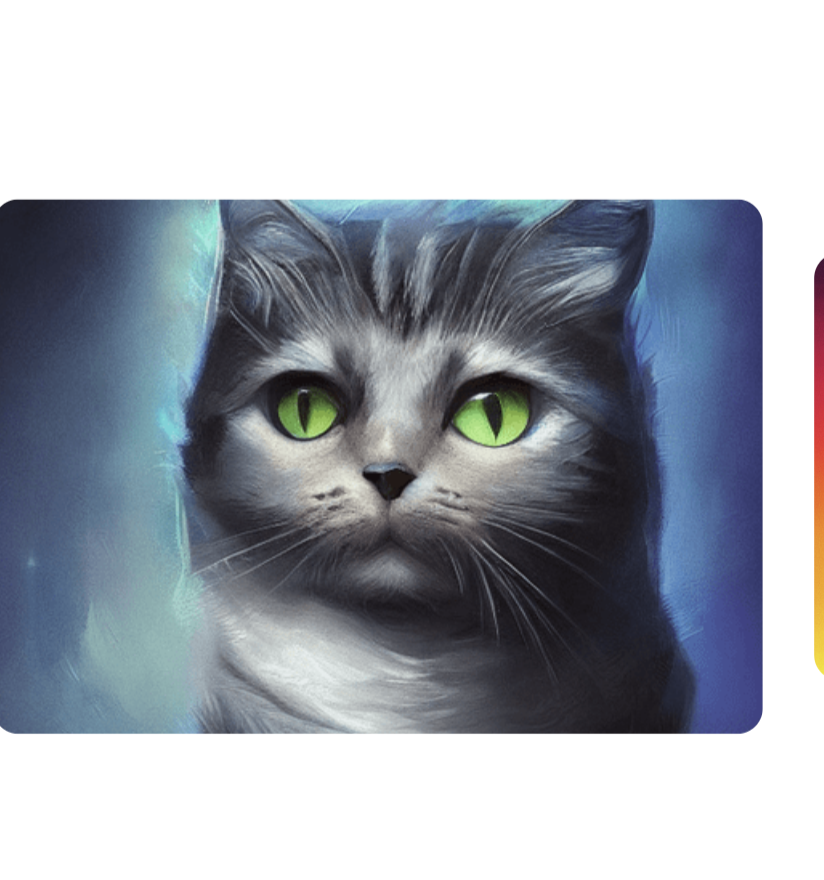
How to use Starry AI
Creating art with Starry AI is simple. This mobile application puts visual content within reach. Here is how to get started:
- Download the app from the iOS App Store or Google Play Store onto your mobile device.
- Sign up for an account to start with 5 credits, which lets you generate up to 25 images.
- Choose your preferred AI method. The app offers different machine-learning techniques for various artistic styles.
- Pick a style from the 1000+ options in the app. Select one that best suits the vision you have in mind.
- Write a descriptive text prompt. Use rich language to convey what you want your artwork to represent.
- Adjust settings such as image resolution and aspect ratios to fit specific design needs, whether a phone wallpaper or social media graphics.
- Tap ‘create’ and watch artificial intelligence turn your text-based idea into an image in moments.
- Share your new artwork on social media or save it directly to your device.
Key Features of Starry AI
Starry AI provides advanced methods for image generation and manipulation, giving users wide creative options. Its customizability supports personalized artistic expression and gives full ownership of the artwork to the user.
It is also free to use, which lowers the barrier to entry. Anyone interested in AI-powered art creation can try it out and start experimenting straight away, whether they are a hobbyist or a working designer.
State of the Art Methods
Starry AI uses current technology and algorithms to deliver its artificial intelligence features. The app relies on updated methods and models, which are refreshed over time so that each generation produces high-quality outputs rather than dated results.
With continuous improvement and refined techniques, users get recent advances in AI as they work, rather than being stuck with an older, static model that falls behind over time.
The AI Art Generator in Starry AI uses newer methods for high-quality results. By keeping its models updated, the app continues to improve what it offers.
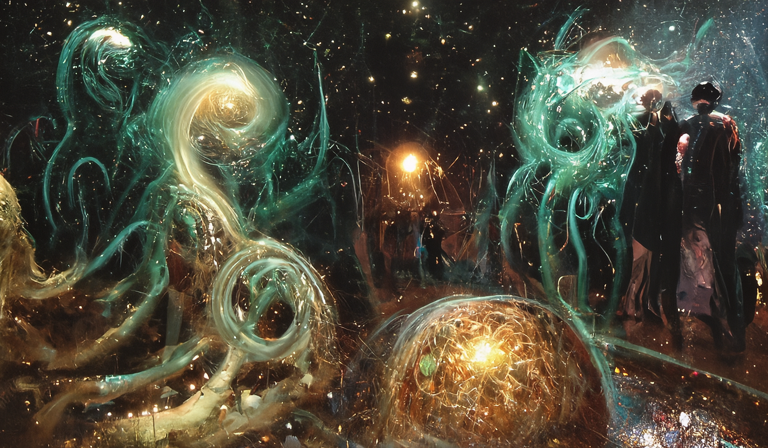
Customizability
Starry AI gives users a high level of customizability when generating art, so they can personalize the output to their own preferences and tailor each result to the look they are after.
By adjusting prompts and settings, users get versatile and adaptable AI-generated art that meets their unique needs. With 1000+ styles, bulk creation options, and custom sizes, they have the flexibility to create art that reflects their vision.
The developers keep improving Starry AI, so its customizability features should grow over time. Under Starry AI’s license, users hold full ownership rights over their AI-generated art for both commercial and non-commercial use.
Full Ownership
You keep complete control over your creations in Starry AI, so you can pursue artistic projects without restrictions on how the results are used. You are free to print the images, sell them, or share them on social media platforms at your own discretion.
The app also prioritizes user privacy, with data tracking practices in place. This includes the collection of contact information linked to user identity, so it is worth reviewing how your details are handled before you sign up.
Next, here is a closer look at how these features come together to help you make the most of your creative potential with Starry AI on any project you take on.
Free to Use
Starry AI is free on both iOS and Android, letting users create up to 25 images each day at no charge. The app gives 5 credits (equal to 25 images) and access to over 1000 styles for free.
Users may also use their AI-generated art for both commercial and non-commercial purposes under the Starry AI license agreement.
So people can explore artificial intelligence image generation without financial constraints or limitations. That accessibility, along with extensive style options on a mobile app across different platforms, makes Starry AI an appealing and user-friendly tool that stays within legal boundaries.
Read more Mastering Digital Art: Tips and Tricks for Using Procreate App
Conclusion
Starry AI is a free, user-friendly app with 1000+ styles and 25 images to start your art journey. It uses neural style transfers and machine learning for contemporary AI-driven art creation.
Users input text prompts and select styles to make personalized artwork that fits the idea they had in mind. With the freedom to use their unique AI-generated art commercially or non-commercially, they have plenty of practical possibilities open to them, from client work to personal projects.
The app’s rating of 3.4 based on 49.3K reviews reflects its steady use and popularity within the wider creative community of everyday users.
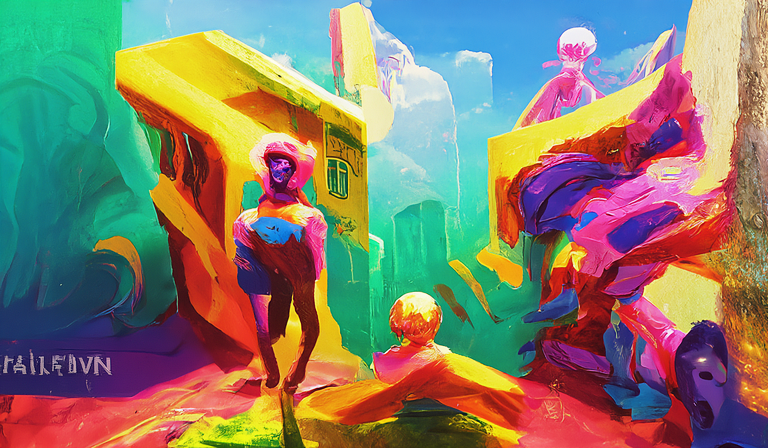
(Image Source: the official Starry Ai Website)
Frequently Asked Questions
What is Starry AI?
Starry AI is an artificial intelligence platform designed to provide advanced solutions for businesses and organizations.
How does Starry AI benefit businesses?
Starry AI offers businesses stronger data analysis, predictive modeling, customer engagement strategies, and automation of many processes for improved efficiency.
Can Starry AI be integrated with existing business systems?
Yes, Starry AI can integrate into existing business systems and technologies to add functionality without disrupting current operations.
Is special training required to use Starry AI in a business environment?
No specific training is needed to use Starry AI in a business setting, as it is designed with user-friendly interfaces and intuitive features.
What industries can benefit from implementing Starry AI?
A diverse range of industries such as finance, healthcare, marketing, retail, manufacturing, and logistics can benefit from Starry AI’s advanced capabilities.
Related Articles
AI Software
AI Matching in ATS: What It Is, How It Works and Why It Matters for Hiring
Continue reading →

AI Software
How AI-Powered ATS Tools Boost Diversity in Hiring — Real DEI Use Cases (2026)
Continue reading →

AI Software
Best AI Resume Screening Tools in 2026 to Hire Faster
Continue reading →
AI Software
Is Riverside FM the Best AI for Podcasts and Video Recording?
Continue reading →