
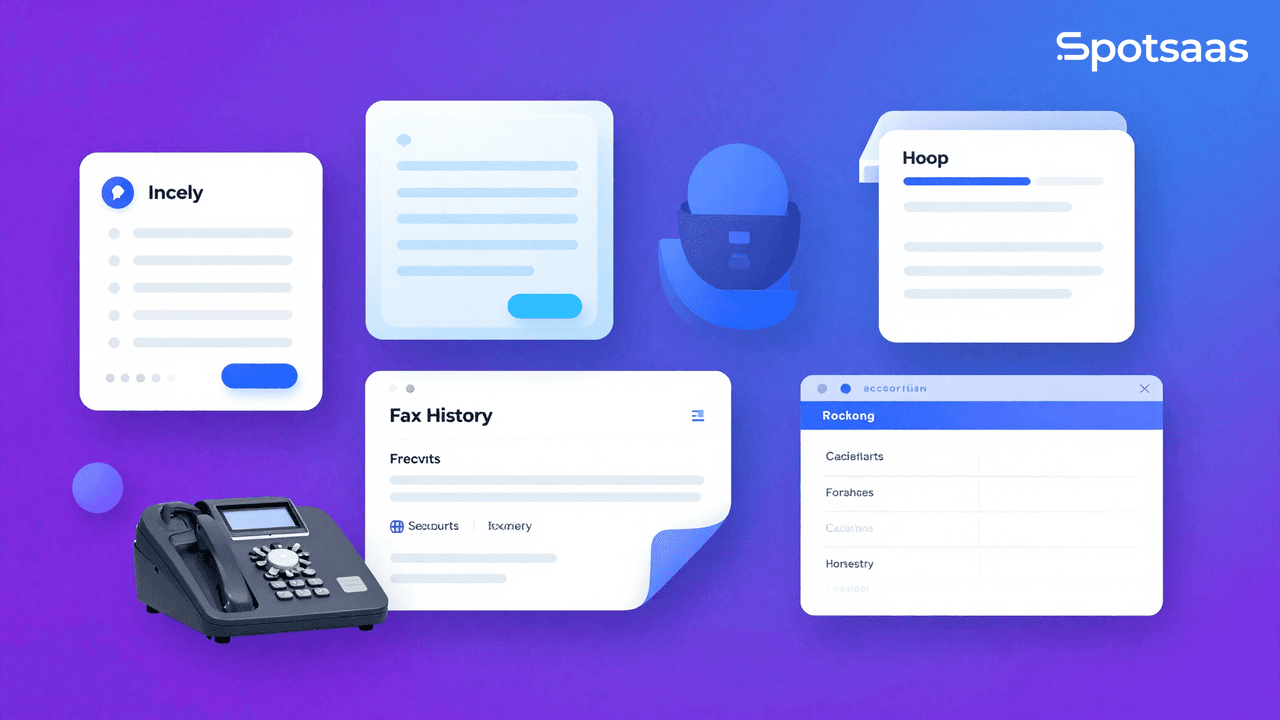
With countless online fax options on the market today, it can be challenging to identify the best fit for your requirements. This article walks through the key features and considerations for selecting a fax service.
Understanding Online Fax Services
Online faxing refers to sending and receiving faxes through the internet, eliminating the need for a physical fax machine. It lets you send and receive faxes from any location with an internet connection, offering real benefits over traditional fax machines.
What is online faxing?
Online faxing is a service that lets you send and receive faxes without paper or a fax machine. It uses the internet instead of phone lines. Fax.Plus and eFax are two software programs that make this simple.
Some services even offer free short faxes. That makes this kind of faxing simple and cheap for small offices, big firms, or even single users who only need to send a few documents now and then, without ever having to buy dedicated hardware.
Benefits of using online fax services
Online fax services offer several benefits. Here are some:
- Send a fax for free: Some online fax services, like Fax.Plus, let you send short faxes without charge.
- Affordable faxing: Online faxing can be cheaper than traditional machines. Fax.Plus, for example, has a good price.
- Easy to use: Certain online fax services are user-friendly. eFax is one of them.
- No extra hardware: You do not need a separate machine to send faxes anymore.
- Multiple platforms support: Many online services let you send faxes from different devices, including your phone.
- Safety for sensitive info: Some online software, such as mFax, is built for sending private details safely.
- Save space and time: Online faxing means no more bulk machines or wasted paper.
- Try before buying: Most online software offers free trials so you can be sure before paying.
- Archive your documents: Many services keep copies of the files you send or receive in an archive for future use.
Cost comparison with traditional fax machines
Comparing the cost of traditional fax machines with online fax software makes it clear that online services offer real savings. The table below outlines the potential cost savings.
| Traditional Fax Machine | Online Fax Software | |
|---|---|---|
| Initial Cost | High (purchase of the machine, setup, and installation) | Low (typically a monthly subscription fee) |
| Maintenance Cost | High (paper, ink, parts replacements, etc.) | Low (typically included in subscription fee) |
| Operating Cost | High (electricity, phone line, etc.) | Low (internet connection) |
| Additional Features | Low (limited to sending and receiving faxes) | High (cloud storage, document archives, multi-platform access, etc.) |
Fax.Plus, a top pick for paid faxing services, offers affordable, easy-to-use online fax services that do away with the need for expensive machinery and supplies. Services like eFax and Nextiva, known for their ease of use and multi-feature platform, likewise offer more value for money than traditional fax machines, without the ongoing upkeep that comes with owning physical equipment. Adopting online fax software can lead to real savings and increased productivity for businesses of any size.
Features to Consider When Choosing Online Fax Software
When choosing online fax software, weigh the features that meet your specific needs: document archives for easy access and organization of faxed documents, cloud storage integration for file sharing and collaboration, multi-platform access to ensure compatibility with different devices, and page limits that fit high-volume or low-volume faxing requirements.
Document archives
Document archives are worth checking for when choosing the best fax software. This feature lets you easily access and store your faxed documents for future reference, so look for software with a user-friendly interface for managing your archived faxes.
Some options even offer cloud storage integration, letting you store your faxes securely in the cloud rather than on a local drive. With document archives in place, you can organize and retrieve all your faxed documents whenever you need them, without digging through old email threads or paper files.
Cloud storage integration
Cloud storage integration is another feature worth considering. It lets you store and access your fax documents in the cloud, making it easy to organize and retrieve them whenever needed.
With cloud storage integration, you can save your faxes directly to platforms like Dropbox or Google Drive, so your files stay securely stored and readily accessible from any device with an internet connection, whether you’re at your desk or working remotely.
This feature removes the need for physical file cabinets or manual scanning, which streamlines your document management and increases efficiency. Integrating cloud storage into your fax software also makes it easy to search, share, and collaborate on faxed documents without manual filing or paper clutter getting in the way.
Multi-platform access
It’s worth choosing fax software that works across multiple devices, so you can send and receive faxes not just from your computer, but also from your smartphone or tablet.
Some fax software providers offer mobile apps for iPhone and Android devices, making it convenient to manage your faxes on the go instead of waiting until you’re back at a desktop. With multi-platform access, you have the flexibility to stay connected and handle your faxing needs from wherever you happen to be.
Page limits
Page limits are worth checking too. Some online fax services restrict the number of pages you can send or receive each month, while others offer unlimited pages.
It’s worth working out your actual faxing needs and choosing a service that matches them closely rather than guessing. For high-volume faxing, look for a service with generous page limits or unlimited usage.
On the other hand, if you only occasionally send faxes, a service with lower page limits might be more cost-effective and easier to justify. Take your specific usage patterns into account and pick a fax software that provides adequate page limits for what you actually need, not what a plan happens to advertise.
How to Choose the Best Fax Software
When looking for the best fax software, it helps to research and compare different options, read reviews and user feedback, weigh your individual needs and budget, and look for free trial options.
Research and compare different options
Researching and comparing different options is a core part of choosing the best fax software. Here are some key factors to consider:
- Look for user-friendly web versions that make it easy to send and receive faxes.
- Consider the volume of faxing you expect to do – whether it’s high or low volume.
- Check if the software offers features like document archives and cloud storage integration for convenient file management.
- Make sure the software supports multi-platform access, so you can use it on various devices.
- Take into account any page limits imposed by the software, especially if you anticipate sending lengthy faxes.
- Read reviews and user feedback to get a sense of other people’s experiences with the software.
- Consider your individual needs and budget when comparing different options.
- Look for free trial options to test out the software before committing to a paid plan.
Read reviews and user feedback
Reading reviews and user feedback gives you insight into other people’s actual experiences with different fax services. Look for reviews that mention ease of use, affordability, and the specific features of the software.
Pay attention to negative feedback too, since it may point to potential issues or drawbacks that wouldn’t otherwise be obvious. User feedback can tell you a lot about the reliability and functionality of the software beyond what the marketing copy claims.
Weighing both reviews and user feedback together helps you make a more informed decision about which fax software actually fits your needs.
Consider your individual needs and budget
Think about what you need and how much you can spend. Look at your own requirements and financial situation before making a decision, and make sure the software you pick meets your needs and fits within your budget.
Check out reviews and try free trials where available to see if a tool is right for you before you commit any money. There are plenty of options out there, so take the time to find one that suits you best.
Look for free trial options
It’s worth looking for free trial options before you commit. That way, you can try out different software and see which one actually works best for your needs.
Some top online fax services, like Fax.Plus, let you send a short fax for free, so you can test their features and user-friendliness firsthand before spending anything. Taking advantage of free trials like this helps you make an informed decision and find fax software that suits both your requirements and your budget.
Conclusion
Choosing the best fax software takes careful consideration of features, user reviews, and your own needs. Take the time to research and compare different options, read reviews from other users, and factor in your budget.
Look for free trial options to test out the software before committing to a paid plan. With an informed decision behind you, you can find fax software that meets your specific requirements rather than settling for the first option you see.
Summary of key points
To choose the best fax software, it helps to understand online fax services and their benefits first. Online faxing is a convenient, cost-effective alternative to traditional fax machines for individuals and businesses alike.
When choosing software, weigh features like document archives, cloud storage integration, multi-platform access, and page limits. To land on the right decision, research different options, read reviews from users, consider your needs and budget, and look for free trial options before you sign up for anything long-term.
Some recommended software includes Fax.Plus for paid faxing services or sending a short fax for free, eFax for ease of use, Nextiva for both faxing and video calls, MyFax for small offices, Dropbox Fax as an overall best pick, and mFax for sensitive information.
Encouragement to choose the best fax software for individual needs
Choosing the best fax software matters for meeting your individual needs, whether you’re a solo user or running a busy office. Researching and comparing different options, reading reviews and user feedback, considering your budget, and looking for free trial options all help you make an informed decision.
Fax.Plus is recommended as the top pick for paid faxing services, while eFax stands out for its ease of use. Nextiva is suggested for both faxing and video calls, MyFax works well for small offices, Dropbox Fax is the overall best pick, and mFax is ideal for sensitive information that needs extra protection.
Take the time to find the right software for your requirements, and you’ll start getting the benefits of online faxing without the cost and hassle of a physical machine.
Frequently Asked Questions About Fax Software
What is online fax software?
Online fax software is a service that lets you send and receive faxes over the internet without needing a physical fax machine or phone line. Documents are transmitted digitally and can be sent from a computer, smartphone, or tablet.
What is the best online fax software?
Top-rated options include Fax.Plus for paid faxing and free short faxes, eFax for ease of use, Nextiva for combined faxing and video calls, MyFax for small offices, Dropbox Fax as an overall pick, and mFax for sending sensitive information securely.
How much does online fax software cost?
Online fax software is typically far less expensive than maintaining a traditional fax machine. Many services offer monthly subscription plans starting at a low cost, and some offer free tiers for occasional low-volume faxing. Always compare page limits and features within each pricing tier.
Can I send a fax for free?
Yes. Some services like Fax.Plus allow you to send short faxes for free. These free tiers are ideal for individuals or small businesses that only occasionally need to send faxes. For regular high-volume faxing, a paid plan will offer better page limits and features.
Does online fax software work on mobile devices?
Yes. Most leading online fax services offer mobile apps for both iOS and Android, allowing you to send and receive faxes directly from your smartphone or tablet. This multi-platform access makes online faxing highly flexible for remote and on-the-go work.
Is online faxing secure for sensitive documents?
Yes, when using a reputable provider. Services like mFax are specifically designed for secure transmission of sensitive or confidential information. Look for providers that offer encryption, HIPAA compliance (for healthcare), and secure document storage.

- Independent picks for exactly what you just read about
- Matched to your team size & needs
- Vendors don't pay for placement
Step 1 of 4
How big is your team?
We tailor recommendations to companies your size.















Related Articles
Buyers guide
Twilio Alternatives 2026: 6 Compared and What They Cost
Continue reading →
Buyers guide
How To Choose The Best Auto Dialer Software For 2026
Continue reading →
Buyers guide
How To Choose The Best Freelance Platforms For 2026
Continue reading →
Buyers guide
How To Choose The Best Audience Response Software For 2026
Continue reading →