
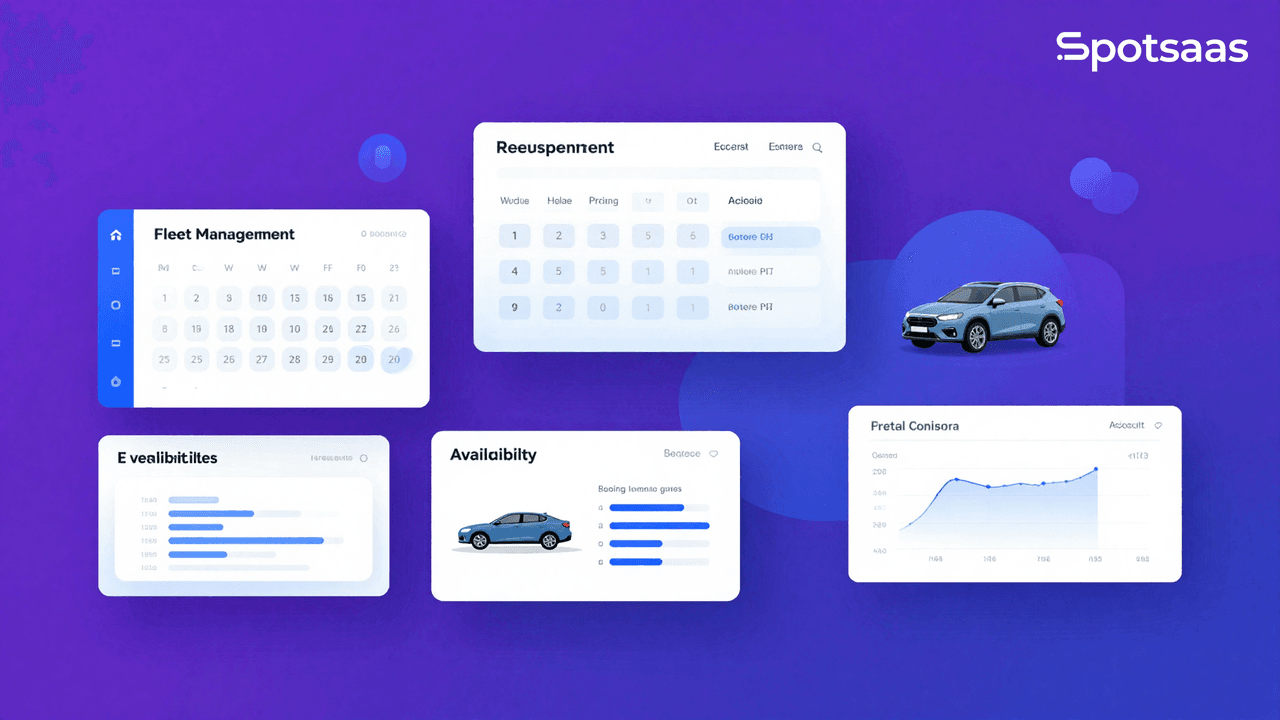
Running a car rental business by hand — spreadsheets, phone bookings, paper logs — gets harder as your fleet grows. Car rental software exists to take that manual load off your team and give customers a faster way to book, without staff having to double-check every reservation against a paper calendar.
This guide walks through what car rental software actually does, the different types available, the features worth prioritizing, and a practical process for picking the option that fits your business rather than the one with the flashiest marketing page.
What is Car Rental Software?
Car rental software is a specialized tool built to run and automate the day-to-day work of a car rental operation. It helps rental companies, travel agencies, and travel management companies manage their fleet, track individual vehicles, handle reservations and bookings, and connect financial and accounting processes to one system.
The market offers several types of car rental software, each built around a different part of the business.
Definition and purpose
At its core, car rental software is a tool built for people who rent out cars for a living. It helps the rental company run its operations and gives customers an easy way to book and rent a car online.
Different tools focus on different jobs. Some handle bookings, some track where vehicles are at any given time, and others manage money matters or customer support.
Types of Car Rental Software
Car rental software comes in several distinct forms, each suited to managing rentals and fleet operations in its own way:
- Car Rental Management Software: organizes the whole business — customers book cars online, while staff manage inventory and billing from the same system.
- Fleet Management Software: tracks every car in the fleet, which helps prevent theft and keeps vehicles running smoothly.
- Rental Booking Software: lets customers make reservations online or through a mobile app.
- Corporate Car Rental Software: used by larger companies to manage their own fleets of cars for employees.
- Online Car Rental Platform: connects people who want to rent out their personal cars with people who need one.
- Reservation and Dispatch System: handles incoming bookings and sends cars out to customers once requested.
Key Features to Look for in Car Rental Software
When you’re comparing car rental software, four areas matter most: reservation and booking management, vehicle tracking and management, financial and accounting tools, and customer management and support.
Reservation and booking management
Good car rental software handles booking without friction. It lets customers book cars online at any hour, which saves staff time and avoids double-booking mistakes. A quick glance at the system tells you which cars are booked and when they’re due back.
Vehicle tracking and management
Vehicle tracking is one of the features worth paying closest attention to when comparing options. These tools let you monitor vehicle locations in real time and keep maintenance schedules on track across the fleet.
Beyond location, tracking data covers mileage, fuel consumption, and driver behavior, which you can pull for analysis and reporting whenever you need to review how a vehicle has been used. That visibility helps you allocate vehicles more effectively instead of guessing which car is free or due for maintenance.
Put together, this improves overall fleet performance and cuts costs. Software with solid vehicle tracking makes it easier to keep operations running and gives customers a better experience from booking to drop-off.
Financial and accounting tools
Financial and accounting tools handle the money side of the business — tracking income, expenses, and profitability in one place instead of a separate spreadsheet.
Invoicing and payment processing let you generate and send invoices and take payments online. Expense tracking on top of that lets you monitor costs tied to vehicle maintenance, fuel, insurance, and other overhead.
Having that data in one place makes it easier to analyze spending and make informed decisions about where the business’s money is going, instead of piecing it together from separate invoices and bank statements at month-end. It also keeps record-keeping accurate for tax purposes, which matters once the business grows past a handful of vehicles.
Customer management and support
Customer management and support features are worth checking closely. Look for a customer database, reservation tracking, and tools for personalized communication with renters.
You want a system that tracks customer preferences and lets you manage inquiries and complaints without digging through old records. Live chat or a 24/7 helpline are worth confirming before you commit, since they’re what customers reach for when something goes wrong.
Tips for Choosing the Best Car Rental Software
Choosing well comes down to four things: knowing your business needs, weighing pricing against scalability, reading reviews and comparing products side by side, and confirming the vendor’s customer support options.
Here’s how to work through each one.
Identify your business needs
Start by identifying what your business actually needs. Consider which features and functions are essential for your car rental company specifically, rather than shopping for the tool with the longest feature list.
Do you need a reservation and booking management system? Vehicle tracking? Financial tools? Customer management and support? Knowing the answer narrows the field and points you toward a solution that matches your actual requirements instead of a generic one.
From there, compare prices, check scalability, and read reviews from other users before making a final call.
Consider pricing and scalability
Pricing and scalability deserve equal weight. You want a solution that fits your current budget and still offers flexible options as the business grows.
Favor providers with transparent pricing models that spell out exactly what’s included in each package. Check whether the pricing structure lines up with your needs, and watch for additional costs or hidden fees buried in the fine print.
Scalability matters just as much, because the software needs to adapt as your needs change over time rather than forcing a switch to a new system a year or two later. Confirm it can handle more bookings, vehicles, users, and locations without disrupting operations you already depend on.
Weighing both pricing and scalability together lets you pick a car rental software solution that fits your budget today and still supports where the business is headed.
Read reviews and compare products
Before committing to any car rental software, read customer reviews and compare products against each other on features, pricing, and ease of use. Doing this surfaces the real strengths and weaknesses of each option and makes the final decision easier.
| Software Name | Features | Pricing | User Reviews |
|---|---|---|---|
| HQ Rental Software | Reservation management, Vehicle tracking, Financial tools, Customer support | Depending on the package | Highly rated by users for its comprehensiveness |
| Rentall | Booking management, Fleet management, Accounting tools, Customer support | Pricing based on the requirements | Appreciated for easy navigation and user-friendly interface |
| Rent Centric | Reservation and booking management, Vehicle management, Financial and accounting tools | Depends on the package | Users praise its customer service and functionality |
| TSD Rental | Reservation and booking management, Financial tools, Customer support | Pricing based on the needs | Users appreciate its intuitive interface and robust features |
| EasyRentPro | Vehicle tracking, Reservation management, Accounting tools, Customer support | Depends on the package | Users love its ease of use and extensive features |
These rankings are drawn from 103 verified user reviews, which gives you a real-time, up-to-date view of how each car rental software option actually performs for the people using it.
Look for customer support options
Customer support is worth checking before you sign anything. You want a provider that offers reliable, accessible support for when something breaks or a question comes up mid-shift.
Look specifically for live chat, phone support, or email support so your team can reach someone easily when they need help. Solid customer support keeps the business running and gets problems resolved before they cost you a booking.
Conclusion: How to Purchase the Best Car Rental Software
Choosing the best car rental software comes down to a handful of factors. Start by identifying the specific needs of your business and the features you actually require.
From there, compare prices and scalability options. Reading customer reviews and comparing different products side by side gives you real insight into which software fits your operation, rather than relying on a vendor’s own sales pitch. Don’t skip customer support in that comparison — it matters once you’re live and something needs fixing quickly.
With these factors in mind — business needs, pricing and scalability, reviews, and support — you’ll be in a strong position to purchase the right car rental software for your company without wasting time on options that were never going to fit.

- Independent picks for exactly what you just read about
- Matched to your team size & needs
- Vendors don't pay for placement
Step 1 of 4
How big is your team?
We tailor recommendations to companies your size.















Related Articles
Buyers guide
Twilio Alternatives 2026: 6 Compared and What They Cost
Continue reading →

Buyers guide
How To Choose The Best Auto Dialer Software For 2026
Continue reading →

Buyers guide
How To Choose The Best Freelance Platforms For 2026
Continue reading →

Buyers guide
How To Choose The Best Audience Response Software For 2026
Continue reading →