

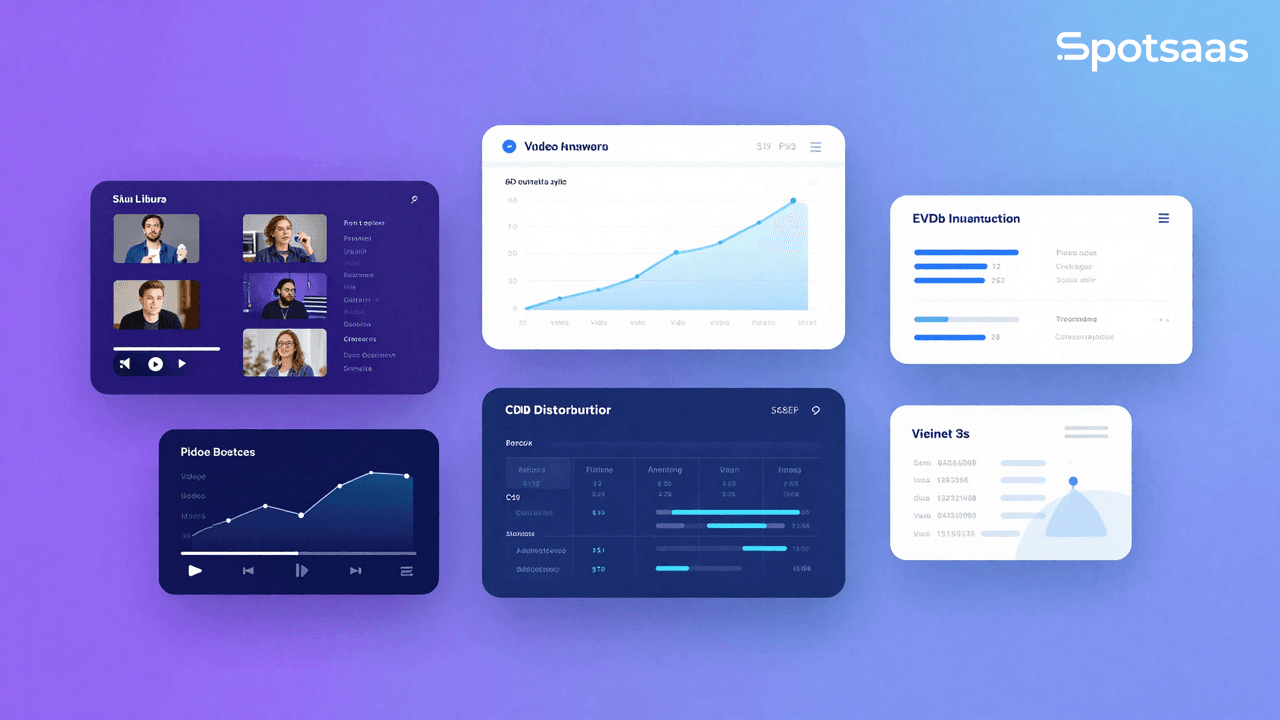
What is Video Hosting Software and its Importance?
Video hosting software is a web-based platform that allows businesses to upload, store, manage, and share videos. This software enables businesses to distribute video content to their target audience through various channels, such as websites, social media platforms, and email campaigns.
Video content has become an increasingly popular and effective way for businesses to communicate with their audience. Video hosting software provides businesses with a centralized location to manage and share their video content. This makes it easier to reach their target audience and drive engagement.
Additionally, video hosting software provides businesses with insights and analytics on their video content. This helps them optimize their video marketing strategies and improve their ROI.
The purpose of this buyer’s guide is to provide businesses with a complete overview of the key features, pricing models, security and data privacy considerations, customer support, and user reviews and feedback of video hosting software. By understanding these factors, businesses can make an informed decision when selecting a video hosting software that meets their specific needs and budget.
Features to Consider when Choosing the Best Video Hosting Solution
Video management
| Feature | Description | Benefits | Options/Tools |
|---|---|---|---|
| Upload and Storage Capabilities | Sufficient storage capacity for video content. | Store extensive video content efficiently. | Options to compress video files without quality loss. |
| Video Editing and Customization | Customization and basic editing of video content. | Add branding, captions, annotations; edit videos. | Metadata, tags, and transcripts for optimization. |
| Search and Discoverability | Optimization for search engines and discoverability. | Improve visibility and accessibility of video content. | Metadata, tags, transcripts for optimization. |
Playback and streaming
| Feature | Description | Key Options |
|---|---|---|
| Video Quality and Resolution | Supports various video qualities, including HD and 4K. | Ensures high-quality playback as intended. |
| Playback Speed and Controls | Customizable playback speed and control options. | Enables real-time content delivery to the audience. |
| Live Streaming Capabilities | Support for broadcasting live events and webinars. | Enables real-time content delivery to audience. |
Analytics and insights
| Feature | Description | Benefits | Examples |
|---|---|---|---|
| Viewership Metrics | Insights on views, unique viewers, and engagement rates. | Optimize video marketing strategies and improve engagement. | N/A |
| Engagement Metrics | Details on viewer engagement like click-through rates and watch time. | Identify areas for improvement in video content. | N/A |
| Integration with Third-party Analytics Tools | Capability to integrate with external analytics tools. | Gain deeper insights into video content performance. | Google Analytics, Adobe Analytics |
Security and access controls
| Feature | Description | Security Options |
|---|---|---|
| Authentication and Authorization | Options for user authentication and authorization. | Password protection, single sign-on, two-factor authentication. |
| Domain and Geographical Restrictions | Restrict video access based on domains or locations. | Options to limit access to specific domains or geographical areas. |
| Digital Rights Management | Protect video content from unauthorized use. | Watermarking, copyright notices, content licensing. |
Integrations
| Integration Type | Description | Examples |
|---|---|---|
| Content Management Systems | Integrate with CMS for simplified content creation and management. | WordPress, Drupal |
| Marketing Automation Tools | Integrate with marketing tools for simplified lead generation. | HubSpot, Marketo |
| Customer Relationship Management Systems | Integrate with CRM systems for improved customer engagement. | Salesforce, Zoho |
Types of Video Hosting Software
There are various types of video hosting software available, each with its advantages and disadvantages. In this response, we’ll go into detail about the three main types of video hosting software: Free hosting software, Self-Hosted software, and Cloud-based hosting software.
Free Hosting Software:
Free hosting software is a type of video hosting software that allows users to upload and share their videos online for free. These platforms typically generate revenue from advertising and may also offer premium plans for additional features.
One of the major advantages of free hosting software is that it is free. This makes it a popular choice for individuals or small businesses with limited budgets. It also provides a simple and easy-to-use interface for uploading and sharing videos with a wide audience. Popular examples of free hosting software include YouTube, Vimeo, Dailymotion, and Twitch.
However, there are also some drawbacks to using free hosting software. One disadvantage is that users do not have complete control over their content, as the platform can delete or remove videos for various reasons. Additionally, free hosting software can have limitations on video length, quality, and size.
Self-Hosted Software:
Self-hosted video hosting software allows users to store their videos on their servers and have complete control over their content. This type of software is typically used by larger businesses or organizations that require more control and customization over their video hosting.
One of the main advantages of self-hosted software is that users have complete control over their content, including the ability to customize the video player and embed it into their website or application. Self-hosted software also provides greater flexibility in terms of video length, quality, and size.
However, self-hosted software also requires technical knowledge and expertise to set up and maintain, which can be a challenge for those who are not familiar with server administration and software management. Examples of self-hosted software include JW Player, Kaltura, and Brightcove.
Cloud-based Hosting Software:
Cloud-based video hosting software is a type of software that stores video content in the cloud. This allows users to access and manage their videos from anywhere with an internet connection. Cloud-based hosting software is typically used by larger businesses or organizations that require scalability and accessibility.
Top Video Hosting Software in the Market
| Video Hosting Software | Pricing | Storage Capacity | Video Quality | Customization | Analytics | Security | Integration | Support and Documentation |
|---|---|---|---|---|---|---|---|---|
| Vimeo | Starts at $7/month | Up to 7TB | Up to 8K resolution | Limited customization | Advanced analytics | Password protection, domain-level privacy | Integrates with 3rd party apps, APIs available | Online help center, email support, knowledge base |
| Wistia | Starts at $99/month | Up to 10TB | Up to 4K resolution | Fully customizable | Advanced analytics | Password protection, domain-level privacy, DRM | Integrates with 3rd party apps, APIs available | Phone and email support, knowledge base, tutorials |
| Brightcove | Custom pricing | Customizable | Up to 4K resolution | Customizable | Advanced analytics | Password protection, domain-level privacy, DRM | Integrates with 3rd party apps, APIs available | Dedicated account manager, 24/7 support |
| Vidyard | Starts at $150/month | Up to 5TB | Up to 1080p resolution | Fully customizable | Advanced analytics | Password protection, domain-level privacy, DRM | Integrates with 3rd party apps, APIs available | Phone, email, and chat support, knowledge base |
| SproutVideo | Starts at $24/month | Up to 10TB | Up to 1080p resolution | Limited customization | Basic analytics | Password protection, domain-level privacy, DRM | Integrates with 3rd party apps, APIs available | Email support, knowledge base, tutorials |
Note: Prices and features are subject to change. This table is for comparison purposes only and should not be used as the sole basis for decision-making. It is recommended to do further research and evaluation before making a final decision.
Conclusion
Video hosting software is essential for businesses and creators who need to share and manage video content reliably. When choosing a platform, focus on practical factors: pricing structure, storage capacity, video quality output, customization options, and analytics capabilities. Free trials and responsive support teams help you test the software before committing to a full subscription.
Modern video hosting platforms increasingly incorporate cloud infrastructure, AI-driven features, and machine learning tools that improve video processing, enable personalization, and support scaling as your audience grows. These capabilities matter especially as video content becomes central to marketing, education, and audience engagement strategies.
The right video hosting solution equips you to deliver consistent quality, track viewer behavior through analytics, and reach larger audiences without technical friction. In a landscape where video dominates, selecting software that matches your workflow and budget directly impacts your ability to compete and connect with your audience.

- Independent picks for exactly what you just read about
- Matched to your team size & needs
- Vendors don't pay for placement
Step 1 of 4
How big is your team?
We tailor recommendations to companies your size.















Related Articles
Buyers guide
Twilio Alternatives 2026: 6 Compared and What They Cost
Continue reading →

Buyers guide
How To Choose The Best Auto Dialer Software For 2026
Continue reading →

Buyers guide
How To Choose The Best Freelance Platforms For 2026
Continue reading →

Buyers guide
How To Choose The Best Audience Response Software For 2026
Continue reading →