

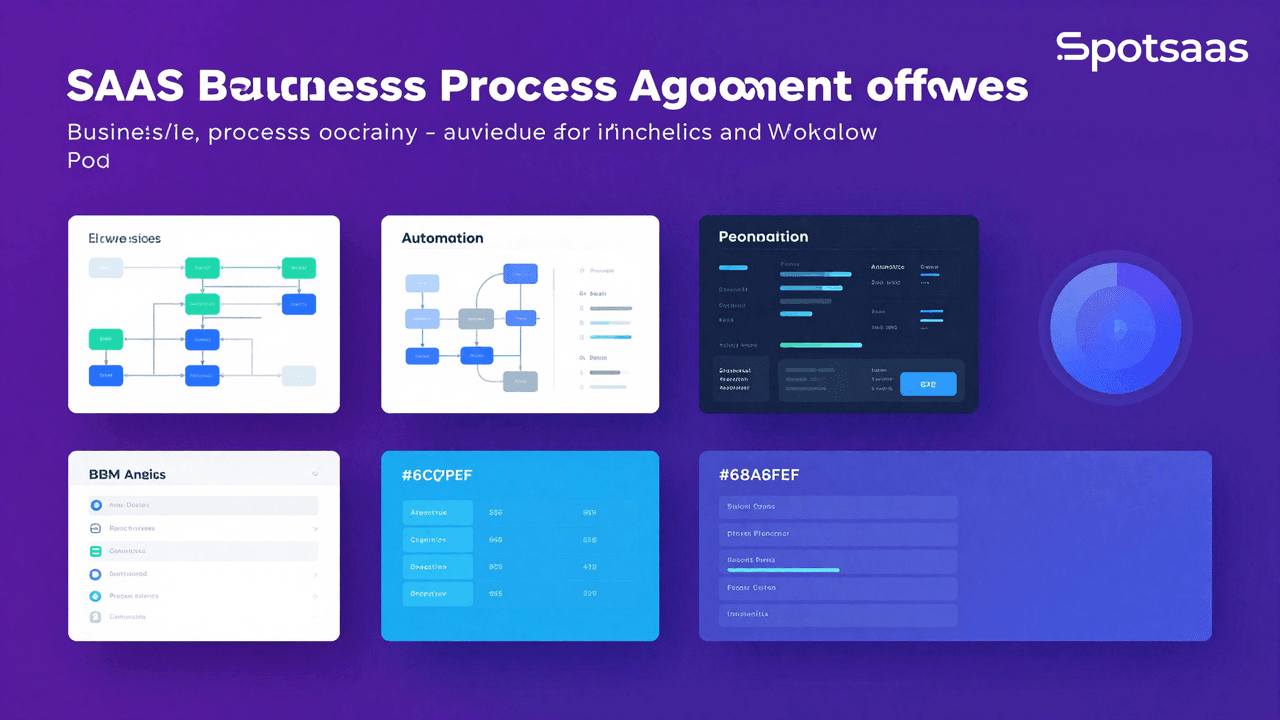
Choosing the right Business Process Management Software (BPMS) is a difficult task, especially with so many options available on the market.
This complete guide will equip you with all of the essential knowledge required to select the best BPMS for your needs.
Understanding Business Process Management (BPM)
Business Process Management (BPM) is the practice of analyzing, designing, executing, and continuously improving the workflows that keep an organization running. It involves spotting inefficiencies or bottlenecks in day-to-day operations and putting strategies in place to simplify them and lift overall productivity.
BPM generally falls into three categories: human-centric BPM, which focuses on employee productivity and collaboration; document-centric BPM, which focuses on managing and automating document-based processes; and integration-centric BPM, which focuses on connecting the various systems and tools that make up an organization’s IT infrastructure.
Definition and purpose
At its core, BPM is a structured way to examine and manage how work gets done inside a business. It gives organizations a method for spotting problems and refining systems that already work reasonably well, rather than leaving things to chance.
The goal isn’t to perfect a single task in isolation. It’s to improve how all the tasks in a company fit together and support each other.
Types of BPM (human-centric, document-centric, integration-centric)
As mentioned, BPM splits into three main types: human-centric, document-centric, and integration-centric. Each suits a different kind of operational challenge.
- Human-Centric BPM: This type puts people at the center of the process. It suits work that depends on human judgment or interaction, such as customer service and sales, where rigid automation isn’t practical.
- Document-Centric BPM: This type is built around handling paperwork and records. It works well for businesses juggling large volumes of documents, such as invoices, purchase orders, or reports.
- Integration-Centric BPM: This type connects different business tools and systems so they work together. It tends to suit larger companies running multiple software platforms at once.
What is Business Process Management Software (BPMS)?
Business Process Management Software (BPMS) is a powerful tool that enables organizations to simplify their business processes, automate repetitive tasks, and improve overall efficiency.
It provides a platform for businesses to map out their existing processes, identify bottlenecks or areas of improvement, and implement changes that drive operational excellence. With features such as workflow management, process tracking, and integration with other tools and systems, BPMS helps organizations optimize their processes and achieve better results.
When choosing BPMS software, it is important to consider your specific business needs and goals, budget constraints, user-friendliness of the software, as well as security and privacy features offered by the provider.
Overview of features and functionality
Business Process Management Software is a handy tool. It has many helpful features. You can use it to make your work easier and faster. One key feature is automation. This lets the software do tasks on its own, without help from people.
Another big part of this would be workflow management. Workflow management helps you track and control how tasks move through your business. It makes sure things get done in the right order.
Also, good BPM software plays well with others! That means it should work with other tools or systems that your business uses.
Last but not least, the best software lets you make changes to fit your needs. Customization options give you power over how the tool works for you.
These features are cool and very useful! They will help any business run smoother and more efficient.
Benefits of using a BPMS
Using a BPMS (Business Process Management Software) can bring several benefits to your business. These include:
| Benefit | Description |
|---|---|
| Improved Efficiency | BPMS automates manual tasks, saving time and effort. This allows employees to focus on more important work and increasing productivity. |
| Enhanced Collaboration | BPMS facilitates collaboration among departments and team members. This improves communication and ensures everyone is on the same page. |
| Simplified Processes | BPMS eliminates bottlenecks, reduces errors, and optimizes workflows, resulting in faster turnaround times, improved accuracy, and better customer satisfaction. |
| Process Visibility | BPMS provides real-time visibility into business processes, enabling tracking, issue identification, and data-driven decision-making for continuous improvement. |
| Scalability | BPMS can scale with business growth. This allows easy adaptation and modification of processes without disrupting operations. |
| Compliance and Risk Management | Many BPMS solutions offer compliance features to meet regulatory requirements and reduce risks associated with non-compliance or data breaches. |
| Cost Savings | BPMS reduces operational costs, minimizes errors, and maximizes resource utilization, resulting in long-term cost savings. |
| Business Agility | A flexible BPM software allows businesses to quickly adapt to changing conditions or demands by modifying processes without extensive IT intervention. |
Considerations when choosing a BPMS
Here are some important things to consider when choosing a BPMS:
| Consideration | Description |
|---|---|
| Business Needs and Goals | Ensure the software aligns with your specific business requirements and optimization goals. |
| Budget and Pricing Options | Evaluate the cost of the BPMS, including subscription fees and customization or support charges. |
| User-Friendliness | Look for an intuitive interface that allows easy process creation, tracking, and management without extensive training. |
| Security and Privacy | Check for strong security features to protect sensitive data and ensure compliance with industry privacy regulations. |
| Automation Capabilities | Evaluate the software’s automation features, including workflow automation, task management, and integration capabilities. |
| Workflow Management | Choose a BPMS with advanced workflow management features for designing, tracking, and optimizing complex processes. |
| Integration with Other Tools and Systems | Consider whether the BPMS can smoothly integrate with your existing IT infrastructure and other software solutions. |
| Customization Options | Look for customization features that allow you to adapt workflows, forms, fields, and reports to your specific business needs. |
Features to Look for in a BPMS
When choosing a BPMS, it is important to consider the features that are essential for your business needs. Look for a BPMS that offers automation capabilities to simplify and optimize your processes.
Additionally, prioritize workflow management tools that allow you to easily track and monitor progress. Integration with other tools and systems is essential for smooth collaboration, while customization options ensure flexibility in adapting the software to fit your specific requirements.
Automation capabilities
Automation capabilities are a essential feature to consider when choosing the best business process management software. These capabilities allow you to automate repetitive and manual tasks. This saves time and improves efficiency.
With automation, you can simplify your workflows and reduce errors by eliminating the need for manual intervention. Look for a BPMS that offers strong automation features such as workflow automation, task management, and integration with other tools and systems.
This will help you optimize your processes and achieve higher levels of productivity within your organization.
Workflow management
Workflow management is an important feature to consider when choosing business process management software. It allows you to simplify and automate your work processes. This makes them more efficient and organized.
With workflow management, you can easily track the progress of tasks, assign responsibilities to team members, and ensure that everything is done on time. This helps to improve productivity and reduce errors in your business operations.
Look for BPM software that offers strong workflow management capabilities, allowing you to design, customize, and monitor workflows easily.
Integration with other tools and systems
Integration with other tools and systems is an essential feature to look for in business process management software (BPMS). This allows smooth communication and data transfer between different applications. This makes your workflow more efficient.
With integration capabilities, you can connect your BPMS with existing systems like CRM, ERP, and document management tools. This simplifies the flow of information, eliminates manual data entry tasks, and ensures data consistency across platforms.
It simplifies processes by automating tasks that involve multiple systems and reduces the risk of errors or duplicate entries. By integrating your BPMS with other tools and systems, you can optimize your business processes and improve overall productivity.
Customization options
Customization options are an important consideration when choosing a business process management software (BPMS). You want a BPMS that can be tailored to fit your specific business needs and processes.
Look for software that allows you to customize workflows, forms, and templates so they align with your unique requirements. Additionally, ensure the BPMS offers flexibility in terms of integration with other tools and systems you use in your organization.
The ability to customize the user interface and dashboard according to your preferences is also advantageous. Having these customization options will enable you to optimize the software for maximum efficiency and productivity within your business operations.
Factors to Consider When Choosing a BPMS
When selecting a BPMS, it is essential to consider factors such as your business needs and goals, budget and pricing options, user-friendliness, security, and privacy.
Business needs and goals
To choose the best business process management software for your company, it’s important to consider your specific business needs and goals. Think about what processes you want to automate or improve, such as workflow management or task automation.
Consider whether you need a solution that integrates with other tools and systems you already use. Also, think about your budget and pricing options. This makes sure the software is easy-to-use and secure.
By keeping these factors in mind, you can find the right BPM software to help simplify your business processes and achieve your goals.
Budget and pricing options
When selecting a Business Process Management Software, a critical aspect to consider is your budget and the pricing options available. This involves the initial purchase price and the long-term cost of ownership. Different vendors offer various pricing models, and understanding these can help you make the optimal choice that suits your financial plan. The table below provides an overview of the budget and pricing options of some of the top BPM software:
| Software | Initial Purchase Price | Long-term Cost of Ownership | Pricing Model |
|---|---|---|---|
| Laserfiche | Varies by package | Included in annual subscription | Subscription-based |
| Microsoft Power Automate | Starts at $15/user/month | Included in monthly fee | Subscription-based |
| Appian | Contact Vendor | Depends on package | Custom pricing |
| beSlick | Starts at $10/user/month | Included in monthly fee | Subscription-based |
| Process Street | Starts at $12.50/user/month | Included in monthly fee | Subscription-based |
| Pipefy | Starts at $18/user/month | Included in monthly fee | Subscription-based |
| Tallyfy | Starts at $15/user/month | Included in monthly fee | Subscription-based |
| Kissflow | Contact vendor | Depends on package | Custom pricing |
Please note that these values are approximate and can vary based on factors such as the number of users, the level of customization required, and the scope of your business operations. To find the most accurate and up-to-date pricing, it’s advisable to directly contact the vendors or consult resources like Capterra Shortlist™.
User-friendliness
User-friendliness is an important factor to consider when choosing a business process management software (BPMS). You want a tool that is easy to understand and navigate, even for non-technical users.
Look for a BPMS that has a simple and intuitive interface, with clear instructions and helpful tooltips. It should also offer drag-and-drop functionality and customizable dashboards so you can easily organize and access your workflows.
User reviews can provide insights into the user-friendliness of different BPMS options, so be sure to consider those as well.
Security and privacy
Ensuring the security and privacy of your business process management software is essential. You want to make sure that your sensitive data and information are protected from unauthorized access or breaches.
Look for a BPMS that offers strong security features like encryption, user authentication, and role-based access control. Additionally, it’s important to choose a vendor that follows industry best practices for data protection and has measures in place to comply with relevant regulations such as GDPR or HIPAA.
By prioritizing security and privacy, you can safeguard your company’s valuable assets and maintain the trust of your customers. Remember to thoroughly evaluate the security capabilities of any BPMS before making a decision.
Conclusion
Selecting the right business process management software depends on matching the tool’s capabilities to your organization’s specific workflows, budget constraints, and team expertise. Prioritize automation features that address your current bottlenecks, workflow management that scales with your operations, and integrations that connect to systems you already use.
Security and data privacy should be non-negotiable in your evaluation. A BPM platform that automates repetitive tasks, enforces consistent processes, and protects sensitive information will reduce operational friction and help your business execute at scale.
Frequently asked questions
What do you understand by business process management?
Spotting inefficiencies and bottlenecks in day-to-day operations and putting strategies in place to simplify them. It splits three ways: human-centric BPM for employee productivity and collaboration, document-centric BPM for automating document-based processes, and integration-centric BPM for connecting the systems that make up an IT estate.
What are the top 10 business process management tools?
Eight are covered with pricing: beSlick from 10 dollars per user per month, Process Street from 12.50, Microsoft Power Automate from 15, Tallyfy from 15, Pipefy from 18, and Laserfiche, Appian and Kissflow all on custom quotes.
What is the best business process management software?
beSlick carries the lowest published entry price at 10 dollars per user per month, while Appian, Kissflow and Laserfiche quote on package.
Compare alternatives to the tools in this post

- Independent picks for exactly what you just read about
- Matched to your team size & needs
- Vendors don't pay for placement
Step 1 of 4
How big is your team?
We tailor recommendations to companies your size.















Related Articles
Buyers guide
Oil and gas maintenance software for field operations
Continue reading →
Buyers guide
Best MFA Software in 2026: 12 Multi-Factor Authentication Tools Compared
Continue reading →
Buyers guide
Best SSO Software in 2026: 12 Single Sign-On Providers Compared
Continue reading →
Buyers guide
Twilio Alternatives 2026: 6 Compared and What They Cost
Continue reading →