
8.5
SpotScore

SplashID Review: Is It The Right Password Management Software For Your Team?
Best for SMB teams · Mid-market · Enterprise
Free Plan Available
 GDPR
GDPRStarts from $1.66 / Month when Billed Yearly, also offers free forever plan
 W
W UC Davis
 UF
UF Lawrence livemore national laboratory
 Los Alamos
Trusted by teams including W
Overview
Pricing
Features
Buyer feedback
Alternatives
Customers
Media
Security & Compliance
Support
FAQ
Blogs
Spotsaas Analysis for SplashID
SplashID at 4.1/5 from 33 reviews and SpotScore 8.5 serves IT administrators managing shared credentials across remote teams. The platform runs on Mac, PC, iOS, and Android with a single login. A lifetime license option appeals to organizations avoiding recurring subscription costs. Stability remains a limitation—users report crashes and data corruption requiring manual resyncs, which interrupts workflow.
Password management software stores and encrypts login credentials, replacing manual password tracking and spreadsheet-based systems. Organizations reduce credential-sharing risk and cut time spent on password resets.
Quick picks:
What is SplashID?
SplashID Safe Password Management Software offers a secure place for to store personal information. SplashID Safe software stores passwords, account numbers, credit card info, and other sensitive data in an encrypted format that is extremely difficult to break. With one master password, accessorizing via user name and multiple profile logins, only user control who has access to private information.
Pricing
Starts from $1.66 / Month when Billed Yearly
Best For
Suited for small teams, SMBs, and enterprise
Security & Compliance
GDPRSSO & MFA supported
Data residency:Global
Platform
Web + mobile app (iOS & Android)
Installed - Windows
Installed - Mac
SplashID Screenshots

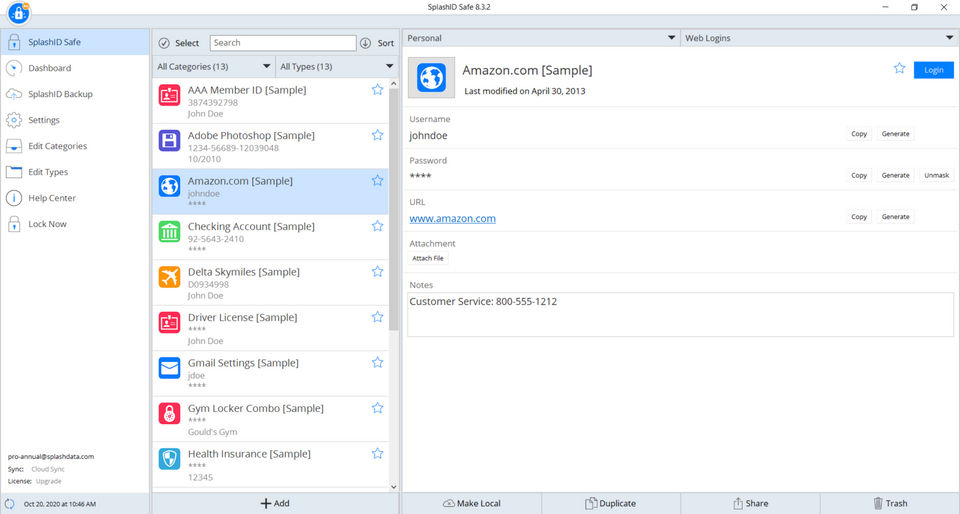
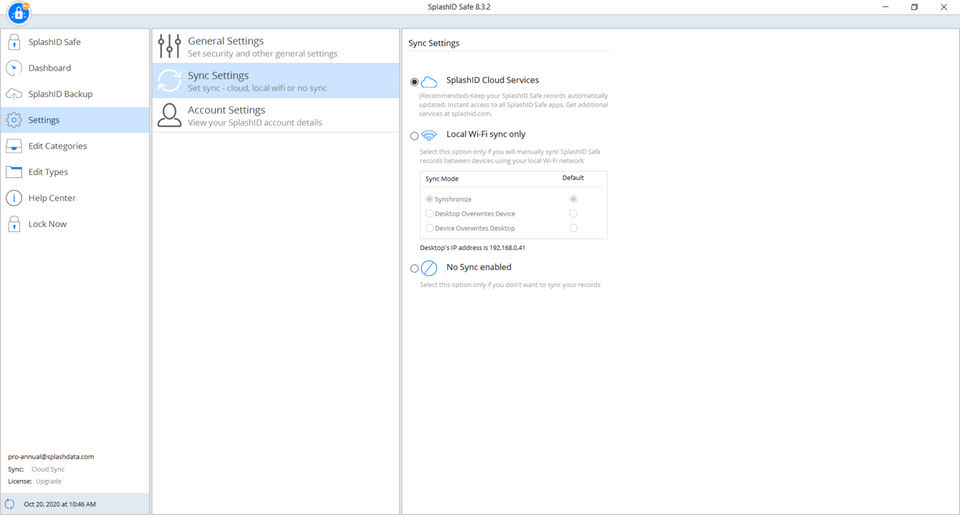
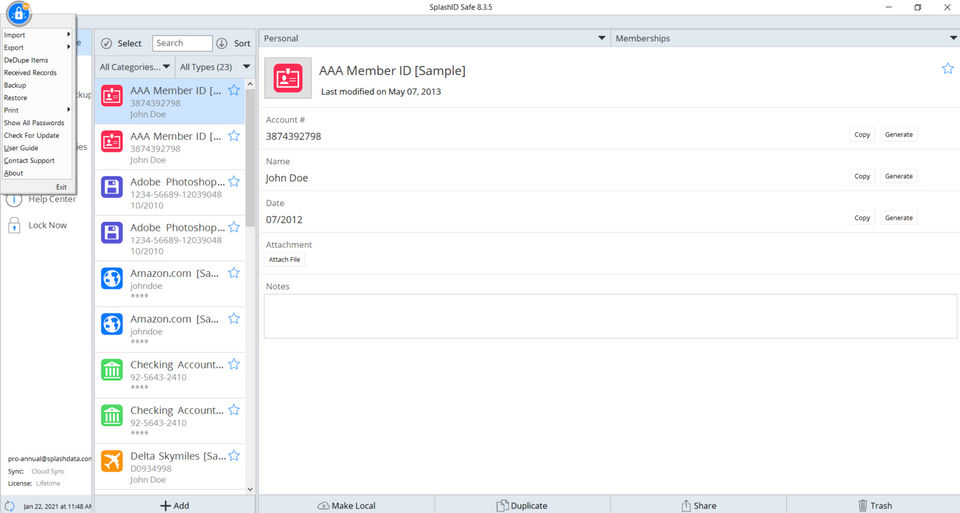
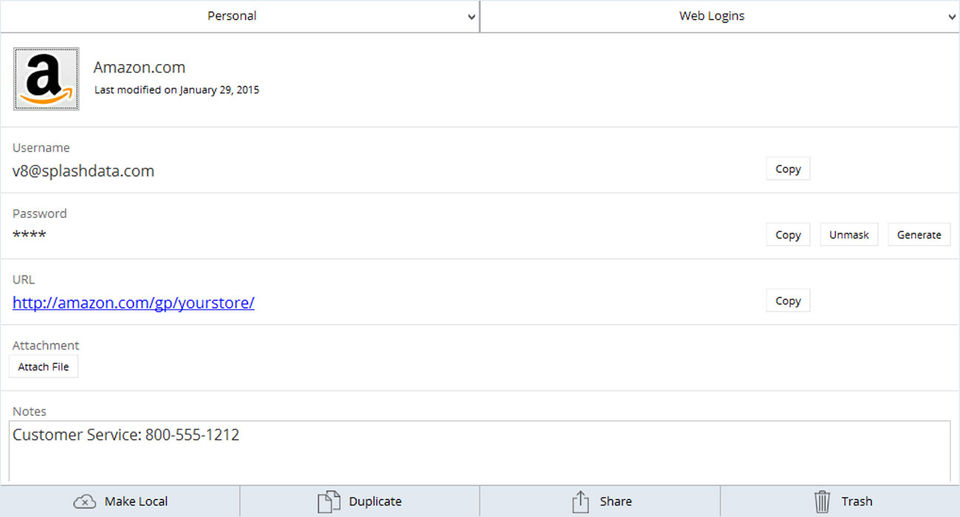
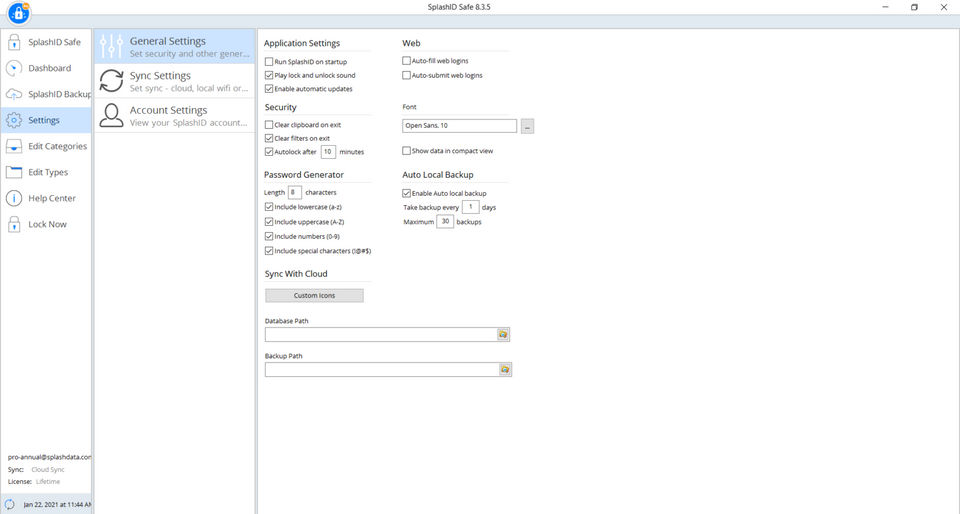
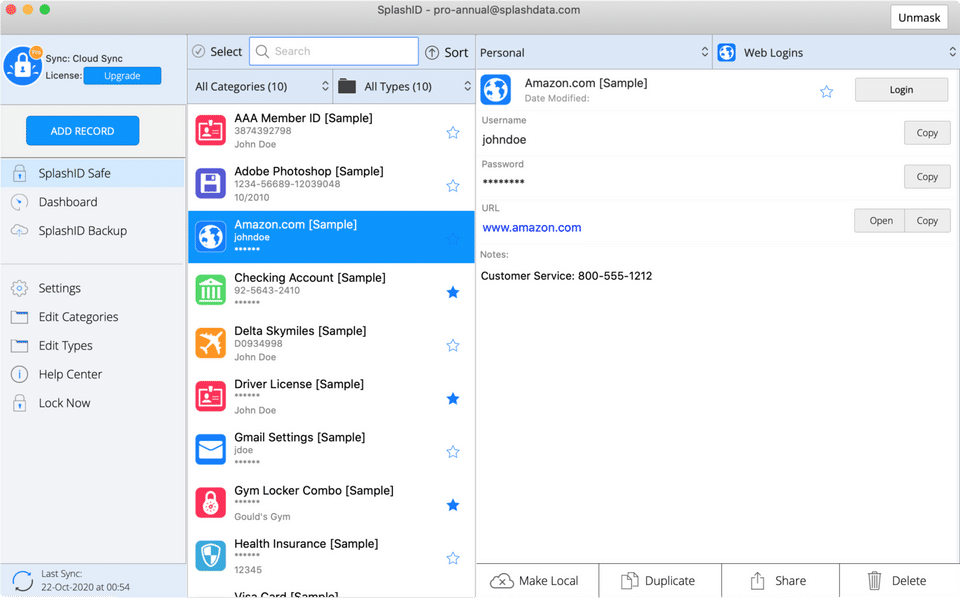
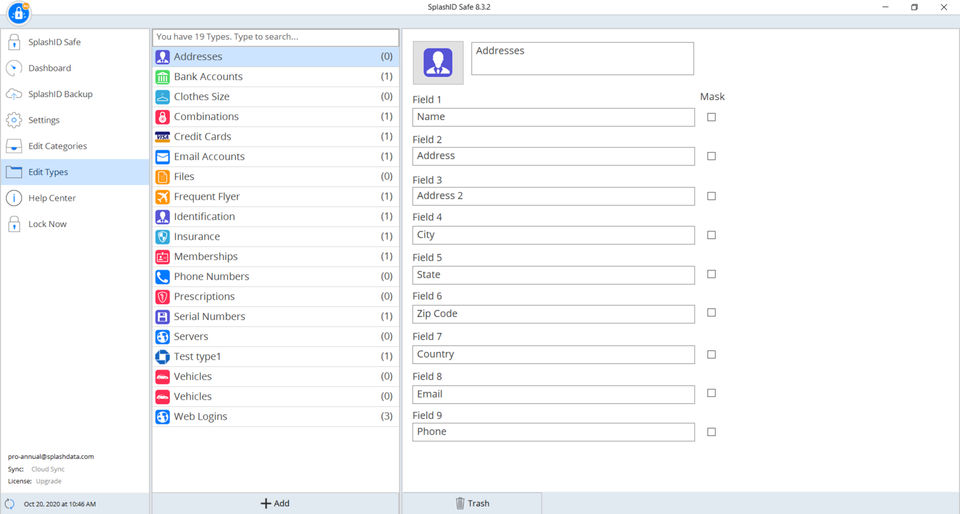
SplashID was reviewed internally using user feedback, in-house testing, and market research to assess its performance, reliability, and user experience. Learn how we review products and our evaluation process.

Who should consider SplashID
- Use cases
- Small businesses needing centralized password management, Medium businesses requiring multi-device password sync, Individuals seeking secure personal data storage
- Team types
- IT administrators managing credentials, Remote teams needing cross-platform access
- Company size
- 1-50 employees, 51-500 employees
- Workflow style
- Simple and streamlined
- Setup complexity
- Low
Why teams choose SplashID
Multi-device compatibility across Mac, PC, iOS, and Android
Reasonably priced lifetime license option
Centralized encrypted storage for passwords and personal data
Is SplashID right for you?
Best for small to medium businesses needing simple, cross-device encrypted password storage.
Choose SplashID if
- You want a centralized, encrypted vault for passwords and sensitive data.
- You need multi-device syncing across Mac, PC, iOS, and Android platforms.
- You prefer a one-time lifetime license for long-term cost savings.
Consider alternatives if
- You require advanced automated password capture and form-filling features.
- You need highly stable software with responsive customer support.
What buyers should know before choosing SplashID
SplashID is a password manager built for cross-device use—desktop, mobile, and web. It stores and syncs passwords to a central server, and offers a lifetime license option.
The interface is straightforward, which appeals to users who want minimal setup friction. Check stability before committing.
Some users report app crashes and data scrambling that requires manual server sync to fix. Before purchasing, verify in a demo that syncing reliably restores your vault after a crash, and confirm how often updates ship—customer support responsiveness has been inconsistent.
Test the password generator and custom field options against your actual password types (e. g.
, security questions, API keys) to confirm they fit your workflow. Confirm the lifetime license terms: what happens if the company discontinues the product, and whether you can export your vault in a standard format (like CSV or encrypted backup) if you need to switch.
Check whether the sync mechanism works offline or requires constant internet connectivity. If you use a password manager primarily on one device with occasional mobile access, SplashID's cross-device sync may be unnecessary overhead—a single-device manager might be simpler.
SplashID pros and cons
- SplashID pros
Multi-device compatibility across Mac, PC, iOS, and Android
Reasonably priced lifetime license option
Centralized encrypted storage for passwords and personal data
- SplashID cons
Stability issues including crashes and data scrambling
Inadequate and slow customer support
Ready to try it?
Get started with SplashID
Try the free plan and upgrade when ready.
Still comparing?
See how it stacks up
Compare SplashID side-by-side with top Password Management Software alternatives.


What is the pricing of SplashID?
SplashID Pricing Plans
Weighing your options?
Not sure if SplashID fits your budget?
SplashID reviews and ratings
Buyer sentiment
Users appreciate SplashID's ease of use and multi-device support but express concerns about stability and limited free features.
What buyers like
- Ease of use
- Multi-device compatibility
- Value for price
Common complaints
- App stability issues
- Customer support quality
Are you using SplashID?

- See if SplashID fits your business
- Real pricing — no sales pressure
- A demo or quick answers, your call
Step 1 of 4
How big is your team?
We tailor recommendations to companies your size.















What are the features of SplashID?
Backup/Restore is a software feature that allows users to protect important data and files from unexpected loss or damage. This feature enab…
Mobile password management is a feature that allows users to securely store and manage all their passwords and login credentials for various…
Multi-factor authentication (MFA) is a security mechanism that verifies a user's identity for a login or other transaction by requiring mult…
Offline functionality refers to the ability of software to be used without an internet connection. This feature allows users to access and u…
Password Encryption is a highly secure method of protecting sensitive information, such as passwords and personal data, from being accessed…
The Password Generator is a powerful tool designed to create strong and secure passwords for various purposes. It is a computer program or a…
Password reset is a commonly used feature in software that allows users to regain access to their accounts or systems by resetting their pas…
Secure Password Sharing is a software feature that allows users to securely share their passwords with others without compromising their pri…
Website password management is an essential tool for anyone who regularly uses the internet. It allows users to securely store and manage th…
SplashID security and data handling
Key compliance certifications and security features for IT and security teams evaluating SplashID.
Certifications
Security features
Developer & data
Alternatives to SplashID


SplashID Customers
W
UC Davis
UF
Lawrence livemore national laboratory
Los Alamos

UMass

Johns Hopkins

Getty Foundation
SplashID Support Options
Frequently Asked Questions About SplashID
Common questions buyers ask before choosing SplashID.
SplashID is a Password Management Software. SplashID offers Password Reset, Password Generator, Secure Password Sharing, Offline Functionality, Backup/Restore and many more functionalities.
SplashID is a strong fit if: You want a centralized, encrypted vault for passwords and sensitive data.; You need multi-device syncing across Mac, PC, iOS, and Android platforms.. Consider alternatives if: You require advanced automated password capture and form-filling features.; You need highly stable software with responsive customer support..
Buyers commonly note the following limitations of SplashID: Stability issues including crashes and data scrambling; Inadequate and slow customer support; Limited free version lacking essential features like backups and syncing.
Some top alternatives to SplashID includes Enpass, PassCamp, Passwork, 1Password and Forghetti.
SplashID offers Freemium, Subscription pricing models
The starting price of SplashID is $1.66/Month when Billed Yearly
Ready to try it?
Get started with SplashID
Get started with the free plan — no credit card required.
About the reviewer
Rajat Gupta is the founder of Spotsaas. Over the past two years, he has reviewed 2,000+ tools across CRM, HR, AI, and finance — applying hands-on product research and a background in commerce and the CFA program to evaluate software through a business and ROI lens. His goal: help teams make software decisions they won't regret.
Disclaimer: This research has been collated from a variety of authoritative sources. We welcome your feedback at [email protected].