
7.7
SpotScore

ScreenCast Review: Is It The Right Live Stream Software For Your Team?
Best for SMB teams · Mid-market · Enterprise
Free Trial Available
ScreenCast offers custom pricing plan
Overview
Pricing
Features
Buyer feedback
Alternatives
Media
Security & Compliance
Support
FAQ
Blogs
What is ScreenCast?
ScreenCast is a powerful and easy-to-use tool for creating and broadcasting visuals to multiple screens located across your organization. Stream KPIs, announcements, dashboards, and other data to digital signage, TVs, desktops, and mobile devices in real time. ScreenCast allows you to display your entire Windows desktop or a selection of applications, quickly and effectively. Make sure that everyone has access to accurate and up-to-date information with ScreenCast.
Pricing
ScreenCast offers custom pricing plan
Free Trial available
Best For
Suited for small teams, SMBs, and enterprise
Security & Compliance
Data residency:🇺🇸
Platform
Web-based — no mobile app
Installed - Windows
ScreenCast Screenshots

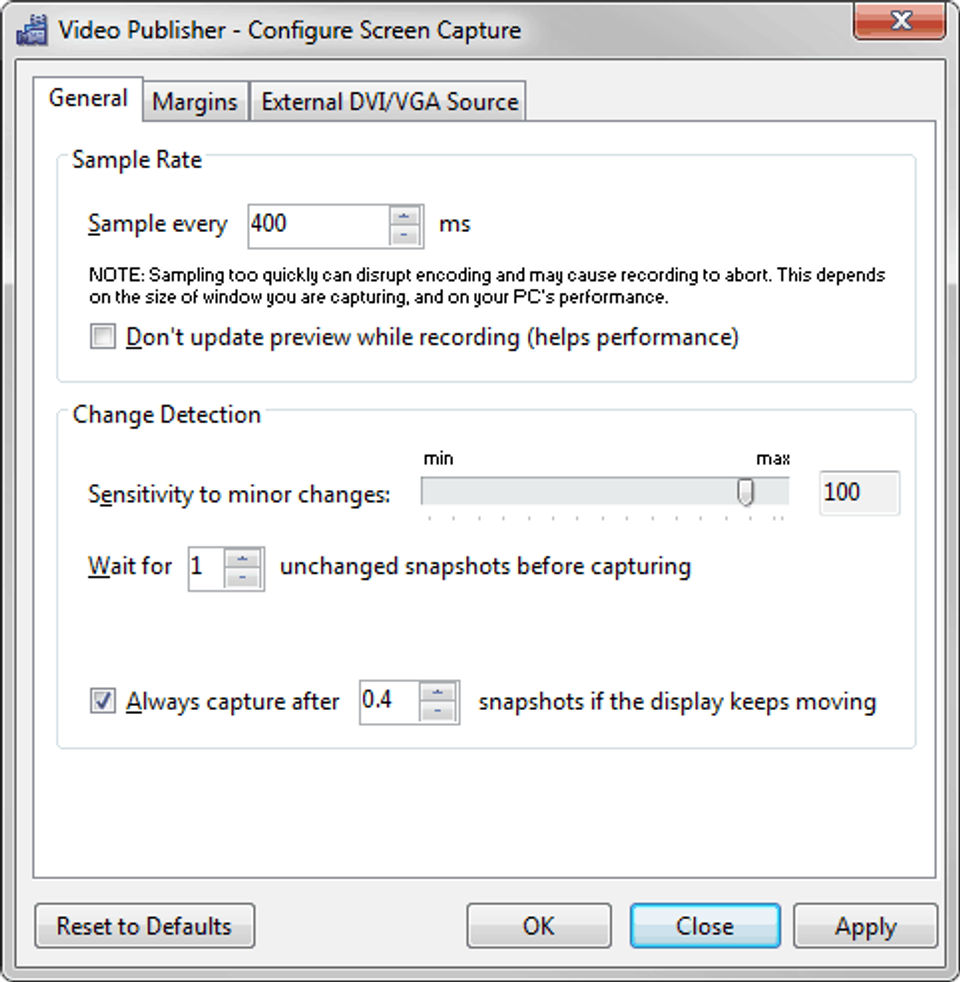
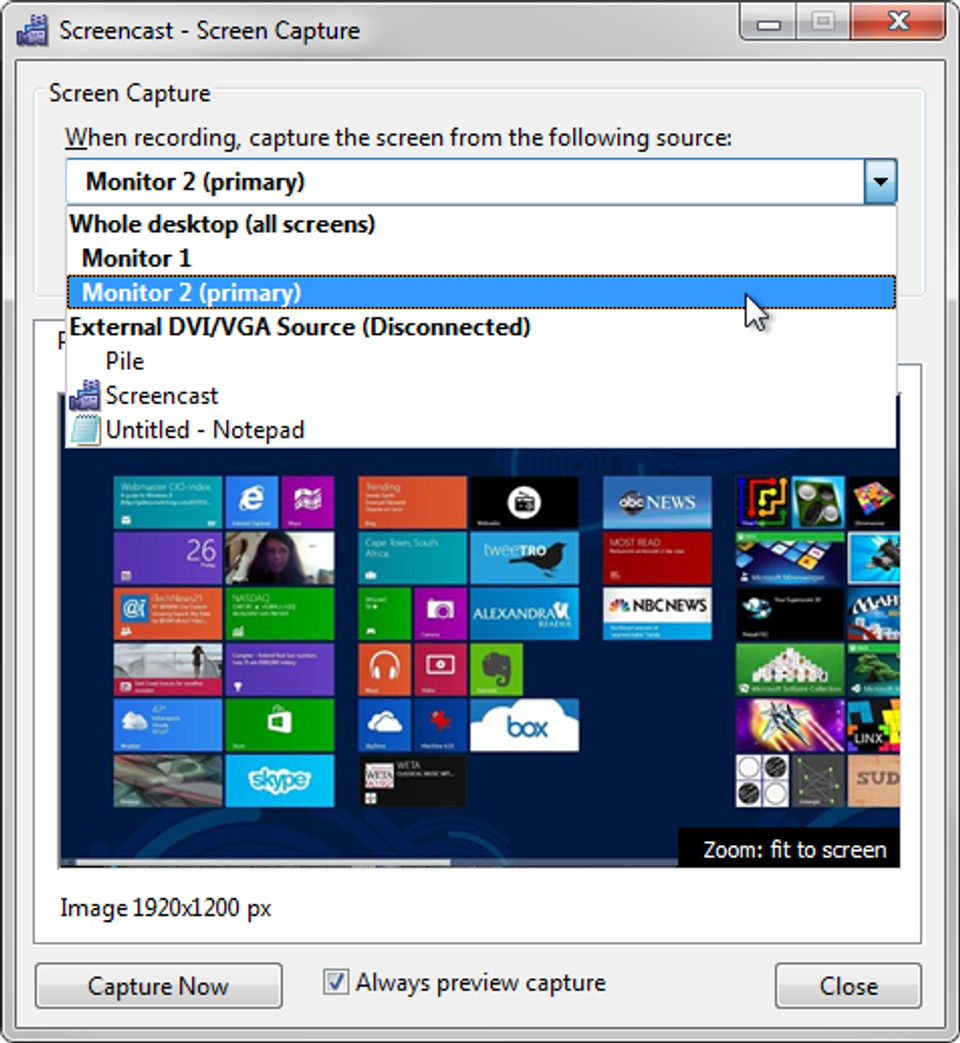
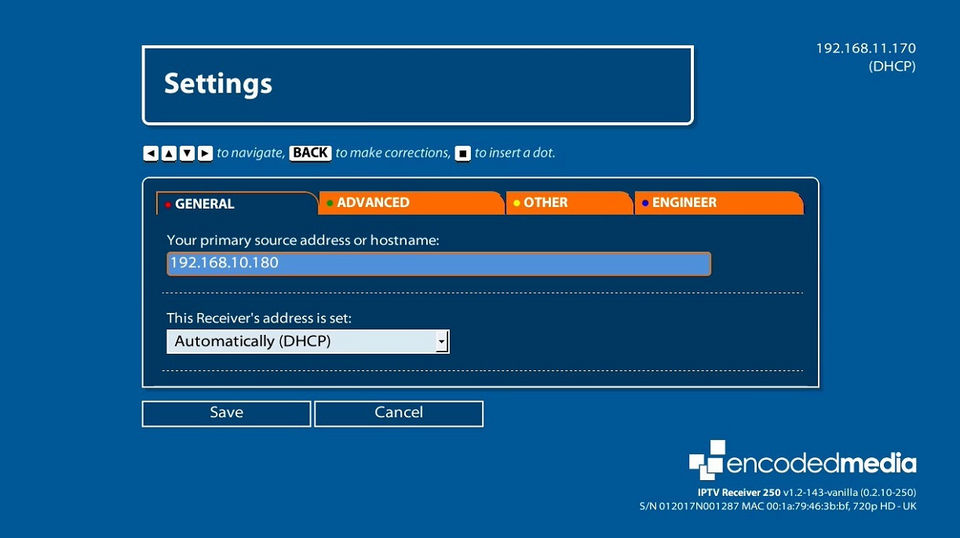
ScreenCast was reviewed internally using user feedback, in-house testing, and market research to assess its performance, reliability, and user experience. Learn how we review products and our evaluation process.

Who should consider ScreenCast
- Team types
- Large Enterprises, Medium Business
Why teams choose ScreenCast
Enables broadcasting to multiple screens effortlessly.
Displays real-time data for effective communication.
User-friendly interface for quick setup.
Is ScreenCast right for you?
What buyers should know before choosing ScreenCast
ScreenCast is an effective tool for broadcasting visuals across multiple screens, ensuring real-time data accessibility. Its user-friendly design makes it suitable for organizations needing quick and efficient communication.
ScreenCast pros and cons
- ScreenCast pros
Enables broadcasting to multiple screens effortlessly.
Displays real-time data for effective communication.
User-friendly interface for quick setup.
- ScreenCast cons
Focuses solely on visual broadcasting.
May lack advanced features for complex needs.
Ready to try it?
Get started with ScreenCast
Start your free trial — no credit card required.
Still comparing?
See how it stacks up
Compare ScreenCast side-by-side with top Live Stream Software alternatives.


What is the pricing of ScreenCast?
ScreenCast uses custom pricing — plans are tailored to your team size and needs. Contact them for a quote.
ScreenCast Pricing Plans
Weighing your options?
Not sure if ScreenCast fits your budget?
ScreenCast reviews and ratings
Buyer sentiment
Buyer sentiment is very strong across 5 reviews, with consistently positive feedback.
What buyers like
- Multi-screen broadcasting
- Real-time data display
- User-friendly interface
Common complaints
- Limited to broadcasting visuals
- May lack advanced features
- Pricing can be high for small users
Are you using ScreenCast?

- See if ScreenCast fits your business
- Real pricing — no sales pressure
- A demo or quick answers, your call
Step 1 of 4
How big is your team?
We tailor recommendations to companies your size.















What are the features of ScreenCast?
The statistics of your live event are tracked in real-time by audience analytics. You'll be able to see how many people are watching, where…
The purposeful technique of turning event-goers into active participants to fulfill both organizer and attendee goals is known as audience e…
A live broadcast, often known as live transmission, is a term that refers to a variety of media that is broadcast without delay. Broadcast r…
"High-definition" is the abbreviation for "high-definition." HDTV is a type of television that uses progressive or interlaced scanning, a wi…
Multi-streaming refers to live broadcasting to numerous channels at the same time. When you have a live event and want to reach a large audi…
Any video production can be brought to life with live annotations. This is an excellent method to give your OBS presentations more productio…
ScreenCast security and data handling
Key compliance certifications and security features for IT and security teams evaluating ScreenCast.
Certifications

Developer & data
Alternatives to ScreenCast
Recommended
Connect, engage, and learn through ...
9.0
Excellent


ScreenCast Support Options
Frequently Asked Questions About ScreenCast
Common questions buyers ask before choosing ScreenCast.
ScreenCast is a Live Stream Software. ScreenCast offers Video Annotations, Multistreaming, HD Video Streaming, Broadcast Recording, Audience Engagement and many more functionalities.
Buyers commonly note the following limitations of ScreenCast: Focuses solely on visual broadcasting.; May lack advanced features for complex needs.; Pricing can be a barrier for smaller organizations..
Some top alternatives to ScreenCast includes Livestorm, Callaba Cloud, Evercast, Streamlabs OBS and Melon.
ScreenCast offers Free Trial, Quotation Based pricing models
The starting price is not disclosed by ScreenCast. You can visit ScreenCast pricing page to get the latest pricing.
Ready to try it?
Get started with ScreenCast
Start your free trial — no credit card required.
About the reviewer
Rajat Gupta is the founder of Spotsaas. Over the past two years, he has reviewed 2,000+ tools across CRM, HR, AI, and finance — applying hands-on product research and a background in commerce and the CFA program to evaluate software through a business and ROI lens. His goal: help teams make software decisions they won't regret.
Disclaimer: This research has been collated from a variety of authoritative sources. We welcome your feedback at [email protected].