
SafeShare.tv Review: Is It The Right K-12 Student Information Systems For Your Team?
Best for SMB teams
Free Plan Available
Add to compare
Starts from $4.99 / month when monthly, also offers free forever plan
Overview
Pricing
Features
Buyer feedback
Alternatives
Media
FAQ
Blogs
What is SafeShare.tv?
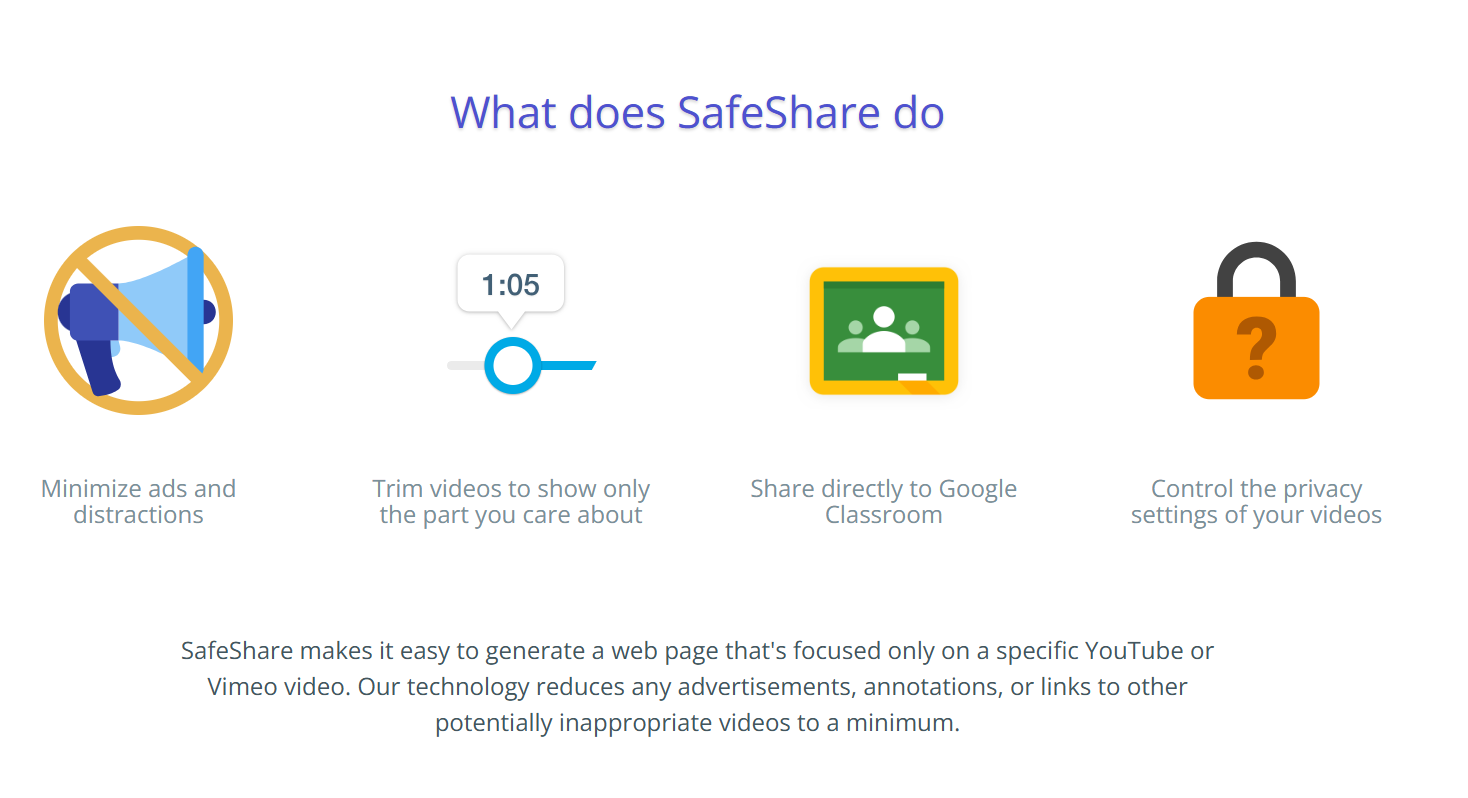
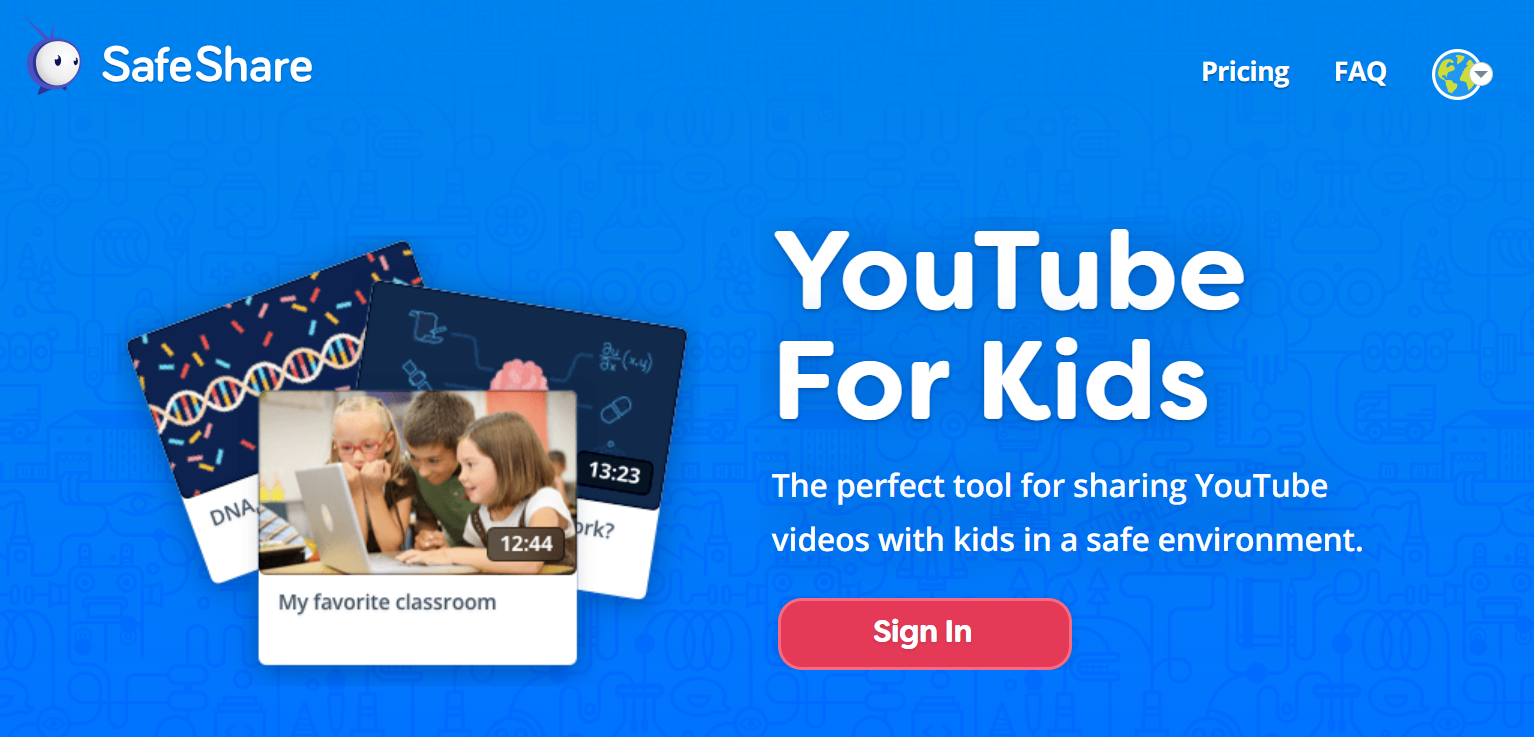
SafeShare.tv allows users to share YouTube and Vimeo videos without ads, recommendations, comments, or external distractions. It converts public videos into a focused viewing page where only the selected content is visible. Users can trim clips, add custom titles and descriptions, and control how videos are presented before sharing them via links, embeds, or Google Classroom. This makes SafeShare.tv a practical choice for teachers, parents, trainers, and teams that need controlled, distraction-free video playback for learning and communication.
Pricing
Starts from $4.99 / month when monthly
Best For
Best suited for small teams and solo users
SafeShare.tv Screenshots
SafeShare.tv was reviewed internally using user feedback, in-house testing, and market research to assess its performance, reliability, and user experience. Learn how we review products and our evaluation process.

Who should consider SafeShare.tv
- Use cases
- Education (K-12), E-Learning and Training, Corporate Learning and Professional Development
- Team types
- Teachers and Educators, Instructional Designers and Trainers
- Company size
- 1-50 employees, 51-500 employees
- Workflow style
- Simple and streamlined
- Setup complexity
- Low
Why teams choose SafeShare.tv
Provides distraction-free, ad-free video playback ideal for focused learning
Enables sharing of trimmed video clips to highlight relevant content
Generates compact, easy-to-distribute links compatible with multiple channels including Google Classroom
Is SafeShare.tv right for you?
Best for sharing distraction-free, trimmed YouTube and Vimeo videos in education.
Choose SafeShare.tv if
- You need to share ad-free, distraction-free video content with students or trainees.
- You want to trim videos and add custom titles before sharing via links or Google Classroom.
- You prefer a simple, browser-based tool requiring minimal setup and no installation.
Consider alternatives if
- You require advanced video analytics or detailed viewer engagement metrics.
- You need deep LMS integrations with platforms like Canvas or Moodle.
What buyers should know before choosing SafeShare.tv
SafeShare. tv is built for one clear purpose: sharing online videos in a controlled, distraction-free format.
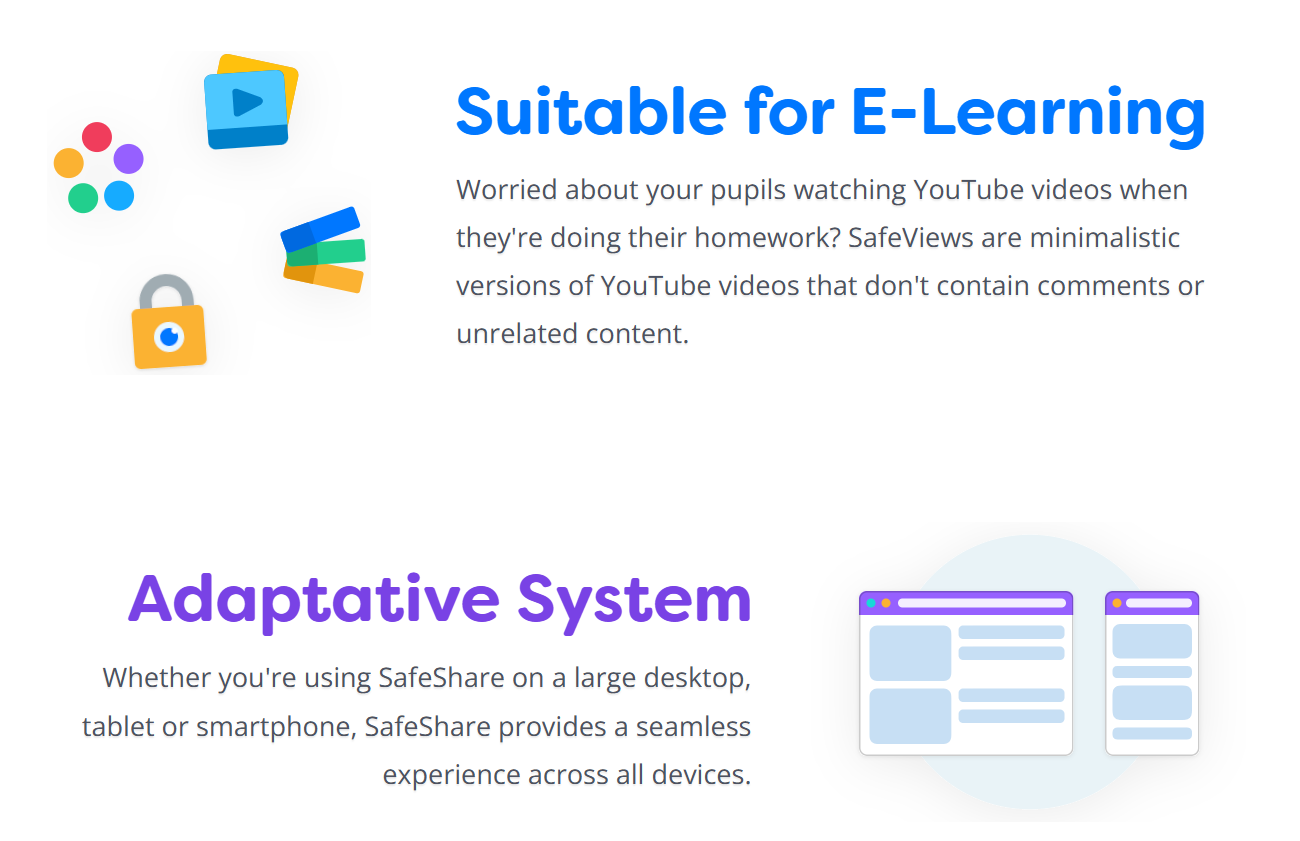
It converts YouTube and Vimeo links into clean viewing pages by removing ads, comments, recommended videos, and external navigation. This makes it especially effective in classrooms, training sessions, and professional presentations where attention control matters.
The platform is lightweight, browser-based, and easy to use, requiring no setup or technical configuration. Features like clip trimming, title editing, shortened URLs, and Google Classroom sharing address practical needs without overcomplicating the experience.
While it does not aim to replace video hosting or learning management systems, SafeShare. tv performs reliably as a focused video delivery layer for education and communication use cases.
SafeShare.tv pros and cons
- SafeShare.tv pros
Provides distraction-free, ad-free video playback ideal for focused learning
Enables sharing of trimmed video clips to highlight relevant content
Generates compact, easy-to-distribute links compatible with multiple channels including Google Classroom
- SafeShare.tv cons
Advanced features like playlists and contact management require a paid subscription
Lacks detailed viewer insights such as engagement metrics or completion rates
Ready to try it?
Get started with SafeShare.tv
Try the free plan and upgrade when ready.
Still comparing?
See how it stacks up
Compare SafeShare.tv side-by-side with top K-12 Student Information Systems alternatives.


What is the pricing of SafeShare.tv?
SafeShare.tv Pricing Plans
Weighing your options?
Not sure if SafeShare.tv fits your budget?
SafeShare.tv reviews and ratings
Buyer sentiment
Users appreciate SafeShare.tv for its simplicity and effectiveness in delivering distraction-free video content, though some desire more advanced features and integrations.
What buyers like
- Ease of use
- Ad-free and distraction-free playback
- Flexible sharing options
Common complaints
- Lack of advanced analytics
- Limited integrations with other platforms
Be the first to review SafeShare.tv
You'll help thousands of buyers make a smarter decision.

- See if SafeShare.tv fits your business
- Real pricing — no sales pressure
- A demo or quick answers, your call
Step 1 of 4
How big is your team?
We tailor recommendations to companies your size.















What are the features of SafeShare.tv?
SafeShare.tv offers a centralized customer portal for managing saved videos, playlists, and sharing preferences. Users can organize frequent…
SafeShare.tv allows videos to be shared through email campaigns using clean, shortened links that open to an ad-free viewing page. This keep…
SafeShare.tv is widely used in K-12 classrooms to create a safe video viewing experience for students. It removes ads, comments, related vid…
SafeShare.tv strips ads, comments, suggested videos, and external navigation elements from shared video links. Viewers see only the selected…
Transcription is a powerful feature that allows users to effortlessly convert audio files into text documents. This technology has revolutio…
Every SafeView created with SafeShare.tv includes a shortened, easy-to-share URL. These compact links work well in emails, classroom resourc…
Alternatives to SafeShare.tv






Why buyers keep looking beyond SafeShare.tv
Teams that need to upload, host, and manage their own video libraries may choose platforms that support commenting, role-based permissions, and collaborative review. SafeShare.tv focuses on presenting existing videos cleanly rather than offering full hosting or content management capabilities.
Schools and universities using established learning management systems may look for tools that integrate directly into course modules, gradebooks, and student workflows. Without native LMS integrations, SafeShare.tv may require manual link sharing, which can be less efficient for structured academic environments.
Organizations that need detailed visibility into how videos perform may prefer platforms that offer metrics such as total views, watch time, drop-off points, and viewer engagement. SafeShare.tv does not provide analytics dashboards, which limits insight for training evaluation, marketing performance, or learner progress tracking.
Some users require native tools to generate, edit, and manage transcripts directly within the platform. SafeShare.tv relies on captions from the original video source, which may not meet accessibility standards or editing needs for institutions that must control transcript accuracy, language versions, or compliance requirements.
Frequently Asked Questions About SafeShare.tv
Common questions buyers ask before choosing SafeShare.tv.
SafeShare.tv is a K-12 Student Information Systems. SafeShare.tv offers K-12, Transcription, Email Marketing, Privacy Control, URL Shortening and many more functionalities.
SafeShare.tv is a strong fit if: You need to share ad-free, distraction-free video content with students or trainees.; You want to trim videos and add custom titles before sharing via links or Google Classroom.. Consider alternatives if: You require advanced video analytics or detailed viewer engagement metrics.; You need deep LMS integrations with platforms like Canvas or Moodle..
Buyers commonly note the following limitations of SafeShare.tv: Advanced features like playlists and contact management require a paid subscription; Lacks detailed viewer insights such as engagement metrics or completion rates; No native integrations with popular LMS or CRM platforms.
Some top alternatives to SafeShare.tv includes TeacherEase, Aeries SIS, Infinite Campus, Administrator's Plus and PowerSchool eSchoolPLUS.
SafeShare.tv offers Freemium, Subscription pricing models
The starting price of SafeShare.tv is $4.99/month when monthly
Ready to try it?
Get started with SafeShare.tv
Get started with the free plan — no credit card required.
About the reviewer
Rajat Gupta is the founder of Spotsaas. Over the past two years, he has reviewed 2,000+ tools across CRM, HR, AI, and finance — applying hands-on product research and a background in commerce and the CFA program to evaluate software through a business and ROI lens. His goal: help teams make software decisions they won't regret.
Disclaimer: This research has been collated from a variety of authoritative sources. We welcome your feedback at [email protected].