
SafeShare.tv Comparison
SafeShare.tv
Starting at $4.99 /month
- Freelancers / Consultants
- Individuals
SafeShare.tv allows users to share YouTube and Vimeo videos without ads, recommendations, comments, or external distractions. It converts public videos into a focused viewing page where only the selected content is visib…
SafeShare.tv — find the better fit before you commit.
Which tool fits your team best
Which is actually cheaper for your team size
Where each product wins, per real buyers
Most K-12 Student Information Systems tools look identical on paper. This comparison cuts to the differences that matter — pricing structure, team fit, and what real buyers found after signing up.
Biggest differences
Features
Pricing
Buying details
Security
Buyer feedback
Integrations
Product tour
Other options
Talk to an expert Talk to an expert |
Free PDF comparison
Download this SafeShare.tv comparison
Get the full side-by-side as a PDF — these picks plus the top K-12 Student Information Systems tools, with verified ratings, pricing and features.
- Side-by-side on pricing, features & ratings
- Plus the category top 10, scored & ranked
- Emailed to you — no on-screen download
No file downloads on screen — we email it to you. One-click unsubscribe anytime.
Biggest differences
Start here before you go deeper into features.
Best for sharing distraction-free, trimmed YouTube and Vimeo videos in education.
- You need to share ad-free, distraction-free video content with students or trainees.
- You want to trim videos and add custom titles before sharing via links or Google Classroom.
- You prefer a simple, browser-based tool requiring minimal setup and no installation.
- You require advanced video analytics or detailed viewer engagement metrics.
- You need deep LMS integrations with platforms like Canvas or Moodle.
Description | SafeShare.tv allows users to share YouTube and Vimeo videos without ads, recommendations, comments, or external distractions. It converts public videos into a focused viewing page where ... Read More about SafeShare.tv |
|---|---|
Entry Level Pricing |
|
Free Trial Availability |
|
Best Company Size | 1-50 employees51-500 employees |
Get pricing help |
Where each option fits best
See where each product is strongest, which teams it fits, and what causes buyers to keep looking — before you commit.
Based on buyer reviews and verified product data collected by Spotsaas.
Key strengths
- Lightweight and accessible across devices: Being browser-based, SafeShare.tv works on desktops, tablets, and mobile devices without installation. This lowers technical barriers and supports quick adoption across classrooms and teams.
- Flexible sharing across channels: SafeShare.tv links work smoothly across email, Google Classroom, presentations, websites, and QR codes. The shortened URLs make distribution easy across both digital and printed formats.
- Focused learning through clip trimming: Custom start and end times allow users to share only the most relevant portion of a video. This helps reinforce key points, shortens lesson time, and improves viewer comprehension.
Best fit
- 1–500 employees
- Education (K-12), E-Learning, Higher Education, Training & Coaching, Corporate Learning, Nonprofits, Professional Services
- Teachers, Educators, Instructional Designers, School Administrators, Trainers, L&D Managers, Professors, Content Coordinators, Program Managers
Reasons buyers look elsewhere
- Teams that need to upload, host, and manage their own video libraries may choose platforms that support commenting, role-based permissions, and collaborative review. SafeShare.tv focuses on presenting existing videos cleanly rather than offering full hosting or content management capabilities.
- Schools and universities using established learning management systems may look for tools that integrate directly into course modules, gradebooks, and student workflows. Without native LMS integrations, SafeShare.tv may require manual link sharing, which can be less efficient for structured academic environments.
- Organizations that need detailed visibility into how videos perform may prefer platforms that offer metrics such as total views, watch time, drop-off points, and viewer engagement. SafeShare.tv does not provide analytics dashboards, which limits insight for training evaluation, marketing performance, or learner progress tracking.
Need a second opinion?
Get shortlist help from a software advisor
Share your priorities, budget, and team needs, and we’ll help you narrow the options and understand the tradeoffs before you talk to vendors.

- Independent advice — matched to your business
- Understand the tradeoffs before you talk to vendors
- Free 15-min call with a software advisor.
Step 1 of 4
How big is your team?
We tailor recommendations to companies your size.















Features
Total Features | 6 Features |
|---|---|
Unique Features | No unique features |
Get Quote |
Pricing and trial details
Review starting price, plan structure, and free-trial access side by side so you can see which option fits your budget and buying process.
Pricing Option | |
|---|---|
Starting From |
|
Pricing Plans | |
Pricing Page | 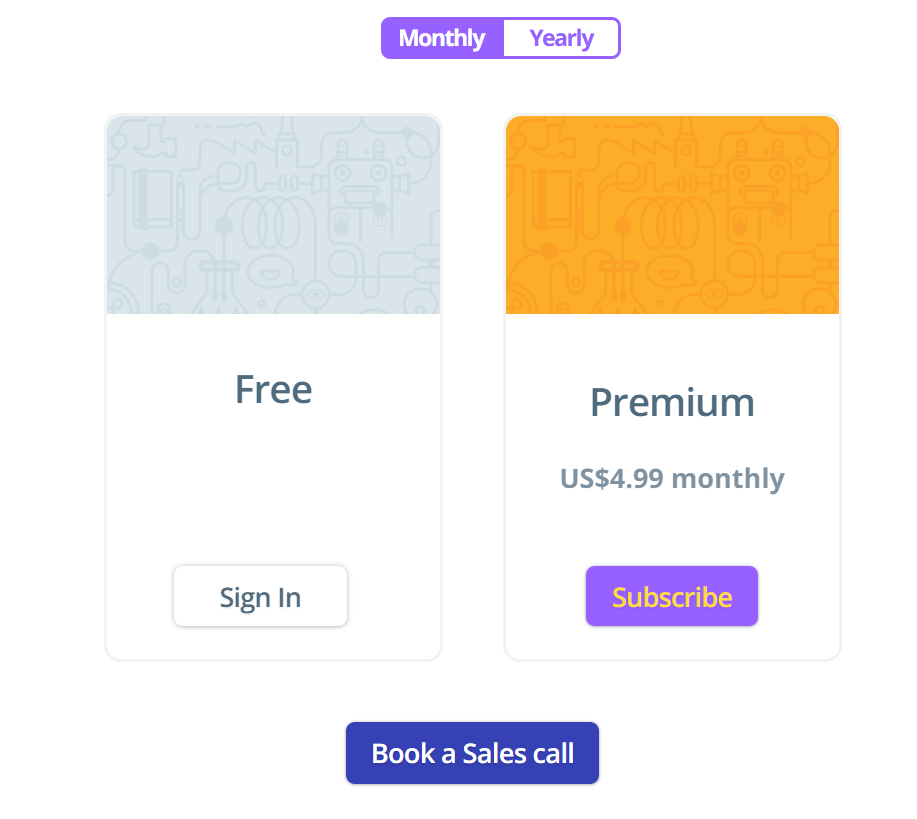 |
Other Details
Organization Types supported |
|
|---|---|
Platforms Supported |
|
Modes of support |
|
API Support |
|
Get help choosing |
User Reviews & Rating Comparison
Spotsaas Editor’s POV generated by AI | Buyer sentiment Users appreciate SafeShare.tv for its simplicity and effectiveness in delivering distraction-free video content, though some desire more advanced features and integrations. What buyers like
Common complaints
|
|---|---|
Pros and Cons |
|
Media and Screenshots
Screenshots | 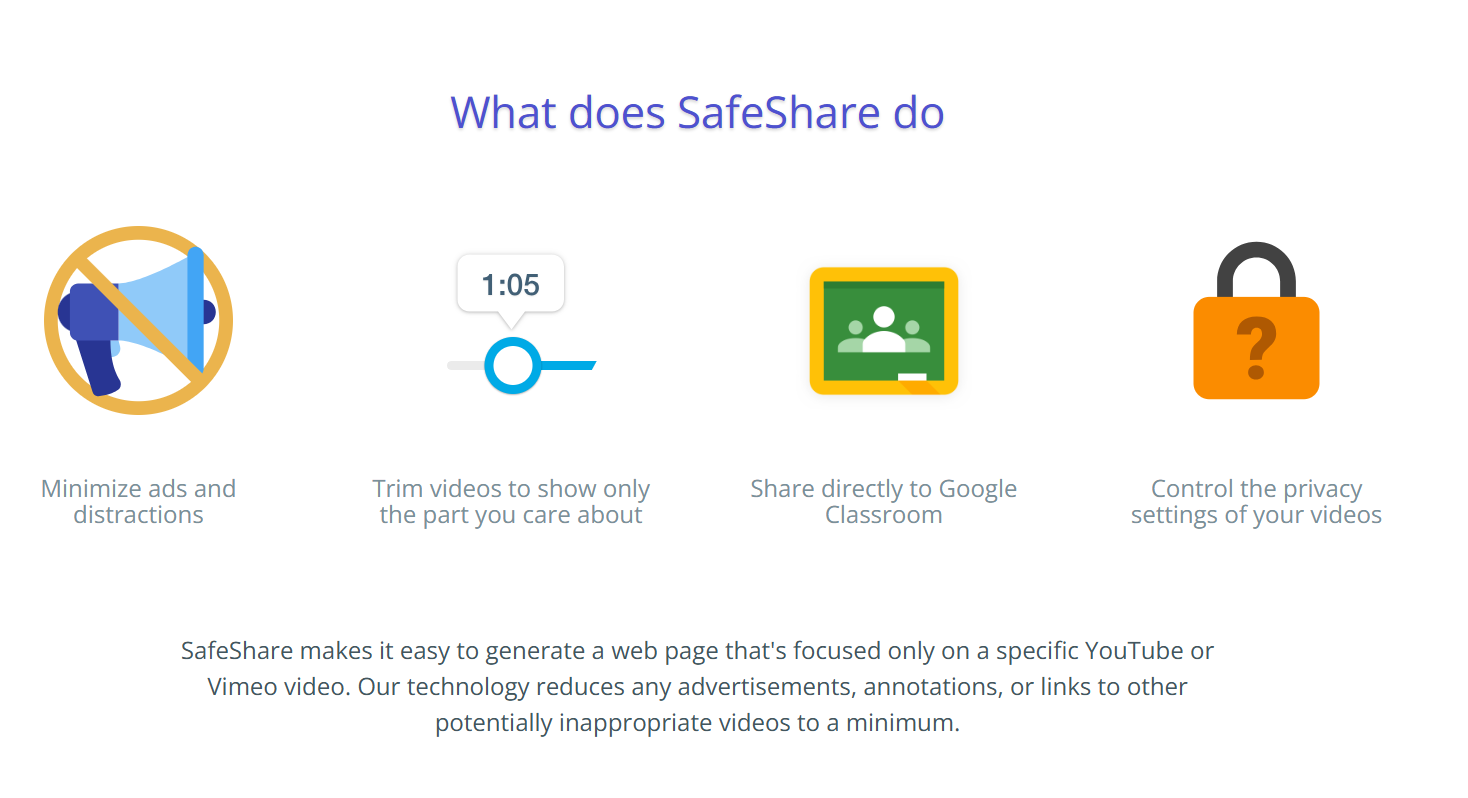 3 Screenshots | No screenshots available. |
|---|
Alternatives
Alternatives |
|---|
Add another option to compare side by side
Search by product name to compare pricing, fit, and buyer feedback in one view.Compare similar software options




Related Blogs and Articles for K 12 Student Information Systems
Disclaimer: This research has been collated from a variety of authoritative sources. We welcome your feedback at [email protected].