
Aeries SIS vs PowerSchool eSchoolPLUS vs SafeShare.tv Comparison

Aeries SIS
Starting at Contact for pricing
- Large Enterprises
- Medium Business
Aeries SIS is the ideal platform to effectively manage student information. It is the go-to software for more than 45% of schools across California, specializing in tailored solutions for K-12 environments, as well as el…

PowerSchool eSchoolPLUS
Starting at Contact for pricing
- Large Enterprises
- Small Business
Experience the power of the next-generation Student Information System with PowerSchool eSchoolPLUS. This advanced SIS is a versatile and reliable solution tailored to integrate effortlessly with various educational tech…
SafeShare.tv
Starting at $4.99 /month
- Freelancers / Consultants
- Individuals
SafeShare.tv allows users to share YouTube and Vimeo videos without ads, recommendations, comments, or external distractions. It converts public videos into a focused viewing page where only the selected content is visib…
Aeries SIS leads on user satisfaction with a 4.2-star rating across 33 reviews.
Aeries SIS vs PowerSchool eSchoolPLUS vs SafeShare.tv — at a glance
| Feature | Aeries SIS | PowerSchool eSchoolPLUS | SafeShare.tv |
|---|---|---|---|
| Rating | 4.2 / 5 | — | — |
| Reviews | 33 | — | — |
| Starting price | Contact for pricing | Contact for pricing | $4.99 /month |
| Free trial | No | No | No |
| Free version | No | No | No |
| Best for | Large Enterprises, Medium Business, Small Business | Large Enterprises, Small Business, Medium Business | Freelancers / Consultants, Individuals, Small Business |
| Category | K-12 Student Information Systems | K-12 Student Information Systems | K-12 Student Information Systems |
| Platforms | SaaS/Web/Cloud, Mobile - Android, Mobile - iOS | Browser Based (Cloud) | SaaS/Web/Cloud |
| API | — | — | — |
| Support modes | Business Hours, Online | Online | — |
| Certifications | HIPAA | — | — |
| Data residency | US | US | — |
Key differences between Aeries SIS and PowerSchool eSchoolPLUS
- Deployment: Aeries SIS supports SaaS/Web/Cloud, Mobile - Android, Mobile - iOS; PowerSchool eSchoolPLUS supports Browser Based (Cloud).
Compare Aeries SIS vs PowerSchool eSchoolPLUS vs SafeShare.tv — and walk away knowing which one fits.
Which tool fits your team best
Which is actually cheaper for your team size
Where each product wins, per real buyers
Most K-12 Student Information Systems tools look identical on paper. This comparison cuts to the differences that matter — pricing structure, team fit, and what real buyers found after signing up.
Biggest differences
Features
Pricing
Buying details
Security
Buyer feedback
Integrations
Product tour
Other options
Talk to an expert Talk to an expert | Talk to an expert Talk to an expert | Talk to an expert Talk to an expert |
Free PDF comparison
Download this Aeries SIS vs PowerSchool eSchoolPLUS vs SafeShare.tv comparison
Get the full side-by-side as a PDF — these picks plus the top K-12 Student Information Systems tools, with verified ratings, pricing and features.
- Side-by-side on pricing, features & ratings
- Plus the category top 10, scored & ranked
- Emailed to you — no on-screen download
No file downloads on screen — we email it to you. One-click unsubscribe anytime.
Biggest differences
Start here before you go deeper into features.
Best for California K-12 schools needing compliant, comprehensive student management.
- You manage a medium to large K-12 or charter school district in California.
- You require up-to-date compliance with California K-12 education laws.
- You want strong vendor support and maintenance included with the system.
- You operate a small private tutoring center or higher education institution.
- You need a simple, quick setup or transparent, fixed pricing.
Best for K-12 districts needing advanced, integrative student information management.
- You manage a medium to large K-12 school district requiring robust SIS capabilities.
- Your institution needs seamless integration with multiple educational technology tools.
- You have IT staff capable of handling a complex, configurable setup process.
- You represent a small school with limited IT infrastructure and resources.
- You require transparent pricing and a quick, out-of-the-box implementation.
Best for sharing distraction-free, trimmed YouTube and Vimeo videos in education.
- You need to share ad-free, distraction-free video content with students or trainees.
- You want to trim videos and add custom titles before sharing via links or Google Classroom.
- You prefer a simple, browser-based tool requiring minimal setup and no installation.
- You require advanced video analytics or detailed viewer engagement metrics.
- You need deep LMS integrations with platforms like Canvas or Moodle.
Aeries SIS: Best for California K-12 schools needing compliant, comprehensive student management. PowerSchool eSchoolPLUS: Best for K-12 districts needing advanced, integrative student information management.
Description | Aeries SIS is the ideal platform to effectively manage student information. It is the go-to software for more than 45% of schools across California, specializing in tailored solutions for ... Read More about Aeries SIS | Experience the power of the next-generation Student Information System with PowerSchool eSchoolPLUS. This advanced SIS is a versatile and reliable solution tailored to integrate ... Read More about PowerSchool eSchoolPLUS | SafeShare.tv allows users to share YouTube and Vimeo videos without ads, recommendations, comments, or external distractions. It converts public videos into a focused viewing page where ... Read More about SafeShare.tv |
|---|---|---|---|
Entry Level Pricing |
|
|
|
Free Trial Availability |
|
|
|
User RatingsBased on verified Spotsaas reviews | |||
Best Company Size | Medium businessLarge enterprises | Medium BusinessLarge Enterprises | 1-50 employees51-500 employees |
Get pricing help | Get pricing help | Get pricing help |
Where each option fits best
See where each product is strongest, which teams it fits, and what causes buyers to keep looking — before you commit.
Based on buyer reviews and verified product data collected by Spotsaas.
Key strengths
No key benefits available yet.
No key benefits available yet.
- Lightweight and accessible across devices: Being browser-based, SafeShare.tv works on desktops, tablets, and mobile devices without installation. This lowers technical barriers and supports quick adoption across classrooms and teams.
- Flexible sharing across channels: SafeShare.tv links work smoothly across email, Google Classroom, presentations, websites, and QR codes. The shortened URLs make distribution easy across both digital and printed formats.
- Focused learning through clip trimming: Custom start and end times allow users to share only the most relevant portion of a video. This helps reinforce key points, shortens lesson time, and improves viewer comprehension.
Best fit
No best-fit guidance available yet.
No best-fit guidance available yet.
- 1–500 employees
- Education (K-12), E-Learning, Higher Education, Training & Coaching, Corporate Learning, Nonprofits, Professional Services
- Teachers, Educators, Instructional Designers, School Administrators, Trainers, L&D Managers, Professors, Content Coordinators, Program Managers
Reasons buyers look elsewhere
No alternatives guidance available yet.
No alternatives guidance available yet.
- Teams that need to upload, host, and manage their own video libraries may choose platforms that support commenting, role-based permissions, and collaborative review. SafeShare.tv focuses on presenting existing videos cleanly rather than offering full hosting or content management capabilities.
- Schools and universities using established learning management systems may look for tools that integrate directly into course modules, gradebooks, and student workflows. Without native LMS integrations, SafeShare.tv may require manual link sharing, which can be less efficient for structured academic environments.
- Organizations that need detailed visibility into how videos perform may prefer platforms that offer metrics such as total views, watch time, drop-off points, and viewer engagement. SafeShare.tv does not provide analytics dashboards, which limits insight for training evaluation, marketing performance, or learner progress tracking.
Need a second opinion?
Get shortlist help from a software advisor
Share your priorities, budget, and team needs, and we’ll help you narrow the options and understand the tradeoffs before you talk to vendors.

- Independent advice — matched to your business
- Understand the tradeoffs before you talk to vendors
- Free 15-min call with a software advisor.
Step 1 of 4
How big is your team?
We tailor recommendations to companies your size.















How do Aeries SIS, PowerSchool eSchoolPLUS and SafeShare.tv Compare on Features?
Total Features | 8 Features | 0 Features | 6 Features |
|---|---|---|---|
Unique Features | No unique features | No features | No unique features |
Get Quote | Get Quote | Get Quote |
Compare Aeries SIS, PowerSchool eSchoolPLUS and SafeShare.tv on pricing
Review starting price, plan structure, and free-trial access side by side so you can see which option fits your budget and buying process.
Pricing Option | |||
|---|---|---|---|
Starting From |
|
|
|
Pricing Plans |
|
| |
Pricing Page | Pricing information not available | Pricing information not available | 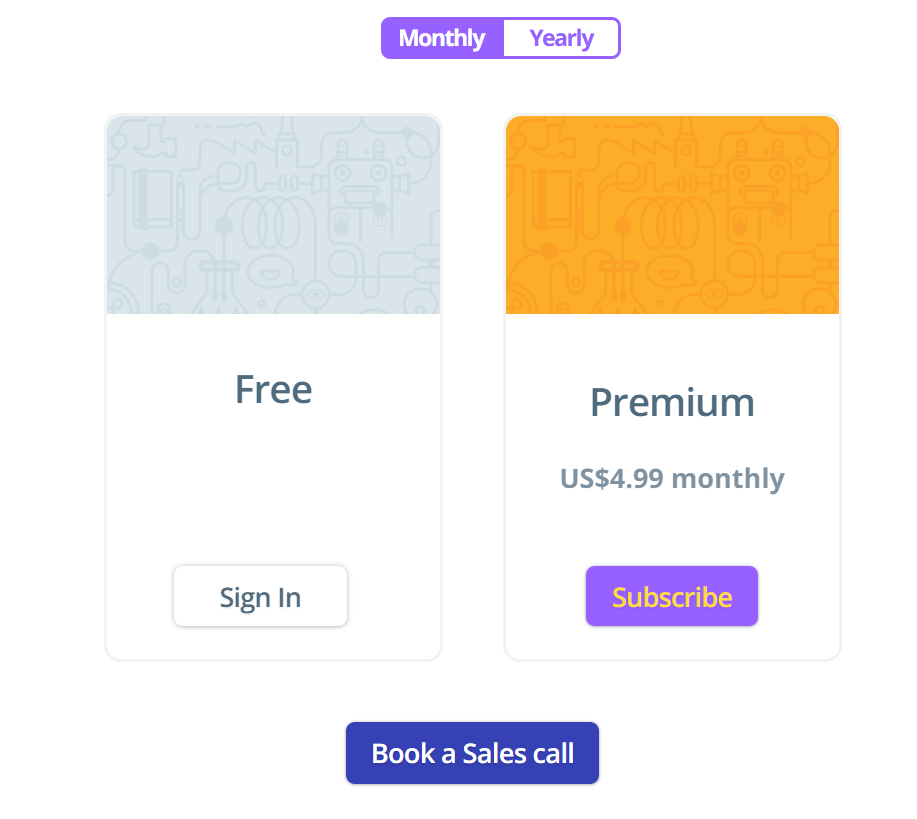 |
Other Details
Organization Types supported |
|
|
|
|---|---|---|---|
Platforms Supported |
|
|
|
Modes of support |
|
|
|
API Support |
|
|
|
Get help choosing | Get help choosing | Get help choosing |
Security & Compliance
Certifications, data handling, and security controls for IT and compliance evaluators.
HIPAA | ✓ Yes | ✗ No | — |
|---|---|---|---|
GDPR | ✗ No | ✗ No | — |
Single Sign-On (SSO) | ✓ Yes | ✓ Yes | — |
Data Encryption | ✓ Yes | ✓ Yes | — |
Audit Logs | ✓ Yes | — | — |
Data Residency | 🇺🇸 US | 🇺🇸 US | — |
Aeries SIS vs PowerSchool eSchoolPLUS User Reviews & Rating Comparison
User Ratings | No reviews available for the product | No reviews available for the product | |
|---|---|---|---|
Rating Distribution | No reviews available for this product | No reviews available for this product | |
Spotsaas Editor’s POV generated by AI | Buyer sentiment Users generally appreciate Aeries SIS for its compliance and support but note complexity and pricing opacity as drawbacks. What buyers like
Common complaints
| Buyer sentiment No publicly available reviews or ratings to summarize buyer sentiment. | Buyer sentiment Users appreciate SafeShare.tv for its simplicity and effectiveness in delivering distraction-free video content, though some desire more advanced features and integrations. What buyers like
Common complaints
|
Pros and Cons |
|
|
|
Positive Reviews | No reviews available for the product | No reviews available for the product | No reviews available for the product |
List of Customers
Customers | No Customers information available. |  Antelope  Kennewick  Aiken County | No Customers information available. |
|---|
Media and Screenshots
Screenshots |  3 Screenshots |  3 Screenshots | 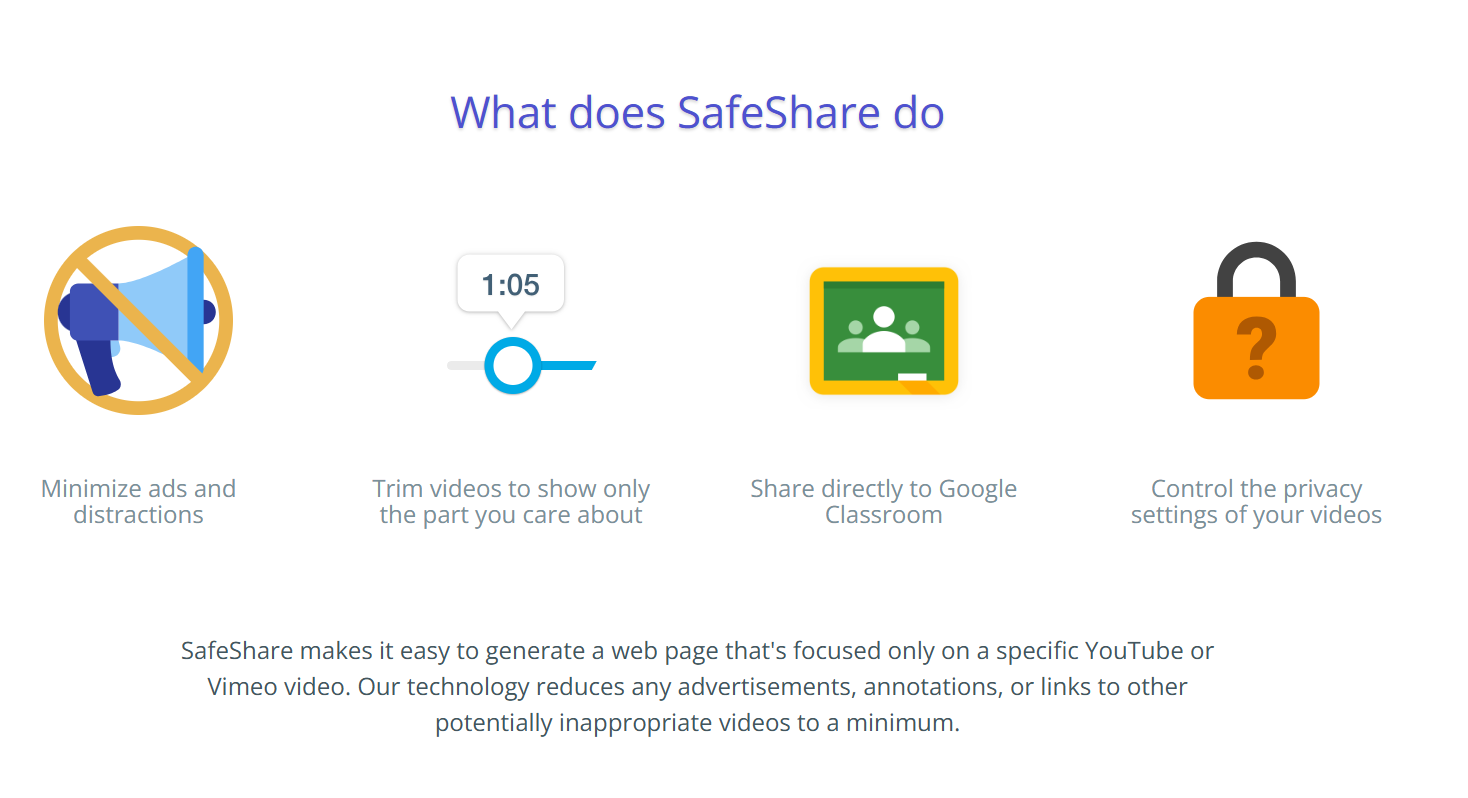 3 Screenshots |
|---|
Alternatives


Add another option to compare side by side
Search by product name to compare pricing, fit, and buyer feedback in one view.Compare similar software options




Related Blogs and Articles for K 12 Student Information Systems




Disclaimer: This research has been collated from a variety of authoritative sources. We welcome your feedback at [email protected].
Frequently asked questions
- Which is better, Aeries SIS or PowerSchool eSchoolPLUS?
- Aeries SIS edges out the other on user ratings (4.2 vs -1.0). That said, the best pick depends on your use case — use the comparison tables above to evaluate each dimension.
- Do Aeries SIS and PowerSchool eSchoolPLUS offer a free trial?
- Neither Aeries SIS nor PowerSchool eSchoolPLUS currently lists a free trial.
- What is the starting price of Aeries SIS vs PowerSchool eSchoolPLUS?
- Aeries SIS starts at Contact for pricing. PowerSchool eSchoolPLUS starts at Contact for pricing.
- What are the top alternatives to Aeries SIS?
- Top alternatives to Aeries SIS include Skyward School Management, EdSaas, EduSys School ERP, RosarioSIS, Cayen AfterSchool.
- What are the top alternatives to PowerSchool eSchoolPLUS?
- Top alternatives to PowerSchool eSchoolPLUS include Frontline SIS, FACTS SIS, PowerSchool SIS, SchoolFront, Ellevation.