

Xactimate is a well-known estimating platform used by professionals in construction and insurance, built around precise cost estimation. Picking the right estimating software matters, since it shapes how efficiently you can manage projects and reach your goals.
Here’s a look at Xactimate’s 2026 features and pricing alongside other leading solutions, to help you identify the best fit for your needs and budget.
Key Takeaways
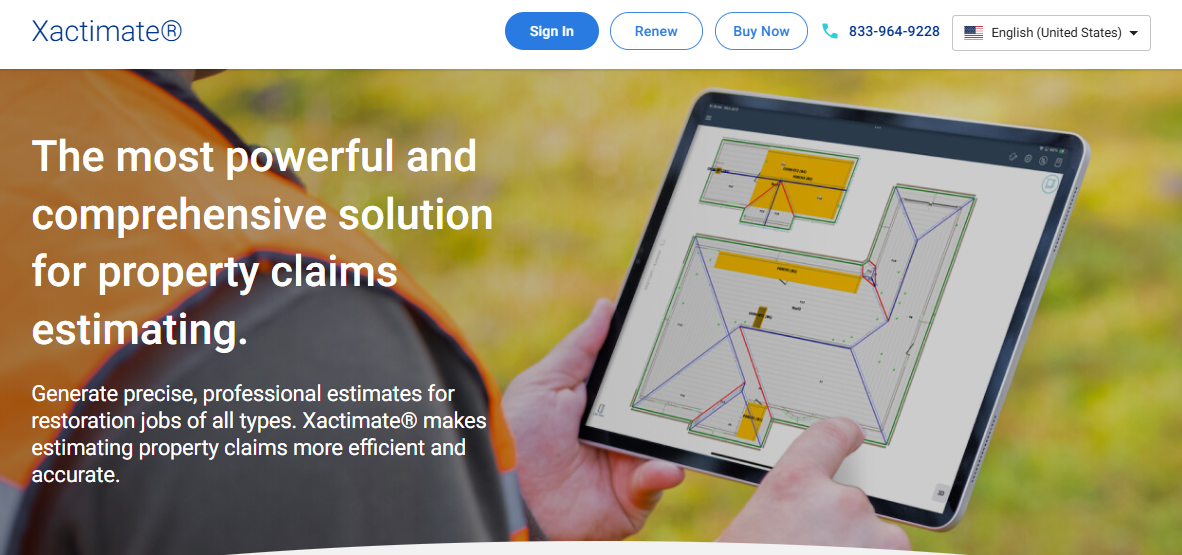
- Xactimate offers features such as XactScope and Sketch AR, both aimed at improving the accuracy of estimates. Pricing starts at $58 per month, and the platform is accessible across desktop, online, and mobile.
- Alternatives worth considering include Contractor Foreman, JobNimbus, Bidtracer, PHOTO iD by U Scope, and B2W ESTIMATE. Between them, these tools cover a range of functions, from project management to photo documentation, depending on what a given team or job requires.
- Xactimate’s competitors take different approaches to pricing, offering everything from affordable entry-level plans to user-based subscriptions and custom quotes provided on request.
- Feedback on Xactimate is mixed: users praise the depth of its feature set but raise concerns about customer support. Its remodeling tool, XactRemodel, carries a rating of 2.9, which points to room for improvement based on how users have reviewed it.
- Comparing the features and pricing of different estimation tools lets professionals in 2026 choose a solution that matches their specific requirements, which in turn supports more efficient project management and execution.
The section below walks through the key features Xactimate offers and how they can change the way estimates get handled in your business.
Xactimate Key Features
Xactimate is a powerful and flexible estimating tool designed for professionals in construction and insurance. Its multi-platform approach allows users to choose from desktop, online, or mobile versions. This provides accessibility and functionality tailored to any situation.
XactScope
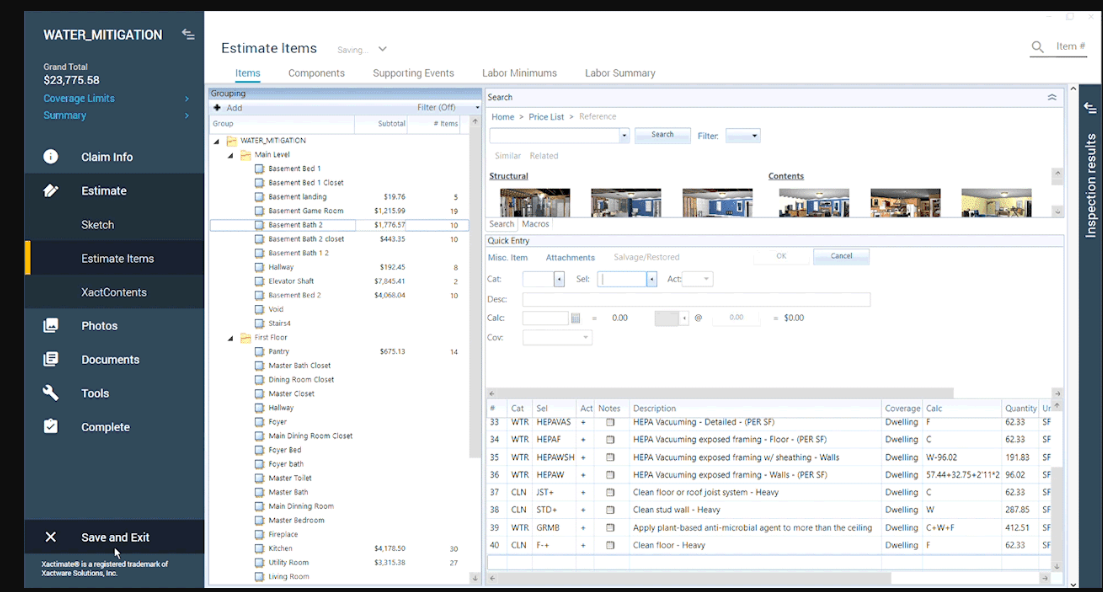
XactScope is a significant feature that simplifies the process of scoping and auditing projects. It is especially effective for water damage and roofing projects. This offers guided workflows to ensure accurate and complete estimations. This eliminates the guesswork and enhances the reliability of estimates.
Sketch AR
With Sketch AR, Xactimate harnesses augmented reality to revolutionize property measurements. Users can capture precise dimensions directly through their devices, which are integrated into a digital sketch. The added ability to create 3D sketches transforms property assessments. This offers realistic visual models that aid in detailed and accurate repair cost estimations.
Workflow Integration
Xactimate integrates directly into your existing workflow. This allows smooth transitions between project phases. The software supports team collaboration. This ensures clear communication and efficient task delegation and tracking. This keeps projects on schedule and provides a simplified estimating process.
Real-Time Chat Support
Available 24/7, Xactimate’s real-time chat connects users with experts to resolve queries or challenges. This feature helps users maximize the software’s capabilities, uninterrupted productivity, and ease of use.
Automatic Updates and Autosave
Automatic updates keep Xactimate current with the latest pricing data and feature enhancements, while autosave functionality ensures no data is lost due to unexpected interruptions. These features provide users with peace of mind, knowing their work is secure and always up to date.
Recent Features Added to Xactimate
Xactimate continually enhances its functionality to meet the evolving needs of professionals. These recent additions improve efficiency, accuracy, and ease of use.
Guided Estimating with XactScope
XactScope simplifies creating detailed estimates for water mitigation, roofing, and exterior projects. Guiding users step-by-step through the estimating process ensures thorough and consistent results. This makes it a valuable tool for new and experienced users.
Multi-Object Recognition
This feature transforms inventory management by allowing users to simultaneously identify and document multiple items. By reducing manual input and the time spent on individual item identification, multi-object recognition improves efficiency while maintaining accuracy.
Sketch AR for Augmented Reality Measurements
Sketch AR enhances the scoping process by allowing users to take direct measurements using augmented reality. These measurements are smoothly incorporated into project sketches, speeding up workflows and reducing the need for traditional measuring methods.
Suggested Items for Faster Estimates
The suggested items feature uses the project scope to recommend relevant line items automatically. This reduces manual effort, minimizes input errors, and ensures that estimates are complete without requiring users to search for items manually.
3D Sketching for Detailed Models
3D sketching capabilities allow users to create dimensional models that provide a more complete view of a property’s condition and repair requirements. Detailed models enhance communication with stakeholders and improve the accuracy of planning and budgeting.
Improved Workflow Integration
Enhancements to workflow integration facilitate smooth assignment transitions and better collaboration between teams. This minimizes delays and ensures project details are accurately shared across all participants.
Enhanced Photo Documentation
With improved photo documentation, users can attach clear images at every project stage. These attachments serve as valuable records for claims handling and provide transparency and accountability during the project’s lifecycle.
Automatic Updates
Automatic updates ensure that the software always has the latest pricing data, features, and tools. This eliminates the need for manual checks, keeping users consistently up-to-date without any effort.
Autosave for Data Security
The autosave functionality protects against data loss by automatically saving progress during estimating. This ensures that no work is lost due to system crashes or interruptions. This allows users to focus on their tasks without worry.
24/7 Chat Support
Xactimate’s round-the-clock chat support provides instant access to experts who can answer questions and address challenges in real-time. This ensures uninterrupted productivity and helps users maximize the software’s capabilities.
These features make Xactimate a complete and reliable tool for professionals, giving them what they need to create detailed estimates with confidence and efficiency.
Xactimate Alternatives
If you’re exploring alternatives to Xactimate, options like Contractor Foreman, JobNimbus, Bidtracer, PHOTO iD by U Scope, and B2W ESTIMATE provide a variety of features and pricing models tailored to meet diverse construction and restoration needs. Each platform offers unique strengths suited to different professional requirements.
Contractor Foreman
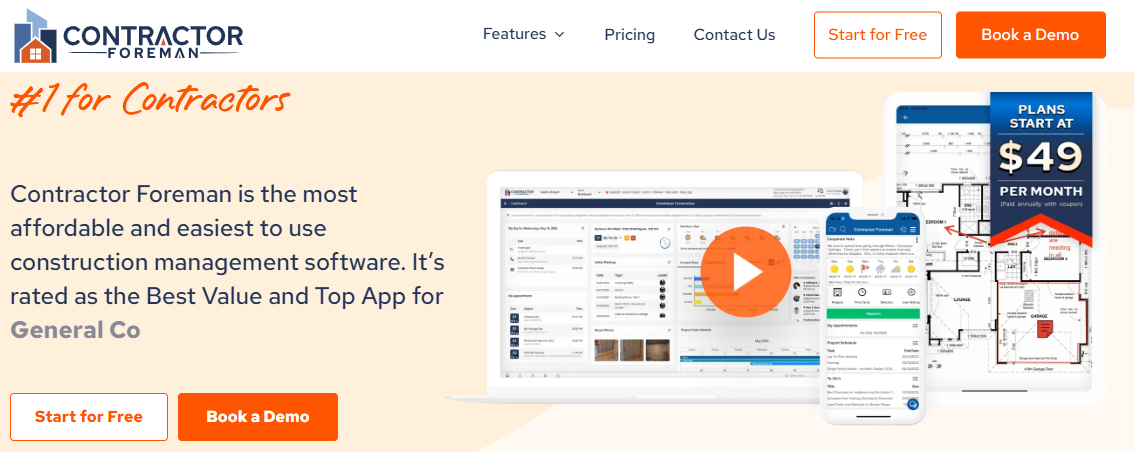
Contractor Foreman is a globally recognized project management tool. It is trusted in over 75 countries and has been endorsed with multiple industry awards. Known for its affordability and 100% satisfaction guarantee, it provides flexible and intuitive solutions for construction professionals.
Key Features
- Job costing, scheduling, and task management.
- Complete tools for project execution and cost control.
- A easy-to-use interface designed for simplicity and ease of use.
Awards and endorsements underscore Contractor Foreman’s reliability. This makes it a practice for managing construction projects efficiently and precisely.
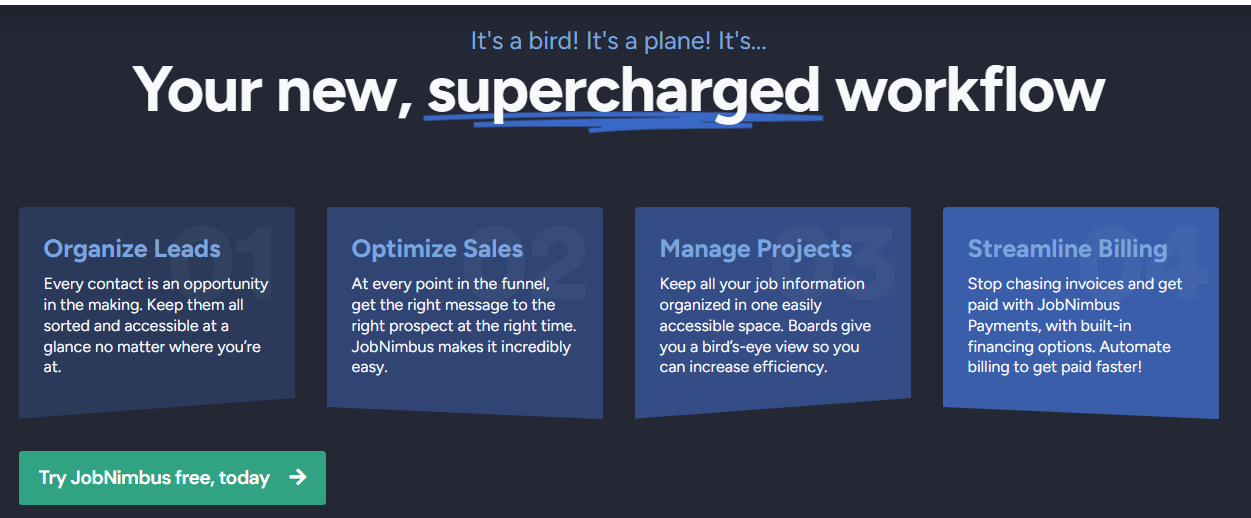
JobNimbus
JobNimbus is a versatile project management software tailored specifically for roofing contractors. It offers a complete suite of tools to simplify job scheduling, communication with trade partners, and invoicing.
Key Features
- Roofing-specific tools for job scheduling and technician management.
- Sales and marketing integrations to enhance lead tracking.
- Invoicing and estimation tools for financial accuracy.
Thousands of contractors trust JobNimbus for its ease of use and efficiency. By incorporating JobNimbus into workflows, professionals can improve communication and manage projects effectively across all stakeholders.
Bidtracer
Bidtracer is a specialized platform designed for commercial construction. Its focus is on simplifying the bidding process and improving sales management.
Key Features
- Automated bidding tools for proposal creation and follow-ups.
- Sales automation for simplified client management.
- Enhanced project tracking and precise cost estimation capabilities.
Tailored for commercial projects, Bidtracer combines efficiency and precision with its easy-to-use tools. This makes it a strong choice for professionals focused on bidding and project management.
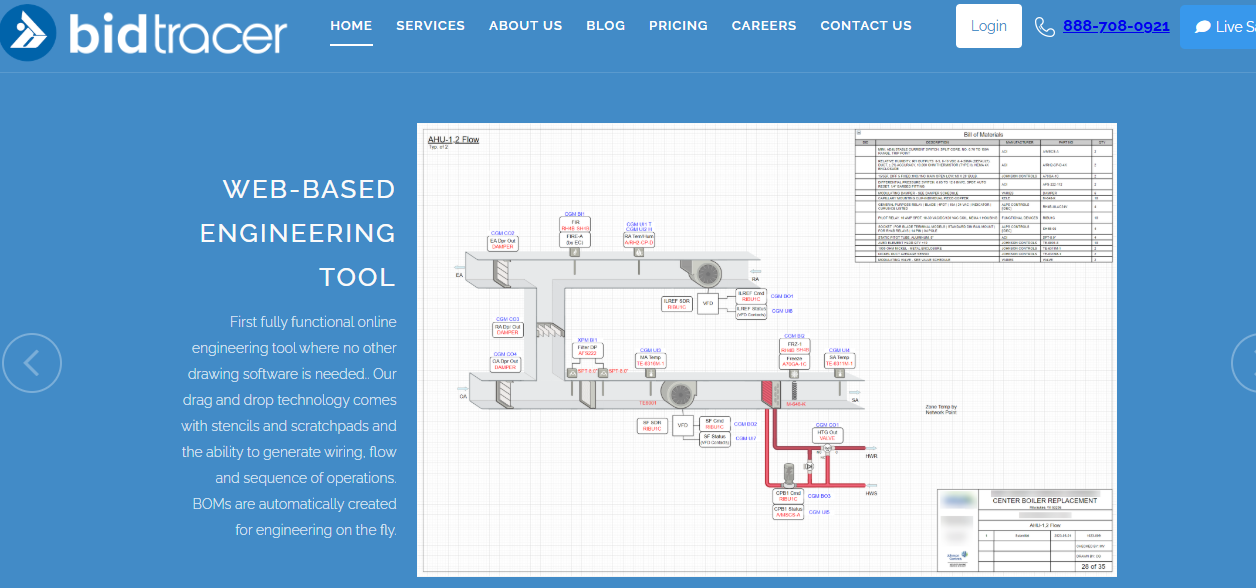
PHOTO iD by U Scope
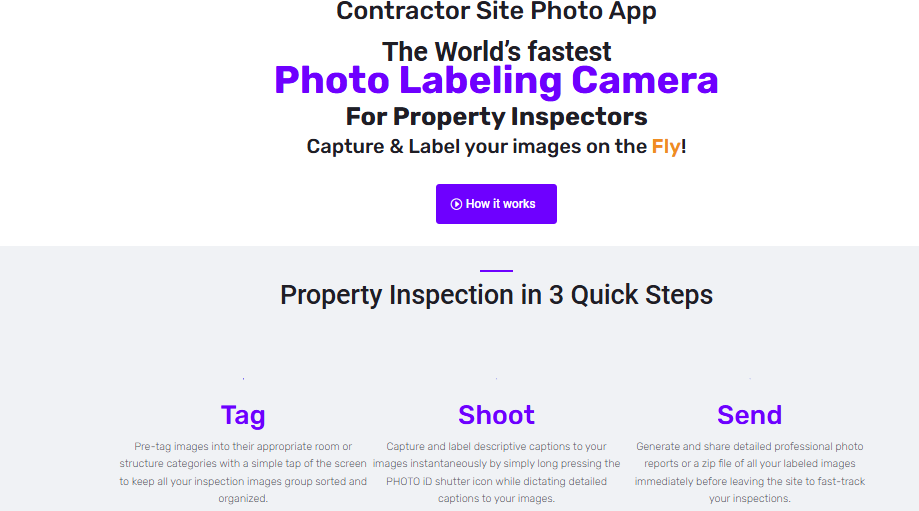
PHOTO iD by U Scope is an innovative tool that simplifies photo documentation, a critical aspect of construction project management.
Key Features
- Remote assistance for smooth collaboration.
- Simplified organization of visual data for project oversight.
- Tools for efficient documentation and management.
This software excels in fast-paced environments where organized photo documentation is essential. PHOTO iD by U Scope enhances efficiency and enables remote collaboration. This makes it a valuable tool for professionals prioritizing clear visual records.
B2W ESTIMATE
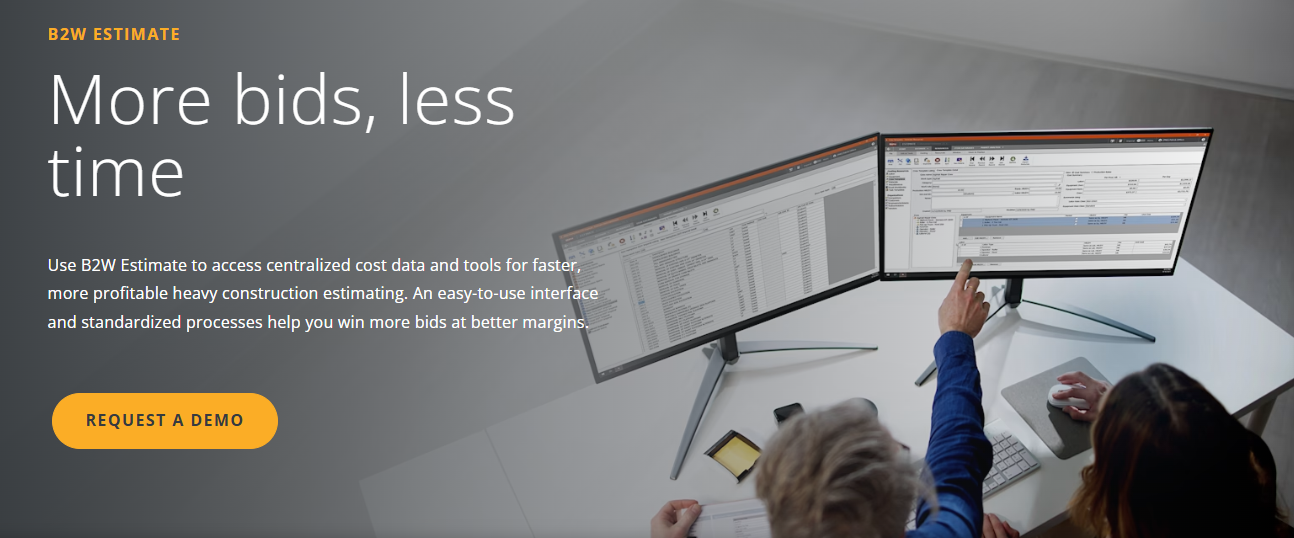
B2W Estimate is a complete platform designed for cost estimation and construction management. It integrates directly with scheduling and field tracking systems. This offers a strong alternative to Xactimate.
Key Features
- Cost estimation, job costing, and takeoff tools.
- Field tracking and equipment management capabilities.
- Simplified workflows for enhanced productivity.
B2W Estimate gives construction professionals with the tools to handle complex projects efficiently. Its integration of estimating and scheduling ensures smooth workflows. This enables users to meet project demands precisely.
Here is one more exciting tool for you, i.e B2W Track
Xactimate Pricing Table
Choosing the right plan for Xactimate is essential to ensure you get the features and tools you need for your construction or insurance projects. Xactimate offers a range of plans tailored to different business sizes and needs, from individual contractors to large enterprises.
Below is a detailed breakdown of the available plans, their pricing, and the features to help you select the best option for your workflow.
| Plan | Monthly Price | Features | Best For |
|---|---|---|---|
| Basic Plan | $250/month |
– Desktop access – Standard estimating tools – Basic support |
Small businesses and individual contractors |
| Pro Plan | $370/month |
– Access to desktop, mobile, and online versions – Advanced estimating tools – Priority support – Multi-user collaboration |
Medium-sized businesses managing multiple projects |
| Enterprise Plan | Contact Sales |
– All Pro Plan features – Custom integrations – Dedicated account manager – Unlimited users |
Large enterprises with extensive estimating needs |
In-Depth Comparison of Xactimate and Alternatives
This section will provide a detailed comparison of Xactimate and its alternatives, highlighting their key features and pricing structures. By examining these options, readers can decide which estimating software will best suit their needs in 2026.
Features comparison
Selecting the right estimation software is essential for efficiency and accuracy in construction and restoration projects. Xactimate has been a frontline solution for years, but in 2026, it’s vital to compare its features with those of its competitors thoroughly.
Below is a complete comparison of Xactimate’s features against some of its alternatives to help you determine which might best suit your business needs.
| Feature | Xactimate | Contractor Foreman | JobNimbus | Bidtracer | PHOTO iD by U Scope | B2W ESTIMATE |
|---|---|---|---|---|---|---|
| Platforms | Desktop, Online, Mobile | Mobile, Web | Mobile, Web | Web | Mobile | Desktop, Mobile |
| Multi-object Recognition | Yes | No | No | No | Yes | No |
| Scheduling | Available | Complete features | Complete features | Limited | Not applicable | Available |
| Pricing Database Access | Subscription-based | N/A | N/A | N/A | 30 days free | N/A |
| Customer Management | Basic | Advanced | Advanced | Basic | Not applicable | Basic |
| Estimates/Invoicing | Detailed & Customizable | Standard templates | Detailed & Customizable | Standard templates | Not applicable | Detailed & Customizable |
| Digital Payments | Not directly supported | Supported | Supported | Not directly supported | Not applicable | Not directly supported |
| GPS-location Tracking | No | Yes | Yes | No | Not applicable | No |
| Real-time Job Management | Yes | Yes | Yes | Limited | Not applicable | Yes |
| Document Management | Effective | Integrated | Integrated | Effective | Not applicable | Complete |
Pricing comparison
Understanding the cost implications of choosing an estimation software is essential for technology professionals. Here’s a table comparing the pricing of Xactimate and its alternatives as of 2026:
| Software | Basic Plan | Pro Plan | Enterprise Plan | Free Trial Available |
|---|---|---|---|---|
| Xactimate | $250/month | $370/month | Contact Sales | Yes (30 days) |
| Contractor Foreman | $49/month | $87/month | $123/month | Yes (14 days) |
| JobNimbus | $75/user/month | $125/user/month | Contact Sales | Yes |
| Bidtracer | Contact Sales | Contact Sales | Contact Sales | No |
| PHOTO iD by U Scope | $29/month | $49/month | $99/month | Yes (7 days) |
| B2W ESTIMATE | Contact Sales | Contact Sales | Contact Sales | No |
User Reviews on Xactimate
Users have shared varied feedback on Xactimate software. Its desktop, online, and mobile platforms are praised for offering versatile and strong estimating features. While many find it easy-to-use and complete, some have mentioned opportunities for improvement in customer service, training, and functionality.
Similarly, XactRemodel, a remodeling estimation tool linked to Xactimate, holds a 2.9 rating from 10 reviews, with users noting areas for enhancement in features and support.
Moving forward with “7. XactRemodel Review,” let’s explore this remodeling, which complements Xactimate functionalities.
XactRemodel Review
Let’s look at the world of XactRemodel, exploring its key features and pricing to give you a complete understanding. Discover how this software can benefit your construction and remodeling projects.
Introduction to XactRemodel
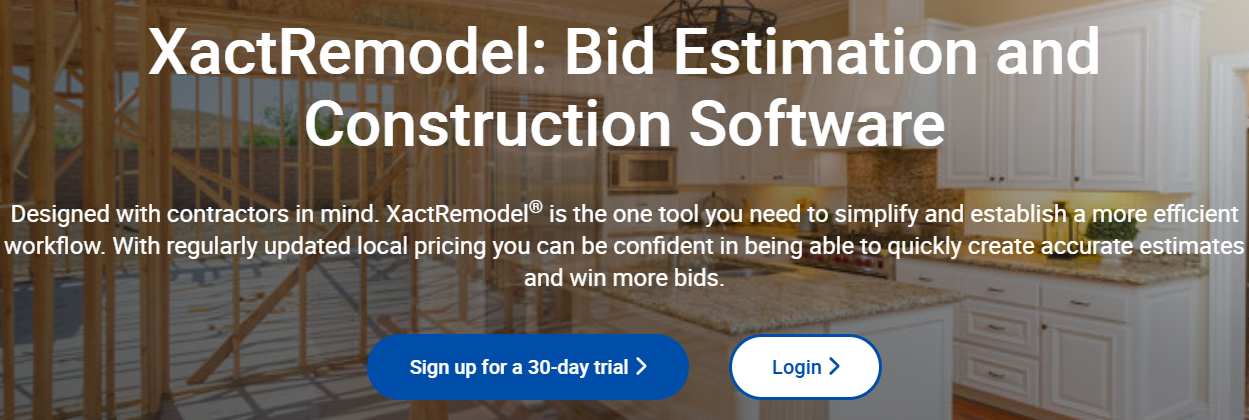
XactRemodel, developed by Verisk, is an estimating software tailored for remodeling professionals and their clients. It provides essential features such as scheduling and access to a complete cost database. This makes it a valuable tool for accurate project estimation.
The following section delves into the key features and functionalities of XactRemodel and compares them to alternatives.
Key Features of XactRemodel
XactRemodel is notable in the remodeling software market with its advanced features that simplify project estimation and management. Here’s a closer look at its top features:
Cloud Syncing
With Xactimate Cloud integration, XactRemodel allows users to access their project data smoothly from anywhere. This feature ensures that all project files are synchronized across devices. This enables real-time collaboration and updates. Whether working on-site or in the office, professionals can rely on the cloud to keep their projects organized and accessible.
Detailed Deck Estimating
For professionals specializing in deck renovations, XactRemodel offers tailored tools for detailed deck estimating. This feature simplifies calculating material quantities, labor costs, and other project specifics. Its focus on precision makes it an indispensable tool for delivering accurate estimates on deck-related projects.
Built-in Depreciation Tables
XactRemodel includes predefined depreciation tables. This simplifies the often-complicated task of factoring depreciation into cost estimates. By automating these calculations, the software saves time and ensures accuracy. This makes it easier to provide clients with fair and transparent pricing.
Graphical Estimation
The graphical estimation tools in XactRemodel provide a visual approach to cost estimation. Users can create graphical representations of project elements, measurements, and layouts. This improves clarity and stakeholder communication. This feature enhances accuracy and helps users visualize the scope of a project.
Complete Project Management
XactRemodel is not just an estimation tool; it offers strong project management capabilities that support every phase of a remodeling project. From initial planning and scheduling to cost tracking and task coordination, the software helps professionals stay organized and efficient. This holistic approach makes it a valuable resource for remodeling professionals managing complex projects.
These features collectively make XactRemodel an essential tool for professionals seeking accuracy, efficiency, and control over their remodeling projects.
Pricing of XactRemodel
The pricing for XactRemodel starts at $58.00 per month, with flexible implementation options, including cloud, SaaS, web-based platforms, and on-premise solutions for Windows and Linux. While it has a 2.9 rating from 10 reviews and does not offer a free trial or free version, XactRemodel remains a trusted choice for professionals in the remodeling industry.
Comparing the Latest Pricing, Features & Alternatives in 2026
Leading estimating tools in 2026 include Xactimate, Contractor Foreman, JobNimbus, Bidtracer, and Expert Estimation, each offering diverse features and pricing to meet construction management needs.
Xactimate is notable with advanced tools like Sketch AR, multi-language support, and automatic updates, while alternatives such as Field Pulse and Projul cater to mobile service and contracting businesses. Comparing features against your firm’s needs ensures the best choice is based on functionality, not just price.
Pros and Cons of Using Xactimate
Pros
Enhanced Efficiency
Xactimate simplifies the estimation process. This enables users to generate accurate cost calculations quickly. This efficiency reduces time spent on manual tasks. This helps professionals focus on other critical aspects of their projects while minimizing errors.
Digital Estimation Accuracy
The software provides detailed and precise digital estimation tools, particularly beneficial for construction and home improvement projects. These tools ensure reliable cost projections. This improves the accuracy and professionalism of client estimates.
3D Modeling Capabilities
Xactimate includes 3D modeling features that allow users to create realistic visualizations of projects. This capability enhances planning, improves client communication, and offers a clear understanding of the project scope, building better decision-making.
Third-Party Integration
Xactimate integrates directly with external devices and software. This improves its versatility. This integration allows for the use of additional tools for measurement, data analysis, and project management. This makes it a powerful solution for diverse professional needs.
Cons
Functional Limitations
Some users have reported that Xactimate’s functionality does not meet the needs of specific projects or industry standards. These limitations can restrict its adaptability to highly specialized requirements.
Training Challenges
Due to its extensive features, new users may find Xactimate overwhelming. Adequate training is often necessary to fully utilize the software’s potential, which can be especially important for smaller teams or businesses with limited resources.
Customer Support Issues
Users have noted delays in customer support responsiveness, which can hinder the resolution of technical issues. This lack of prompt assistance may disrupt workflows, especially for time-sensitive projects.
This complete look at the advantages and challenges of Xactimate helps users determine whether it aligns with their professional needs and goals.
Conclusion
Xactimate remains a top choice for construction and insurance professionals, offering advanced features like Sketch AR, 3D modeling, and smooth workflow integration to simplify project management and enhance estimation accuracy.
While alternatives such as Contractor Foreman and JobNimbus provide intense competition, Xactimate’s strong tools and adaptability set it apart. By understanding its strengths and limitations, users can select the best solution for their needs and achieve greater efficiency in project execution.
For a detailed analysis of similar platforms, check out our article on ATI Testing: Comparing the Latest Pricing, Features & Alternatives in 2024.
Xactimate FAQs
Why is Xactimate popular among construction and insurance professionals?
Xactimate excels in precise cost estimation, 3D modeling, and augmented reality tools. This makes it a versatile and efficient choice for professionals.
How does Xactimate compare to alternatives like Contractor Foreman?
While Contractor Foreman focuses on project management, Xactimate is known for its detailed estimation and innovative features like Sketch AR and multi-object recognition.
Is Xactimate suitable for small businesses?
Yes, Xactimateu0026#8217;s Basic Plan is ideal for small businesses. This provides essential tools at a competitive price.
What are Xactimateu0026#8217;s key limitations?
Users report challenges with customer support, training for its extensive features, and occasional functionality limitations for specific needs.
Does Xactimate offer a free trial?
Yes, Xactimate provides a 30-day free trial for users to explore its features before subscribing.
Compare alternatives to the tools in this post

- Independent picks for exactly what you just read about
- Matched to your team size & needs
- Vendors don't pay for placement
Step 1 of 4
How big is your team?
We tailor recommendations to companies your size.















Related Articles
AI Software
AI in Construction (2026): 8 Use Cases, Tools and Risks for Contractors
Continue reading →
Construction Software
Best Construction Time Tracking Software and Time Clock Apps: Best Time Tracking Solutions for 2026
Continue reading →
Construction Software
Best HR Software for Construction Companies in 2026: Streamline Workforce & Compliance
Continue reading →
Buyers guide
Best Equipment Rental Software in 2026: 8 Tools for Tracking and Utilization
Continue reading →