

Making a good meme is usually trial and error, and it can leave aspiring social media comedians stuck. Kapwing’s AI Meme Generator takes the guesswork out with a set of easy-to-use tools.
This article walks through how to make memes that land a laugh and work across platforms like TikTok and YouTube.
Key Takeaways
- Kapwing’s AI Meme Generator lets you create memes by typing in a prompt, which saves time and effort.
- Kapwing uses advanced algorithms to generate memes that are funny and tied to trending topics.
- Multiple users can edit videos at the same time in Kapwing, which makes team projects more efficient.
- Kapwing includes a range of video editing tools, including overlays, stock assets, and customizable templates.
- The AI Meme Generator produces coherent memes for a global audience through customizable options and support for multiple languages.
Features of Kapwing – Powerful Video Editing Software
Kapwing is a collaborative video editor built for teams that need to produce polished visuals. Its toolset covers smart cut for automated editing, subtitling, and an AI meme generator.
Teams also get a shared space for brand assets and custom templates, so content stays on brand. Keeping logos, colors, and reusable templates in one place means every editor pulls from the same source instead of rebuilding assets for each project.
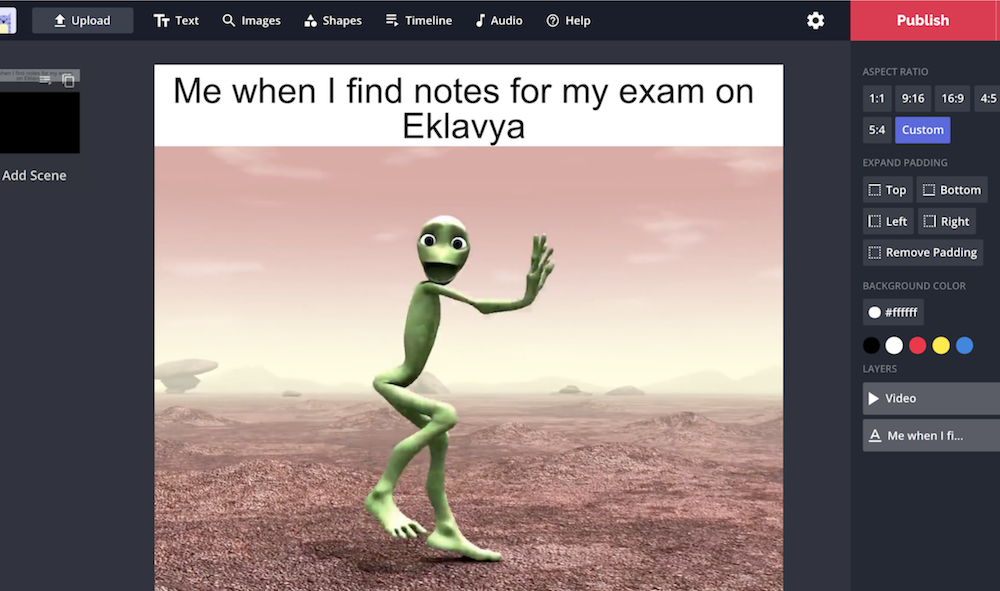
Collaborative Video Editor for Modern Teams
In the world of video editing, collaboration matters. Teams need tools that let them work together regardless of location, and Kapwing answers that with a shared workspace that works like Google Docs but is built for video.
Kapwing speeds up editing by automating tedious tasks such as smart cutting, subtitling, and adjusting amplitude levels. That makes it a practical central hub for teams turning a mix of ideas into one clear visual story.
With this editor, several people can work on the same file at once and see changes in real time. That cuts the back-and-forth and shortens production time.
Editing becomes a shared job: one person can refine cuts while others add subtitles or smart cut transitions, without overwriting each other’s work or waiting for single-user access. Instead of passing a file back and forth or exporting versions between people, everyone contributes in the same project at once. That setup lets teams make videos quickly and keeps the whole edit in a single place.
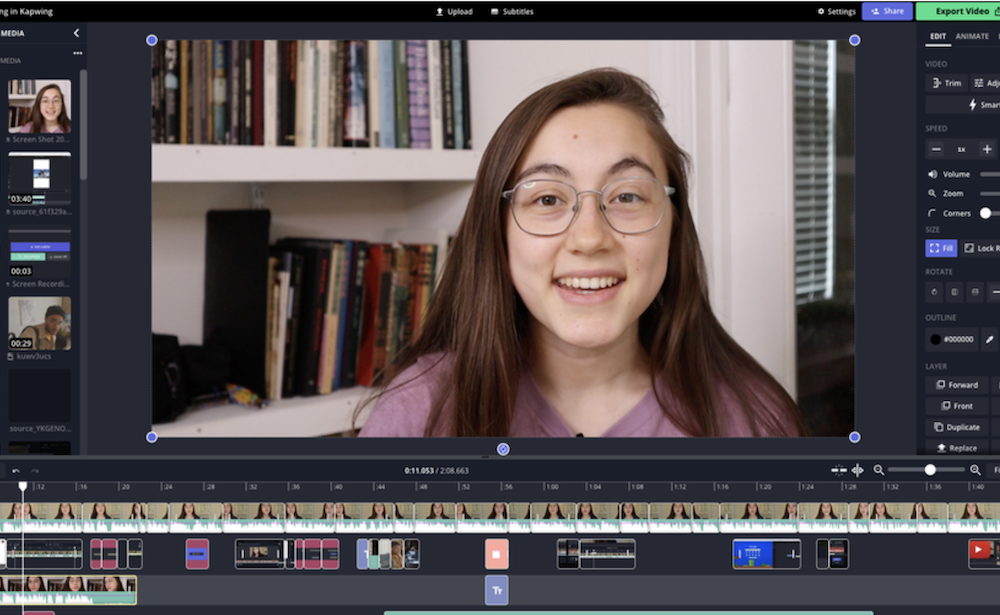
Great Tool for Creating Stunning Visuals
Kapwing also helps anyone who needs visuals that grab attention and get a message across clearly. The unlimited overlays and stock assets give you material for video content that looks professional rather than thrown together.
There are hundreds of trendy video templates that automate repetitive steps and add polish. Whether you’re adding customizable waveforms to a podcast or dressing up a presentation, Kapwing gives you room to work.
Millions of content creators use it for visual storytelling, turning ideas into stunning graphics and online videos. It handles complex editing so both experienced editors and beginners can produce strong content without a steep learning curve or high cost.
Kapwing fits into team projects, keeping workflows moving and making it easier for creatives to collaborate. Because the editing, brand assets, and templates all sit in one workspace, a team can go from a rough idea to a finished clip without switching tools. The result is content that’s ready to put in front of an audience.
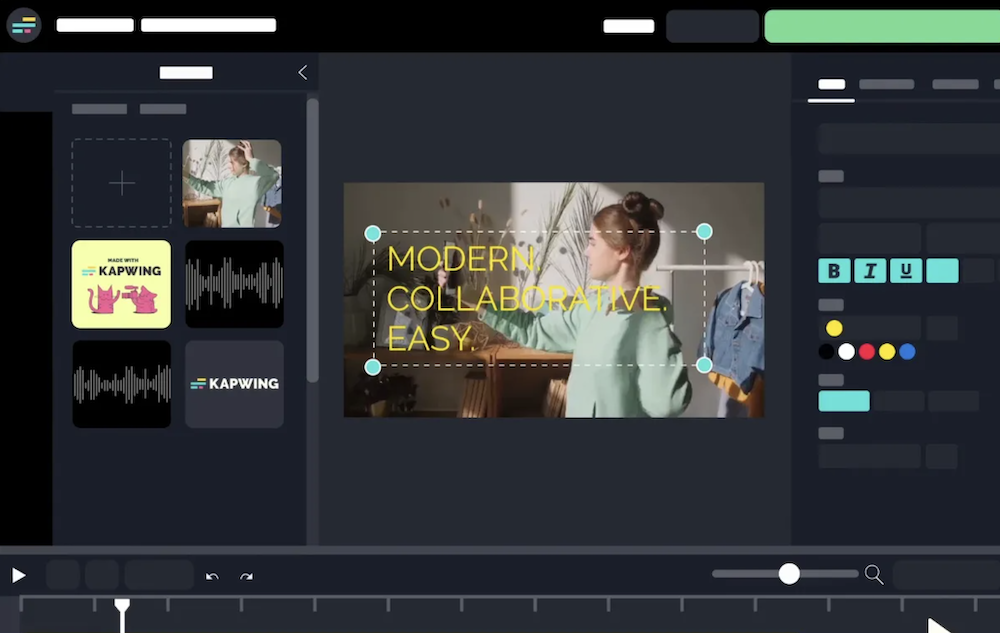
Using The AI Meme Generator of Kapwing
Feeding a prompt into Kapwing’s AI Meme Generator is straightforward, and it returns relatable, funny memes fast. The tool uses advanced algorithms to build memes that are humorous and connected to trending topics or themes.
How To Type In A Caption
Kapwing’s AI meme generator reads your prompt and produces a meme aimed at your audience. You write a caption or a short description of the idea, and the tool turns that text into a finished meme rather than leaving you to lay it out by hand.
You don’t need design skills or a stock of images to make one. Type what you’re thinking, hit generate, and share the result across social media channels. The next section covers how the tool builds relatable, funny memes.
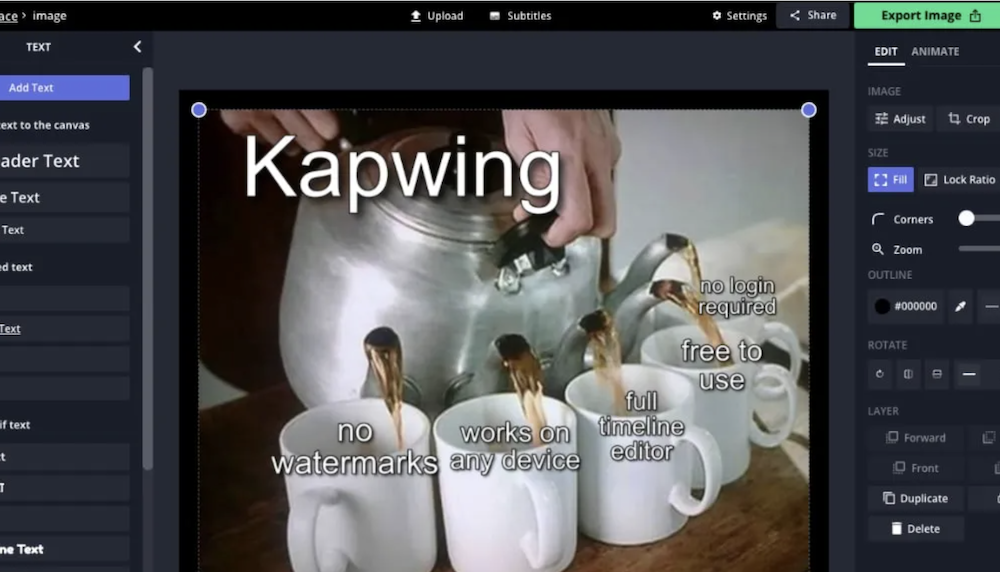
How The Tool Generates Relatable, Funny Memes
Kapwing’s AI Meme Generator reads the input prompt and then produces relatable and humorous memes. It picks out the key parts of the text, such as emotions, themes, or scenarios, and uses them to build meme templates that fit the audience.
That approach keeps the memes funny and relevant to the context the user provided, rather than pairing a caption with an image that has nothing to do with it.
Using deep learning techniques, Kapwing looks at the elements in the prompt and selects images or visuals that match the text, so the meme reads as one coherent, entertaining piece.
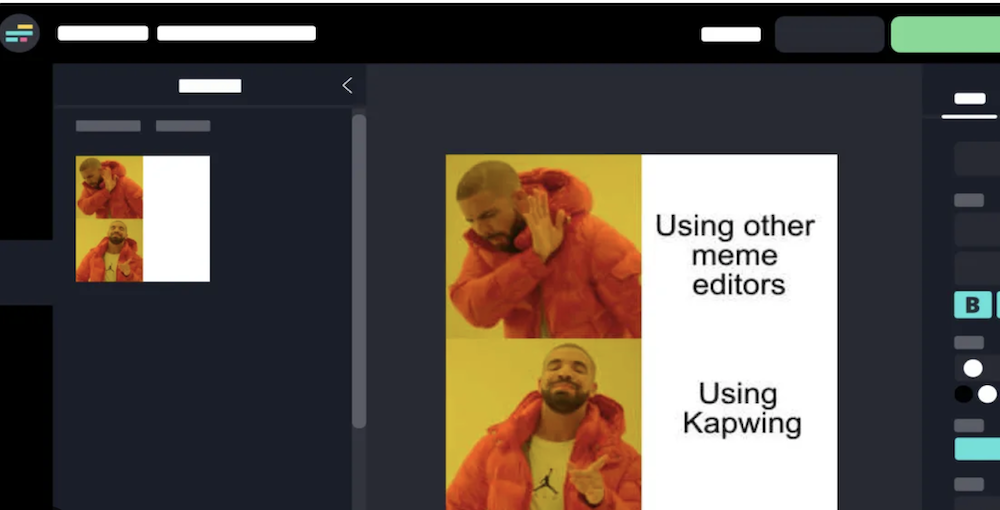
Benefits of Using the AI Meme Generator of Kapwing
Kapwing’s AI meme generator saves time and effort, so you can make more memes in less time. The tool keeps the results coherent and relatable.
Create More Content In Less Time
You can turn out a lot of engaging memes in a fraction of the usual time. Kapwing handles the heavy lifting of content creation, so more memes take less effort.
That means less time spent building memes and more time spent engaging your audience with content they relate to. Rather than sourcing an image, adding text, and adjusting the layout for each one, you can generate several and pick the ones worth posting.
Making memes quickly is a real advantage for anyone posting content regularly. With Kapwing, your content pipeline stays stocked with relevant, entertaining material, so you can keep pace with fast-moving digital media.
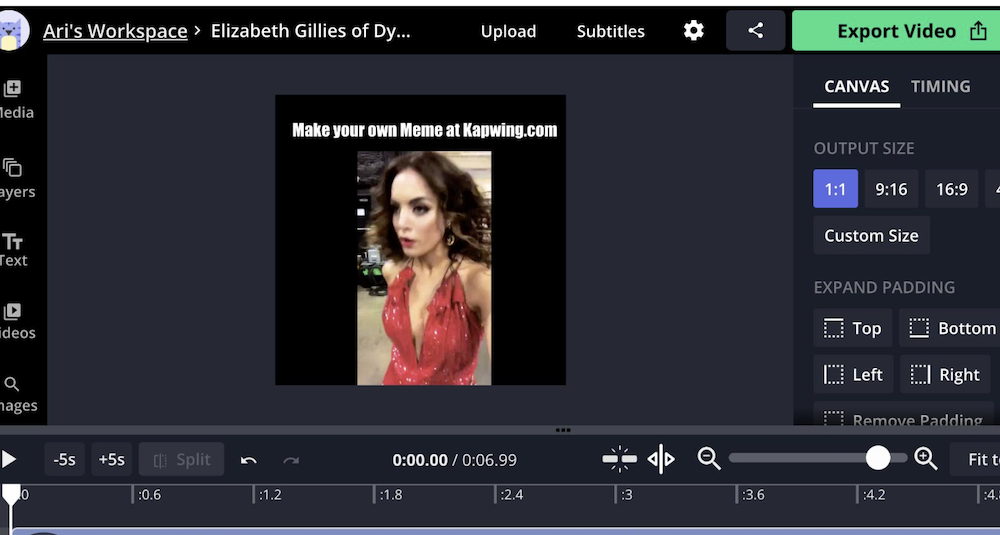
Make AI Memes that Make Sense
Kapwing’s AI meme generator makes memes that connect with your audience. Its advanced algorithms keep the humor coherent, so the joke actually reads.
With customizable waveforms and accurate subtitles in multiple languages, you can build memes that entertain and still make sense to a global audience. Positive user reviews back up how well it produces humorous, readable content, which makes it a useful resource for creators.
You can also add visual and audio effects to your memes inside Kapwing. The tool makes it easy to create and edit content that resonates across diverse audiences, extending the reach of your humor past language barriers.
Conclusion:
Kapwing makes meme generation simple: type in a prompt and watch the memes appear. You get more content in less time, with less manual work.
The memes hold together and make sense, which keeps your creative process moving. Embark on your meme-making today and let Kapwing carry more of your creative projects.
Among solid video editing platforms like Adobe Premiere and Canva, Kapwing has become a go-to tool for a range of social media needs, from short clips to quick memes. Use Kapwing to create funny memes now.
Frequently Asked Questions
What is the AI Meme Generator of Kapwing?
It is a tool that helps you easily create memes by offering a variety of humorous meme formats and advanced image editing options.
How can I make my meme using Kapwing?
Start by selecting one of the many meme templates in Kapwing or upload your own image. You can customize your meme by adding text and utilizing various image-editing tools.
Can I add my personal touch to the memes on Kapwing?
Absolutely! With Kapwing, you have complete freedom to personalize memes by incorporating unique text fonts or applying special effects for a distinctive flair.
Is it complicated to use the features on the AI Meme Generator of Kapwing?
Not at all! With its user-friendly interface, even beginners can navigate through the process and enjoy creating customizing memes without any hassle. Easy to use!
Compare alternatives to the tools in this post
Related Articles

AI Software
How AI-Powered ATS Tools Boost Diversity in Hiring — Real DEI Use Cases (2026)
Continue reading →
AI Software
5 Powerful AI Features Revolutionizing Hiring Workflows in 2026
Continue reading →
AI Software
How To Choose The Best Image Recognition Software For 2026
Continue reading →

AI Software
Best AI Resume Screening Tools in 2026 to Hire Faster
Continue reading →