
How to Choose the Best Image Recognition Software (2026)
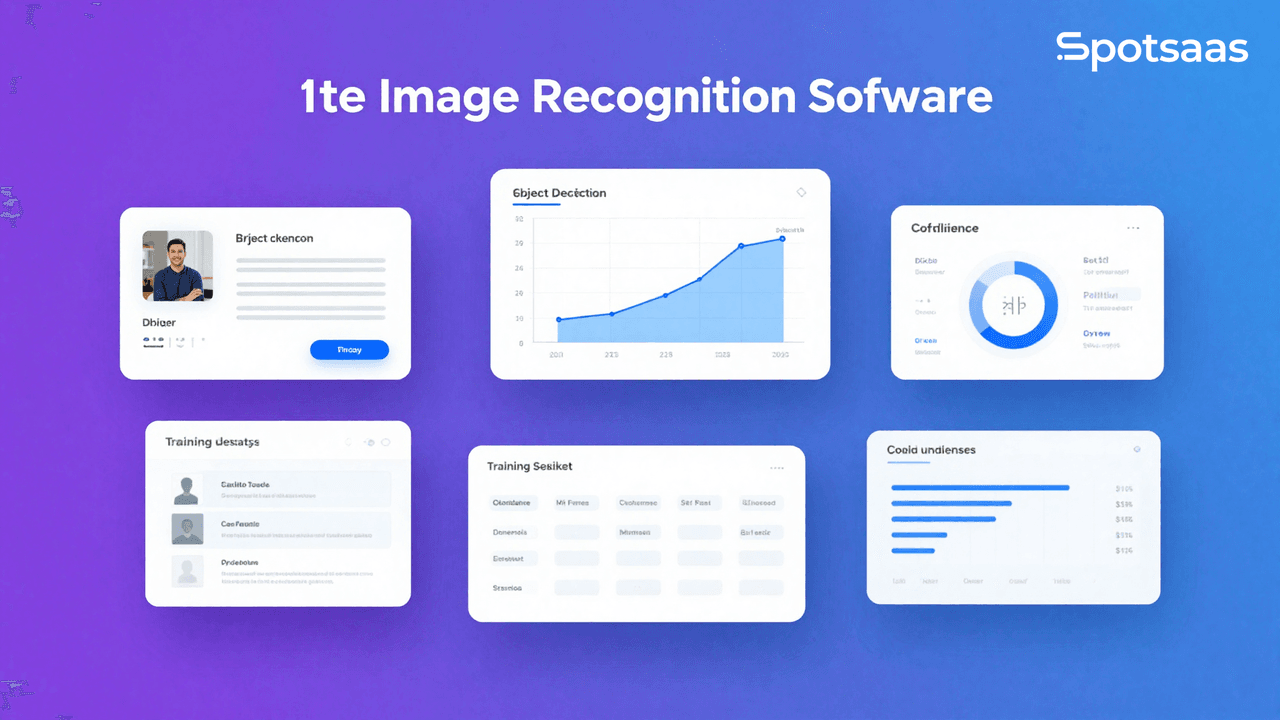
Image recognition technology now shows up across a wide range of industries, from healthcare and retail to security and autonomous vehicles.
As organizations look to put their visual data to work, picking the right image recognition software matters a great deal for how much value they actually get out of it.
What is Image Recognition Software?
Image recognition software uses artificial intelligence and machine learning to analyze and interpret visual data. It can identify objects, people, text, and scenes in both images and video.
You’ll find it in use across security surveillance, autonomous vehicles, medical imaging, and retail analytics. By automating visual tasks that would otherwise take a person’s time, it speeds up workflows and boosts overall productivity.
Why Use Image Recognition Software?
Here’s what image recognition software brings to the table:
- Efficiency: Automates time-consuming tasks, freeing people up for strategic decisions instead of manual analysis.
- Accuracy: Machine learning algorithms can reach high accuracy levels, cutting down on human error in identifying objects or patterns.
- Scalability: Processes large volumes of images quickly and keeps up as your data needs grow.
- Versatility: Useful across industries, from healthcare and finance to retail and entertainment.
- Integration: Connects with the systems and workflows you already run, adding to their overall functionality.
Key Features of Image Recognition Software
Weighing these features against each other helps you land on image recognition software that fits your organization’s specific needs and strengthens your visual data analysis.
Core Recognition Capabilities
- Object Detection: Identify and classify objects within images.
- Facial Recognition: Detect and verify human faces in images for security or identification purposes.
- Text Recognition (OCR): Convert images of text into editable and searchable formats.
Custom Model Training
- Trainable Models: Ability to create and train custom models using your datasets to improve accuracy for specific use cases.
Real-Time Processing
- Live Image Analysis: Capability to analyze images and provide results in real-time, essential for applications like surveillance or interactive systems.
High Accuracy and Performance Metrics
- Detailed Metrics: Provide performance metrics such as precision, recall, and F1 score to evaluate model effectiveness.
User-Friendly Interface
- Intuitive Design: A simple and accessible interface that allows users of varying technical expertise to navigate and utilize the software effectively.
Integration and Compatibility
- API Access: Well-built APIs for connecting cleanly with existing systems and workflows.
- Compatibility: Ability to work with various file formats and platforms.
Visualization Tools
- Data Visualization: Features for visualizing recognition results, such as bounding boxes or heat maps, to aid in interpretation and analysis.
How to Choose the Right Image Recognition Software
Understand Your Image Recognition Use Case
Start by pinning down exactly what you need the software to do. Different applications call for different levels of sophistication, accuracy, and processing power. Some common tasks to consider:
• Object Detection: Picks out and names specific objects in a frame, whether that’s vehicles, animals, or products.
• Facial Recognition: Identifies and verifies people by their facial features, mainly for security and authentication.
• Optical Character Recognition (OCR): Turns printed or handwritten text into machine-readable formats.
• Image Classification: Sorts images into categories automatically, such as flagging whether a certain item appears in a retail photo.
• Medical Imaging: Spots anomalies or patterns in scans such as MRIs, X-rays, or CT scans.
Getting clear on your primary objective narrows the field fast, ruling out software that’s either underpowered for the job or far more than you actually need.
Assess Model Accuracy and Performance
Accuracy matters more than almost anything else here. A model that performs poorly can misclassify or miss detections entirely, and that can carry real business consequences, especially in security or healthcare settings.
• Precision: The share of results the software flags that are actually relevant. This matters most when a false positive is expensive.
• Recall: Sometimes called sensitivity, it tracks how many of the true cases the software actually catches, so fewer slip through as false negatives.
• F1 Score: Combines precision and recall into a single, balanced measure of how the model performs overall.
• Accuracy Benchmarks: See whether the software has been tested against standardized datasets (e.g., ImageNet, COCO) and how its results stack up against industry standards.
Software with strong precision and recall gives you results you can actually rely on for your use case.
3. Evaluate Hardware Requirements and Scalability
How much computing power image recognition software needs depends heavily on the complexity of the task and the size of your dataset. Make sure the software can run well within your existing hardware, or that it has a scalable cloud option.
• GPU Acceleration: Image recognition tends to run much faster with GPU (Graphics Processing Unit) support. Confirm the software can actually make use of GPUs, particularly for real-time object detection or classifying images at scale.
• Cloud-Based vs. On-Premises: Cloud gives you scalable compute power but adds latency and raises data privacy questions. On-premises gives you more control, at the cost of a bigger upfront hardware investment.
• Edge Computing Compatibility: For real-time recognition on drones, cameras, or mobile phones, check that the software actually supports edge deployment with low latency.
Getting the hardware fit and scalability right up front helps you avoid bottlenecks down the line and keeps things running smoothly as your needs grow.
4. Look for Pre-Trained Models and Customization Options
A lot of image recognition software ships with pre-trained models that adapt quickly to common tasks like facial recognition or object detection. That said, your use case might call for something more custom.
• Pre-Trained Models: Many platforms come with models already trained on large datasets (e.g., ResNet, YOLO, VGG) that you fine-tune on your own data, which cuts down on both training time and compute cost.
• Custom Model Training: For niche tasks, like spotting a specific product or a rare medical condition, you’ll want software that lets you train a custom model on your own dataset, either from scratch or via transfer learning.
• Transfer Learning: Lets you take an existing pre-trained model and adapt it to your dataset, which keeps training time down while still landing on strong accuracy.
5. Integration with Existing Systems
How well the software connects to what you already run has a direct effect on how smoothly things operate day to day. Look for software that offers:
• API Access: A solid API lets you build image recognition into your own software stack. Check that it’s well documented and supports the languages your team actually uses, like Python, Java, or C++.
• Real-Time Processing: For applications like surveillance or live video, make sure the software can keep up in real time without noticeable lag.
• Data Pipeline Integration: At larger scale, the software should plug into your storage systems (e.g., AWS S3, Google Cloud Storage) and support automated pipelines for ongoing model training and deployment.
Getting the integration right means the image recognition system works alongside your tech stack with minimal downtime or friction.
6. Consider Data Privacy and Compliance
Image recognition software frequently handles sensitive information, particularly with facial recognition or medical images. Make sure whatever you choose complies with the relevant data protection rules.
• GDPR and HIPAA Compliance: Working in the EU means the software needs to comply with GDPR; in U.S. healthcare, HIPAA compliance isn’t optional.
• Data Encryption: Confirm encryption both at rest and in transit, so sensitive information stays protected from unauthorized access.
• Anonymization and Redaction: For use cases touching personal identification, look for built-in tools that anonymize the data.
Solid privacy and compliance features shield your business from legal risk and keep sensitive information safe.
7. Evaluate Cost-Effectiveness
Budget is a real constraint for most organizations, and image recognition software can get pricey, especially at scale. Weigh these factors when you’re looking at cost:
• License vs. Subscription: Some vendors sell a perpetual license, others run subscriptions. Think through your long-term needs before you pick one.
• Scalability of Costs: If you expect to scale, check how pricing shifts as image volume climbs. Cloud pricing is often usage-based, so build that into your budget planning.
• Hidden Costs: Watch for extra fees on add-ons, API access, or integration support, they can add up fast once you’re scaling.
A solution with clear, scalable pricing means you can grow without getting hit by unexpected costs later.
8. Examine Customer Support and Documentation
With a technology as complex as image recognition, dependable customer support and thorough documentation aren’t optional extras.
• Technical Support: Check that the vendor answers promptly, whether by live chat, email, or phone, and whether they cover 24/7 if your application never stops running.
• Community and Forums: Open-source tools like OpenCV or TensorFlow usually have active communities behind them, which helps a lot when you’re troubleshooting or hunting for best practices.
• Documentation: Clear documentation, API references, tutorials, and sample projects all shorten the time it takes your team to get up to speed.
Good support and solid resources save you real time when something breaks or a question comes up.
9. Test for Flexibility and Future-Proofing
The technology moves fast, so your image recognition software needs enough flexibility to keep up with where things are headed.
• Modular Architecture: A modular setup lets you bolt on new features or update pieces without tearing the whole system down, which matters as new AI models and techniques keep showing up.
• Frequent Updates: Look at how often the vendor ships updates. Regular releases mean you keep getting the latest improvements, bug fixes, and security patches.
• Open-Source or Vendor Lock-In: Open-source gives you more room to customize and more control; proprietary software may tie you to one vendor’s ecosystem long-term.
Conclusion
Getting the choice of image recognition software right is what determines how much value you actually pull from your visual data.
Know what you need, weigh the key features against each other, and factor in what real users say, and you’ll end up with a solution that strengthens your organization’s capabilities, surfaces useful insights, and supports genuine innovation.
Related Articles
AI Software
How AI-Powered ATS Tools Boost Diversity in Hiring — Real DEI Use Cases (2026)
Continue reading →

AI Software
5 Powerful AI Features Revolutionizing Hiring Workflows in 2026
Continue reading →
AI Software
How To Choose The Best Image Recognition Software For 2026
Continue reading →
AI Software
Best AI Resume Screening Tools in 2026 to Hire Faster
Continue reading →