
What to Expect in Your First 30 Days Using an ATS: Setup, Training & Wins
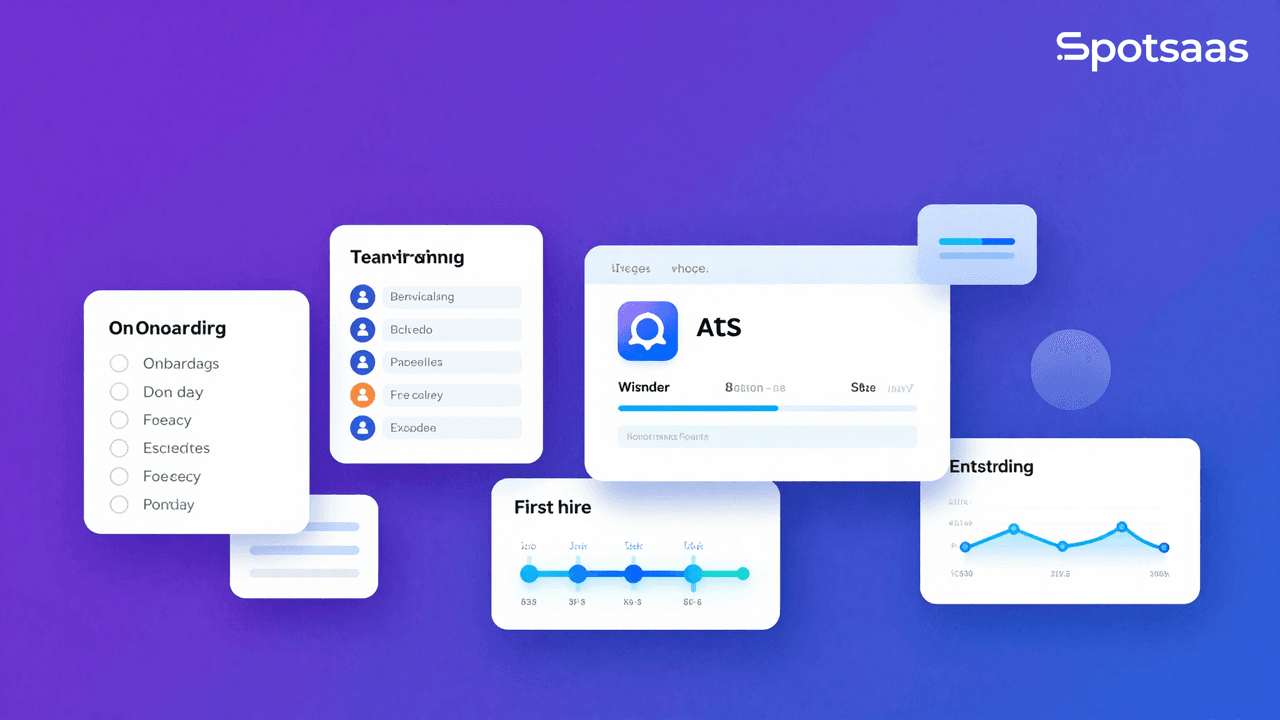
Adopting an Applicant Tracking System (ATS) transforms how hiring teams manage candidates, communicate across departments, and make data-driven decisions. But the first 30 days using an ATS are where success or failure is decided. Recruiters, HR managers, and startup founders who understand the onboarding period — week by week — move faster, avoid costly mistakes, and start seeing measurable wins before the month is out. This guide gives you the full roadmap.
nn
What Should You Expect in Your First 30 Days Using an ATS?
nn
Quick Answer: In your first 30 days using an ATS, expect to complete system setup and integrations in week one, configure workflows and pipelines in week two, onboard your team with training in week three, and begin optimizing candidate flow with real data in week four. Most teams see measurable efficiency gains within the first month.
nn
The first 30 days with a new ATS are not just a technical onboarding — they are a cultural shift for your hiring team. Spreadsheets, email chains, and manual tracking get replaced with structured pipelines, automated communications, and centralized candidate data. The transition period is temporary. The gains are lasting.
nn
Understanding what each week demands — and what it delivers — helps teams stay on track, avoid the common frustrations that lead to tool abandonment, and start demonstrating ROI to leadership before the trial period ends.
nn
Why the First 30 Days of ATS Adoption Matter More Than You Think
nn
Tool adoption rates in HR technology are notoriously low. According to a Sierra-Cedar HR Systems Survey (2026), only 43% of HR teams report high adoption rates for new technology within the first quarter of deployment. The primary reason? Poor onboarding planning, not poor software.
nn
According to Aptitude Research (2026), companies that follow a structured ATS implementation plan are 2.5x more likely to report time-to-hire improvements within 60 days. The structure of your first month matters as much as the tool you chose.
nn
There is also a candidate experience dimension. According to LinkedIn’s Global Talent Trends report (2026), 83% of candidates say a negative application experience changes their opinion of a company. A poorly configured ATS creates delays, missed follow-ups, and broken application flows — all of which damage your employer brand from day one.
nn
Finally, research from the Society for Human Resource Management (SHRM) estimates that a bad hire costs between 50% and 200% of an employee’s annual salary. A properly implemented ATS reduces bad hires by improving screening consistency and collaborative evaluation. Getting setup right in the first 30 days protects that investment.
nn
Week 1: System Setup, Data Migration, and Initial Configuration
nn
The first week is almost entirely technical. Your goal is to get the system live, populated with relevant data, and connected to the tools your team already uses. Speed matters here, but accuracy matters more.
nn
How Do You Set Up an ATS for the First Time?
nn
- n
- Define your hiring roles and access levels. Decide who needs admin access, who gets recruiter-level permissions, and who is a hiring manager with view-only or feedback rights. Most modern ATS platforms like Greenhouse allow granular role-based access from day one.
- Import your existing candidate database. Export candidate data from your spreadsheets or previous system in CSV format. Clean the data before importing — remove duplicates, standardize job titles, and verify email addresses. Dirty data at migration means dirty pipelines forever.
- Connect your job boards and sourcing channels. Most ATS platforms integrate natively with LinkedIn, Indeed, Glassdoor, and niche job boards. Activate these integrations during week one so every new application flows into a single system automatically.
- Integrate with your HRIS and calendar tools. Connect the ATS to your HR Information System to avoid double-entry on new hires. Connect to Google Calendar or Outlook so interview scheduling syncs automatically.
- Configure your careers page or job widget. If the ATS includes a branded careers page, set it up now. Your application volume depends on this being live and functional from the first active week.
- Set up email templates for basic candidate communications. Build templates for application acknowledgment, interview invitations, and rejection notices. Even rough drafts reduce manual effort immediately.
- Run a test application end to end. Before announcing the system to the wider team, have one person submit a test application, move it through every stage, and confirm all automations and notifications fire correctly.
n
n
n
n
n
n
n
nn
Week one will feel overwhelming. That is normal. Most ATS vendors offer dedicated onboarding specialists — use them. Platforms like Lever assign implementation managers who guide setup calls and catch configuration errors before they compound.
nn
Week 2: Workflow Customization and Pipeline Design
nn
With the system live, week two is about making it fit your actual hiring process — not the default template the vendor shipped. Generic pipelines create confusion. Custom pipelines create clarity.
nn
What Hiring Stages Should You Build Into Your ATS Pipeline?
nn
Every company’s pipeline differs, but a well-structured ATS workflow typically includes the following stages as a baseline:
nn
| Pipeline Stage | Purpose | Automation Opportunity |
|---|---|---|
| Applied | Candidate submitted application | Auto-send acknowledgment email |
| Screening | Initial resume or phone screen review | Trigger screening questionnaire |
| Phone Interview | First live contact with recruiter | Auto-schedule via calendar integration |
| Hiring Manager Review | Candidate List reviewed by department lead | Notify hiring manager automatically |
| Technical or Skills Assessment | Role-specific evaluation | Send assessment link automatically |
| Final Interview | Panel or executive conversation | Coordinate schedules via integration |
| Offer | Formal offer extended | Trigger offer letter template |
| Hired or Declined | Decision recorded and candidate notified | Auto-send disposition notice |
nn
Customize stage names to match your internal language. If your team calls the first call a
What Determines Whether an ATS Rollout Sticks
Quick Answer: Adoption in the first month is decided by hiring managers, not recruiters. Recruiters will learn any system because they live in it. If leaving structured feedback takes a manager more than a minute, they revert to email and your pipeline data becomes incomplete within weeks.
That makes the manager experience the thing to protect during configuration. Every additional required field, approval step and custom stage added in week one increases the chance managers route around the system entirely. Configure the minimum that produces useful data, then add structure once the habit exists.
The second determinant is starting with a real role rather than a test one. Test requisitions never surface the awkward cases — the candidate who applies twice, the interviewer who is not in the system, the offer that needs an unusual approval. Running one genuine role end to end in week one finds these while the vendor is still engaged.
The First 30 Days, Week by Week
Week one: load users and permissions, configure the minimum viable hiring stages, and connect the careers page. Resist the urge to model every variation your organisation has ever used.
Week two: run one live role through the full pipeline. Post it, receive applications, schedule interviews, capture feedback, and record a decision. Note every point where someone had to ask how to do something.
Week three: train hiring managers specifically, using the role from week two as the example. Manager training is a different session from recruiter training and is usually the one that gets skipped.
Week four: review what people worked around, fix those specific things, and agree what reporting you will look at monthly. Reporting agreed now gets used; reporting deferred rarely does.
Frequently Asked Questions
How long does ATS implementation take?
Small business platforms are usually live within one to two weeks. Mid-market takes four to eight weeks, most of it spent configuring hiring stages and integrating with an HRIS. Enterprise deployments run several months.
What is the first step in implementing an ATS?
Document how your hiring process actually works today, including the informal exceptions. Configuration encodes that process, and encoding a process nobody follows is the most common cause of an ATS being abandoned.
Why do ATS implementations fail?
Almost always adoption rather than technology. Hiring managers find feedback too slow to leave and revert to email, which leaves pipeline data incomplete and removes the reason the system was bought.
How do you get hiring managers to use an ATS?
Make their part fast, train them separately from recruiters, and show them something useful in return — usually visibility of their own pipeline. Managers adopt tools that save them time and abandon tools that only serve HR reporting.
Should you migrate old candidate data into a new ATS?
Migrate active candidates and recent history; archive the rest. Bulk-importing years of stale records makes search worse and slows the rollout without adding value most teams ever use.
How do you measure ATS implementation success?
Adoption first — what share of roles and interview feedback actually run through the system — then time-to-hire and source quality once there is enough data. Measuring outcomes before adoption is established gives misleading numbers.
What is the top 5 ATS systems?
Workable, Greenhouse, Lever, JazzHR and Zoho Recruit cover most of the market by adoption, spanning small business through enterprise. Greenhouse and Lever concentrate at the larger end.
What is an ATS example?
Greenhouse, Lever, Workable, JazzHR and Breezy HR are all applicant tracking systems, holding candidates in structured pipelines and recording interview feedback against the role.
Who should own an ATS rollout?
Someone in recruiting with authority to decide process questions, supported by whoever will administer it afterwards. Rollouts owned solely by IT tend to be well configured and poorly adopted.
How soon should you customise an ATS after launch?
Wait at least a month. Configuration added before the team has used the system usually encodes assumptions, not needs, and the customisations people ask for after four weeks of real use are markedly different from the ones requested on day one.
Should you run parallel hiring during an ATS rollout?
Running one live role fully in the new system while keeping your existing process as backup for others is the practical middle ground. Running everything twice is unsustainable; running nothing live means problems surface after the vendor has moved on.
How much training do recruiters need on a new ATS?
Typically a couple of hours for core workflows, then support during the first live role. Recruiters learn by doing, so book support during their first live requisition instead of extending the classroom session.
What integrations should be set up first?
The careers page and calendar for interview scheduling, then your HRIS so hired candidates become employee records without re-entry. Job-board syndication and background-check integrations can follow once the core loop works.
How do you handle candidates mid-process during a switch?
Finish active candidates in the old system where practical, and start new roles in the new one. Migrating people mid-interview creates gaps in feedback history at exactly the point where that history matters most.
What reporting should you set up at launch?
Time-to-hire, source of applications, and interview-to-offer ratio. Agreeing these before launch is what ensures the underlying data is captured; adding them later means starting the measurement period from scratch.
Who should be trained first on a new ATS?
Recruiters, then hiring managers separately with a shorter session focused only on reviewing candidates and leaving feedback. Combining both audiences into one session reliably loses the managers.
What are the signs an ATS rollout is failing?
Hiring managers discussing candidates by email, roles being worked outside the system, and interview feedback arriving verbally. All three appear within the first month and are far easier to correct then than later.
What should you not change in the first month of a new ATS?
Your hiring stages. Changing them mid-rollout invalidates the little data you have and confuses everyone learning the system. Note what needs changing and act at the 30-day review instead.
Related Articles
Applicant Tracking Software
ATS Tools for Small Teams: Hire Faster and Smarter with Less Effort
Continue reading →
Applicant Tracking Software
How Collaborative ATS Tools Improve Internal Hiring Communication
Continue reading →
Applicant Tracking Software
How To Choose The Best Job Board Software For 2026
Continue reading →
Applicant Tracking Software
Best Tools for Cross-Functional Hiring Across Teams and Departments
Continue reading →