
API calls sound technical, but the idea behind them is simple: they let one program ask another program for data over the internet. Understanding how they work and how to make them is a useful skill for anyone building or connecting software, since API calls are what let an app pull information from an external server instead of storing everything itself locally.
This article explains what API calls are, covers the risks worth knowing about before you rely on them, and walks through an easy 5-step process for making your own API requests.
Key Takeaways
- API calls are requests made to an external server using HTTP requests to access and exchange data with a web application or service.
- To make API calls, you need to find the URI, include the appropriate HTTP verb (GET, POST, PUT, DELETE), add headers and authentication tokens for security, wait for the response from the server or program, and test your API calls for functionality.
- Some potential risks of API calls include unauthorized access to sensitive data, denial-of-service attacks, weak authentication mechanisms leading to exploitation by hackers, inadequate error handling exposing vulnerabilities in your system. To mitigate these risks, implement strong authentication measures and regularly update them,
- Best practices for secure API calls involve securing your API inventory by keeping it up-to-date with security patches,
What Are API Calls?
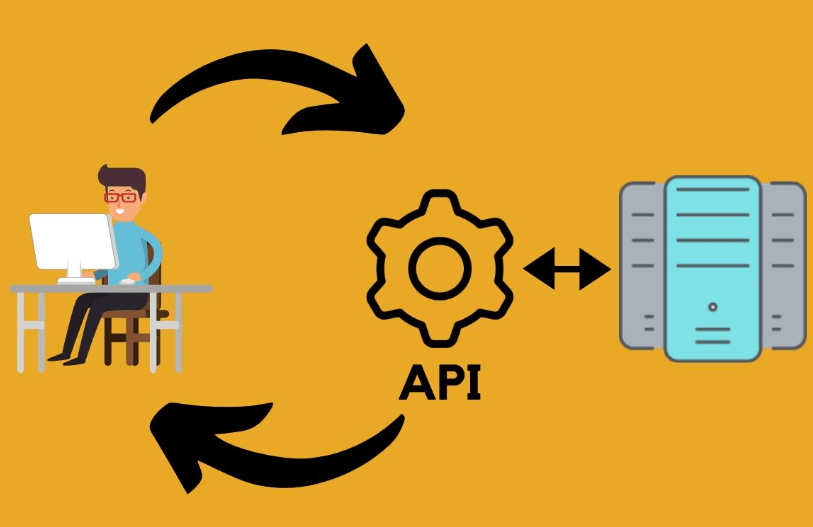
API calls are requests made to an external server using HTTP requests to access and exchange data with a web application or service.
Definition
An API call is a way to ask for data from a server or program. This happens through an API, which is a set of rules that lets programs talk to each other. When you make an API call, you send a request such as GET or POST to another system’s web address, known as the URI.
With this method, you can retrieve different types of data, such as text or JSON files. Use safe methods like HTTPS, along with tokens or keys for authentication, whenever you make these calls.
Technicalities
API calls need the right codes. Codes such as GET, POST, PUT or DELETE are sent to a server. The address for this is the Uniform Resource Identifier (URI). API calls can be written in many languages, including Python, Java, or JavaScript.
These languages use tools that help with API integration, and each API call has its own style and structure. To know how to make an API call correctly, look at the API documentation first, since it lays out exactly what the server expects.
An access token or key matters too, since it makes sure the data being exchanged is genuine and secure.
Common types
There are several kinds of API calls to understand:
| API Call | Description |
|---|---|
| GET | This command asks the server for a piece of data. If you need information from the server, use this. |
| POST | A post command sends data to the server. This can be used to add or change info on the server. |
| PUT | The put command also sends data, but it replaces old data with new. |
| DELETE | As its name tells us, this removes data from the server. |
| PATCH | This is much like PUT, but only changes part of the old data. |
Potential risks
API calls come with potential risks worth being aware of. One risk is the possibility of unauthorized access to sensitive data if proper security measures aren’t in place.
This can lead to data breaches and compromise the privacy and integrity of the information being exchanged through API calls.
Another risk is denial-of-service attacks, where an attacker overwhelms the server or external program by flooding it with a large number of API requests. This can result in service disruptions or even complete downtime, affecting the availability and reliability of your application.
Moreover, if API authentication mechanisms are weak or misconfigured, attackers may exploit these vulnerabilities to gain unauthorized access or perform malicious actions on your system.
It’s important to implement strong authentication methods, such as tokens or keys, and to update them regularly to minimize this risk.
How to Make API Calls in 5 Easy Steps
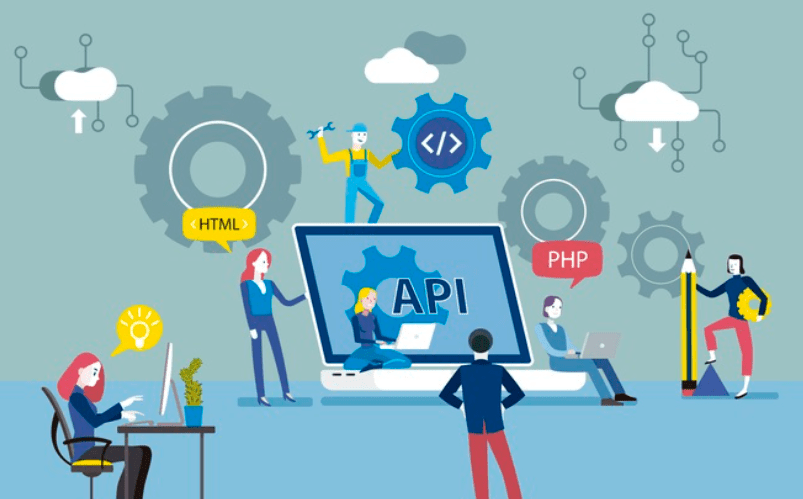
To make an API call, find the URI, add the HTTP verb, include a header and API key or token, wait for the response, and test the call to confirm it works. Each step is covered in more detail below.
Find the URI
To make an API call, you first need to find the Uniform Resource Identifier (URI) of the server or external program you want to access. The URI is like the address of the data you’re looking for.
It tells your code where to send the request and where to expect a response back. You can usually find this information in the API documentation provided by the service or program you’re working with.
The URI might look something like “https://api.example.com/data”. Once you have the URI, you can use it in your code to start making API calls and retrieving data.
Add HTTP verb
To make an API call, you need to include the appropriate HTTP verb. This tells the server or external program what action you want to perform with the data. The most common verbs are GET, POST, PUT, and DELETE.
– GET is used to retrieve data from the server.
– POST is used to submit new data to be added.
– PUT is used to update existing data.
Include header and API key/token
When making an API call, it is important to include a header and an API key or token for authentication. The header contains additional information about the request, such as the content type or encoding.
The API key or token serves as a unique identifier that verifies your identity and grants you access to the requested data. This step ensures that only authorized users can make API calls and helps protect against unauthorized access or misuse of the API.
By including the header and API key/token in your API call, you can securely retrieve the data you need from the server or external program without compromising confidentiality or integrity.
Wait for response
Once you have made your API call by sending the HTTP request, it’s time to wait for a response. The server or external program will process your request and send back the requested data or perform the requested action.
This response can include various types of information, such as text, JSON, XML, or binary files. It is important to handle and parse this response correctly based on the expected format and content type specified in the API documentation.
You can also check the status code of the response to understand whether your API call was successful or ran into an error. Test different scenarios and edge cases during API testing so your application handles all possible responses appropriately.
Test API calls
Once you have made your API calls, it is important to test them to make sure they’re working correctly. Testing API calls helps identify errors or issues that may be present in the communication between your application and the server or external program.
To test API calls, you can use various tools and techniques. One common approach is to check the response of the API call to see if it returns the expected data. This involves examining the status code of the response (such as 200 for success) and verifying that the retrieved data matches what you were expecting.
You can also use testing libraries or frameworks specific to your programming language to automate this process. These tools allow you to write test cases that simulate different scenarios and verify whether the API calls are behaving as intended.
Best Practices for API Calls
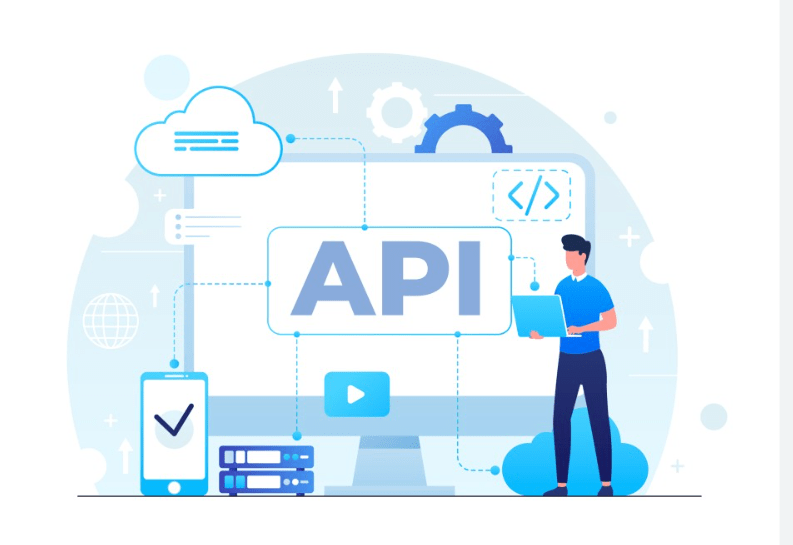
Securing your API inventory, testing for vulnerabilities, protecting against malicious calls, and using throttling all help keep your API calls safe and efficient. The sections below cover each of these practices.
Secure API inventory
To ensure the security of your API calls, it is important to secure your API inventory. This means keeping track of all the APIs you are using and ensuring they are up-to-date with the latest security patches.
Regularly check for vulnerabilities in your APIs and apply any necessary fixes or updates. It’s also important to protect against malicious calls by implementing proper authentication measures, such as requiring an access token or API key for each request.
Additionally, consider using throttling techniques to limit the number of requests per second from a single client in order to prevent abuse or unauthorized access. Taking these steps helps safeguard your API inventory and maintain strong security for your applications and data exchange processes.
Test for vulnerabilities
API calls may also be susceptible to vulnerabilities that could compromise the security of your data exchange. Here are some important steps to take when testing for vulnerabilities:
| Step | Description |
|---|---|
| Conduct Security Audits | Regularly assess your API calls to identify any potential security weaknesses. This includes reviewing the code, configurations, and access controls. |
| Implement Input Validation | Validate all user input before processing it in an API call. This helps prevent common vulnerabilities like SQL injection or cross-site scripting (XSS). |
| Use Encryption Protocols | Ensure that sensitive data transmitted in API calls is encrypted using secure protocols such as HTTPS. This protects against eavesdropping and data interception. |
| Enable Rate Limiting and Throttling | Implement mechanisms to limit the number of API requests per user or IP address within a specified time frame. This prevents malicious actors from overwhelming the server with excessive requests (known as Denial of Service attacks). |
| Monitor and Log API Activity | Track and analyze API usage patterns, errors, and anomalies to detect potential exploits or unauthorized access attempts. |
| Source | [Source1] [Source2] |
Protect against malicious calls
To protect against malicious calls, it is important to implement proper API security measures. One way to do this is by using authentication mechanisms like API keys or tokens. These credentials ensure that only authorized users can access the API and make requests.
Additionally, it is essential to validate and sanitize user inputs to prevent potential attacks, such as injection or cross-site scripting (XSS). Regularly updating and patching your API also helps safeguard against known vulnerabilities.
Monitoring and analyzing traffic patterns can help detect and block suspicious activity, which supports the integrity of your API calls overall.
Taken together, protecting against malicious calls comes down to strong authentication, validated inputs, up-to-date security patches, and ongoing traffic monitoring for anything that looks out of place.
Use throttling
One important practice for API calls is to use throttling. Throttling helps regulate the rate at which API calls are made to prevent overwhelming the server or exceeding usage limits.
It helps ensure a fair distribution of resources and maintains system stability. Throttling can be implemented by setting limits on the number of requests per time period, or by using tokens that grant access to a specific number of requests.
By using throttling, you can manage your API calls efficiently and avoid potential risks like performance degradation or service disruptions.
Conclusion
API calls are essential for accessing data from external programs or servers. By following five easy steps, anyone can make an API call: find the URI, add the HTTP verb, include headers and authentication tokens, wait for a response, and test the calls.
Prioritize security by using HTTPS and authenticating requests to protect against unauthorized access. With these steps in mind, developers can confidently integrate APIs into their projects and extract valuable data efficiently.
Frequently Asked Questions
What is an API call?
An API call is a request made to an application programming interface (API) to retrieve or send data between different software applications.
How do I make an API call?
To make an API call, you need to use the appropriate URL and parameters specific to the API you are using in your code or application.
How many steps are there to make an API call?
There are five easy steps involved in making an API call: 1) Identify the endpoint and method, 2) Set up required headers and authentication, 3) Define any necessary parameters or payload, 4) Send the request, and 5) Handle the response.
Can anyone make an API call?
In most cases, making an API call requires proper authorization or authentication credentials provided by the service provider. It may not be accessible for everyone without permission.
What can I do with the data received from an API call?
The data received from an API call can be used for various purposes such as displaying information on a website or app, processing it for analysis or integration with other systems, or performing specific actions based on the retrieved data.

- Independent picks for exactly what you just read about
- Matched to your team size & needs
- Vendors don't pay for placement
Step 1 of 4
How big is your team?
We tailor recommendations to companies your size.















Related Articles
IT Management
Microsoft Intune Pricing 2026: Plan 1, Plan 2, Suite and What Microsoft 365 Includes
Continue reading →
IT Management
Best Remote Access Software 2026: 11 Tools Compared by Price
Continue reading →
IT Management
Splashtop Pricing 2026: Solo, Pro, Performance and SOS Costs
Continue reading →
IT Management
Atera Pricing 2026: Every Plan, Per-Technician Cost and What You’ll Pay
Continue reading →