

GitMind Review: Is It The Right Mind Mapping Software For Your Team?
Best for SMB teams · Mid-market
Free Plan Available
Add to compare
Overview
Pricing
Features
Buyer feedback
Alternatives
Media
Security & Compliance
Support
FAQ
Blogs
What is GitMind?
GitMind is mind mapping software to helps to organize thoughts, ideas, tasks, information and notes. With GitMind, user can easily create advanced mind maps, also known as concept maps. The mind mapping topics are displayed in the center of the screen where branches (topics) lead to subtopics. Its intuitive interface helps to get started right away, while its various styles and customization options make it perfect for visualizing any subject.
Best For
Built for growing teams, from small businesses to mid-market
Security & Compliance
Data residency:Global
GitMind Screenshots

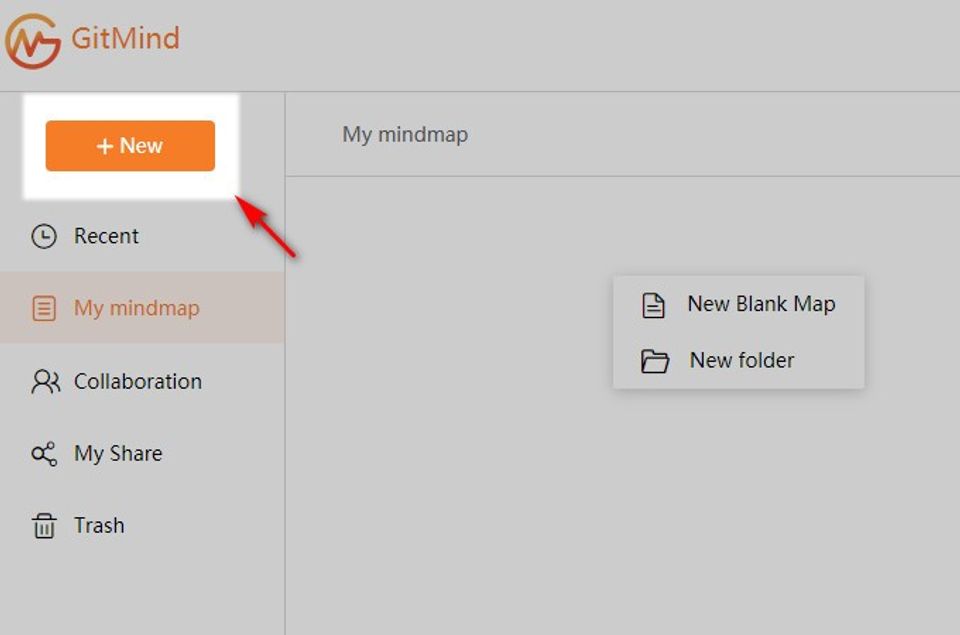
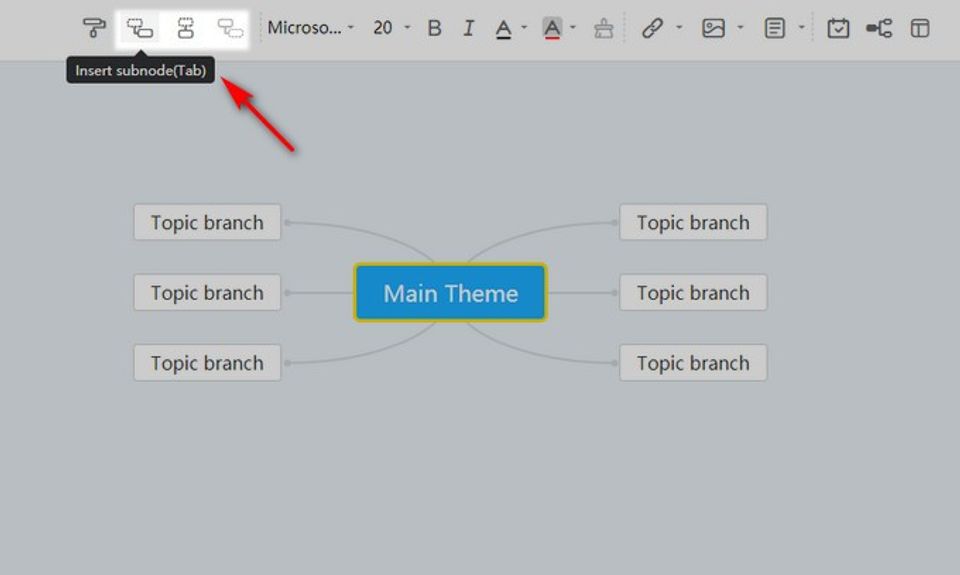
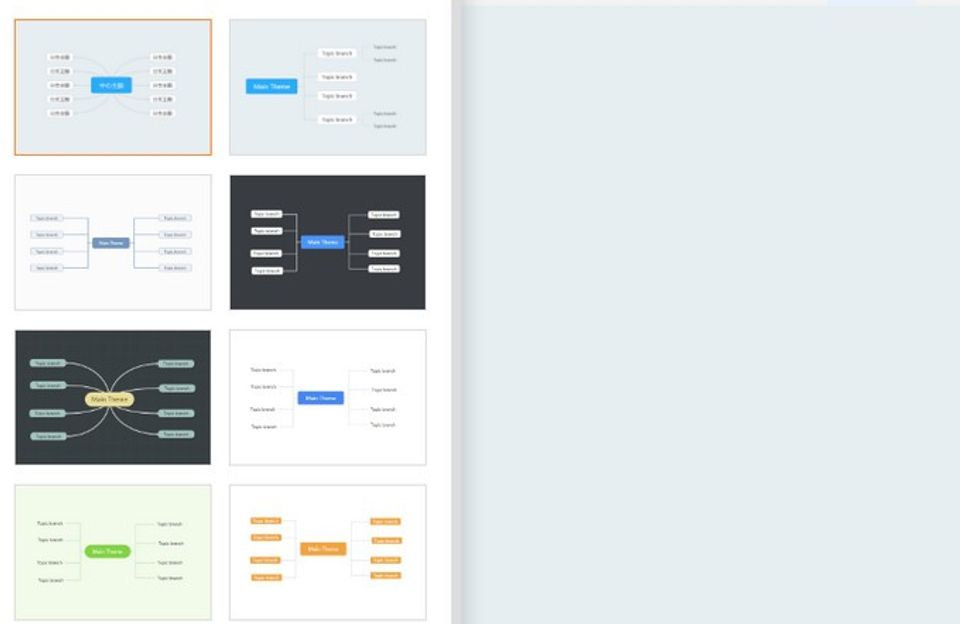
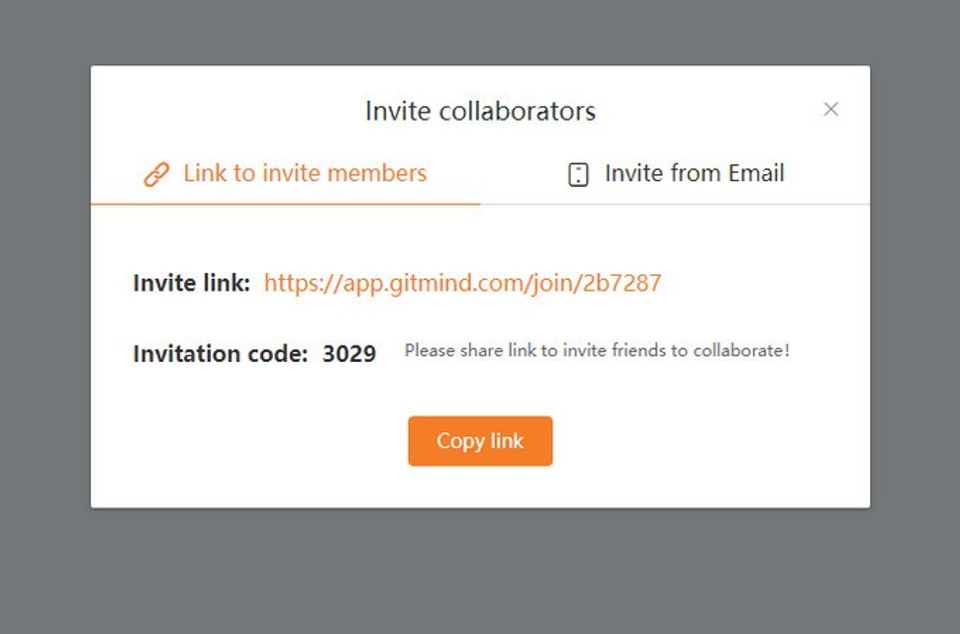
GitMind was reviewed internally using user feedback, in-house testing, and market research to assess its performance, reliability, and user experience. Learn how we review products and our evaluation process.

Who should consider GitMind
- Use cases
- Freelancers organizing personal projects, Small businesses planning and brainstorming, Medium businesses visualizing workflows and ideas
- Team types
- Project managers, Creative teams
- Company size
- 1-50 employees, 51-500 employees
- Workflow style
- Simple and streamlined
- Setup complexity
- Low
Why teams choose GitMind
Intuitive interface that allows quick start
Various styles and customization options for mind maps
Supports creation of advanced concept maps
Is GitMind right for you?
Best for small to medium teams needing easy, customizable mind and concept mapping.
Choose GitMind if
- You want an intuitive, low-complexity tool to quickly organize ideas and workflows.
- Your team values customizable styles and advanced concept map creation capabilities.
- You are a freelancer or small/medium business without need for complex integrations.
Consider alternatives if
- Your organization requires advanced real-time collaboration and editing features.
- You need enterprise-grade security, support, or extensive integration options.
What buyers should know before choosing GitMind
GitMind's core strength is visual organization of hierarchical information—useful for project planning, content outlines, and team brainstorming. Before shortlisting, verify that its collaboration features meet your needs: real-time co-editing exists but is limited to paid tiers, and simultaneous editing can lag with maps over 500 nodes.
Check whether the export formats (PNG, PDF, SVG, JSON) work with your downstream tools; PDF export lacks advanced styling options. GitMind's pricing jumps significantly at the team level ($9/month personal to $19/month per user for teams), so calculate total cost if you need more than three collaborators.
Test the mobile app during your trial—it has fewer features than the desktop version and doesn't support all map types. Integration with other tools is limited; there's no native Slack or Jira connector, though you can export and import via JSON for manual workflows.
GitMind pros and cons
- GitMind pros
Intuitive interface that allows quick start
Various styles and customization options for mind maps
Supports creation of advanced concept maps
- GitMind cons
Limited user ratings and feedback available
No clear pricing information beyond freemium model
Ready to try it?
Get started with GitMind
Try the free plan and upgrade when ready.
Still comparing?
See how it stacks up
Compare GitMind side-by-side with top Mind Mapping Software alternatives.


What is the pricing of GitMind?
GitMind Pricing Plans
Weighing your options?
Not sure if GitMind fits your budget?
GitMind reviews and ratings
Buyer sentiment
Limited user feedback with a moderate rating suggests a generally positive but unproven user experience.
What buyers like
- Ease of use
- Customization options
- Visual clarity
Common complaints
- Lack of detailed pricing information
- Limited user reviews and ratings
Are you using GitMind?

- See if GitMind fits your business
- Real pricing — no sales pressure
- A demo or quick answers, your call
Step 1 of 4
How big is your team?
We tailor recommendations to companies your size.















What are the features of GitMind?
People can collaborate more easily with the help of collaboration tools. The goal of a collaboration tool is to help a group of two or more…
Idea management is a structured method of producing, capturing, discussing, enhancing, organizing, analyzing, and prioritizing valuable insi…
Map creation is the process of designing and generating maps for various purposes such as navigation, spatial analysis, and information visu…
A mind map is a visual representation of ideas and concepts that are interconnected and organized in a hierarchical structure. It is a power…
GitMind security and data handling
Key compliance certifications and security features for IT and security teams evaluating GitMind.
Certifications

Developer & data
Alternatives to GitMind


GitMind Support Options
Frequently Asked Questions About GitMind
Common questions buyers ask before choosing GitMind.
GitMind is a Mind Mapping Software. GitMind offers Mind Map, Map Creation, Idea Management and many more functionalities.
GitMind is a strong fit if: You want an intuitive, low-complexity tool to quickly organize ideas and workflows.; Your team values customizable styles and advanced concept map creation capabilities.. Consider alternatives if: Your organization requires advanced real-time collaboration and editing features.; You need enterprise-grade security, support, or extensive integration options..
Buyers commonly note the following limitations of GitMind: Limited user ratings and feedback available; No clear pricing information beyond freemium model; Potential lack of advanced collaboration features.
Some top alternatives to GitMind includes MindManager, IOctopus, GroupMap, MindGenius and MindMup.
GitMind offers Freemium pricing model
The starting price is not disclosed by GitMind. You can visit GitMind pricing page to get the latest pricing.
Ready to try it?
Get started with GitMind
Get started with the free plan — no credit card required.
About the reviewer
Rajat Gupta is the founder of Spotsaas. Over the past two years, he has reviewed 2,000+ tools across CRM, HR, AI, and finance — applying hands-on product research and a background in commerce and the CFA program to evaluate software through a business and ROI lens. His goal: help teams make software decisions they won't regret.
Disclaimer: This research has been collated from a variety of authoritative sources. We welcome your feedback at [email protected].