
Adobe FrameMaker Review: Is It The Right Document Creation Software For Your Team?
Best for SMB teams · Mid-market · Enterprise
Free Trial Available
Starts from $29.99 / Month
 FrameMaker.dk
 Content Era, LLC
 Ciena
Ciena SCANCO Medical
Trusted by teams including FrameMaker.dk
Overview
Pricing
Features
Buyer feedback
Alternatives
Customers
Media
Security & Compliance
Support
FAQ
Blogs
What is Adobe FrameMaker?
With Adobe FrameMaker, edit complex, unstructured documents and maximize your content authoring with advanced content publishing tools. Create mini TOCs to increase navigation and document accessibility while creating technical content, resulting in improved uniformity, higher reusability, and a significantly lower cost of ownership. Utilize an Element Definition Document (EDD) to save effort and apply formatting rules to the content quickly. Get the added benefit of bi-directional language support for LTR and RTL scripts
Pricing
Starts from $29.99 / Month
Free Trial available
Best For
Suited for small teams, SMBs, and enterprise
Security & Compliance
Data residency:🇺🇸
Platform
Web-based — no mobile app
Installed - Windows
Adobe FrameMaker Screenshots

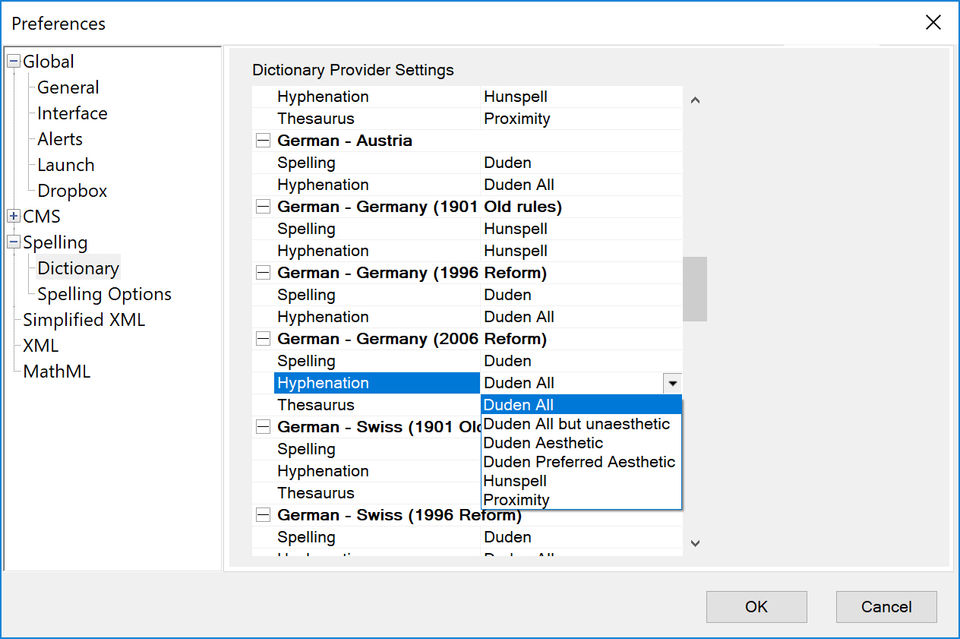
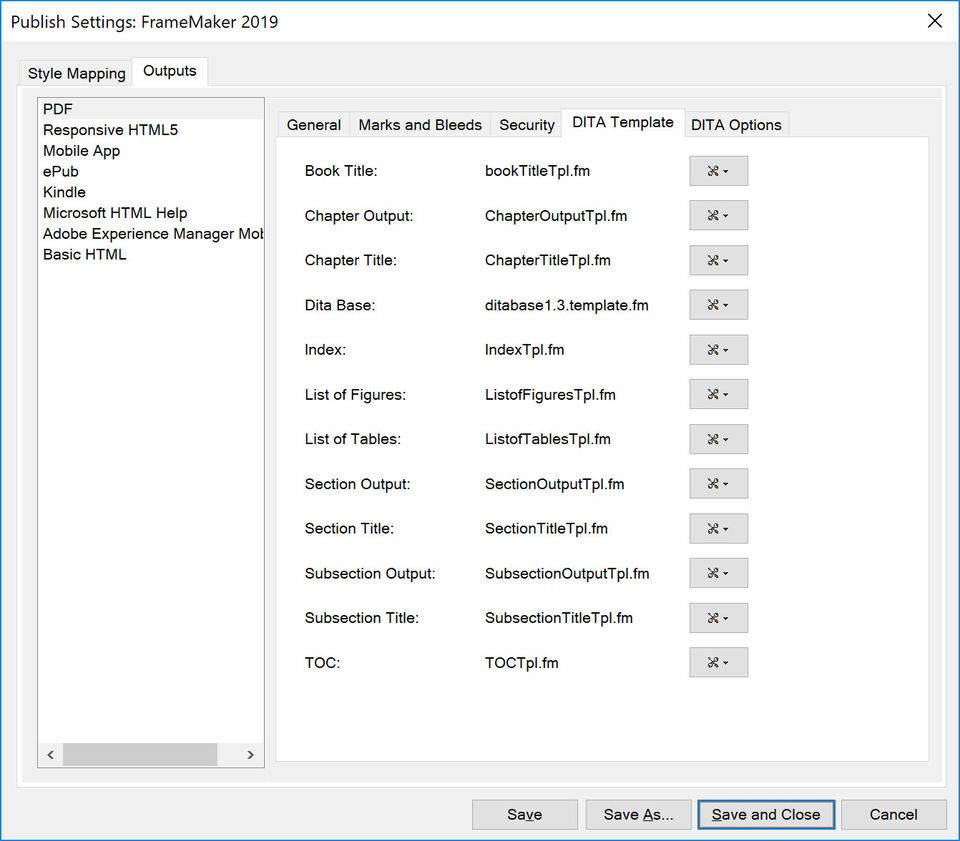
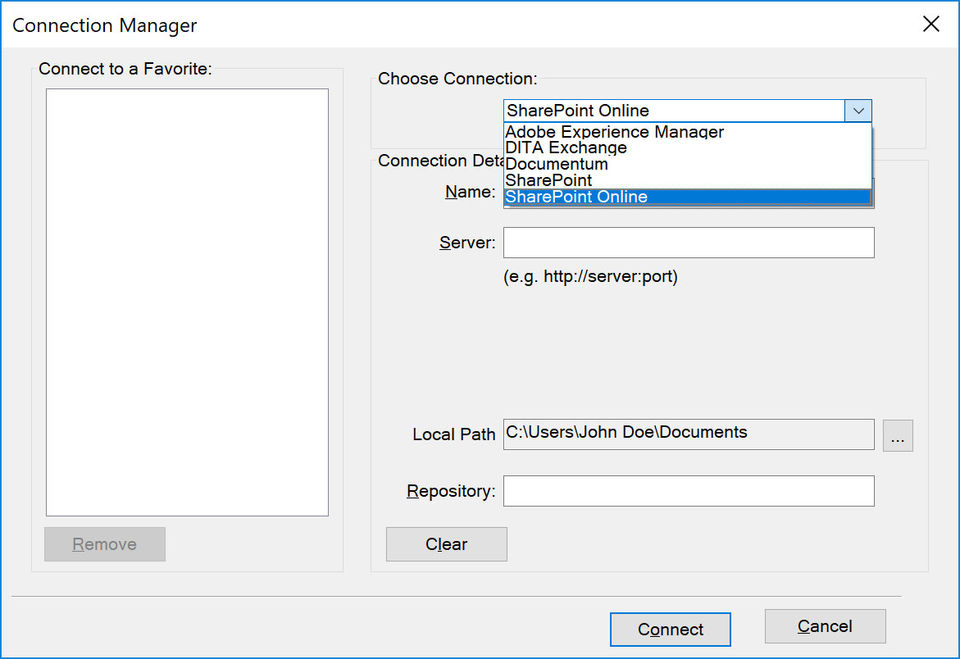
Adobe FrameMaker was reviewed internally using user feedback, in-house testing, and market research to assess its performance, reliability, and user experience. Learn how we review products and our evaluation process.

Who should consider Adobe FrameMaker
- Team types
- Large Enterprises, Medium Business
Why teams choose Adobe FrameMaker
Advanced tools cater to complex document needs.
Bi-directional language support enhances usability for diverse users.
Efficient formatting tools save time and effort.
Is Adobe FrameMaker right for you?
What buyers should know before choosing Adobe FrameMaker
Adobe FrameMaker is a powerful tool for creating complex documents, particularly in technical fields. Its advanced authoring and formatting capabilities make it a top choice for professionals needing precision in their documentation.
Adobe FrameMaker pros and cons
- Adobe FrameMaker pros
Advanced tools cater to complex document needs.
Bi-directional language support enhances usability for diverse users.
Efficient formatting tools save time and effort.
- Adobe FrameMaker cons
Steep learning curve may deter new users.
High costs may not be justifiable for small teams.
Ready to try it?
Get started with Adobe FrameMaker
Start your free trial — no credit card required.
Still comparing?
See how it stacks up
Compare Adobe FrameMaker side-by-side with top Document Creation Software alternatives.


What is the pricing of Adobe FrameMaker?
Adobe FrameMaker Pricing Plans
Weighing your options?
Not sure if Adobe FrameMaker fits your budget?
Adobe FrameMaker reviews and ratings
Buyer sentiment
Buyer sentiment is positive across 34 reviews, with strong overall satisfaction.
What buyers like
- Advanced content authoring
- Supports complex documents
- Bi-directional language support
Common complaints
- Steep learning curve
- High cost for small users
- Limited collaboration features
Are you using Adobe FrameMaker?

- See if Adobe FrameMaker fits your business
- Real pricing — no sales pressure
- A demo or quick answers, your call
Step 1 of 4
How big is your team?
We tailor recommendations to companies your size.















What are the features of Adobe FrameMaker?
Collaboration has received a lot of attention in the marketing world recently. It's taking off in a big way but still has many questions sur…
Material management is the end-to-end acquiring, designing, processing, and distributing of content. It is a set of methods and technologies…
Data migration is a vital aspect of modern-day software tools that enable the transfer of data from one system to another. This feature esse…
The import-export option is a commonly used feature in software that allows users to easily transfer data between different applications or…
Multi-language support is a software feature that enables users to access and interact with the program in multiple languages. This feature…
Adobe FrameMaker security and data handling
Key compliance certifications and security features for IT and security teams evaluating Adobe FrameMaker.
Certifications

Developer & data
Alternatives to Adobe FrameMaker







Adobe FrameMaker Customers
FrameMaker.dk
Content Era, LLC
Ciena
SCANCO Medical
Adobe FrameMaker Support Options
Frequently Asked Questions About Adobe FrameMaker
Common questions buyers ask before choosing Adobe FrameMaker.
Adobe FrameMaker is a Document Creation Software. Adobe FrameMaker offers Import-Export Option, Content Management, Collaboration, Data Migration and many more functionalities.
Buyers commonly note the following limitations of Adobe FrameMaker: Steep learning curve may deter new users.; High costs may not be justifiable for small teams.; Limited collaboration features could hinder teamwork..
Some top alternatives to Adobe FrameMaker includes Microsoft Word, Documate, Google Docs, OfficeSuite and PDFChef.
Adobe FrameMaker offers Free Trial, Subscription pricing models
The starting price of Adobe FrameMaker is $29.99/Month
Ready to try it?
Get started with Adobe FrameMaker
Start your free trial — no credit card required.
About the reviewer
Rajat Gupta is the founder of Spotsaas. Over the past two years, he has reviewed 2,000+ tools across CRM, HR, AI, and finance — applying hands-on product research and a background in commerce and the CFA program to evaluate software through a business and ROI lens. His goal: help teams make software decisions they won't regret.
Disclaimer: This research has been collated from a variety of authoritative sources. We welcome your feedback at [email protected].