
Vloggi vs EmbedFeed vs Subsection.io Comparison

Vloggi
Starting at $39.00 per month
- Large Enterprises
- Small Business
Introducing Vloggi, your go-to platform for cost-effective video solutions. With Vloggi, you can easily connect with your audience and create engaging video content at a fraction of the cost. This innovative platform off…

EmbedFeed
Starting at $29.00 per month
- Free Trial
- Large Enterprises
- Small Business
Introducing EmbedFeed, the ultimate all-in-one social media aggregator tailor-made for any website. With its seamless integration capabilities, EmbedFeed simplifies the process of syncing all social media posts effortles…

Subsection.io
Starting at Contact for pricing
- Free Trial
- Large Enterprises
- Small Business
Introducing Subsection.io, your ultimate solution for boosting your SaaS business's online presence and attracting valuable bottom-of-the-funnel customers. With a focus on enhancing SEO performance, Subsection.io empower…
Vloggi vs EmbedFeed vs Subsection.io — at a glance
| Feature | Vloggi | EmbedFeed | Subsection.io |
|---|---|---|---|
| Rating | — | — | — |
| Reviews | — | — | — |
| Starting price | $39.00 per month | $29.00 per month | Contact for pricing |
| Free trial | No | Yes | Yes |
| Free version | No | No | No |
| Best for | Large Enterprises, Small Business, Medium Business | Large Enterprises, Small Business, Medium Business | Large Enterprises, Small Business, Medium Business |
| Category | User-Generated Content Software | User-Generated Content Software | User-Generated Content Software |
| Platforms | Browser Based (Cloud) | Browser Based (Cloud) | SaaS/Web/Cloud |
| API | Available | Available | Available |
| Support modes | Online | Online | Online |
| Certifications | — | GDPR | — |
| Data residency | Global | Global | US |
Key differences between Vloggi and EmbedFeed
- Pricing: Vloggi starts at $39.00 per month, while EmbedFeed starts at $29.00 per month.
- Free trial: EmbedFeed offers a free trial; Vloggi does not.
- Deployment: Vloggi supports Browser Based (Cloud); EmbedFeed supports Browser Based (Cloud).
Compare Vloggi vs EmbedFeed vs Subsection.io — and walk away knowing which one fits.
Which tool fits your team best
Which is actually cheaper for your team size
Where each product wins, per real buyers
Most User-Generated Content Software tools look identical on paper. This comparison cuts to the differences that matter — pricing structure, team fit, and what real buyers found after signing up.
Biggest differences
Features
Pricing
Buying details
Security
Buyer feedback
Integrations
Product tour
Other options
Talk to an expert Talk to an expert | Talk to an expert Talk to an expert | Talk to an expert Talk to an expert |
Free PDF comparison
Download this Vloggi vs EmbedFeed vs Subsection.io comparison
Get the full side-by-side as a PDF — these picks plus the top User-Generated Content Software tools, with verified ratings, pricing and features.
- Side-by-side on pricing, features & ratings
- Plus the category top 10, scored & ranked
- Emailed to you — no on-screen download
No file downloads on screen — we email it to you. One-click unsubscribe anytime.
Biggest differences
Start here before you go deeper into features.
Best for small to medium marketing teams needing cost-effective automated video creation.
- You want to produce videos quickly with automated creation features.
- You need secure cloud storage for video assets.
- You prefer simple, streamlined workflows with customizable storyboarding.
- Your team requires advanced video editing capabilities beyond basic automation.
- You need detailed pricing transparency and extensive user reviews to inform purchase.
Best for easily embedding and syncing social media feeds on websites.
- You need a simple, low-complexity tool to aggregate social media content for your website.
- Your team focuses on event or social media marketing and wants to boost live engagement.
- You represent a small to medium business seeking to reduce time and costs in content creation.
- Your company lacks an active social media presence to aggregate content from.
- You require advanced customization or enterprise-grade features for complex workflows.
Best for SaaS teams needing fast, SEO-optimized public documentation.
- You want to boost SEO performance for public-facing SaaS documentation.
- You need a lightweight, simple platform with minimal setup and fast publishing.
- Your team prioritizes clear, maintainable content without complex workflows.
- You require private internal knowledge bases with restricted access.
- You need advanced workflow automation, approval processes, or extensive integrations.
Vloggi: Best for small to medium marketing teams needing cost-effective automated video creation. EmbedFeed: Best for easily embedding and syncing social media feeds on websites.
Description | Introducing Vloggi, your go-to platform for cost-effective video solutions. With Vloggi, you can easily connect with your audience and create engaging video content at a fraction of the ... Read More about Vloggi | Introducing EmbedFeed, the ultimate all-in-one social media aggregator tailor-made for any website. With its seamless integration capabilities, EmbedFeed simplifies the process of syncing ... Read More about EmbedFeed | Introducing Subsection.io, your ultimate solution for boosting your SaaS business's online presence and attracting valuable bottom-of-the-funnel customers. With a focus on enhancing SEO ... Read More about Subsection.io |
|---|---|---|---|
Entry Level Pricing |
|
|
|
Free Trial Availability |
| ||
Best Company Size | Small BusinessMedium Business | Small BusinessMedium Business | 10-200 employeesSmall to medium businesses |
Get pricing help | Get pricing help | Get pricing help |
Where each option fits best
See where each product is strongest, which teams it fits, and what causes buyers to keep looking — before you commit.
Based on buyer reviews and verified product data collected by Spotsaas.
Key strengths
No key benefits available yet.
No key benefits available yet.
- Flexible Embedding & Access: Subsection allows documentation to live wherever users need it. Teams can embed guides into websites, link documentation inside apps, or connect analytics tools to track usage. This flexibility supports product onboarding, in-app help, and customer education without forcing teams into rigid layouts. Documentation becomes part of the product experience rather than a disconnected support asset.
- Simple Publishing for Product Teams: The platform is designed to remove friction from documentation workflows. Writers and product teams can focus on clarity instead of formatting or configuration. Content updates are fast, publishing is straightforward, and maintenance stays manageable as the knowledge base grows. This helps teams keep documentation accurate and current without dedicating engineering time or managing complex content systems.
- SEO-Friendly Documentation: Subsection helps teams publish documentation that performs well in search engines. Pages are structured cleanly, load fast, and are easy for search crawlers to index. This improves discoverability for product guides, setup instructions, and troubleshooting content. Over time, documentation becomes a reliable acquisition and support channel, reducing repetitive tickets while attracting users searching for answers before or after product adoption.
Best fit
No best-fit guidance available yet.
No best-fit guidance available yet.
- 10–200
- SaaS, Software development, Technology startups, Developer tools, Product-led companies, B2B software
- Product manager, Technical writer, Developer advocate, Head of product, Customer support manager, Documentation lead
Reasons buyers look elsewhere
No alternatives guidance available yet.
No alternatives guidance available yet.
- Teams building private internal wikis or employee knowledge hubs may choose alternatives designed specifically for internal collaboration. Subsection is optimized for public-facing documentation, so companies prioritizing internal training, SOPs, or HR documentation may prefer platforms with stronger internal access controls and collaboration features.
- Larger organizations may need detailed approval flows, granular permissions, or internal-only documentation spaces. Subsection keeps workflows simple, which works well for small to mid-sized teams but may feel limited for enterprises with compliance, review layers, or cross-department documentation needs.
- Some teams prefer documentation platforms with built-in integrations for support desks, CRMs, and product analytics. If native connections to tools like ticketing systems or chat platforms are critical, alternatives may reduce reliance on embeds or custom workflows. This can simplify data flow and centralize customer interactions inside fewer systems.
Software Demo
Demo |  Subsection.io has not given any software demo yet If you're the owner of this profile, add your demo.Contact us |
|---|
Need a second opinion?
Get shortlist help from a software advisor
Share your priorities, budget, and team needs, and we’ll help you narrow the options and understand the tradeoffs before you talk to vendors.

- Independent advice — matched to your business
- Understand the tradeoffs before you talk to vendors
- Free 15-min call with a software advisor.
Step 1 of 4
How big is your team?
We tailor recommendations to companies your size.















How do Vloggi, EmbedFeed and Subsection.io Compare on Features?
Total Features | 0 Features | 0 Features | 7 Features |
|---|---|---|---|
Unique Features | No features | No features | No unique features |
Get Quote | Get Quote | Get Quote |
Compare Vloggi, EmbedFeed and Subsection.io on pricing
Review starting price, plan structure, and free-trial access side by side so you can see which option fits your budget and buying process.
Pricing Option | |||
|---|---|---|---|
Starting From |
|
|
|
Pricing Plans |
|
|
|
Pricing Page |  |  | 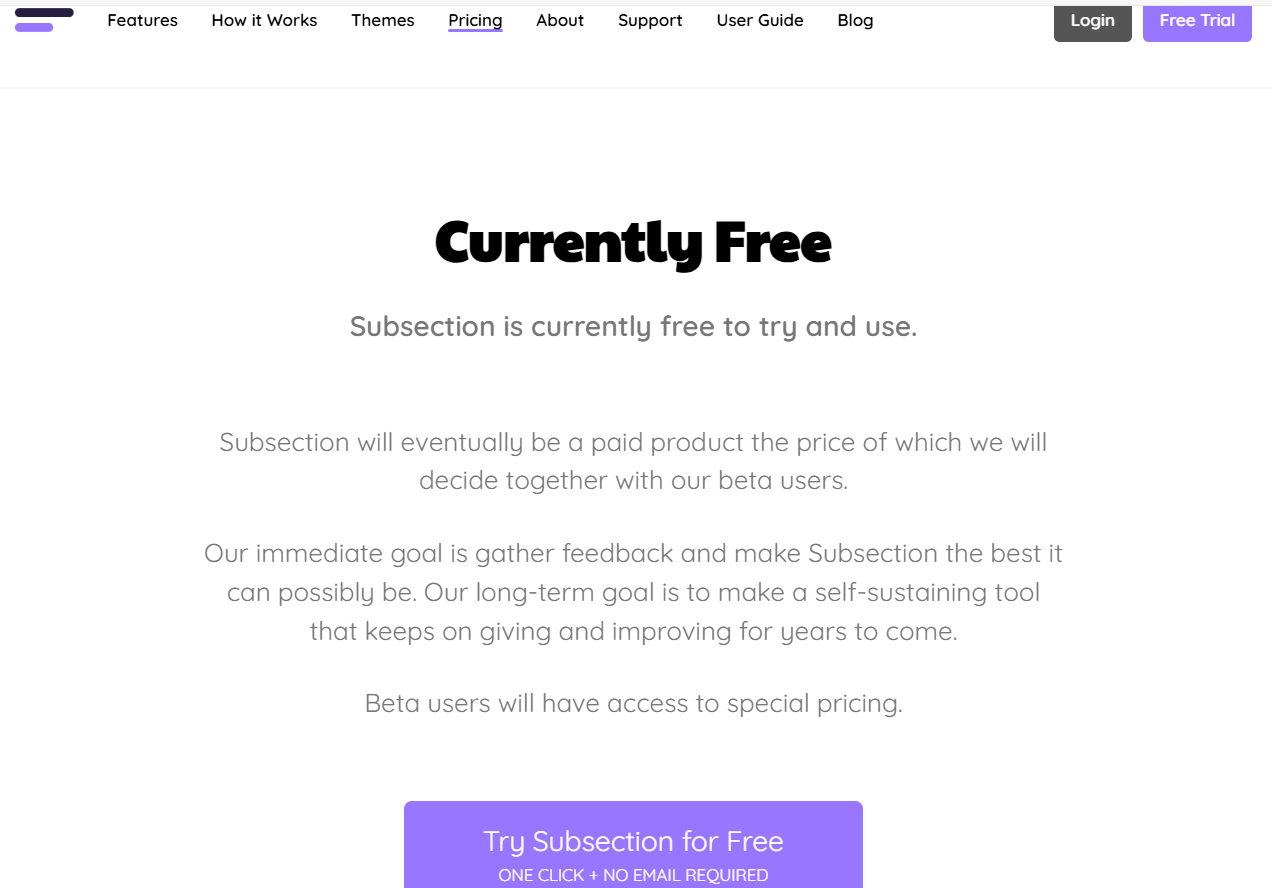 |
Other Details
Organization Types supported |
|
|
|
|---|---|---|---|
Platforms Supported |
|
|
|
Modes of support |
|
|
|
API Support |
|
|
|
Get help choosing | Get help choosing | Get help choosing |
Security & Compliance
Certifications, data handling, and security controls for IT and compliance evaluators.
HIPAA | ✗ No | ✗ No | ✗ No |
|---|---|---|---|
GDPR | — | ✓ Yes | — |
Data Encryption | — | ✓ Yes | — |
Data Residency | 🌐 Global | 🌐 Global | 🇺🇸 US |
Vloggi vs EmbedFeed User Reviews & Rating Comparison
Spotsaas Editor’s POV generated by AI | Buyer sentiment Insufficient publicly available user feedback to determine overall buyer sentiment. | Buyer sentiment Insufficient review data available to determine overall buyer sentiment. | Buyer sentiment Users appreciate Subsection.io for its simplicity, SEO focus, and fast publishing but note limitations in advanced workflows and integrations. What buyers like
Common complaints
|
|---|---|---|---|
Pros and Cons |
|
|
|
List of Customers
Customers |  NSW  Avon  Toronto |  Motorola  Unicef  Boston College | No Customers information available. |
|---|
Media and Screenshots
Screenshots |  4 Screenshots | No screenshots available. | 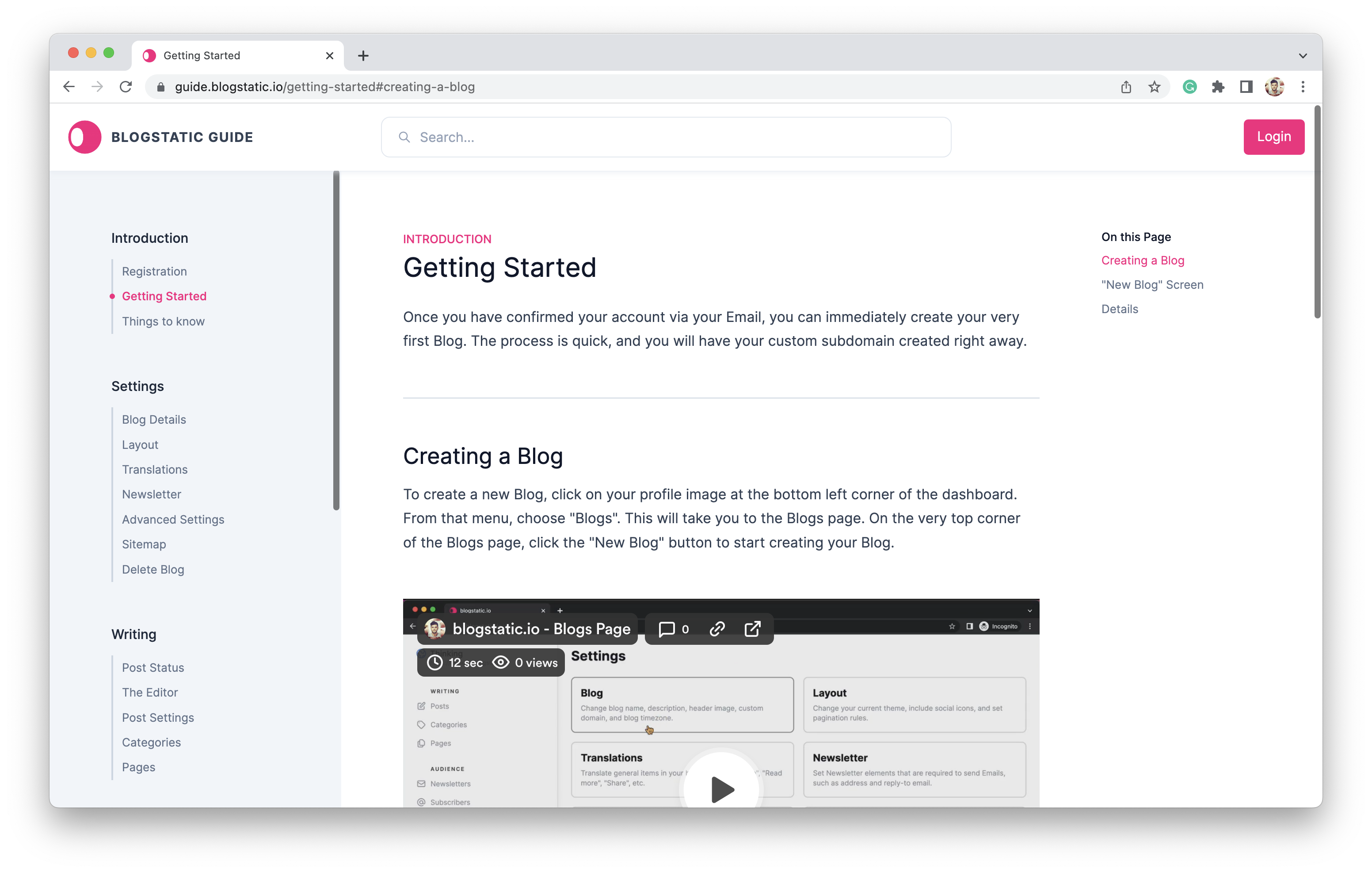 2 Screenshots |
|---|---|---|---|
Videos |  2 Videos |  1 Videos | No videos available. |
Alternatives


Add another option to compare side by side
Search by product name to compare pricing, fit, and buyer feedback in one view.Compare similar software options





Disclaimer: This research has been collated from a variety of authoritative sources. We welcome your feedback at [email protected].
Frequently asked questions
- Which is better, Vloggi or EmbedFeed?
- Vloggi and EmbedFeed are closely matched with equal user ratings of -1.0. The right choice depends on your team size, budget, and specific User-Generated Content Software needs.
- Do Vloggi and EmbedFeed offer a free trial?
- EmbedFeed offers a free trial. Vloggi does not.
- What is the starting price of Vloggi vs EmbedFeed?
- Vloggi starts at $39.00 per month. EmbedFeed starts at $29.00 per month.
- What are the top alternatives to Vloggi?
- Top alternatives to Vloggi include Taggbox, SiteVibes, EnTribe, LoudCrowd, EmbedFeed.
- What are the top alternatives to EmbedFeed?
- Top alternatives to EmbedFeed include Hyvor TALK, SiteVibes, Taggbox, LoudCrowd, Vloggi.