
Cursor vs GitHub Copilot Comparison

Cursor
Starting at $16 /month
- Large Enterprises
- Small Business
Introducing Cursor, the AI-first Code Editor that revolutionizes the software development experience. With a focus on enhancing teamwork efficiency, Cursor is the go-to tool for teams aiming to accelerate their software…

GitHub Copilot
Starting at $10 /month
- Free Trial
- Large Enterprises
- Small Business
GitHub Copilot is an AI coding assistant that suggests code completions, flags security vulnerabilities in real time, and helps developers navigate unfamiliar codebases. It indexes repository data to provide context-awar…
Cursor vs GitHub Copilot — at a glance
| Feature | Cursor | GitHub Copilot |
|---|---|---|
| Rating | — | — |
| Reviews | — | — |
| Starting price | $16 /month | $10 /month |
| Free trial | No | Yes |
| Free version | No | No |
| Best for | Large Enterprises, Small Business, Medium Business | Large Enterprises, Small Business, Medium Business |
| Category | AI Code Generators | AI Code Generators |
| Platforms | SaaS/Web/Cloud, Installed - Windows, Installed - Mac | Browser Based (Cloud), Mobile - Android, Mobile - iOS |
| API | — | Available |
| Support modes | Online | Online |
| Certifications | — | SOC 2 |
| Data residency | US | Global |
Key differences between Cursor and GitHub Copilot
- Pricing: Cursor starts at $16 /month, while GitHub Copilot starts at $10 /month.
- Free trial: GitHub Copilot offers a free trial; Cursor does not.
- Deployment: Cursor supports SaaS/Web/Cloud, Installed - Windows, Installed - Mac; GitHub Copilot supports Browser Based (Cloud), Mobile - Android, Mobile - iOS.
Cursor vs GitHub Copilot — find the better fit before you commit.
Which tool fits your team best
Which is actually cheaper for your team size
Where each product wins, per real buyers
Most AI Code Generators tools look identical on paper. This comparison cuts to the differences that matter — pricing structure, team fit, and what real buyers found after signing up.
Biggest differences
Features
Pricing
Buying details
Security
Buyer feedback
Integrations
Product tour
Other options
Talk to an expert Talk to an expert | Talk to an expert Talk to an expert |
Free PDF comparison
Download this Cursor vs GitHub Copilot comparison
Get the full side-by-side as a PDF — these picks plus the top AI Code Generators tools, with verified ratings, pricing and features.
- Side-by-side on pricing, features & ratings
- Plus the category top 10, scored & ranked
- Emailed to you — no on-screen download
No file downloads on screen — we email it to you. One-click unsubscribe anytime.
Cursor vs GitHub Copilot: Biggest differences
Start here before you go deeper into features.
AI-powered code editor optimized for real-time team collaboration and pair programming.
- You are a small to medium software team (50-500 employees) focused on Java or JavaScript development.
- Your workflow relies heavily on real-time collaboration and pair programming to accelerate delivery.
- You need an intuitive, AI-first editor that integrates well with existing tools and reduces onboarding time.
- Your projects involve very large or complex codebases requiring high performance and scalability.
- You require robust support for programming languages beyond Java and JavaScript.
Large Enterprises, Small Business, Medium Business
Cursor typically suits Large Enterprises and Small Business. GitHub Copilot tends to fit Large Enterprises and Small Business better. The right choice depends on your team size, workflow, and whether a free trial matters.
Description | Introducing Cursor, the AI-first Code Editor that revolutionizes the software development experience. With a focus on enhancing teamwork efficiency, Cursor is the go-to tool for teams ... Read More about Cursor | GitHub Copilot is an AI coding assistant that suggests code completions, flags security vulnerabilities in real time, and helps developers navigate unfamiliar codebases. It indexes ... Read More about GitHub Copilot |
|---|---|---|
Entry Level Pricing |
|
|
Free Trial Availability |
| |
Best Company Size | 50 to 500 employeesSmall to medium businesses | — |
Get pricing help | Get pricing help |
Where each option fits best
See where each product is strongest, which teams it fits, and what causes buyers to keep looking — before you commit.
Based on buyer reviews and verified product data collected by Spotsaas.
Key strengths
- Improved Productivity: Cursor lets teams work together in real-time, simplifying workflows and cutting time spent on back-and-forth communications. This boosts overall efficiency.
- User-Friendly Interface: With an intuitive design, Cursor lets even less tech-savvy team members work through tasks easily. This means less time training and more time focused on what matters—your projects.
- Seamless Integration: It integrates easily with existing tools and platforms, making it a versatile addition to your tech stack. Administrators will appreciate how well it complements your current workflows without disruption.
Best fit
- 50 to 500 employees
- Martech, Revtech, Fintech, Sales Automation, SaaS, and Consulting
- Sales Managers, Account Executives, Business Development Representatives, and CRM Administrators
Reasons buyers look elsewhere
- Users may seek alternatives to Cursor due to budget constraints, as some solutions offer similar functionalities at a lower cost, making them more appealing for startups or small businesses looking to optimize their expenses.
- The need for specific features that Cursor may lack can drive users to explore other options; certain projects might require tools with advanced collaboration capabilities or unique integrations tailored to specific workflows.
- Performance issues or user experience challenges with Cursor can prompt users to consider alternatives, especially if they encounter slow response times or a complicated interface that hampers productivity.
Software Demo
Demo |
|---|
Need a second opinion?
Get decision help from a software advisor
Share your priorities, budget, and team needs, and we’ll help you narrow the options and understand the tradeoffs before you talk to vendors.

- Independent advice — matched to your business
- Understand the tradeoffs before you talk to vendors
- Free 15-min call with a software advisor.
Step 1 of 4
How big is your team?
We tailor recommendations to companies your size.











How do Cursor and GitHub Copilot Compare on Features?
Total Features | 14 Features | 13 Features |
|---|---|---|
Unique Features | No unique features | No unique features |
Get Quote | Get Quote |
Compare Cursor and GitHub Copilot on pricing
Review starting price, plan structure, and free-trial access side by side so you can see which option fits your budget and buying process.
Pricing Option | ||
|---|---|---|
Starting From |
|
|
Pricing Plans |
|
|
Pricing Page |  |  |
Cursor vs GitHub Copilot: Other Details
Organization Types supported |
|
|
|---|---|---|
Platforms Supported |
|
|
Modes of support |
|
|
API Support |
|
|
Get help choosing | Get help choosing |
Cursor vs GitHub Copilot Security & Compliance
Certifications, data handling, and security controls for IT and compliance evaluators.
SOC 2 | — | ✓ Yes |
|---|---|---|
HIPAA | — | ✗ No |
Single Sign-On (SSO) | — | ✓ Yes |
Multi-Factor Auth (MFA) | — | ✓ Yes |
Data Encryption | — | ✓ Yes |
Audit Logs | — | ✓ Yes |
Data Residency | 🇺🇸 US | 🌐 Global |
Cursor User Reviews & Rating Comparison
Spotsaas Editor’s POV generated by AI | Buyer sentiment Overall positive sentiment highlights Cursor's productivity enhancements and ease of use, tempered by concerns about performance on large projects and limited language support. What buyers like
Common complaints
| What buyers like
Common complaints
|
|---|---|---|
Pros and Cons |
|
|
Cursor and GitHub Copilot Customers
Customers |  Samsung  Shopify  Vercel |  Coca-Cola  Dell  Stripe |
|---|
Media and Screenshots
Screenshots | 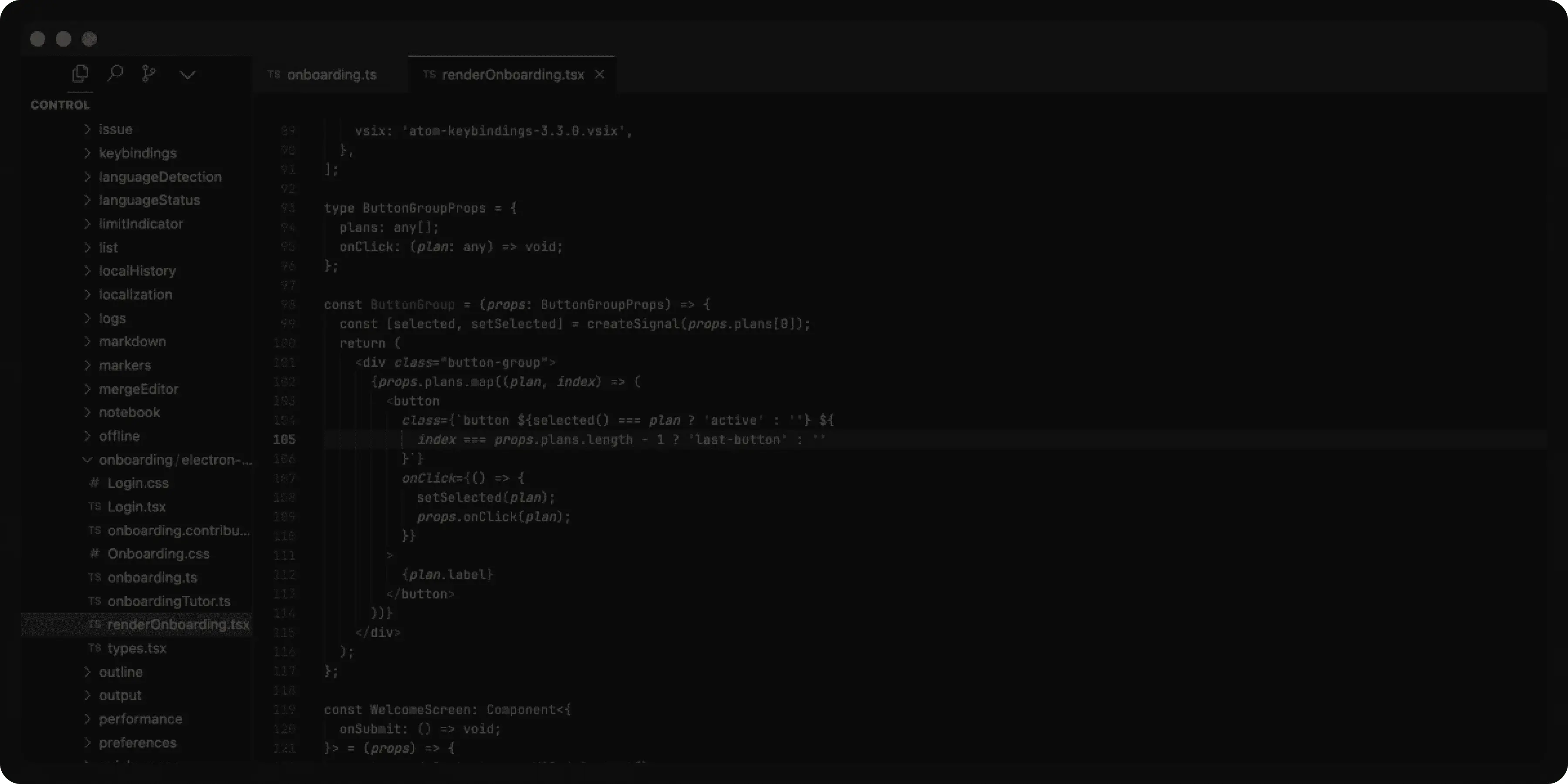 4 Screenshots |  5 Screenshots |
|---|---|---|
Videos |  1 Videos |  2 Videos |
Top Alternatives to Cursor and GitHub Copilot in 2026
Alternatives |
|---|
Add another option to compare side by side
Search by product name to compare pricing, fit, and buyer feedback in one view.Compare similar software options





Disclaimer: This research has been collated from a variety of authoritative sources. We welcome your feedback at [email protected].
Frequently asked questions
- Which is better, Cursor or GitHub Copilot?
- Cursor and GitHub Copilot are closely matched with equal user ratings of -1.0. The right choice depends on your team size, budget, and specific AI Code Generators needs.
- Do Cursor and GitHub Copilot offer a free trial?
- GitHub Copilot offers a free trial. Cursor does not.
- What is the starting price of Cursor vs GitHub Copilot?
- Cursor starts at $16 /month. GitHub Copilot starts at $10 /month.
- What are the top alternatives to Cursor?
- Top alternatives to Cursor include BLACKBOX AI, Cody, Bito, Pieces for Developers, Amazon CodeWhisperer.
- What are the top alternatives to GitHub Copilot?
- Top alternatives to GitHub Copilot include Cody, Bito, BLACKBOX AI, Amazon CodeWhisperer, Pieces for Developers.