
Those small black-and-white squares showing up on menus, posters, product packaging, and payment counters are QR codes. If you have ever wondered what they actually are, how a phone camera turns them into a link or a contact card, and why they seem to be everywhere now, here’s the short version.
These scannable grids have an origin story that traces back to Japan in 1994, where they were initially used for tracking vehicle manufacturing. What started as an industrial tracking tool has since spread into retail, hospitality, events, and everyday marketing.
This article covers what QR codes are, how they work, and their wide-ranging uses across diverse domains from marketing to business ventures — plus what to know about keeping them secure.
Key Takeaways
- A QR code is a square-shaped barcode that contains information in the form of black and white pixels arranged in a grid.
- QR codes can store various types of data like website URLs, contact details, or text messages, making them versatile tools for businesses and individuals.
- To use a QR code, simply scan it with your smartphone’s camera using a QR code reader app. The app will decode the pattern of squares and reveal the embedded information.
- QR codes have wide-ranging uses including advertising, e-commerce, event registration, virtual business cards, product tracking/authentication, tourist information, restaurant menus/ordering, education/training resources, and social media engagement.
What is a QR Code?
A QR code, short for Quick Response code, is a barcode that contains information in the form of a square-shaped grid of black and white pixels.
Definition and meaning
QR codes are a type of matrix barcode that stores information as pixels in a grid, designed to be read by a digital device like your smartphone.
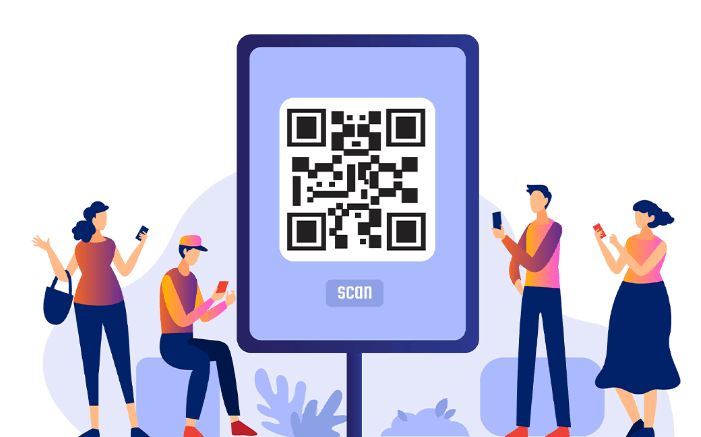
Look closely and you’ll see varying square-shaped patterns within the larger square. Each pattern represents different pieces of data, such as website URLs or text messages. These tools were invented back in 1994 by Denso Wave to help track vehicle manufacturing but are now widely used for marketing purposes.
They’re not limited to black and white either — QR codes can sport various colors and designs. This combination of versatility and functionality makes QR codes an efficient bridge between physical objects and the online sphere.
Elements and features
QR codes are versatile and packed with features that make them a useful tool for businesses and individuals alike, from quick scanning to built-in error correction that keeps them readable even when a corner is scuffed or covered. Here’s what makes them unique:
| Feature | Description |
|---|---|
| Quick Response | Designed for rapid scanning and efficient information sharing. |
| Data Storage | Capable of storing diverse data like URLs, contact details, or texts. |
| Customizability | Can be personalized with various colors, designs, and embedded logos. |
| Error Correction | Has built-in error correction to read codes even if partially damaged. |
| Versatility | Printable on numerous surfaces, providing a physical-digital link. |
| Wide Compatibility | Scannable by most digital devices with a camera, ensuring user-friendliness. |
How is it generated?
Generating a QR code is a simple, user-friendly process.
- First, identify the data you want to encode. This could be your website URL, contact information, or custom text messages.
- Next, select a reputable online QR code generator. There are many free options available that offer various customization features.
- Enter your information into the designated fields of the chosen generator.
- Choose the type of QR code you need. Different types include URL, text, email, call and SMS codes.
- Customize your QR code if desired. While they are traditionally black and white pixels, options for different colors and designs exist.
- Once satisfied with your choices, click on ‘Generate’ or ‘Create,’ usually found on the page.
- The generator will process this information and create a unique QR image based on it.
- Download and save your new QR code to use in marketing materials or any other platform where you want it.
How does a QR Code Work?
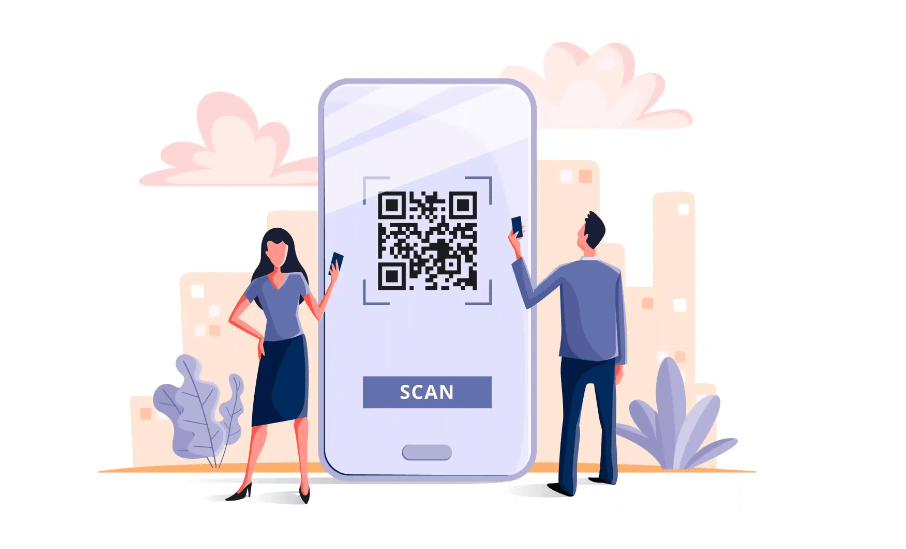
To use a QR code, scan it using your smartphone’s camera and a QR code reader app. The app recognizes the pattern of squares in the code and decodes it to reveal the information embedded within, such as a website link or contact details.
You can also use a web-based QR scanner directly in your browser without installing any app. Different types of QR codes are used for various purposes, including marketing campaigns and ticketing systems.
Scanning a QR Code
Scanning a QR code is a simple process that lets you quickly access information or perform actions. Here’s how it works:
- Open the QR code reader app on your smartphone.
- Hold your phone’s camera over the QR code so that it fits within the frame.
- The app will automatically scan the code and retrieve the encoded information.
- Depending on the type of QR code, you may be redirected to a website, prompted to make a call, send a message, or access specific content.
- The scanned data is decoded and displayed on your screen for further interaction.
Types of QR Codes
QR codes come in different types, each storing certain kinds of data and serving a unique purpose. Here’s a breakdown of the major types:
| Type | Description | Use Case |
|---|---|---|
| URL QR Code | This QR code type stores a website URL. | Used in marketing campaigns to direct customers to a specific webpage. |
| Text QR Code | This code type stores plain text. | Often used for informational purposes such as instructions, guidelines, or greetings. |
| Email QR Code | This QR type contains an email address and subject. | Typically used by businesses to provide a quick way to send them an email. |
| SMS QR Code | This QR code type contains a phone number and a pre-set SMS message. | Usually used in situations where a user needs to send a quick text message to a particular number. |
| WiFi QR Code | This QR code stores WiFi network details including SSID, password, and encryption type. | Commonly used in cafes, hotels, and other public places to share WiFi access with guests. |
| Geo-location QR Code | This QR code type stores geographical coordinates. | Often used in tourism and event marketing to guide users to a specific location. |
| VCard QR Code | This QR code type stores contact information. | Used by professionals as a digital business card. |
Each type of QR code provides a different way to share information and engage with users. Whether it leads to a website, opens an email draft, connects a phone to WiFi, or hands over contact details, a QR code is a link between the physical and digital world, and picking the right type for the job matters as much as the design around it.
Popular use cases
QR codes have become increasingly popular and are used in a variety of ways. Some common use cases include:
| Use Case | Description |
|---|---|
| Advertising | Use QR codes for promoting products/services, providing additional information or offers. |
| E-commerce | Implement QR codes in packaging or marketing materials to enhance user buying experience. |
| Event Registration | Employ QR codes for streamlined event ticketing and registration processes. |
| Virtual Business Cards | Share contact information through personalized QR codes, replacing physical cards. |
| Product Tracking | Enable product tracking and authentication through the supply chain via QR codes. |
| Tourist Information | Provide additional information about tourist spots through strategically placed QR codes. |
| Restaurant Use | Offer QR codes to access digital menus and place orders in restaurants. |
| Education | Utilize QR codes in textbooks or materials, linking to additional resources. |
| Social Media | Encourage social media engagement and follows through campaign QR codes. |
| Public Transport | Facilitate QR code-based ticketing options in public transportation systems. |
QR Codes for Marketing and Business
QR codes have become a useful tool for businesses to engage with their target consumers. Working them into marketing campaigns helps a business stand out from the crowd, reach consumers on the go, make real-life interactions more interactive, and do it all for free. Here’s how QR codes can support your marketing strategy.
Stand out from the crowd
Using QR codes for marketing and business can make you stand out from the crowd. With their unique appearance, QR codes catch the attention of your target audience and differentiate your brand from competitors.
Adding QR codes to your marketing materials — posters, flyers, or product packaging — creates a visually appealing element that piques curiosity and encourages engagement.
This approach helps your business leave a lasting impression on consumers and increases the chances of them taking action by scanning the code to access exclusive offers or more information about your products or services.
Check out Vivio QR, one of the companies helping restaurant and bar owners build contactless digital menus for easy ordering and payments.
Target consumers on the go
QR codes are an effective way to reach consumers who are constantly on the move. With a simple scan on their smartphone, busy consumers can quickly access relevant information or take a desired action.
Whether it’s providing quick access to product details, enabling mobile payments, or offering personalized promotions, QR codes make it convenient for consumers to engage with businesses while they’re out and about.
Scanning QR codes has also increased significantly over the years. During the last quarter of 2010 alone, there was a 1200% growth in the number of scans.
Shout out to Speedi QR, which helps restaurants build digital menus, letting professionals customize and generate personalized QR codes and track the total number of scans in their campaigns.
Make real-life interactive
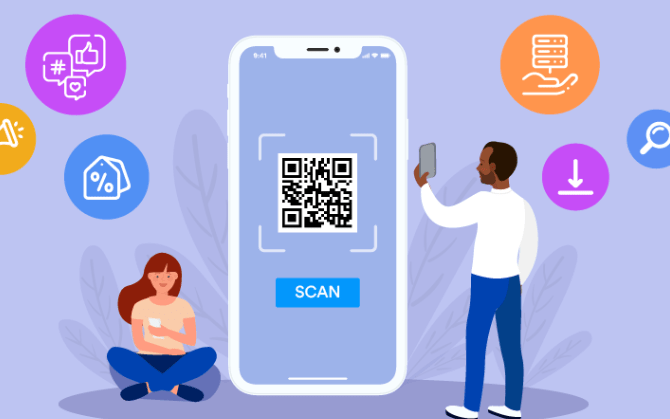
QR codes make real-life interactions more interactive by connecting physical objects or locations to digital experiences. Businesses can place QR codes on products or in stores, letting customers scan the code and instantly access additional product information or exclusive promotions.
This creates a more engaging shopping experience for consumers. Museums and tourist attractions can also use QR codes to give visitors detailed information about exhibits or historical sites, adding to their understanding and enjoyment of the experience.
By working QR codes into daily life this way, businesses bridge the gap between offline and online worlds and make interactions more dynamic.
Free and easy to set up
Setting up QR codes doesn’t cost a thing. You can generate QR codes for free using online tools or mobile apps, making them accessible to anyone who wants to use them.
All you need is the information you want to encode and a device with internet access. Enter the data, choose your design options, and your QR code is ready to use.
This process lets businesses of any size use QR codes without spending money on them.
QR Code Security
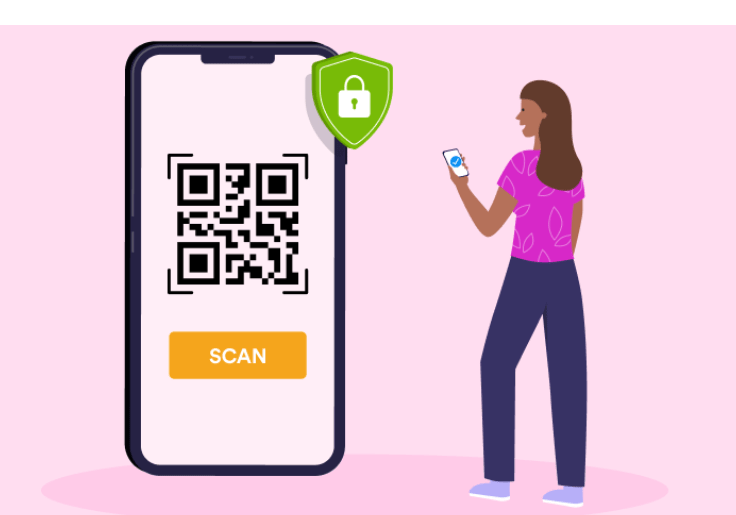
QR code security is worth thinking about, since there are real risks and concerns tied to how they’re used — a QR code looks the same whether it points somewhere safe or somewhere malicious, and that’s exactly what makes it worth a closer look. There are also ways to improve their security, and use cases where extra security measures make sense.
Risks and concerns
There are some risks users should be aware of. One is the possibility of scanning a malicious code that leads to malware infection or data theft.
Only scan QR codes from trusted sources and avoid ones that look suspicious or come from unknown entities. Privacy is another concern, since scanning a QR code can hand over access to personal information or track user behaviour.
To reduce these risks, use a reliable QR code scanner app from a reputable developer and keep your device security software updated. Businesses using QR codes for marketing should also be transparent about what data they collect and how it will be used.
Improving security
There are several measures that can improve the security of QR codes:
| Measure | Description |
|---|---|
| Encryption | Encrypting the data within a QR code adds an extra layer of security, allowing only authorized individuals to access the information. |
| Authentication | Implementing authentication mechanisms, such as passwords or biometric scans, verifies the identity of users before accessing content or performing actions through the QR code. |
| Limited Access | Restricting access to QR codes by controlling who can scan them and what actions they can perform prevents unauthorized use and potential malicious activities. |
| Offline Usage | Storing sensitive data offline, rather than embedding it directly into the QR code, reduces the risk of data breaches or unauthorized access if the QR code is intercepted. |
| Regular Updates | Keeping QR code readers and scanning devices up to date with the latest security patches and firmware ensures protection against known vulnerabilities and exploits. |
| Education and Awareness | Educating users about potential risks associated with scanning unknown or suspicious QR codes helps prevent falling victim to scams or phishing attempts. |
| Secure Hosting Platforms | Using reputable hosting platforms for generating and storing QR codes ensures security measures are in place to protect user data from unauthorized access or hacking attempts. |
Use cases for increased security
QR codes can also be used to strengthen security in a few specific scenarios:
| Use Case | Description |
|---|---|
| Secure Access | QR codes serve as secure access tokens for buildings, rooms, or restricted areas, replacing traditional keycards or passwords. |
| Identity Verification | QR codes are used for quick identity verification at events or venues with age restrictions. |
| Authentication for Transactions | QR codes provide an extra layer of security in online shopping and banking platforms, allowing users to confirm purchases securely. |
| Anti-counterfeiting Measures | Businesses use QR codes on product packaging to help customers verify authenticity and avoid counterfeit products. |
| Secure Document Sharing | Unique QR codes for documents enable secure sharing and protect sensitive information when shared digitally. |
| Traceability and Supply Chain Security | QR codes help track products in supply chains, ensuring transparency and preventing counterfeit goods from entering the market. |
| Secured Payments | Mobile payment applications use QR codes for secure transactions between customers and vendors, authorizing payments from mobile devices. |
Conclusion
QR codes are a versatile tool that lets businesses bridge the gap between digital and physical worlds. With their ability to store and share various types of information — URLs, contact details, WiFi credentials, and more — they’ve become a regular part of marketing strategies, restaurant menus, event check-ins, and everyday payments.
From advertising campaigns to product packaging, QR codes give consumers a quick way to access online content or perform specific actions with a single scan, without typing a URL or searching for a business by name.
They’ve changed how we interact with information, bridging the physical and digital in a way few other tools do this cheaply — and knowing the basic security precautions covered above means you can use them, or ask your customers to, with confidence.
Frequently Asked Questions
What is a QR code?
A QR code, or Quick Response code, is a type of barcode that can be scanned using a smartphone or other QR code reader to quickly access information or perform certain actions.
How is a QR code different from a regular barcode?
Unlike traditional barcodes, which contain numerical data that needs to be looked up in a database, QR codes can store more information and can link directly to websites, videos, contact details, and more.
How do I scan a QR code?
To scan a QR code, simply open the camera app on your smartphone and point it at the QR code. Your phone will automatically detect the code and provide you with options for accessing its content.
What are some common uses for QR codes?
QR codes are commonly used in advertising to provide quick access to product information or promotional offers. They are also used for mobile payments, ticketing systems at events, digital menus at restaurants, and contactless check-ins.
Can I create my own QR codes?
Yes! There are many online tools and apps available that allow you to generate your own customized QR codes for various purposes such as sharing website links, contact details or Wi-Fi network credentials.
Compare alternatives to the tools in this post

- Independent picks for exactly what you just read about
- Matched to your team size & needs
- Vendors don't pay for placement
Step 1 of 4
How big is your team?
We tailor recommendations to companies your size.















Related Articles

Expert Interviews
SaaS Talks with Carole Winqwist, CMO at GitGuardian – Inside Their Unique Marketing Strategy
Continue reading →

Buyers guide
How To Choose The Best Digital Banking Platforms For 2026
Continue reading →

Buyers guide
How To Choose The Best Software Development Analytics Tools For 2026
Continue reading →

Buyers guide
How To Choose The Best Invoice Management Software For 2026
Continue reading →