

VRChat offers so many customization options that getting started can feel overwhelming. Since its 2017 launch, VRChat has grown into a busy hub for virtual reality users.
This guide explains the process step by step and helps you build a unique identity with custom avatars and get more out of user-generated worlds. It walks through how avatars are made, how to find worlds worth visiting, and why the community is worth joining.
Key Takeaways
- VRChat is a social VR platform where users customize avatars and explore user-generated worlds, with plenty of room for personal expression and interaction.
- Creating custom avatars in VRChat uses the Unity SDK, so you can build unique designs with personalized gestures and animations.
- The platform holds many community-created worlds, which lets users build for each other and find new environments to visit regularly.
- The VRChat community gives you access to activities from virtual games to live events, and it connects people across the globe without leaving home.
- As a free-to-play platform that works with devices like Oculus Rift DK1 and Meta Quest, VRChat stays accessible while pushing social virtual reality forward.
Understanding VRChat: An Online Virtual World
VRChat is a social VR platform that lets users create and customize their avatars and explore custom-made virtual worlds. It gives people a space for interaction and creativity online, which makes it a good fit for anyone interested in immersive experiences and social gaming.
The Concept Behind VRChat
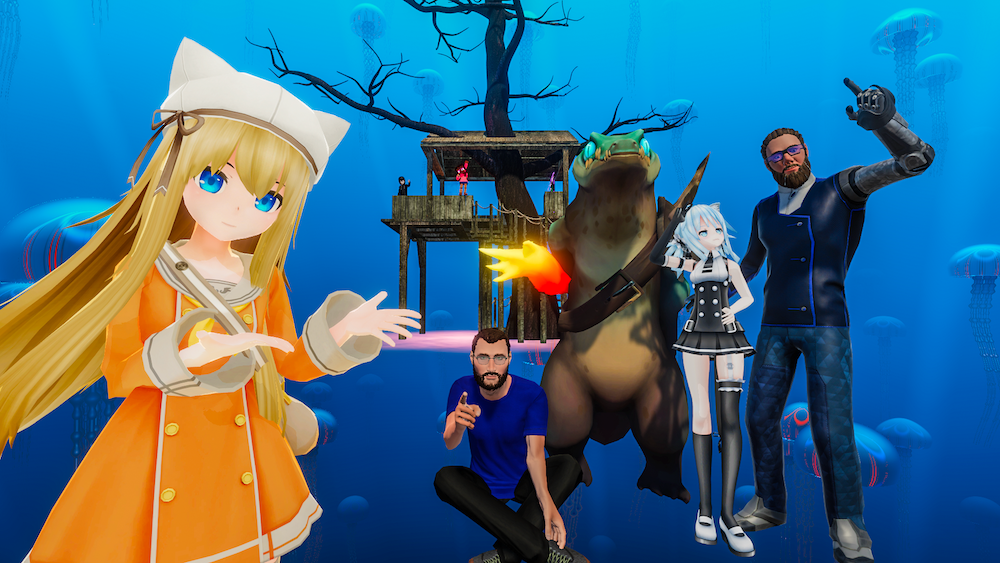
VRChat is a social VR platform built for creativity, and it gives people many ways to interact. The design puts your imagination in charge of what you build and how you present yourself, so no two users end up with the same setup. You decide what your avatar looks like and which spaces you spend time in.
Users create avatars and environments from scratch or modify existing ones with the Unity SDK, which shapes an ecosystem driven by its community. It is more than chatting; you join virtual events, explore worlds built by other people, and use user-generated content that goes beyond what most online spaces allow.
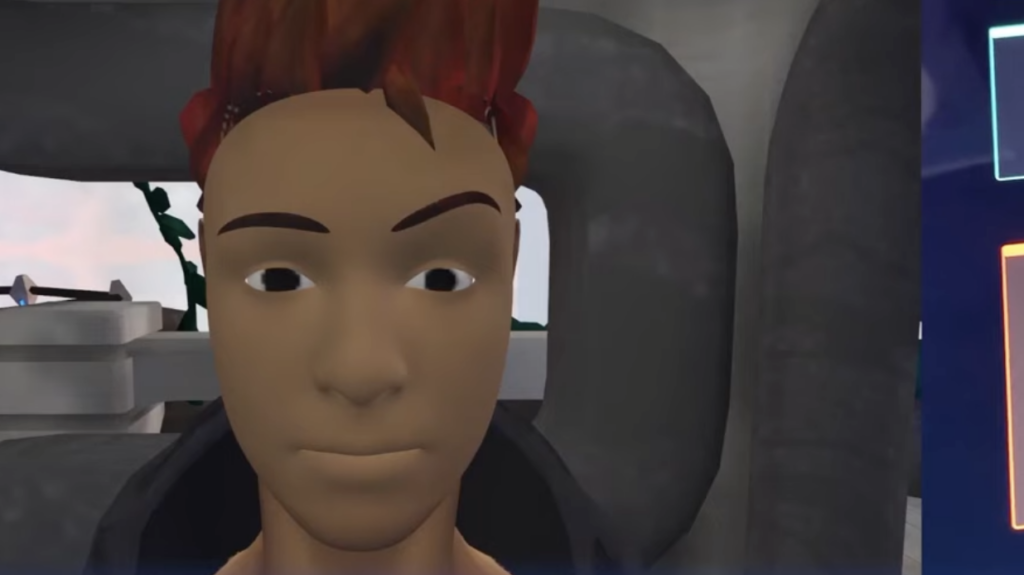
Inside this space, you build your identity and story through avatar customization, so personal expression carries much further than usual. Your presence feels real thanks to technologies like full-body tracking and eye tracking, which add realism to how you interact.
VRChat launched with support for Oculus Rift and HTC Vive headsets among others, and it delivers immersive experiences that advance the idea of the metaverse: an interconnected virtual community where shared spaces host multiplayer games and much more.
VRChat: A Platform for Interaction
VRChat works as a busy space for social interaction where users from around the globe connect. With VR headsets on, people step into avatars of their choosing and join group activities that would be impossible in physical reality.
They chat, play games, and attend live concerts together in this growing space. This mix of MMO and social platform runs across many devices, including Oculus Quest, Valve Index, Vive Pro, and Windows Mixed Reality systems.
The platform’s immersive environments encourage users to take part. Whether you are tackling escape rooms with new friends or debating strategy over a game of virtual chess, VRChat creates room for real connections inside its digital settings.
It supports cross-platform play so no one gets left out; someone on a tablet can laugh along with another person holding Touch controllers thousands of miles away. Through shared time in community-created worlds or a spontaneous dance-off in a virtual plaza, VRChat proves to be more than another online game. It is a practical way to build relationships for a tech-savvy audience.
Exploring Avatars in VRChat
Custom avatars in VRChat let you show your personality and style inside the virtual world. Whether you go with detailed designs or simple changes, finding the right avatar is a core part of the experience. Some users spend hours refining a single model, while others swap between many, and both approaches work fine.
Creating Custom Avatars
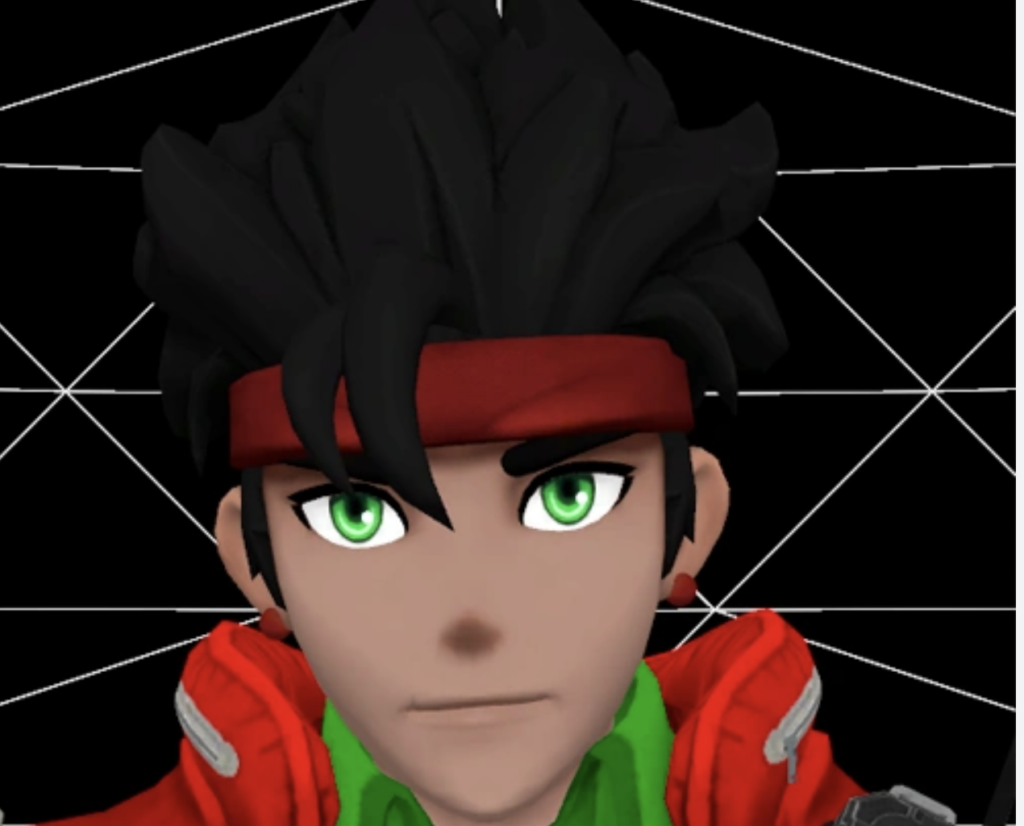
Custom avatars put you in control of your virtual presence in VRChat. Personalize your digital self so you stand out in a community that runs on creativity and individual expression.
| Step | Description |
|---|---|
| Download Tools | Get the VRChat SDK and familiarize yourself with Unity, essential for avatar creation. |
| Sketch Concept | Outline a concept for your avatar, considering personality, style, and representation. |
| Model Avatar | Create your avatar using 3D software, either from scratch or by modifying an existing design. |
| Import into Unity | Add textures, colors, and effects in Unity to bring your character to life. |
| Rig for Motion | Use Unity’s tools or plugins to rig your avatar for smooth movement in VRChat. |
| Choose Animations | Select animations and gestures that match your avatar’s personality. |
| Test in Preview Mode | Ensure your avatar looks and functions well in VRChat’s preview mode. |
| Add Accessories | Consider additional customization with unique accessories or clothing options. |
| Upload to VRChat | Once satisfied, upload your avatar to VRChat’s platform for others to interact with. |
Finding the Perfect Avatar
After you make custom avatars, the next step is finding the one that fits your style and personality in VRChat. Here are some tips to help you find it:
| Guideline | Description |
|---|---|
| Explore Diverse Options | Explore millions of avatars to find one that fits you. |
| Consider Customization | Look for avatars offering customization to personalize your virtual identity. |
| Test Movement and Expressions | Ensure the avatar’s movement and expressions align with your desired interactions. |
| Seek Community Recommendations | Engage with the community for recommendations on popular or unique avatars. |
| Reflect Your Personality | Choose an avatar that reflects your personality, interests, or aspirations. |
| Balance Functionality and Aesthetics | Prioritize both functionality and aesthetics for a satisfying virtual experience. |
| Stay Updated on New Releases | Regularly check for new avatar releases and updates within the community. |
| Embrace Uniqueness | Consider unique or unconventional avatars to add a distinctive element to your presence. |
| Pay Attention to Performance | Assess how the avatar performs in various environments within VRChat. |
Check more Ready Player Me: Integrating Avatar Creation into Your Game
Discovering Community-Created Worlds in VRChat
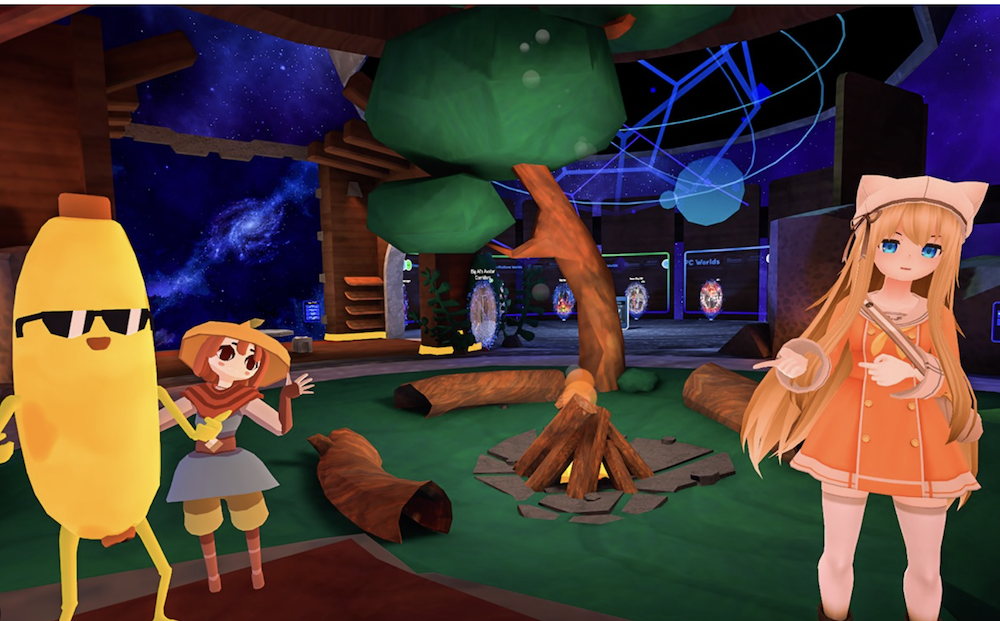
Explore the large collection of community-created worlds in VRChat, from fantasy settings to futuristic cities. This section covers how to reach these virtual spaces and enjoy what other users have built. Worlds range from quiet hangout spots to full games with objectives, so there is usually something that matches your mood.
How to Access Custom Worlds
To access custom worlds in VRChat, follow these steps:
- Navigate to the “Worlds” tab within VRChat’s main menu.
- Use the search function to find specific custom worlds by entering keywords or browsing the available options.
- Once you find a world of interest, click on it to see more details and user reviews.
- Select the world and click the “Visit” button to enter and explore it.
- To find even more custom worlds, join communities or groups within VRChat that focus on creating and sharing unique environments.
- Engage with other players to gather recommendations for popular or interesting custom worlds to visit.
The Growth of Community-Created Worlds
Hundreds of thousands of user-created worlds in VRChat keep growing and shaping the direction of the platform. As developers support early access, the community’s influence over the future of VRChat becomes clearer.
With 73% positive reviews out of 208,504 user reviews, these community-created worlds are a vital and active part of the VRChat experience.
The growth and variety within these custom worlds give users a steady stream of new experiences to explore. This rapid expansion reflects the creativity and collaboration that define VRChat as a social VR platform.
Why Join the VRChat Community?
Joining the VRChat community opens up social interaction and immersive experiences in virtual reality. As social VR keeps evolving, being part of this community brings clear benefits and chances to connect and create. Regular events, shared worlds, and a steady flow of new members keep the space active throughout the day.
The Future of Social VR
Social VR has plenty of room to grow. As technology improves, expect more immersive and interactive experiences inside virtual worlds like VRChat. Better headsets, faster connections, and easier creation tools all push the medium forward at the same time.
The developers keep improving the platform, and community involvement stays strong, which points to a healthy path for social VR. With better content creation tools and streaming features, VRChat aims to stay an active hub where users connect, collaborate, and help shape virtual reality.
As hardware and software keep expanding what VR can do, social interaction inside spaces such as VRChat should keep getting richer.
Benefits of Joining VRChat
Joining VRChat comes with benefits that make it worthwhile for technology enthusiasts. Here are some reasons to become part of this virtual community:
| Aspect | Description |
|---|---|
| Dynamic Social VR Environment | Engage in activities and connect with a global community in an immersive virtual space. |
| Immersive and Evolving Virtual World | New features and user-created worlds are added regularly. |
| Explore VR Technology | Experience advanced VR with compatible devices and stay updated on the latest technology. |
| Free-to-Play Platform | Enjoy free access, customize avatars, and create worlds without financial barriers. |
| Future Potential: Shaping Social VR | Be part of a forward-thinking community shaping the future of social VR experiences. |
Conclusion
Jump into VRChat to build things and connect with an active community. Try out custom avatars and explore many user-created worlds.
Let VRChat open up new social experiences and virtual adventures. You can watch social VR evolve first-hand as you make connections, share experiences, and help shape this online world.
If the possibilities of virtual interaction interest you and you want to go deeper into digital environments, learn more about online virtual worlds today.
Frequently Asked Questions
What is VRchat and how can I access it?
VRchat is a social virtual world where you interact with others using avatars. You can reach it on devices like PCs running Windows 10, tablets, and smartphones through Valve Corporation’s Steam early access program or direct downloads for native app versions.
Can I use VR hardware to experience VRChat?
Yes. You can improve your VRchat experience with equipment such as Oculus Touch controllers, Kinect, or other compatible devices to immerse yourself more fully.
Are custom avatars and worlds part of what makes VRchat unique?
Yes. One of the strengths of VRchat is its large set of user-created avatars and custom worlds, which allow endless exploration through mods within the platform’s open sound control system.
What operating systems support playing VRChat?
VRChat runs mainly on systems with DirectX compatibility, which includes Windows 10 among others, so it stays accessible whether you use touchscreen interfaces or traditional setups.
Has VRChat received any notable attention since its release?
Since its start as an early access game under Steam’s subscriber agreement, Twitch streamers have given it substantial coverage, sometimes leading to review bombings. That publicity has still drawn more interest in the platform, from avatar customization to its busy social hubs.

- Independent picks for exactly what you just read about
- Matched to your team size & needs
- Vendors don't pay for placement
Step 1 of 4
How big is your team?
We tailor recommendations to companies your size.















Related Articles

Buyers guide
How To Choose The Best Freelance Platforms For 2026
Continue reading →

Best Tools
SaveFrom.net: Norton Clears It, the Ads Are the Risk
Continue reading →
IT Management
What is User Acceptance Testing (UAT)? A Complete Guide (2026)
Continue reading →

Buyers guide
How To Choose The Best Web Hosting Providers For 2026
Continue reading →