

Finding the right tool to turn your coding ideas into working software can be hard. Replit is a versatile IDE built to meet that challenge. This article walks through its key features, from AI-assisted coding to collaborative tools that change how teams build software.
Getting started with your first project takes just a click, and the rest of this guide shows what you can do next.
Key Takeaways
- Replit lets you start coding instantly with its zero-setup feature, so no installation or configuration is required.
- The platform includes AI-assisted coding tools that suggest and fix code in real time, making development faster and more efficient.
- With Replit’s collaborative tools, programmers in different locations can work together in real time on the same project from any device, such as an iPad or iPhone.
- Replit supports multiple programming languages and offers features such as autocompletion, debugging, instant messaging for teamwork, project hosting, and custom domains.
- Users can learn new coding skills through tutorials within Replit while earning by joining projects and contributing to the community.
Understanding Replit as an Integrated Development Environment (IDE)
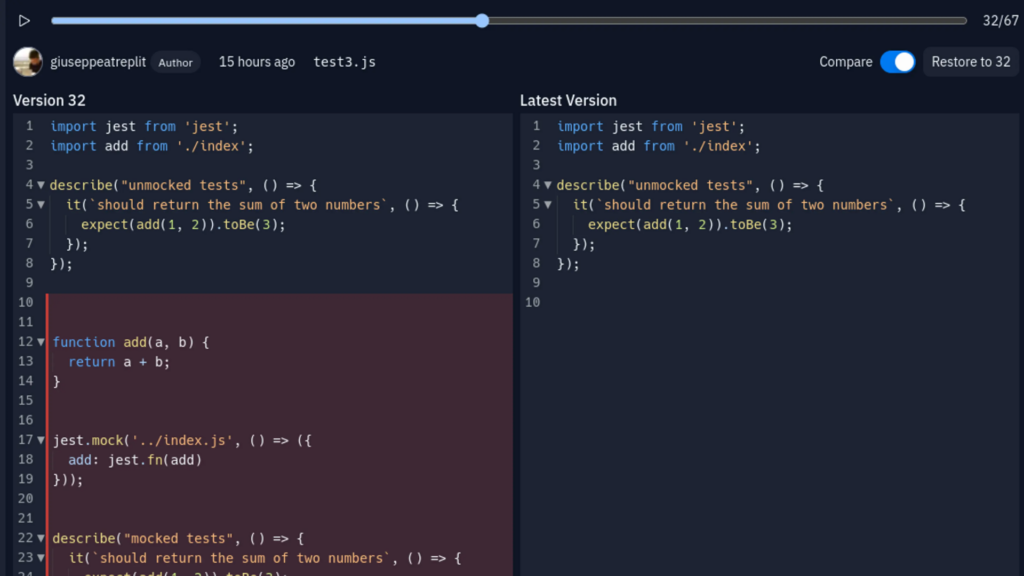
Replit is a capable IDE for modern software creators. It stands out thanks to a comprehensive set of tools and features, and it works as a dynamic programming environment. That range means the platform suits both beginners taking their first steps and seasoned developers shipping production code.
Its core strength is simplicity and speed. You can start coding in seconds without a cumbersome setup. This zero-setup deployment is what draws many to the platform, letting ideas move quickly from concept to creation.
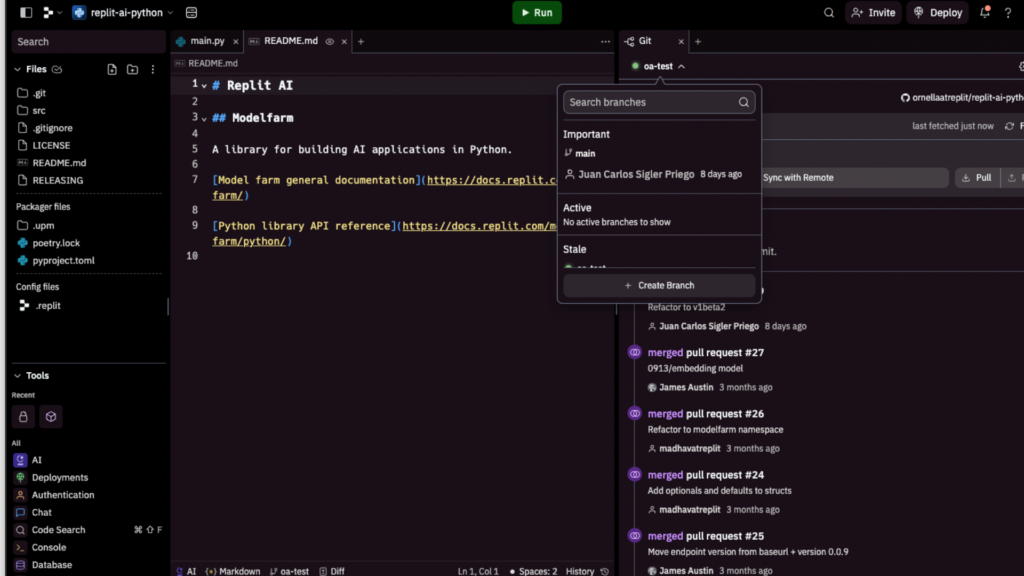
Within this ecosystem, Replit brings together essential developer tools such as a code editor, shell access, and source control mechanisms like those in Visual Studio Code, along with language server protocol support.
These components work together so users can write Python scripts or start HTML & CSS projects with ease. Whether on an iPad or iPod Touch, developers keep real flexibility at their fingertips; they can type on mobile phones thanks to Replit’s adaptive interface built for coding on the go, so work does not have to stop when they leave their desk.
Built-in instant messaging lets you work through bugs or brainstorm features while collaborating with peers in multiplayer sessions. This interactive setup bridges distance and brings talent together in one virtual workspace.
Key Features of Replit
Replit supports fast software development through an easy-to-use interface and support for multiple programming languages. With AI-assisted coding, developers can simplify their workflow and focus on building high-quality applications.
The zero-setup requirement also means users can start coding right away, with no cumbersome installations or configurations to work through before the first line of code is written.
Rapid software development
Replit speeds up software development with its intelligent environment. Instead of getting stuck on tedious setup, you can start coding straight away on your next project.
This works because Replit removes the need for complex configuration; it is all handled for you in the cloud, with no local environment to install and maintain. Programmers can move quickly from an idea to a working prototype, which makes testing new concepts as simple as typing them out and running the result.
With autocompletion and debugging powered by AI, coders work more efficiently than before. These features anticipate your needs and offer suggestions that turn lines of code into working software quickly.
Whether you are fixing bugs or shipping new features, Replit handles these steps so developers can focus on what they do best: building strong products without delay.
The platform supports collaboration too. You can team up with others in real time or share work across different devices without extra tooling. The goal is to bring ideas to life quickly while keeping quality high at every step of the build.
AI-enhanced coding
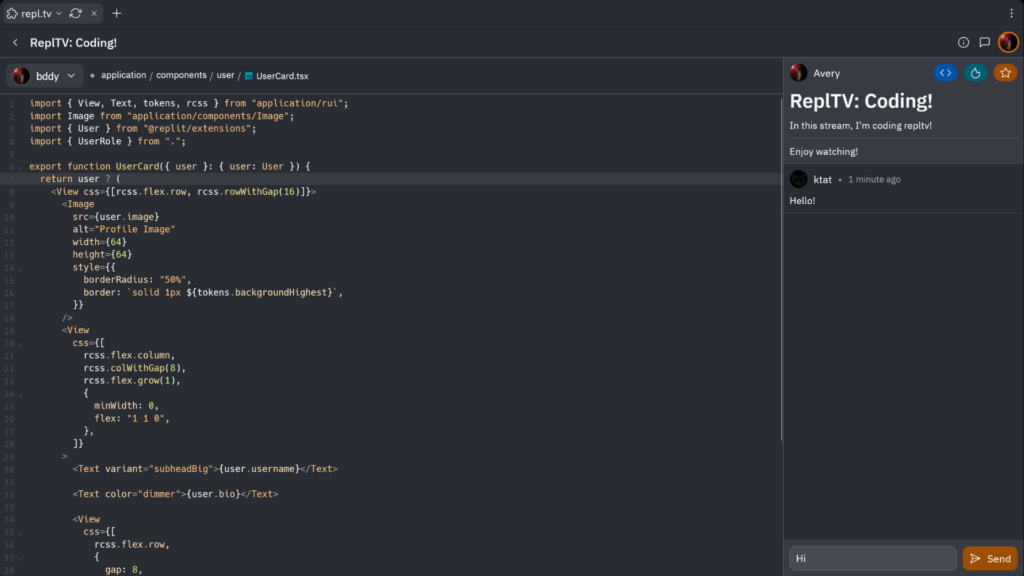
Beyond raw speed, AI-enhanced coding on Replit adds more to software creation. It gives you an assistant that understands your code and suggests improvements and fixes in real time.
This is what Replit AI offers developers: an intelligent assistant that speeds up coding while improving code quality. With its grasp of many programming languages, the tool helps generate, edit, and explain complex code, so you spend less time reading documentation and more time building.
AI integration also means you can collaborate with peers on shared projects as if you were side by side. The same convenience extends to mobile phone coding through the Replit Mobile App, letting coders work from an iPod touch or another smartphone without setup hassles.
Instant project hosting, cloning, and custom domains are all within reach through an intuitive menu with helpful icons, so common tasks stay a click or two away. Collaborative programming looks strong with Replit IDE’s built-in artificial intelligence making every keystroke count toward efficient bug fixes and new solutions.
Zero-setup requirement
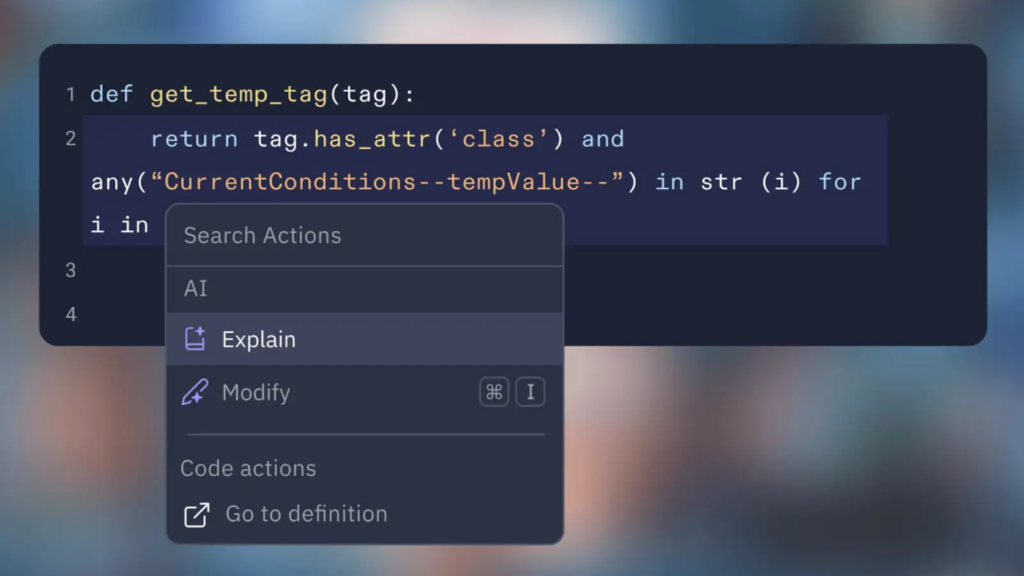
Replit IDE has a zero-setup requirement, so users can start coding immediately without configuring environments. With Replit, there is no need to spend time installing software or setting up dependencies.
This simplified experience supports rapid software development and smooth collaboration, which makes it a good fit for anyone who wants to code efficiently and get started with as little friction as possible.
The zero-setup deployment feature means projects can be live in a few clicks, without the complexity of traditional setup. Custom domains are also available for easy sharing, removing barriers to showing your work to others.
How Replit Facilitates Learning and Earning Opportunities
Replit gives users ways to learn and earn through collaborative software building with AI assistance. By getting hired for projects and earning Cycles, users can establish themselves as builders in the tech industry.
The platform offers step-by-step tutorials for building projects, which create useful learning opportunities for people new to programming. With Replit’s AI-powered coding assistance, users can code faster and raise both their productivity and their skill as they work through real projects.
Looking closer at how Replit helps learners and earners, the platform is clearly built to support growth in the tech community.
Conclusion
Replit IDE opens up rapid software development and AI-enhanced coding, whatever your programming skill level or device. With its zero-setup deployment, you can bring projects to life quickly and collaborate with others in real time.
Whether you are pursuing learning opportunities or building new solutions, Replit lets users code, create, and share from any location on any mobile device, which keeps the whole workflow in one place from first line to final deploy.
(Image Credit: Replit)
Frequently Asked Questions
What makes Replit an exceptional IDE for developers?
Replit is an Integrated Development Environment that simplifies project creation with zero-setup deployment, letting both novice and expert coders start programming without delay.
Can I use Replit on handheld devices like an iPod Touch?
Yes. Replit is versatile, letting users code directly from various devices, including the touch interface of an iPod Touch.
How does the tab key enhance coding in Replit?
Yes. Replit is versatile, letting users code directly from various devices, including the touch interface of an iPod Touch.
Why should I consider using Replit for my development projects?
Choose Replit as your main IDE for quick navigation through your work; it brings simplicity and efficiency to your workflow and turns complex ideas into practical results.

- Independent picks for exactly what you just read about
- Matched to your team size & needs
- Vendors don't pay for placement
Step 1 of 4
How big is your team?
We tailor recommendations to companies your size.















Related Articles
AI Software
AI Accounts Payable Software in 2026: How AI Invoice Processing Works and 8 Tools Compared
Continue reading →

Expert Interviews
SaaS Talks with Carole Winqwist, CMO at GitGuardian – Inside Their Unique Marketing Strategy
Continue reading →
Buyers guide
How to choose the best subscription management software for 2026
Continue reading →

Finance & Billing Software
Best Invoice Home Software for Freelancers & Businesses 2026
Continue reading →