

OpenAI’s ChatGPT has changed the way a lot of people interact with technology day to day. This versatile tool can help with everything from brainstorming to creating written content, making it useful for both personal and professional work.
This guide covers effective strategies for using ChatGPT, including creating reminders, and looks at its applications across a range of use cases, so you can get more out of it for both productivity and creative work.
Below are practical tips for getting the most out of ChatGPT.
Key Takeaways
- OpenAI’s ChatGPT uses advanced natural language processing to provide human-like responses, allowing for a wide range of conversational uses from writing help to mathematical problem-solving.
- Despite its capabilities, ChatGPT has limitations like producing plausible but incorrect answers and potential bias, which highlight the importance of responsible usage and ongoing model improvements by OpenAI.
- Limitations and concerns such as data privacy, security, and sensitivity to input are central to discussions about ChatGPT’s use.
- GPT-4o is designed to be faster, more reliable, and more engaging, making it a valuable tool for a variety of needs.
- Users can freely access ChatGPT during its research preview on OpenAI’s website but may experience capacity issues due to high demand; alternatives include Google’s Bard or Microsoft’s AI technology.
ChatGPT Review: A Look at OpenAI’s Conversational AI
ChatGPT, developed by OpenAI, is one of the most prominent conversational AI models, known for its ability to generate human-like responses in a variety of contexts. Building on the foundation of GPT-3 and its later versions (such as GPT-4), ChatGPT uses deep learning techniques, specifically transformers, to understand and generate text based on user input.
How Does ChatGPT Work?
ChatGPT is powered by advanced natural language processing technology, which allows it to understand and respond to human-like conversation patterns. It treats a conversation the way you might treat a puzzle, where each word or phrase has to fit with what came before it.
It starts by analyzing the user’s input, working through the nuances of the language before it delivers a response. For each interaction, ChatGPT uses reinforcement learning techniques honed from real-world human feedback to improve accuracy and relevance.
Behind the scenes, policy optimization methods guide ChatGPT’s responses toward specific goals such as helpfulness, informativeness, and clarity. This involves selecting the best possible response from a set of predictions generated by the OpenAI model.
Each response aims not only to answer the question asked but also to anticipate follow-up questions or clear up potential misunderstandings, all while staying within the ethical boundaries set during training.
What is ChatGPT used for?
People use ChatGPT to get writing help, debug code, and get advice on home security, among other things. ChatGPT can be used for a variety of purposes, including:
- Customer Support: It can assist customers by answering queries, providing information, and resolving issues in real time.
- Content Creation: Writers and marketers use it to generate articles, blog posts, social media content, and creative writing.
- Education and Tutoring: It can help students by explaining concepts, answering questions, and providing study assistance in various subjects.
- Programming Help: Developers can get coding assistance, debug code, and seek explanations for programming concepts.
- Language Translation: It can translate text between multiple languages, aiding in communication across language barriers.
- Brainstorming Ideas: Users can generate ideas for projects, marketing campaigns, and other creative endeavors.
- Personal Assistant Tasks: It can help manage schedules, set reminders, and provide recommendations for various needs.
Also read: Meet Bottr AI: Personal Assistant
- Entertainment: It can engage users in casual conversation, storytelling, and games.
Key Feature of ChatGPT
ChatGPT offers several key features:
- Natural Language Understanding: It can understand and generate human-like text based on the input provided, making interactions feel conversational and intuitive.
- Context Awareness: It can remember details from earlier parts of a conversation and use that information to provide more relevant responses.
- Versatility: It’s capable of handling a wide variety of tasks such as answering questions, generating creative writing, providing technical explanations, offering code support, and more.
- Multilingual Support: It can understand and generate text in multiple languages, which allows for communication across different linguistic backgrounds.
- Customization: ChatGPT can be adapted to specific needs or contexts, including adhering to user preferences in tone or style.
Limitations of ChatGPT and Its Accuracy
Here’s a look at the constraints and potential issues associated with ChatGPT:
| Limitation | Explanation |
|---|---|
| Data Privacy and Security | ChatBots handle sensitive user data, which raises concerns about privacy and security. Proper data handling and storage protocols are crucial. |
| Sensitivity to Input Phrasing | The accuracy of responses depends on the structure and language of user queries. |
| Verbosity | ChatGPT may provide overly detailed or lengthy responses. |
| Lack of Clarifying Questions | ChatGPT may not seek clarification for ambiguous or unclear input. |
| Potential for Bias | ChatGPT’s responses may be influenced by biases in its training data. |
What Kinds of Questions Can Users Ask ChatGPT?
Once you understand the basic idea of generative AI, it’s worth exploring the wide range of questions users can actually ask ChatGPT. People use it for problem-solving, advice on home security, explaining concepts, writing assistance, code debugging, and even mathematical explanations. Here’s a detailed breakdown:
| Type of Question | Description | Example |
|---|---|---|
| Assistance Tasks | Users can seek guidance or support for various tasks like note-taking, understanding complex concepts, or seeking help with coding-related challenges | “I’m preparing for an exam and need help creating a study schedule for the next two weeks. Can you help me organize it?” |
| Problem-Solving | Users face a problem and need help finding a solution. | “I’m developing an app, but my login feature keeps crashing. How can I troubleshoot this?” |
| Advice Seeking | Users seek personal or professional advice for decisions or challenges. | “I’ve been offered two jobs: one pays more, but the other has a better work-life balance. Which should I choose?” |
| Explanation of Concepts | Users need clarification or understanding of a technical or complex concept. | “Can you explain how blockchain works in simple terms?” |
| Writing Assistance | Users request help improving their writing or composing a piece. | “Can you help me rewrite this sentence to sound more professional? ‘I’ll get back to you soon.’” |
| Code Debugging | Users need help finding and fixing errors in their code. | “I’m getting a ‘NullReferenceException’ in my C# code. What does that mean?” |
| Home Security Tips | Users ask for advice on improving home security. | “What are some affordable ways to improve home security?” |
| Mathematical Explanations | Users request help to understand a mathematical concept or solve a problem. | “Can you explain how to solve quadratic equations using the quadratic formula?” |
Is ChatGPT free?
ChatGPT offers both a free and paid version.
- Free Version: The free version of ChatGPT gives users access to a GPT-3.5-based model. This version is available to anyone registered on the OpenAI platform and can be used for casual interactions, content creation, and more basic tasks.
- ChatGPT Plus (Paid Version): OpenAI also offers a subscription service called ChatGPT Plus, which costs $20 per month (as of 2024). This subscription grants access to the more advanced GPT-4 model, which is faster, more accurate, and can handle complex queries more efficiently. Plus users also get priority access during peak times, helping them avoid delays.
The free version works well for most casual users, but for those who want more advanced features and better performance, a Plus subscription is available.
Updates on the Latest ChatGPT
GPT-4o is the latest version of ChatGPT. This new model markedly improves conversations with a better understanding of context and intent, allowing for more relevant and meaningful interactions.
Users can now interact with both text and images, creating a richer conversational experience.
GPT-4o also has access to a broader knowledge base, providing accurate information on a wide range of topics. Its improved creativity shows up in storytelling and brainstorming, while personalized responses make each interaction feel more tailored to the user.
This version is designed to be faster, more reliable, and more engaging, making it a valuable tool for a variety of needs.
Free GPT-4o vs. ChatGPT Plus: What’s The Difference?
When choosing between Free GPT-4o and ChatGPT Plus, users should weigh a few key distinctions.
| Feature | Free GPT-4o | ChatGPT Plus |
|---|---|---|
| Cost | Free | Monthly subscription fee |
| Response Speed | Slower response times during peak hours | Faster response times |
| Availability | Limited availability during high demand | Priority access, less downtime |
| Access to Features | Access to standard GPT-4o features | Early access to new features and updates |
| Personalization | Basic personalization options | Enhanced customization options |
| Usage Limits | May have daily usage caps | Higher usage limits |
| Support | Community support only | Priority customer support |
Is ChatGPT Secure for Users?
ChatGPT is built with a number of measures aimed at user security and privacy, meant to create a safe interactive environment. ChatGPT conversations are not stored or used for personal profiling, so personal data stays private.
The platform uses encryption to protect data in transit, keeping user information safe from unauthorized access.
While the AI is designed to avoid producing harmful or inappropriate content, users still need to be mindful of the information they choose to share.
OpenAI is constantly updating its safety protocols and moderation tools to reduce risks and improve the user experience.
ChatGPT aims to provide a safe space for users to take part, while emphasizing responsible use.
Accessing and Using ChatGPT
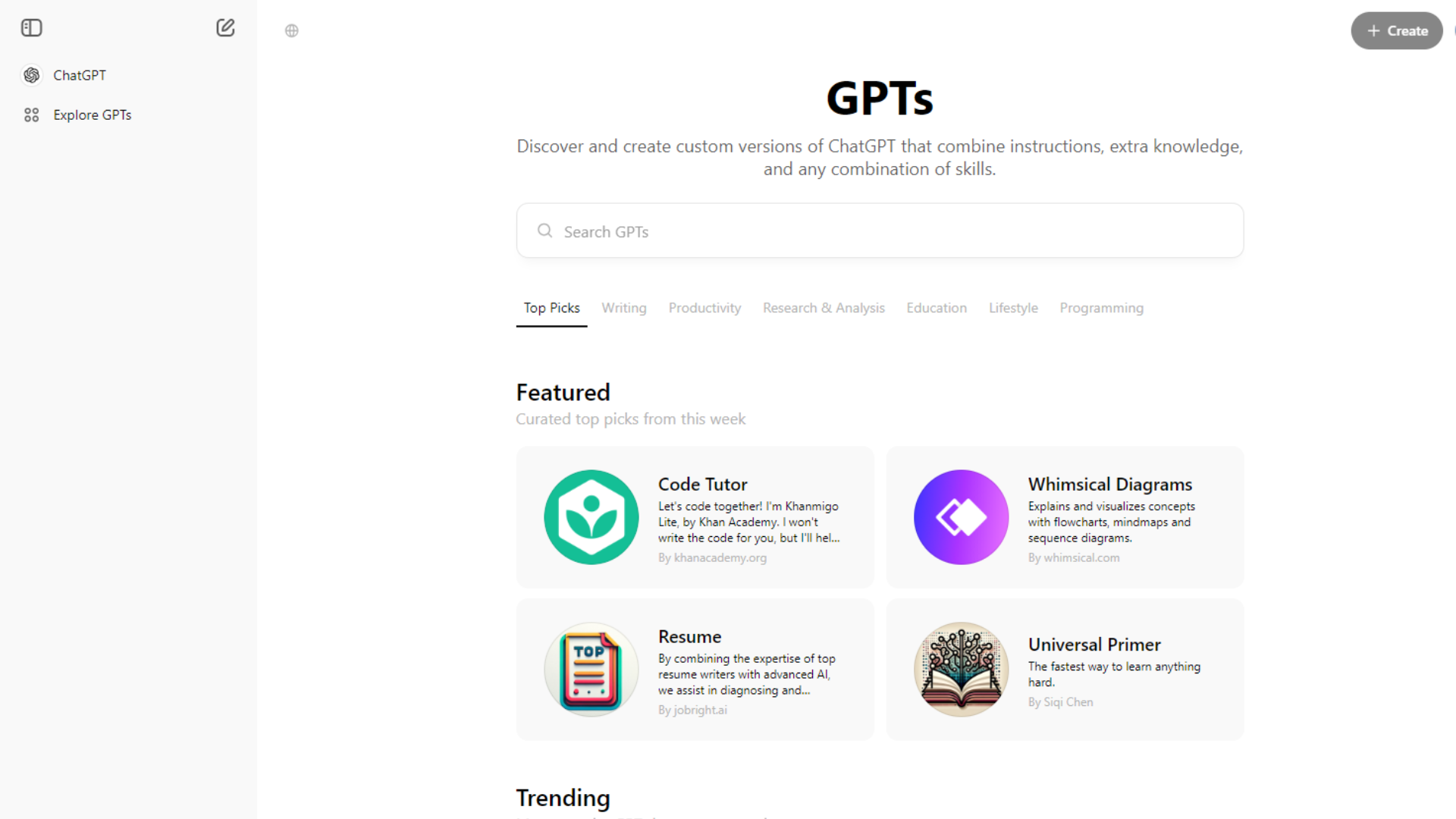
To access ChatGPT, users can visit the OpenAI website and sign up for free to explore its capabilities. Due to high demand, though, there may be capacity issues at times.
Here’s how to access ChatGPT:
Sign Up & Verify Your Email
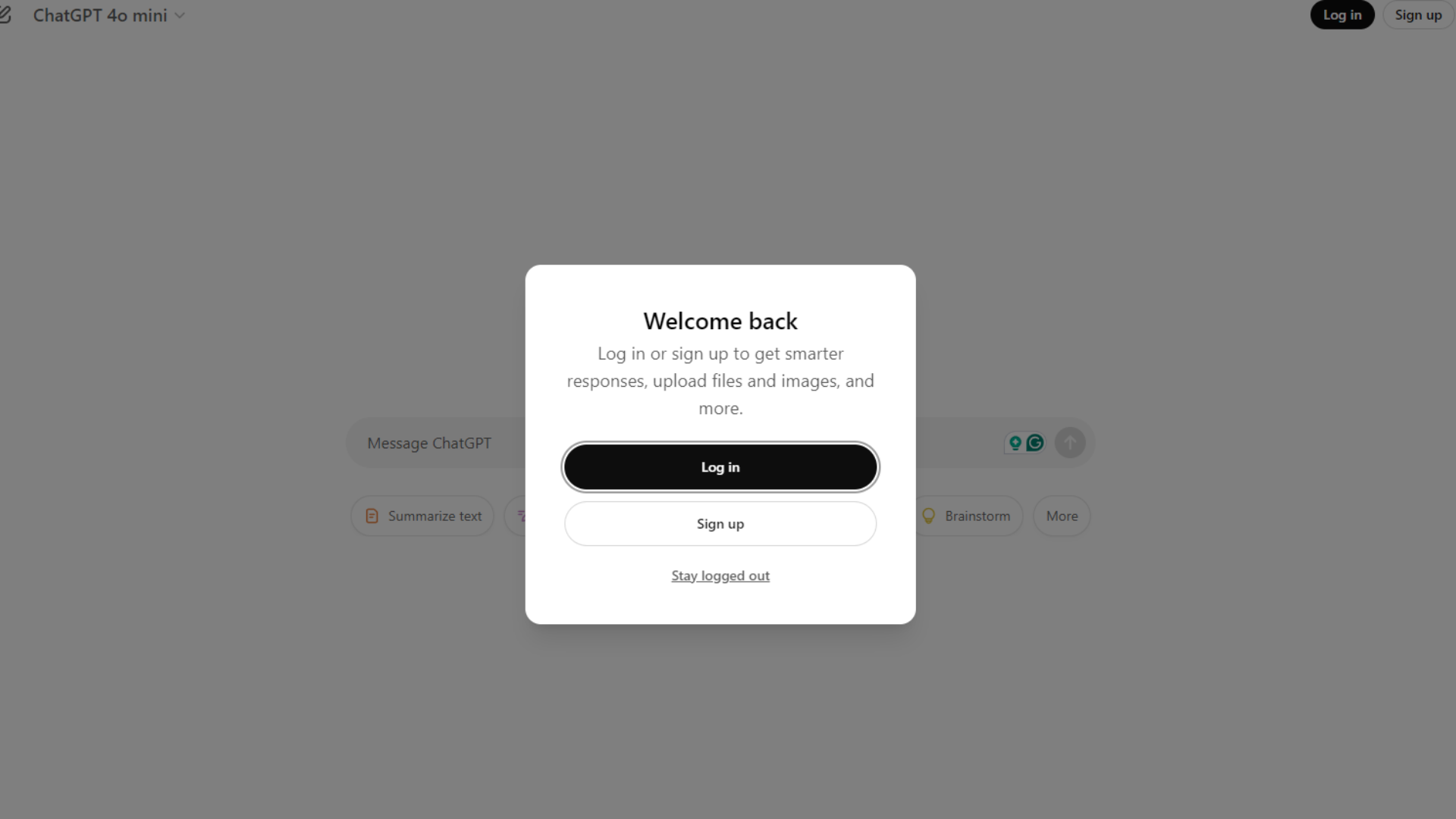
To use ChatGPT, start by visiting OpenAI’s official site. You’ll need to create an account using your email address. Once registered, check your inbox and verify your email to get started. After that, you’re ready to explore everything ChatGPT has to offer.
Start With ChatGPT
Once verified, you can access the platform to start chatting. Use the prompt to ask ChatGPT questions, and you’ll get real-time responses from an AI assistant.
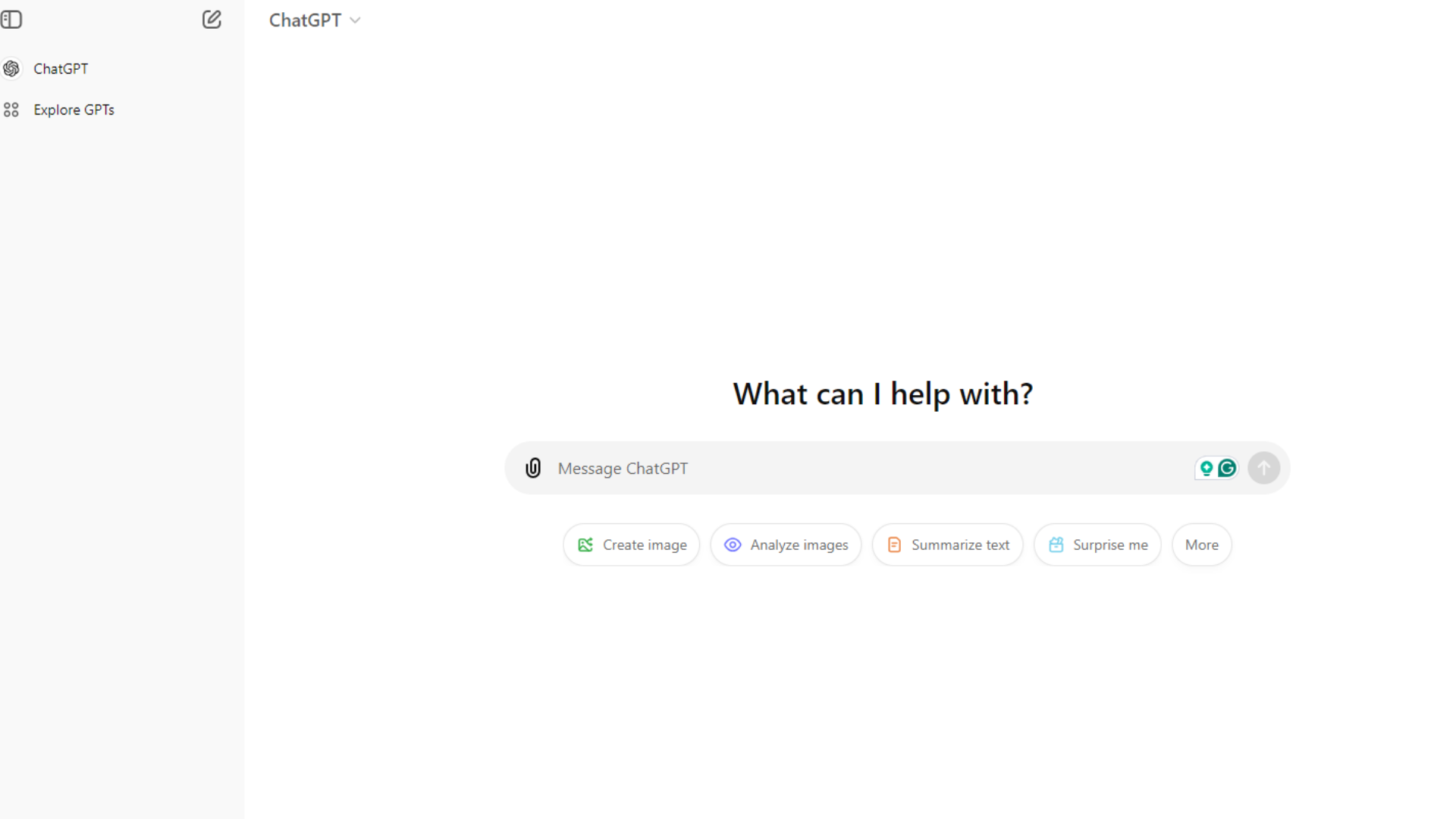
Whether you need help writing, coding, or generating ideas, you can ask ChatGPT for pretty much anything. The AI model is trained on large amounts of data, which lets it understand the context of your queries.
Free and Paid Versions
ChatGPT offers a free version that lets you interact with the AI. For those who want more advanced features, though, the GPT-4 version provides even more advanced capabilities. Consider upgrading if you want access to the latest features.
ChatGPT Alternatives
Looking for alternatives to ChatGPT? Here are some options worth considering:
- Google’s Bard
This experimental AI chat service uses a lighter version of Google’s Language Model for Dialogue Applications (LaMDA), drawing on web information to respond.
- Microsoft’s AI chatbot technology
Consider exploring Microsoft’s conversational agents and virtual assistants as alternatives to ChatGPT.
- Facebook’s virtual assistant
Explore the text-based AI and conversational agents Facebook provides for your chatbot needs.
Another alternative worth considering is Amazon Lex, which offers natural language processing and dialogue systems.
Conclusion
ChatGPT is a versatile tool that can adapt to your needs, whether you’re looking for answers to questions, creative inspiration, or simply a conversation partner. With its ability to provide useful insights and create engaging content, ChatGPT stands out as a resource for productivity and creativity.
Take advantage of what ChatGPT offers and see how it can support your personal and professional work.
(Image Source: ChatGPT)
Related reading: ChatGPT Enterprise Pricing 2026: Costs, Plans and What You Get, Copilot vs ChatGPT for Business (2026): Price, Security and Use Cases
Frequently Asked Questions
What is ChatGPT and how does it work?
ChatGPT is an AI language model developed by OpenAI that uses deep learning to generate human-like text based on user prompts. It works by analyzing the input and producing coherent and contextually relevant responses, making it useful for various applications such as customer support, content creation, and casual conversation.
Is ChatGPT free to use?
ChatGPT offers both free and paid versions. The free version provides access to essential features, while the subscription-based ChatGPT Plus offers enhanced benefits such as faster response times and priority access during peak usage.
How secure is ChatGPT for users?
ChatGPT prioritizes user security and privacy. Conversations are not used for individual profiling or training the model. While interactions may be reviewed in aggregate for quality assurance, OpenAI emphasizes responsible data handling practices to protect user information.
Can I customize my experience with ChatGPT?
Yes, ChatGPT allows users to customize their interactions by providing specific instructions for tone, style, or topics. This flexibility enhances the conversational experience, making it more tailored to individual preferences.
What are the main applications of ChatGPT?
ChatGPT can be used for various purposes, including customer support, content creation, language translation, tutoring, brainstorming ideas, and more. Its versatility makes it a valuable tool for individuals and businesses looking to enhance communication and productivity.
Related Articles
AI Software
How Can SaaS Companies Use Legal AI to Move Enterprise Deals Forward?
Continue reading →
AI Software
Fireflies vs Otter 2026: Pricing, Limits and Which to Pick
Continue reading →
AI Software
AI in Finance: 12 Use Cases for Corporate Finance Teams in 2026
Continue reading →
AI Software
Copilot vs ChatGPT for Business (2026): Price, Security and Use Cases
Continue reading →