

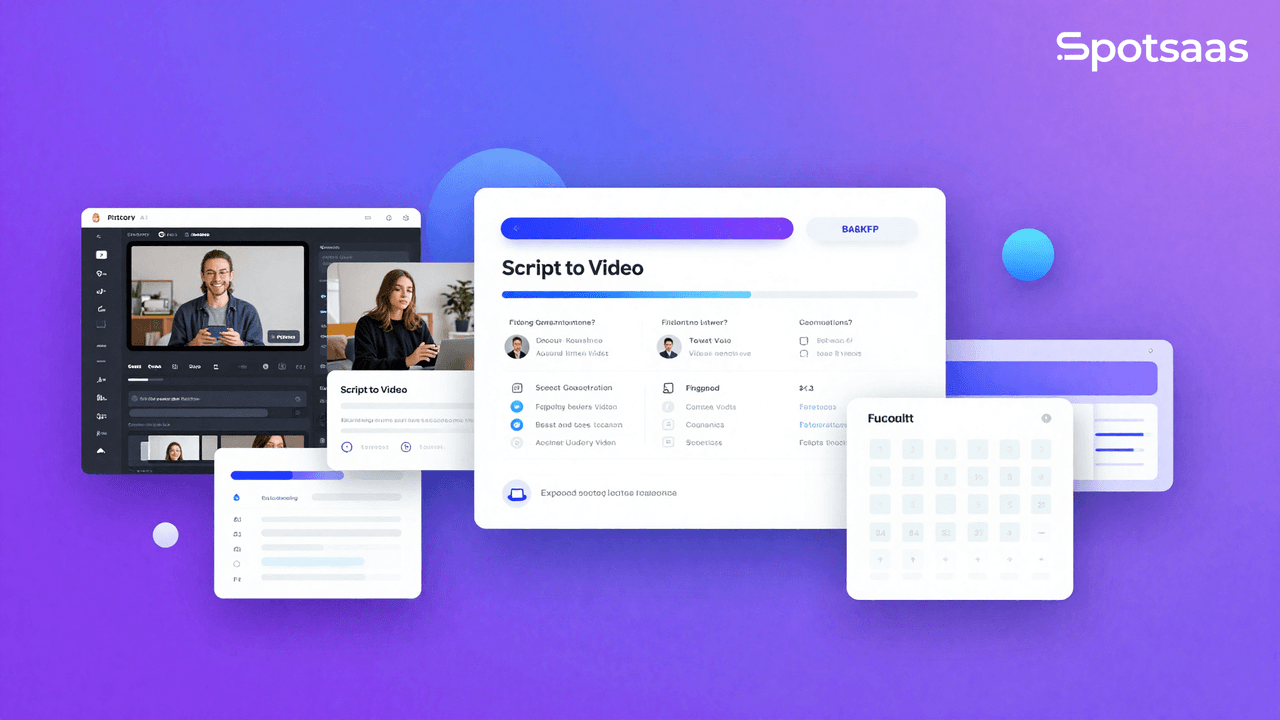
Producing video content that looks professional and holds attention takes time, and most teams do not have a full editing crew on hand. Pictory AI is built to close that gap. It turns written material into finished video, so a marketer or creator can publish without learning a timeline editor.
This review walks through what Pictory AI does, how each of its main features works, and where it fits in a content marketing workflow. The goal is to help you judge whether it belongs in your toolkit before you sign up for the trial. Rather than replacing an editor with another editor, Pictory shifts the work toward writing and reviewing, which is a better fit for teams whose strength is words rather than motion graphics.
Key Takeaways
- Pictory AI turns scripts and articles into video quickly, so content creators can convert written ideas into professional-looking visual stories without editing skills.
- A text-based editing feature simplifies refining raw footage. You add subtitles, cut scenes, or change spoken words by typing edits, which cuts post-production time.
- The “Visuals to Video” feature turns static images and graphics into video, letting you repurpose existing brand materials for new content with little effort.
- Pictory AI supports content marketing with auto-captioning for accessibility and SEO gains through shareable video clips drawn from blog posts or articles.
- Beginners can start on a free trial, use extensive help resources, join a creator community for support and ideas, earn through an affiliate program, and study case studies as worked examples.
Features of Pictory AI Video Generator
Pictory AI groups its tools around a single idea: get from words to finished video with fewer steps. It converts scripts and articles into video, lets you edit videos by editing text, and turns visuals into multimedia content.
Those AI-driven features change how content creators approach production, moving the work from manual editing to writing and reviewing.
Script to Video
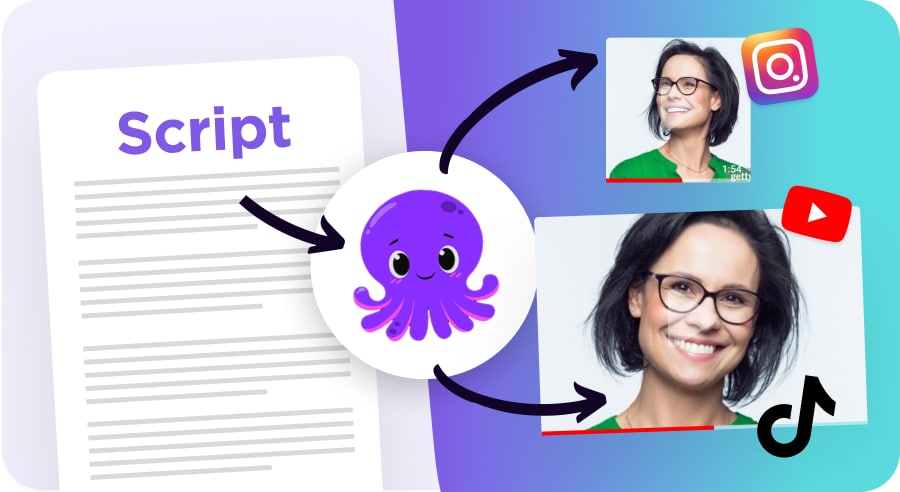
Turning a written script into a finished video is straightforward with the Script to Video feature. Content creators and marketing teams use it to convert text-based ideas into visual stories without touching a manual editor.
Within minutes, the AI pairs your written words with matching footage, producing videos that communicate clearly with their intended audiences.
The process supports collaboration, so several team members can contribute and refine a single project. Drawing on input from different roles tends to raise the quality of the finished video.
A free trial lets newcomers test these capabilities, and support resources such as case studies and a help desk reinforce how to build a story on video. Because the script drives the output, editing the words is often faster than editing the footage, which is the main reason marketing teams reach for this feature first.
Article to Video
Turning a text article into a video takes little effort with Pictory AI. The tool pairs written content with visuals that hold viewers’ attention.
Blog posts become videos, which helps improve SEO rankings and keep audiences engaged. With a few clicks, your words shift from static text to a moving visual piece, giving articles a voice and motion they did not have before.
Pictory’s algorithms do more than match images to text. They keep each transition tidy and each point in the video aligned with the original message of the article, so the finished video reads as a faithful version of the source rather than a loosely related clip.
Automatic captioning adds accessibility and helps viewers follow along, which matters for content marketing results. Next, we look at how editing video through text cuts post-production work while keeping the storytelling intact.

Edit Video Using Text
Pictory AI’s text-editing feature is a practical time-saver for content creators who want a faster workflow. Take a raw video, and a few text edits let you trim scenes, add subtitles, or change spoken words without touching timelines or file formats.
Type out your changes and the software applies them to the video, which keeps the process direct.
You can build videos for social media marketing or online courses without wrestling with technical editing tools. Adding captions is simple, and captions tend to lift both reach and watch time.
Your message reads more clearly when well-timed subtitles guide viewers through the content. Producing videos for YouTube or other platforms happens fast, so marketers and educators can get their points across clearly and professionally. For anyone who edits by reading rather than scrubbing a timeline, this approach keeps the focus on the message instead of the mechanics of the tool.

Visuals to Video
Pictory AI’s “Visuals to Video” feature turns static visuals into moving video content. Upload images, graphics, or infographics, and the tool converts them into video presentations.
This keeps your visual assets active and engages viewers in a more immersive way. It also lets you reuse existing brand materials for video storytelling without extensive editing or production skills. Teams that already own a library of graphics can put that work back into circulation as video rather than starting each project from a blank canvas.
The Visuals to Video feature also gives you a clear way to bring visual elements into a project, which leaves room for more flexibility and creativity when you build a visually rich narrative.
How Pictory AI Can Enhance Content Marketing Efforts
Pictory AI supports content marketing efforts by making video easier to produce. It offers script-to-video conversion, turns articles into videos, and lets you edit videos using text, so you can build visual content for social media and websites.
Marketing teams can use Pictory to improve SEO through video highlights pulled from blog posts, and auto-captioning to raise reach and watch time. Teams can also share assets with colleagues and outside partners through Pictory’s Teams Plan.
The interface is easy to learn and the pricing options keep costs manageable. By using AI to handle video creation and editing, Pictory gives content marketing teams one place to produce visual content. That consolidation matters when a small team has to keep publishing on a schedule, since it cuts the number of separate tools and handoffs a single video has to pass through before it goes live.

Getting Started with Pictory AI: A Beginner’s Guide
To get started with Pictory AI, create an account to reach its features and resources. Here is a beginner’s guide to help you get more from your video creation:
- Sign up for the free trial with no credit card required, so you can explore the platform and its capabilities without any financial commitment.
- Use the help center and blog resources on Pictory AI’s website, which offer tutorials and best practices for using the software well.
- Join the creator community to connect with other users, share experiences, and learn from each other. It gives you a place to troubleshoot and trade ideas.
- Enroll in the affiliate partner program to earn revenue by promoting Pictory AI to others who may benefit from it.
- Read the case studies as real examples of how businesses and individuals have put Pictory AI to work, and use them as practical inspiration for your own projects.
- Use the auto transcription feature to convert speech into written text, which gives you accurate subtitles or transcriptions for your videos.
Conclusion: Create Videos with Pictory AI
Both professionals and content creators can get real value from Pictory AI. They can use its features to support content marketing, create branded clips, and automate parts of video production.
With an easy-to-learn interface and AI behind it, Pictory helps users build visual stories through video. For teams that publish video regularly, it removes a large share of the manual editing work and keeps their marketing moving. If your current bottleneck is turning finished writing into watchable video, Pictory is worth testing on the free trial before you commit to a paid plan.
(Image Source: Pictory AI)
Frequently Asked Questions
How can Pictory AI enhance my video creation process?
Pictory AI speeds up the video creation process with its editing features and customizable templates.
Can I use Pictory AI with any type of video content?
Yes. Pictory AI works for many types of video content, including promotional videos, social media posts, tutorials, and more.
What are the key advantages of using Pictory AI for video creation?
Pictory AI offers time-saving automation, professional-grade editing tools, and access to a range of visual effects and transitions.
Do I need technical expertise to utilize Pictory AI effectively?
No. Pictory AI uses a user-friendly interface, so it is accessible even for people without deep technical skills or video editing experience.
How does Pictory AI support collaboration in video projects?
Pictory AI supports collaborative work by letting team members share project files and give feedback in real time within the platform.
Related Articles
AI Software
Fireflies vs Otter 2026: Pricing, Limits and Which to Pick
Continue reading →
AI Software
AI in Finance: 12 Use Cases for Corporate Finance Teams in 2026
Continue reading →
AI Software
Copilot vs ChatGPT for Business (2026): Price, Security and Use Cases
Continue reading →
AI Software
AI in Procurement in 2026: 10 Use Cases, Tools and How to Start
Continue reading →