

The Hemingway Editor is a go-to tool for writers who want to simplify and tighten their text. Its key features—color-coded feedback, readability scores, and real-time word count tracking—help users spot problems in their writing without hiring an editor. Instead of guessing which sentences are hard to follow, the tool marks them directly on the page so you can fix them one at a time.
Whether you’re a blogger, author, or professional, Hemingway works well for anyone who wants clearer, more direct writing.
Here’s a look at what the editor offers and who it’s built for.
Key Takeaways
- The Hemingway Editor has distinct write and edit modes, plus color-coded feedback that flags errors. It identifies long sentences, passive voice, and adverbs, so users can see exactly where to trim.
- The tool gives a readability score to help writers gauge how complex their language is. Real-time word count tracking keeps writing concise.
- The downloadable desktop version works offline for a one-time price, while the online version is free but needs an internet connection. The desktop version has more advanced features.
- Hemingway suits bloggers and content creators who want clear, engaging writing, authors who want to simplify their narratives, and professionals who need clarity in reports and communications.
Overview of Hemingway Editor
Hemingway Editor is a writing tool that helps users improve their writing by flagging complicated sentences and common errors, and by scoring readability. The software comes in both online and downloadable versions, each with its own features and price. Both versions run the same core analysis, so the choice mostly comes down to whether you need offline access and export options, or you’re fine working in a browser.
(Image Source: Hemingway Editor)
Key Features of Hemingway Editor
Hemingway Editor is one of the more established writing analysis tools around. Here’s what it gives users to refine their style and clarity.
- Write and Edit Modes: The editor has distinct modes for composing text and making revisions, which separates the act of writing from the act of fixing it.
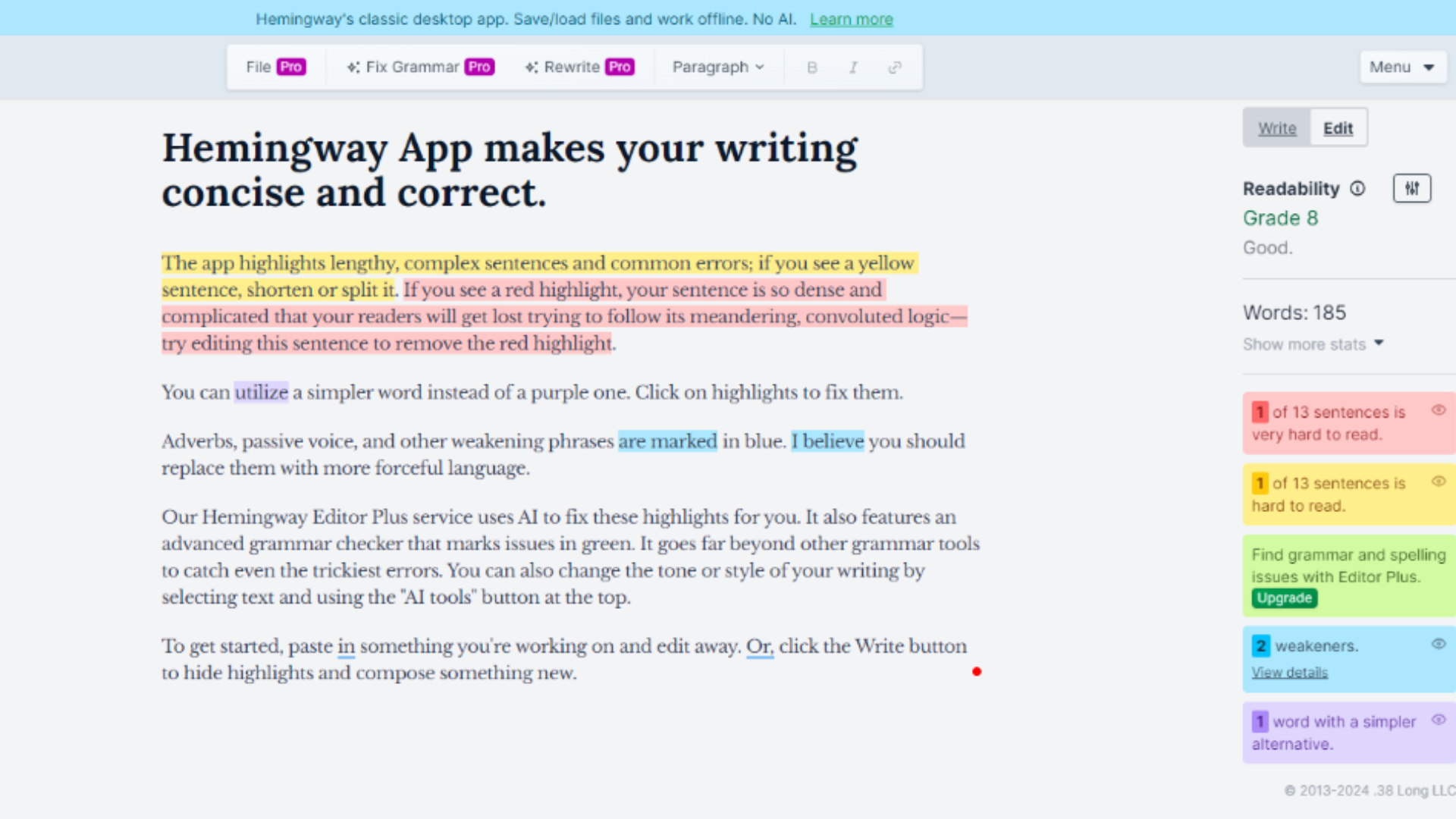
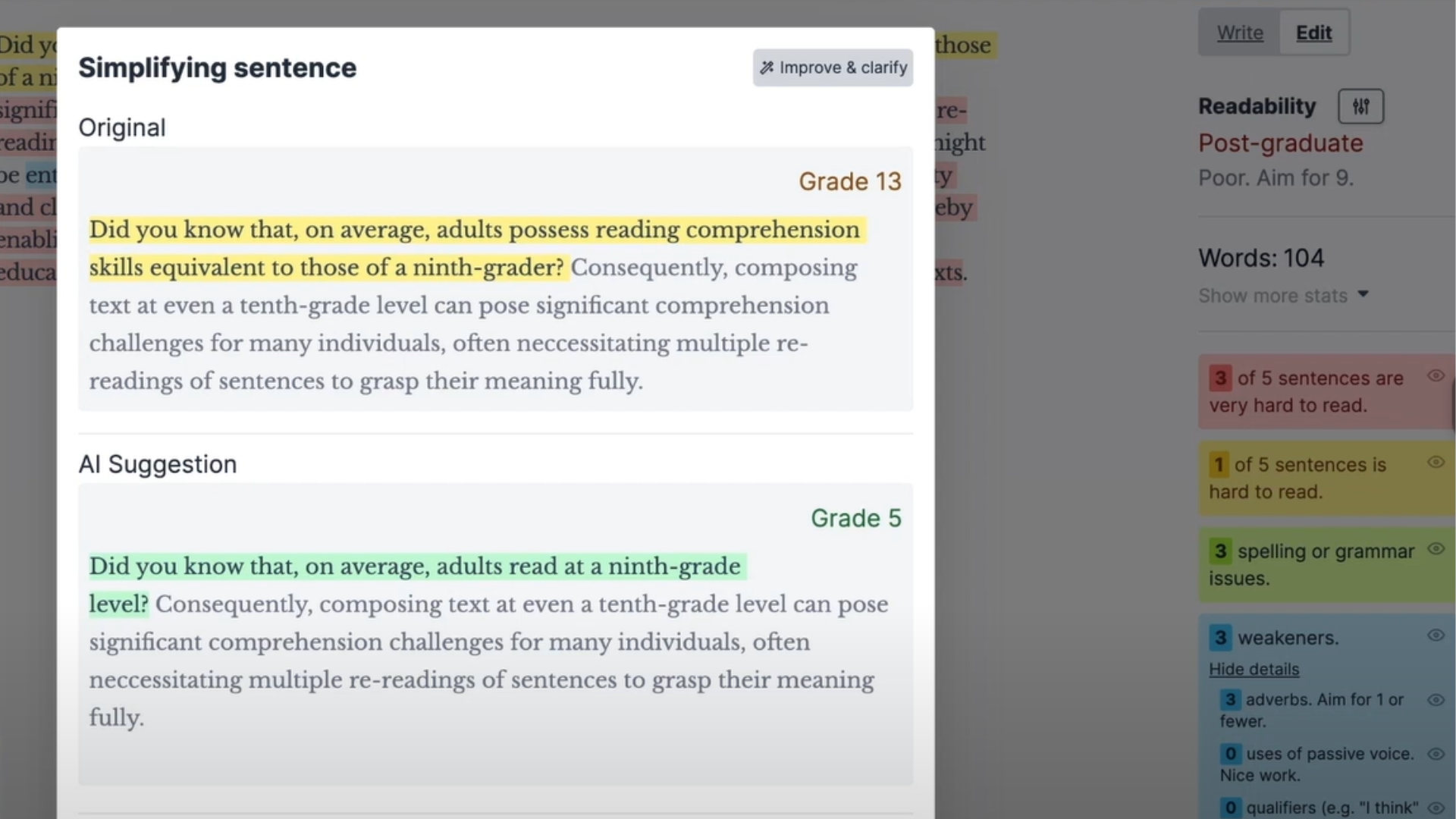
- Color-Coded Feedback: Errors and suggestions are marked in color so writers can spot issues at a glance – yellow for lengthy or complex sentences, red for dense and difficult-to-read passages, purple for phrases that have simpler alternatives, blue for adverbs that can often be cut, and green for passive voice.
- Reading Level Score: The software scores the complexity of the language used, pushing writers to keep their work clear and accessible.
- Word Count Tracking: Real-time word count is displayed, helping users meet length targets or keep content tight.
- Direct Publishing Feature: For those on the downloadable version of Hemingway, one-click publishing to platforms like WordPress or Medium is available – useful for bloggers and content creators who don’t want to copy-paste between apps.
- Offline Accessibility: With the downloadable edition, writers can edit without an internet connection, so location and connectivity stop being a constraint.
- Text Formatting Tool: Hemingway includes formatting options, so you can apply boldface, italics, headers, bullets, numbers, and more directly within the app.
Hemingway Pricing: Plans and What They Offer
Now that the features are covered, here’s how Hemingway is priced. The plans are simple: one free tier and one paid one-time purchase. Here’s the cost breakdown:
| Plan | Price | Features |
|---|---|---|
| Hemingway Editor (Free) | $0 | – Online editor accessible via browser – Highlights complex sentences, passive voice, and adverbs |
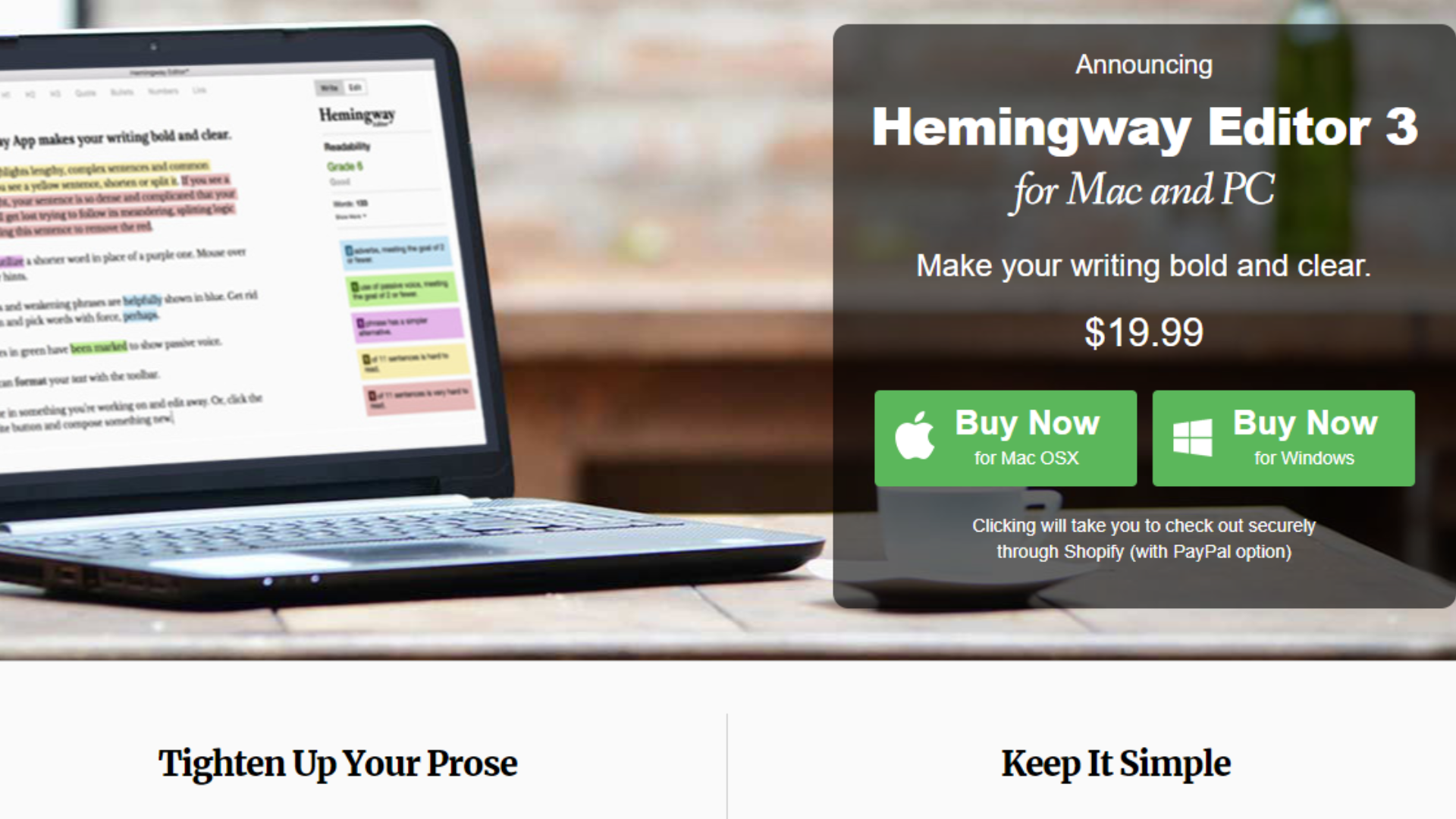
| Hemingway App for Desktop | $19.99 (One-Time Payment) | – Full offline functionality – One-time purchase – Exports to Word and other formats – Publish directly to Medium or WordPress – No need for an internet connection – Formatting options: headings, bold, italic, and more |
The free online version covers most people who just want simplicity and functionality. Anyone who wants offline access and more export options can pay once for the desktop app instead.
(Image Source: Hemingway Editor)
With unlimited use and free updates included, the desktop version is an affordable choice for most users who write regularly.
Who Should Use Hemingway?
Hemingway Editor works best for people focused on improving readability and clarity in their writing. Key user groups include:
- Bloggers and Content Creators: Keeps content readable and engaging.
- Authors and Novelists: Simplifies long-form content for better flow.
- Marketing Teams: Clarifies brand messaging and removes jargon.
- Students and Academic Writers: Edits papers for clarity and simplicity.
- Business Professionals: Improves clarity in reports, emails, and presentations.
Hemingway Editor vs Hemingway App: Which One Suits Your Writing Needs?
When deciding between the Hemingway Editor (desktop version) and the Hemingway App (web version), the differences below can help you pick the one that fits your writing style and needs.
| Feature | Hemingway Editor (Desktop) | Hemingway App (Web Version) |
|---|---|---|
| Platform | Downloadable (Mac & Windows) | Browser-based (requires internet) |
| Offline Availability | Yes | No |
| Direct Publishing | Supports direct publishing to WordPress and Medium | Does not support direct publishing |
| Export Options | More export options (e.g., Word, PDF, Markdown) | Limited export options (no Markdown) |
| Ideal For | Writers who prefer working offline | Users who prefer a cloud-based solution |
| Advanced Formatting | Supports advanced formatting | Limited formatting |
Which One is Best for You?
- Hemingway Editor is ideal for writers who need offline access, advanced publishing tools, and a one-time payment structure. If you write content for WordPress, Medium, or use Markdown, the Editor’s export options will save you time.
- Hemingway App is a good fit for users who want a free, easy-to-use tool that cleans up their writing quickly without extra features. If you don’t need offline access or fancy exporting, the App works fine for light editing tasks.
Comparison Between Hemingway, QuillBot, and Grammarly
| Feature | Hemingway | QuillBot | Grammarly |
|---|---|---|---|
| Primary Purpose | Improving readability and writing clarity | Paraphrasing and summarizing content | Grammar, spelling, and style correction |
| Free Version | Yes (Online Editor) | Yes (Limited Features) | Yes (Basic Grammar and Spelling) |
| Key Features (Free) | – Highlights complex sentences and adverbs – Passive voice detector – Online access | – Paraphrasing tool – Summarizer tool – Synonyms suggestions | – Grammar and spelling check – Punctuation correction – Basic style suggestions |
| Key Features (Paid) | – Full offline functionality – Exports to Word – Publishing to Medium/WordPress – Formatting options | – Advanced paraphrasing modes – Tone detection – Plagiarism check (with premium plan) | – Advanced grammar and punctuation correction – Style suggestions – Clarity, conciseness, and tone detection – Plagiarism detection (Premium) |
| Writing Style Focus | – Focuses on improving readability by simplifying text | – Focuses on rephrasing text and summarizing information | – Focuses on correcting grammar, improving clarity, and optimizing writing style |
| Integration Options | – Works as a standalone desktop or browser app | – Chrome extension, Google Docs integration | – Browser extension, MS Word, Google Docs, and desktop app |
| Audience | – Writers and bloggers aiming to improve readability | – Writers, students, and content creators need paraphrasing and summarization | – General users, professionals, and students seeking to improve grammar and clarity |
| Plagiarism Detection | No | Yes (Premium) | Yes (Premium) |
| Ease of Use | Simple interface with a readability focus | User-friendly with multiple paraphrasing modes | Easy to use with real-time suggestions |
| Offline Mode | Available in the desktop version | No | No |
Key Differences
Hemingway focuses on improving the readability of your text by flagging complex sentences, passive voice, and overused adverbs. It charges a one-time fee for desktop use and has no plagiarism detection.
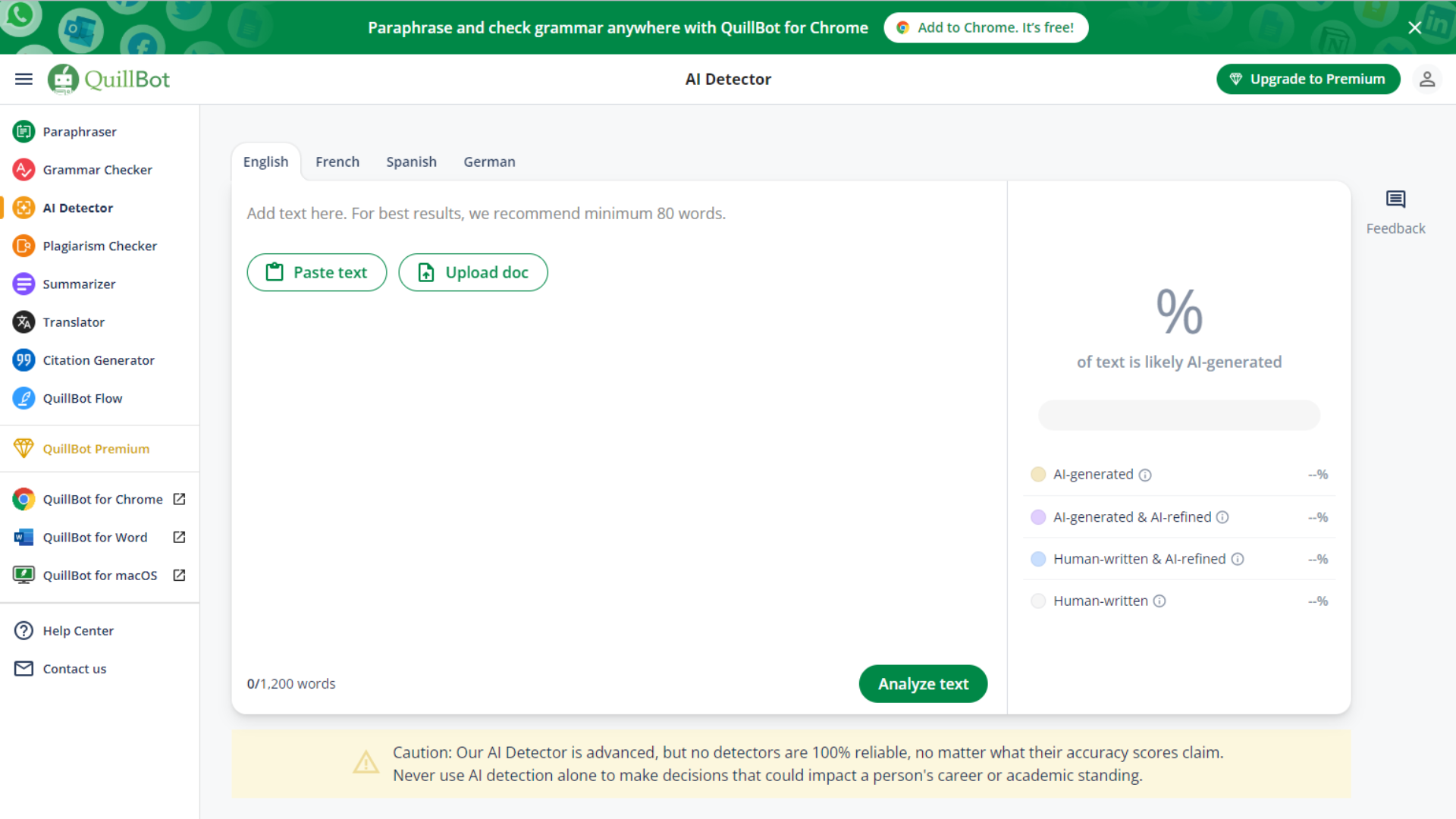
(Image Source: Quillbot)
QuillBot is built for paraphrasing and summarization, which makes it a fit for students or content creators who need to rephrase large blocks of text. It also has tone detection and plagiarism checking on its premium plan.
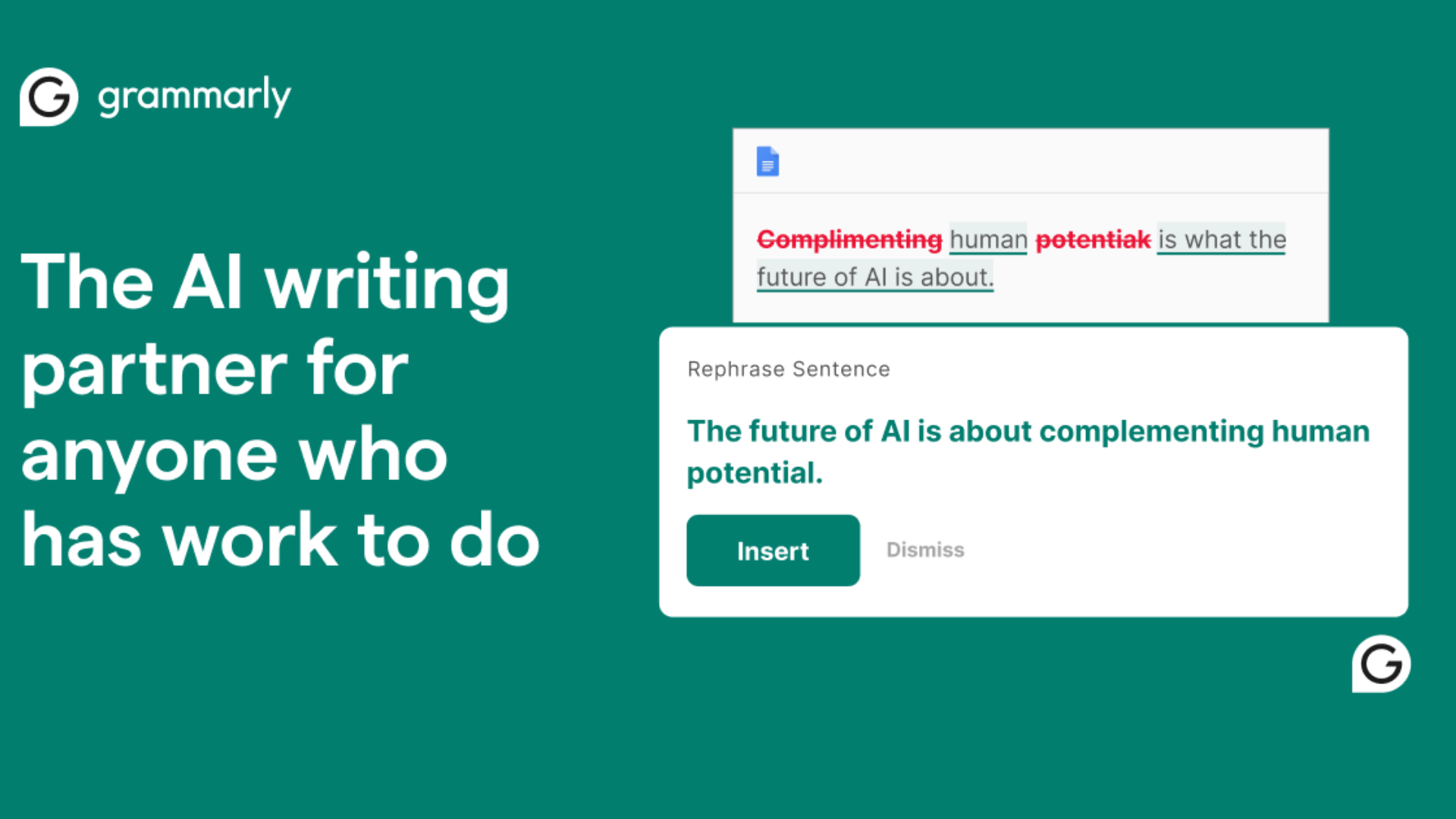
(Image Source: Grammarly)
Grammarly is focused on grammar correction, writing style improvements, and tone adjustments. Professionals and students widely use it, and its premium plan adds plagiarism detection.
Conclusion
Hemingway Editor is a practical pick for anyone looking to make their writing clearer and more engaging. The combination of quick feedback, ease of use, and a low price point is why it appeals to such a wide range of users, from bloggers to business professionals.
Hemingway helps writers improve their work with minimal effort, whether you stick with the free online version or pay once for the desktop app. If you’re weighing it against QuillBot or Grammarly, the deciding factor usually comes down to what you actually need: readability coaching from Hemingway, paraphrasing from QuillBot, or grammar correction from Grammarly. Some writers end up using more than one, since the tools solve different problems rather than competing head-to-head.
Frequently Asked Questions
What is the price of Hemingway Editor?
Hemingway offers both a free online version and a paid desktop version. The one-time purchase of the desktop app costs around $19.99, and it includes offline access and export options for Word and PDF formats.
What are the key features of Hemingway Editor?
The main features include readability grading, passive voice detection, adverb reduction, complex sentence highlighting, and formatting options such as bold, italic, and headings. It’s built to make writing clearer and easier to read.
Who should use Hemingway?
Hemingway is a good fit for bloggers, content creators, students, authors, and marketing professionals who want to simplify their writing and improve readability without needing complex grammar checks or additional editing tools.
What alternatives are available to Hemingway?
Popular alternatives include Grammarly, ProWritingAid, Slick Write, and QuillBot. Each one offers additional features like grammar checking, plagiarism detection, and more comprehensive writing feedback.
Compare alternatives to the tools in this post

- Independent picks for exactly what you just read about
- Matched to your team size & needs
- Vendors don't pay for placement
Step 1 of 4
How big is your team?
We tailor recommendations to companies your size.















Related Articles

Buyers guide
How to Choose the Best Online Learning Platform for 2026
Continue reading →

Education Software
Best LMS Software in 2026: Complete Guide for Every Team Size
Continue reading →

Education Software
Legends of Learning: 2,000+ K-8 games, free teacher plan
Continue reading →

Education Software
ThinkWave Educator 2026 Review: Gradebook, School Management Software, and Support Overview
Continue reading →