
Guide to Expense Management with Expensify Software to Maximize Efficiency in 2026

Tracking business expenses usually means chasing paper receipts, matching them to card statements, and rebuilding reports from memory at month-end. Expensify is an expense management tool built to handle that work for both individuals and companies, so the receipts, the categories, and the reports stay in one place.
This guide walks through how to get more done with the software, from capturing receipts on the go to generating expense reports without manual re-entry. Each section covers a specific feature and how it fits into a day-to-day finance workflow.
Read on for practical steps that help you simplify your financial tracking and cut the time you spend on admin.
Key Takeaways
- Expensify handles expense management by scanning and categorizing receipts automatically with its SmartScan technology.
- Its integration with bank accounts and business credit cards supports automatic matching of expenses to transactions, which saves time and cuts down on data-entry errors.
- Customizable approval workflows in Expensify give businesses control over employee spending and keep reports in line with company policies.
- Real-time updates in the Expensify app give people instant visibility into their spending, which makes it easier to stay on budget while travelling for business.
- Features like mileage tracking and accounting tool integrations make managing finances faster for both individuals and companies using Expensify.
What is Expensify Software?
Expensify is an expense management platform that tracks expenses and receipts and also offers a business credit card. It has a straightforward interface and connects to other financial applications, so businesses can record and report expenses in one system instead of juggling several tools.
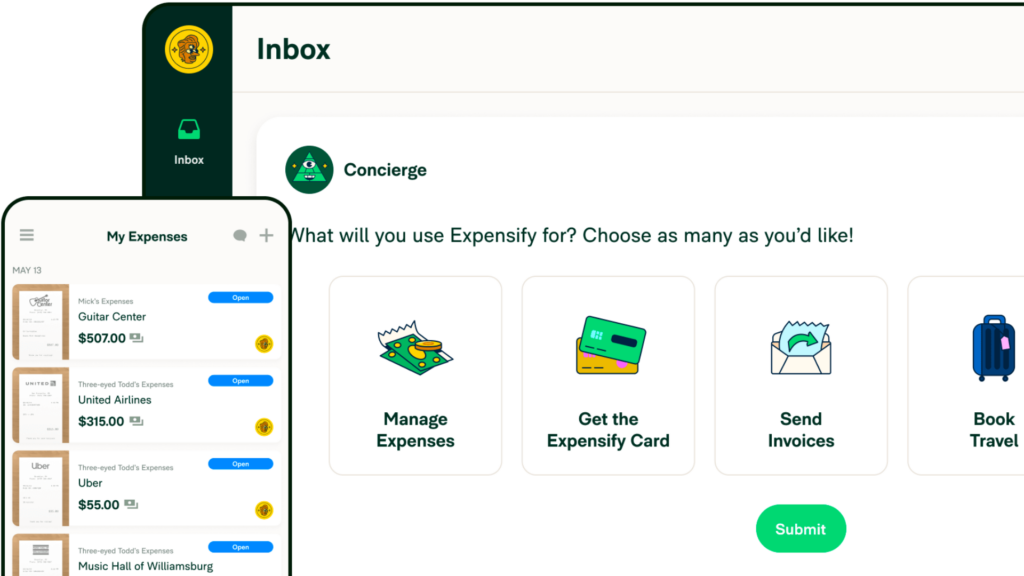
Expense management features
Expensify’s receipt scanner and organizer handles the tracking side of every transaction. Users snap a photo of a receipt, and the software’s automated categorization feature sorts it into pre-set or custom categories.
That removes the pile of paper receipts on your desk. Each expense is digitized, stored, and organized as soon as you capture it, so the data is ready when you build a report.
With multi-level approval workflows, businesses set up a system to review employee spending and check policy compliance. These approval chains route each expense report to the right approvers and confirm it follows company rules before final submission.
For people working out of the office, real-time updates show travelers how their spending compares to their budget, so managing travel costs does not rely on guesswork or a shoebox of receipts.
Integration with accounting tools closes the loop by syncing expense data across platforms, which keeps the books and the expense records in agreement without duplicate entry.
Business credit card offerings
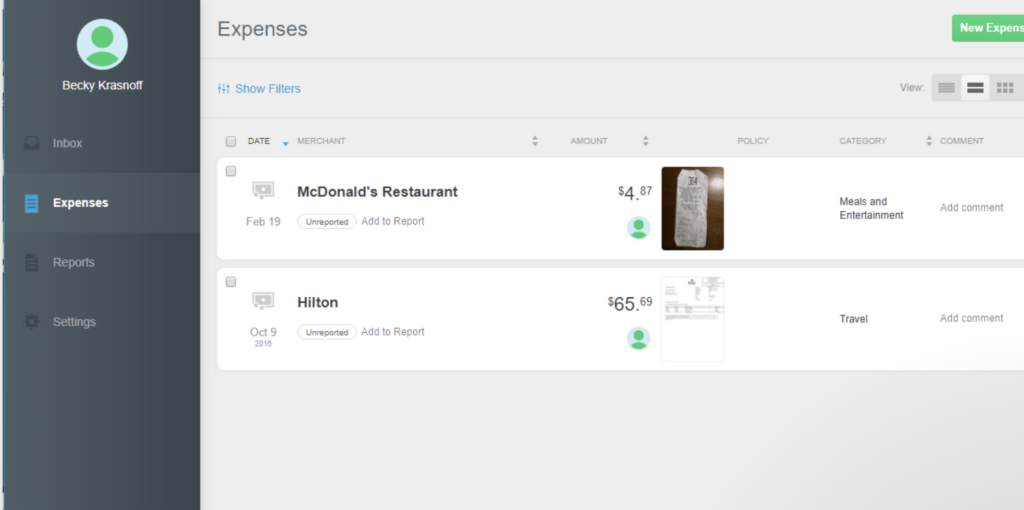
The Expensify Card ties spending directly into the expense tracking system. Company credit cards feed transaction details straight into the software, so there is far less manual entry and expense reporting takes less work.
That connection gives you real-time visibility into business expenses and tighter control over where money leaves the business.
Because the corporate card categorizes each expense and matches receipts as you spend, teams can review spending patterns and make decisions without waiting for a monthly reconciliation. Every card swipe records itself in the system.
Employees get a card that logs its own transactions, and administrators get payment records that stay tied to receipts and policies. The next section covers the time-saving ways Expensify handles receipts for everyone in your organization.

Benefits of Using Expensify Software
Expensify shortens the time it takes to create and submit an expense report. Employees spend less of their week on paperwork and more on work that moves the business forward.
Because expenses and receipts are tracked as they happen, the financial records stay accurate and organized. That gives businesses a cleaner basis for reviewing costs and making budget decisions.
Time-saving expense reports
Expensify’s SmartScan technology does the heavy lifting in expense reporting. A single snapshot scans and codes the receipt, so receipt processing runs on its own instead of through manual data entry.
That frees you to spend time on higher-value work rather than retyping figures off paper receipts.
Linking your bank accounts and syncing company credit cards with Expensify keeps financial tracking current. The software matches expenses to transactions on its own, so every dollar is accounted for without hours of cross-referencing statements.
For business travelers, mileage tracking is built in, and Expensify logs each mile from the app. Together these features turn expense management from a time-consuming chore into a task you can finish quickly and accurately.
Efficient tracking of expenses and receipts
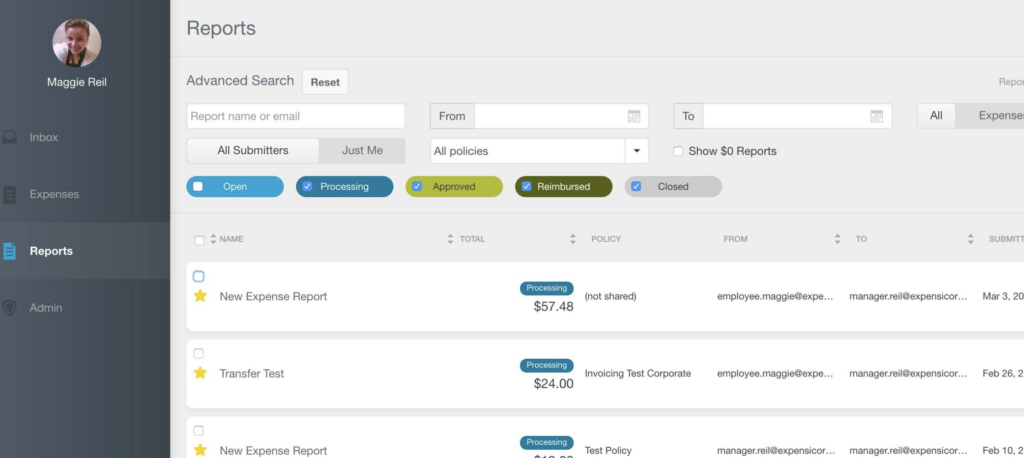
Expensify keeps expense tracking and receipt management in one workflow. When users capture and upload a receipt, the software categorizes the expense automatically, which saves time and keeps the financial record accurate.
The platform also lets you customize categories and tags, so receipt organization matches the way your own business codes its spending.
The receipt scanner sorts each expense into custom categories as you go, which changes how a business keeps its financial records day to day. With Expensify’s features, a busy professional can keep expenses tracked without setting aside a separate block of time for it.
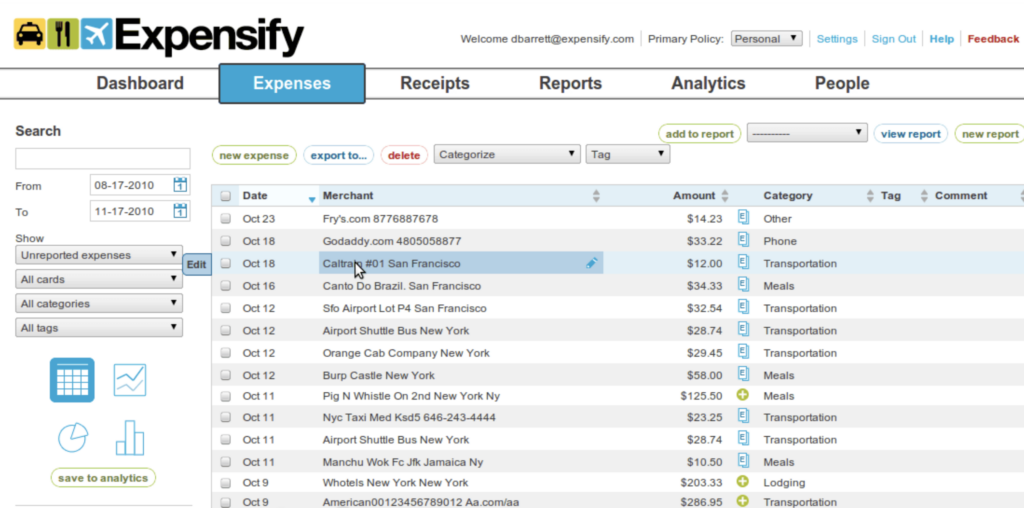
Expensify’s pricing plans start at $4.99 per month for individuals and $5 per user, per month for groups and companies. High ratings on the App Store and Google Play point to solid user satisfaction with the app.
Conclusion
Expensify Software changes how a business handles expense management. Its time-saving features and ongoing expense tracking take much of the manual finance work off your team’s plate.
Using this tool, you get a clearer picture of where money goes and spend less of it on the administration around each report. Set it up and let it handle the receipts, categories, and reports for you.
For another look at simplifying your operations, read our in-depth review of Office Ally’s practice management solutions.
(Image Source: Collection)
Frequently Asked Questions
How can Expensify software help maximize expense management efficiency?
Expensify streamlines expense tracking, receipt capture, and reporting for enhanced efficiency.
Is Expensify suitable for small businesses as well?
Yes, Expensify is designed to cater to the needs of both small and large businesses for effective expense management.
Can I integrate Expensify with other accounting or financial software?
Absolutely, Expensify offers seamless integration with various accounting and financial software applications.
What are the key benefits of using Expensify for expense management?
Using Expensify can lead to reduced administrative burden, improved accuracy in expense tracking, and better compliance with company policies.
Is there a learning curve involved in using Expensify software?
Not at all! With its user-friendly interface and intuitive features, getting started with Expensify is quick and straightforward.

- Independent picks for exactly what you just read about
- Matched to your team size & needs
- Vendors don't pay for placement
Step 1 of 4
How big is your team?
We tailor recommendations to companies your size.















Related Articles

Accounting Software
How To Choose The Best Procure-to-Pay Software For 2026
Continue reading →

Accounting Software
Best QuickBooks Alternatives in 2026: Top Accounting Software Options
Continue reading →

Accounting Software
How To Choose The Best Interior Design Software For 2026
Continue reading →

Accounting Software
Free Design Tools: Say Goodbye to Boring Invitations in 2026
Continue reading →