
Picking the right financial analysis software can feel overwhelming given how many options are on the market. These tools matter because they directly shape how well a business manages its finances and makes decisions.
This guide walks through the features, user reviews, and pricing you should weigh so you can find the software that actually fits your business needs. It also covers how to compare vendors side by side and what to check before you sign a contract.
What is Financial Analysis Software?
Financial analysis software helps businesses make sense of their financial data: how much money is coming in, where it’s going, and what that means for planning ahead.
The best tools combine several capabilities: data visualization, integrations with other systems, customization, and collaboration features. There are many different types of Financial Analysis Software on the market today, and some are built for large companies while others suit small businesses better. Picking between them starts with understanding which of those capabilities actually matters for how your team works.
Cube is widely regarded as one of the strongest financial analysis tools available, with more than 2000 users backing that reputation. Still, the right choice for you comes down to what kind of help you actually need with your money matters.
Key Features to Consider When Choosing Financial Analysis Software
Selecting financial analysis software means weighing features like data visualization, integration capabilities, customization options, collaboration tools, and cost.
Each of these can significantly affect how effective and efficient your financial analysis process turns out to be.
Data Visualization
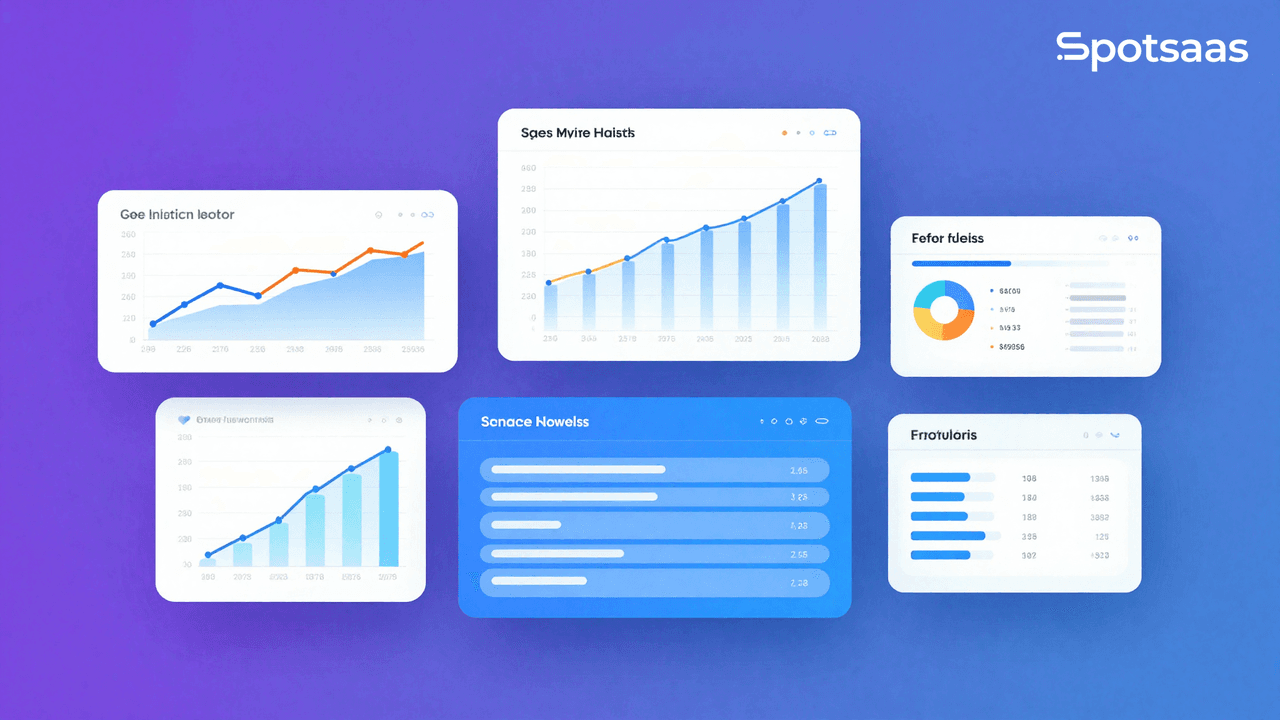
Data visualization turns complex financial data into charts, graphs, and other visuals that are easier to read and act on. Presented this way, the numbers and trends behind your finances become much easier to understand and use.
A good financial analysis tool will offer strong data visualization, and it’s a feature worth prioritizing when you compare software. It helps you make faster, smarter decisions based on up-to-date facts from your own financial data, rather than digging through raw spreadsheets to spot what changed.
Integration Capabilities
Integration capabilities are vital for financial analysis software, since they let the program work with the other systems you already use in your business. That can save time and boost efficiency.
For example, if your software integrates well with your existing bookkeeping or CRM tool, you won’t have to enter the same data twice, because the systems talk to each other automatically instead of relying on manual exports and imports.
Cube and Abacum are two tools known for handling this well. Check that any software you’re considering has strong integration support so it fits into your current tech setup.
Customization Options
Different businesses have different needs when it comes to financial analysis software, which is why customization options matter. With customizable software, you can tailor the features and functions to fit your specific requirements.
That means choosing the data visualization tools that work best for you, integrating the software with the systems you already use, and adjusting collaboration tools to match how your team actually works.
It comes down to finding a solution built around your needs rather than forcing your process to fit the software. Keep customization on your checklist when comparing financial analysis tools, since a rigid setup tends to create workarounds that slow your team down later.
Collaboration Tools
Collaboration tools are another important feature, since they let teams work together, share data, and communicate effectively.
When multiple users can access and update financial information in real time, it promotes transparency and keeps workflows moving, which helps finance teams work better together.
Common collaboration features include document sharing, task management, comment threads, and notifications. Built into your financial analysis software, these tools improve communication and support decisions based on accurate, current information, which matters most when several people are reviewing the same numbers at once.
Cost
Cost is another factor worth weighing carefully. Pricing structures vary a lot between financial analysis tools, so it’s important to evaluate your budget against the value you expect to get back.
Some tools charge a one-time purchase fee, while others run on a monthly or annual subscription. There can also be additional costs for implementation, training, or support.
Weigh whether the software’s benefits outweigh its cost and match your specific business needs. Customer reviews and testimonials are a good way to check whether other users feel the software is worth what they paid, especially once you factor in any implementation or support fees on top of the sticker price.
How to Choose the Best Financial Analysis Software for Your Business
Picking the right software works best as a systematic process. Start by figuring out your specific needs and requirements around data analytics, financial reporting, budgeting, forecasting, and performance measurement.
From there, research and compare the options available on the market and weigh how user-friendly each one is. Checking customer reviews and testimonials will tell you more about a tool’s reliability and how well it actually performs.
Finally, take advantage of the free trials most vendors offer to test the software before committing to a final decision.
Determine Your Specific Needs
Before you start comparing vendors, it helps to pin down exactly what you’re looking for. Here are some key factors to consider:
| Financial Data Analysis Criteria | Considerations |
|---|---|
| Data analysis | Efficient financial data analysis and valuable insights |
| Integration | Integration with other tools or systems |
| Customization | Customizable reports and dashboards |
| Collaboration | Features for team collaboration |
| Cost | Cost considerations within Budget |
Research and Compare Different Options
Before you settle on a decision, it’s worth thoroughly researching and comparing your financial analysis software options, taking into account features, pricing, customer reviews, and more. Here’s a comparison of some of the top financial analysis software on the market.
| Software | Key Features | Cost | User Reviews |
|---|---|---|---|
| Cube | Advanced features, Data visualization, Integration capabilities | Custom pricing | Highly rated by verified users |
| Abacum | Supports financial planning and analysis | Custom pricing | Positive feedback from users |
| QuickBooks | Finance management features, Integration with other software | Starts at $25/month | Favorable reviews from small businesses |
| Oracle Financials Cloud | Cloud-based, Advanced financial management features | Custom pricing | Well-received by large enterprises |
| Vena Solutions | Financial planning and analysis, Customization options | Custom pricing | Positive user experience |
There’s no single, one-size-fits-all solution when it comes to financial analysis software. The best tool for your business depends on your specific needs and budget, so time spent on research and comparison tends to pay off in the long run rather than costing you a costly switch later.
Consider User-Friendliness
User-friendliness deserves real weight in your decision. Look for software with an intuitive interface and clear instructions, so it’s easy to navigate and use even for people on your team who aren’t especially tech-savvy.
That kind of design helps make sure everyone in your organization can access and understand the data and reports the software generates.
User-friendly software also saves time and cuts down on frustration, letting your team focus on analyzing financial information instead of wrestling with a complicated tool or waiting on training just to run a basic report.
Check Customer Reviews and Testimonials
Checking customer reviews and testimonials is another good way to confirm you’re choosing the right financial analysis software for your business. They give you insight into other users’ experiences and help you judge whether a particular tool meets your needs.
You can find real-time product reviews from over 2,600 verified users to help guide your decision-making. Weighing what other buyers say about their experience with different software options gives you information you won’t get from a features list alone.
Take Advantage of Free Trials
Free trials are worth using before you commit to any financial analysis software. Most providers offer a trial period, which lets you test the features and functionality firsthand before making a decision.
A trial run gives you the chance to confirm the software meets your specific needs and works well for your team, and it’s a good opportunity to gather feedback internally alongside what other reviewers have said before you commit any budget to it.
With so many options on the market, using free trials will help make sure you land on the right financial analysis software for your business.
Conclusion: Factors to Keep in Mind When Choosing Financial Analysis Software
Choosing financial analysis software comes down to a consistent set of factors: know your specific needs, research and compare your options, weigh user-friendliness, and check what customers say in their reviews.
Testing a free trial before you commit helps confirm the software actually meets your requirements. Keep these factors in mind, from your specific needs down to cost and user-friendliness, and you’ll be well positioned to choose the best financial analysis software for your business.

- Independent picks for exactly what you just read about
- Matched to your team size & needs
- Vendors don't pay for placement
Step 1 of 4
How big is your team?
We tailor recommendations to companies your size.















Related Articles
Accounting Software
How To Choose The Best Procure-to-Pay Software For 2026
Continue reading →

Accounting Software
Best QuickBooks Alternatives in 2026: Top Accounting Software Options
Continue reading →

Accounting Software
How To Choose The Best Interior Design Software For 2026
Continue reading →

Accounting Software
Free Design Tools: Say Goodbye to Boring Invitations in 2026
Continue reading →