
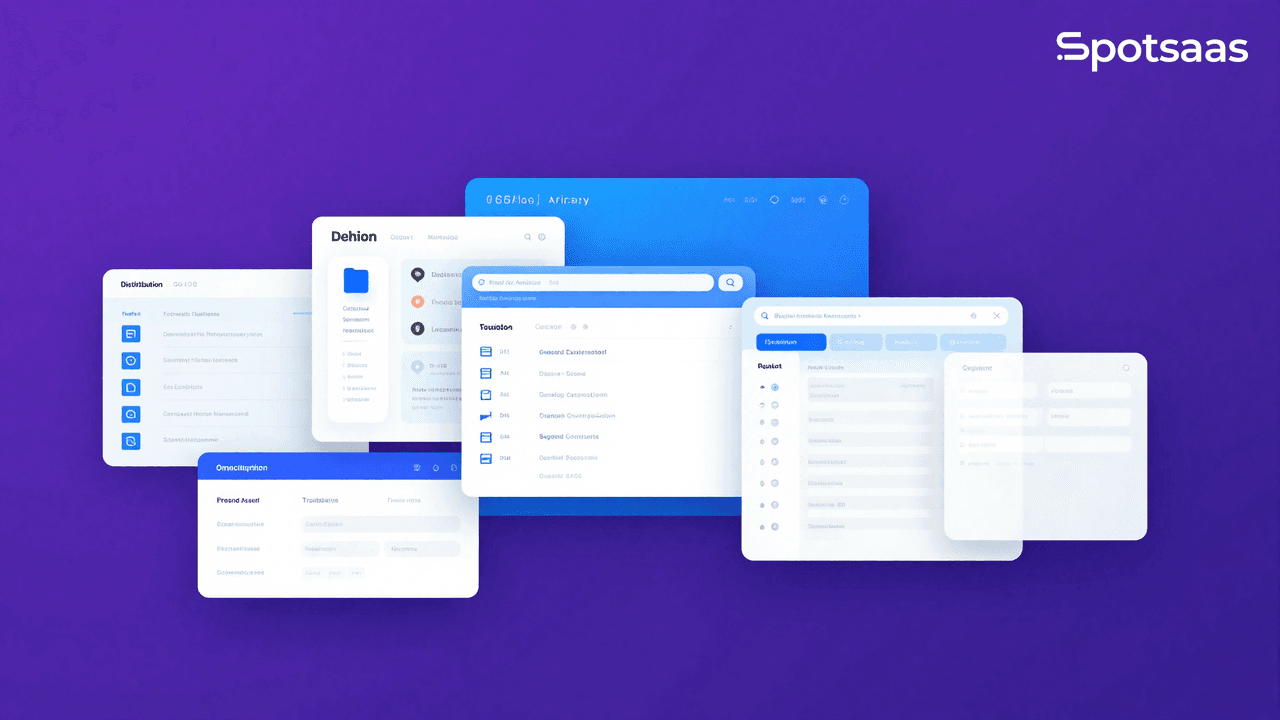
Choosing the right Digital Asset Management (DAM) software can be a challenging task. With an array of options available, each with its own pricing, feature set, and learning curve, knowing which software actually meets your needs is crucial before you commit budget and time to onboarding a team onto it.
What is Digital Asset Management Software?
Digital Asset Management Software, often abbreviated as DAM software, is a technology solution used by businesses to organize, store, and distribute digital assets such as images, videos, documents, and audio files.
Its purpose is to streamline the management of these assets by providing a centralized platform where users can search for and access the files they need, instead of hunting across shared drives, inboxes, and personal folders. By using digital asset management software, companies can improve workflow efficiency and make it easier for team members to collaborate on creative projects or marketing campaigns, even across different departments and locations.
Purpose
Digital asset management software keeps all your digital files in one place, so they’re easy to find, use, and share when you need them. It can also help keep your brand’s look consistent everywhere it appears.
For example, a business might use this type of software to store photos, videos, or ads, then share them with the people who need them, like ad agencies or news outlets. Using the right digital asset management solution turns scattered files into something organized and usable.
How to Choose the Best Digital Asset Management Software
Start by identifying your specific needs and goals, since that shapes everything else in the search. From there, weigh factors such as user interface and ease of use, pricing and features, scalability and flexibility, and customer reviews and ratings.
Taking all of these into account will help you make a decision that actually fits your organization’s requirements.
Identify your needs and goals
First, get clear on what you actually want from the software. Your needs might be storing many files, sharing them with others, managing a large project, or keeping track of changes to your work over time.
Goals differ from person to person. Some people want to save time, others want to cut costs. The right software for you is the one that meets these specific needs and goals, not just the one with the longest feature list.
Consider user interface and ease of use
The user interface matters more than it might seem. You want a platform that’s intuitive and easy for your team to navigate without much hand-holding.
Look for features like drag-and-drop functionality, customizable dashboards, and clear labeling. An interface that’s easy to use means less time spent on training and more time spent on actual work.
It’s also worth checking that the software offers strong search capabilities, so assets can be located quickly instead of dug up manually. A well-designed interface makes the DAM system something your team actually wants to use.
Look at pricing and features
Compare pricing structures and features across providers before settling on one. Different software offers different features and tools suited to different kinds of businesses, and pricing can vary based on the number of users, storage capacity, and other factors like support tiers or add-on modules.
Weigh the cost against the features you’ll actually use, so you get real value out of the investment. A higher price doesn’t automatically mean better quality. Look instead for software that fits your specific needs and delivers a good return on what you spend.
Consider scalability and flexibility
Scalability and flexibility both matter when choosing digital asset management software, especially if you expect the volume of assets or the size of your team to change. Scalability is the software’s ability to handle a growing volume of assets as your business grows.
It should handle a large number of files without slowing down or causing delays. Flexibility, meanwhile, is how well the software adapts to your specific needs and workflows.
It should let you customize features, user access permissions, and metadata fields to match your requirements. Weighing scalability and flexibility up front helps make sure the DAM software you pick still fits as your organization changes and grows.
Research customer reviews and ratings
Customer reviews and ratings are worth digging into before you commit. They give you a sense of what using the software is actually like day to day, beyond what the sales page and the demo call promise.
Look for feedback on the user interface, ease of use, features, and customer support, and read both the positive and negative reviews to get a fair picture. Weighing what other customers say helps you make a more informed decision about which digital asset management software is right for your needs.
Key Features to Look for in Digital Asset Management Software
When selecting a digital asset management software, focus on the features that matter most for your workflow: efficient file storage and organization, user access and permission controls, brand management tools for keeping assets consistent, analytics and reporting for tracking performance, and integration capabilities with the other systems you already use. Getting these right up front saves a lot of rework later.
File storage & organization
Digital asset management (DAM) software helps you store and organize your files effectively, keeping all your digital assets tracked in one central location instead of spread across individual computers and cloud drives.
That means less time wasted searching for files or digging through messy folders. You can categorize files by criteria like file type, date, or keywords, which makes it much easier to find what you need later.
You can also set up user permissions to control who has access to specific files. File storage and organization are core features to weigh carefully when choosing the best DAM software for your needs.
User access & permissions
User access and permissions are worth paying close attention to. You want a system that lets you control who has access to your assets and what they’re allowed to do with them.
This keeps only authorized users able to view, edit, or download your digital assets, which matters for protecting sensitive or valuable content. Look for DAM software with customizable user roles and permissions, so you can set different levels of access for different users or groups.
That way, you keep things secure while still letting team members collaborate.
Brand management tools
Brand management tools are worth a close look when choosing a digital asset management software. These tools help keep branding consistent across all your assets and aligned with your company’s identity.
With brand management tools, you can store and organize brand assets, such as logos, images, and templates, and set permissions for who can access or edit them, keeping usage under control.
Many of these tools also come with analytics and reporting features, letting you track how your brand assets are performing and make decisions based on that data. Using brand management tools inside a DAM system keeps your branding process organized and your marketing efforts more consistent.
Analytics & reporting
Analytics and reporting features are worth checking for too. They let you track how your assets are performing and understand how they’re actually being used.
That information helps you make data-driven decisions and refine your asset management strategy. Reporting capabilities let you generate reports and share insights with stakeholders or clients.
You can monitor metrics like asset downloads, user engagement, and overall usage trends. Having this level of detail gives you real insight into how effective your digital assets are, and where to improve their impact on the business.
Integration capabilities
Integration capabilities are another important piece of the puzzle, and one that’s easy to overlook until after you’ve already bought the software. This refers to how well the software connects with the other tools and systems already part of your workflow.
That can include integrations with content management systems, cloud storage platforms, project management tools, creative software, and more.
Strong integration capabilities make collaboration smoother and workflows more efficient. They cut out the need for manual data entry or moving files back and forth between systems by hand.
With a well-integrated DAM software, you can access and manage your digital assets right from within the applications you already use day to day.
When evaluating a DAM solution’s integration capabilities, check its compatibility with the specific tools and systems central to your work. Consider whether it offers pre-built integrations or APIs (Application Programming Interfaces) that allow for custom connections, since that flexibility often matters more once your stack grows beyond what you started with.

- Independent picks for exactly what you just read about
- Matched to your team size & needs
- Vendors don't pay for placement
Step 1 of 4
How big is your team?
We tailor recommendations to companies your size.















Related Articles
Accounting Software
How To Choose The Best Procure-to-Pay Software For 2026
Continue reading →

Accounting Software
Best QuickBooks Alternatives in 2026: Top Accounting Software Options
Continue reading →
Accounting Software
How To Choose The Best Interior Design Software For 2026
Continue reading →
Accounting Software
Free Design Tools: Say Goodbye to Boring Invitations in 2026
Continue reading →