

Swiper Studio Review: Is It The Right No-Code Development Platforms Software For Your Team?
Best for SMB teams · Mid-market
Add to compare
Starts from $99.00 when Billed Yearly
Overview
Pricing
Features
Buyer feedback
Alternatives
Media
Security & Compliance
Support
FAQ
Blogs
What is Swiper Studio?
Swiper Studio is an essential platform for professionals to bring their creative visions to life. Designing slideshows has never been easier; this software eliminates complexity by taking away the need for coding skills. With an endless range of options to customize elements, users can make unique slides with animations, effects, media, and text — all with precision control of autoplay speeds and transition effects. Create the perfect captivating slideshow with robust templates or create one from scratch with the tools at your fingertips.
Best For
Built for growing teams, from small businesses to mid-market
Security & Compliance
Data residency:🇺🇸
Platform
Browser Based (Cloud)
Desktop only — no mobile app
Swiper Studio Screenshots

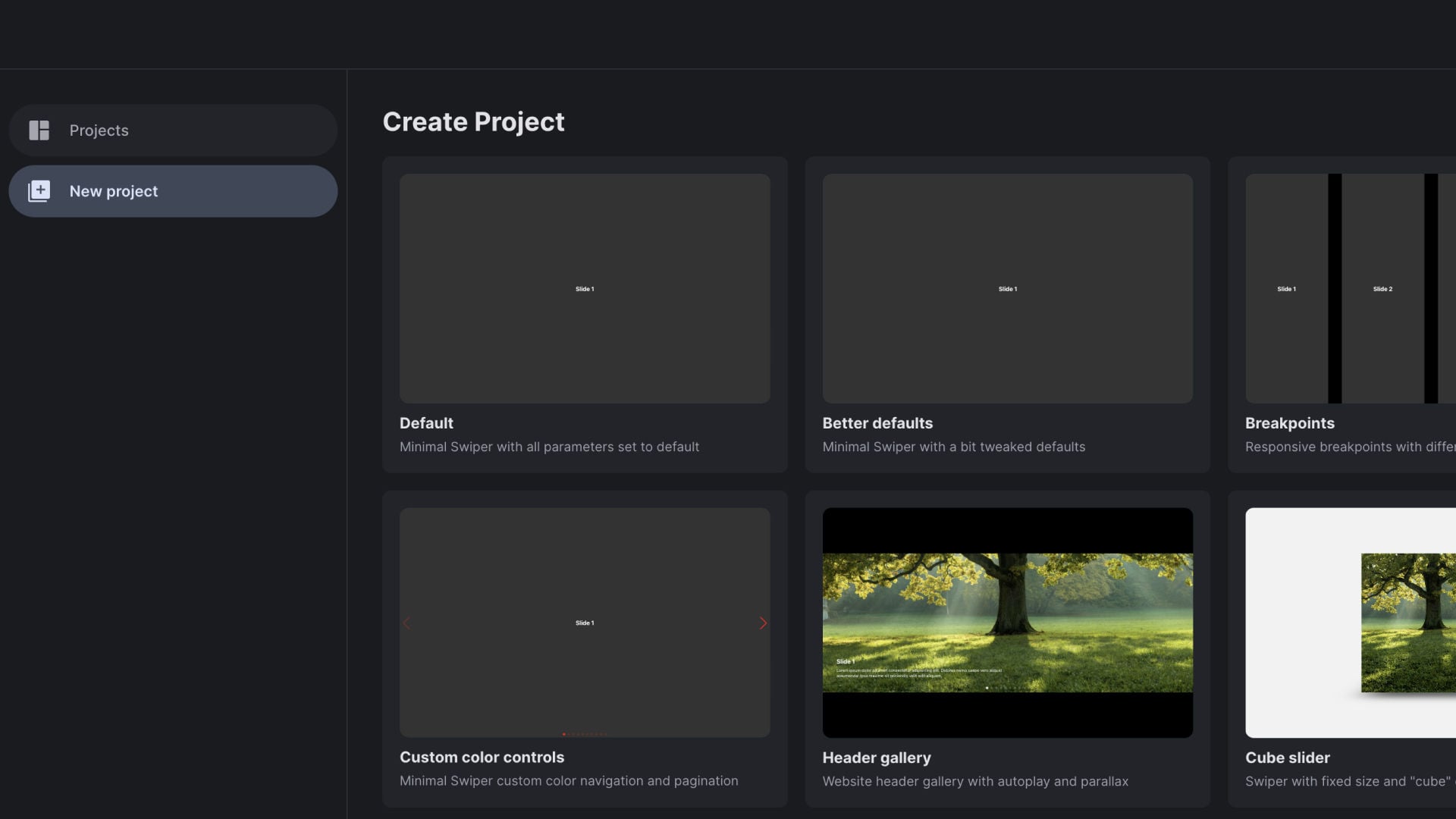
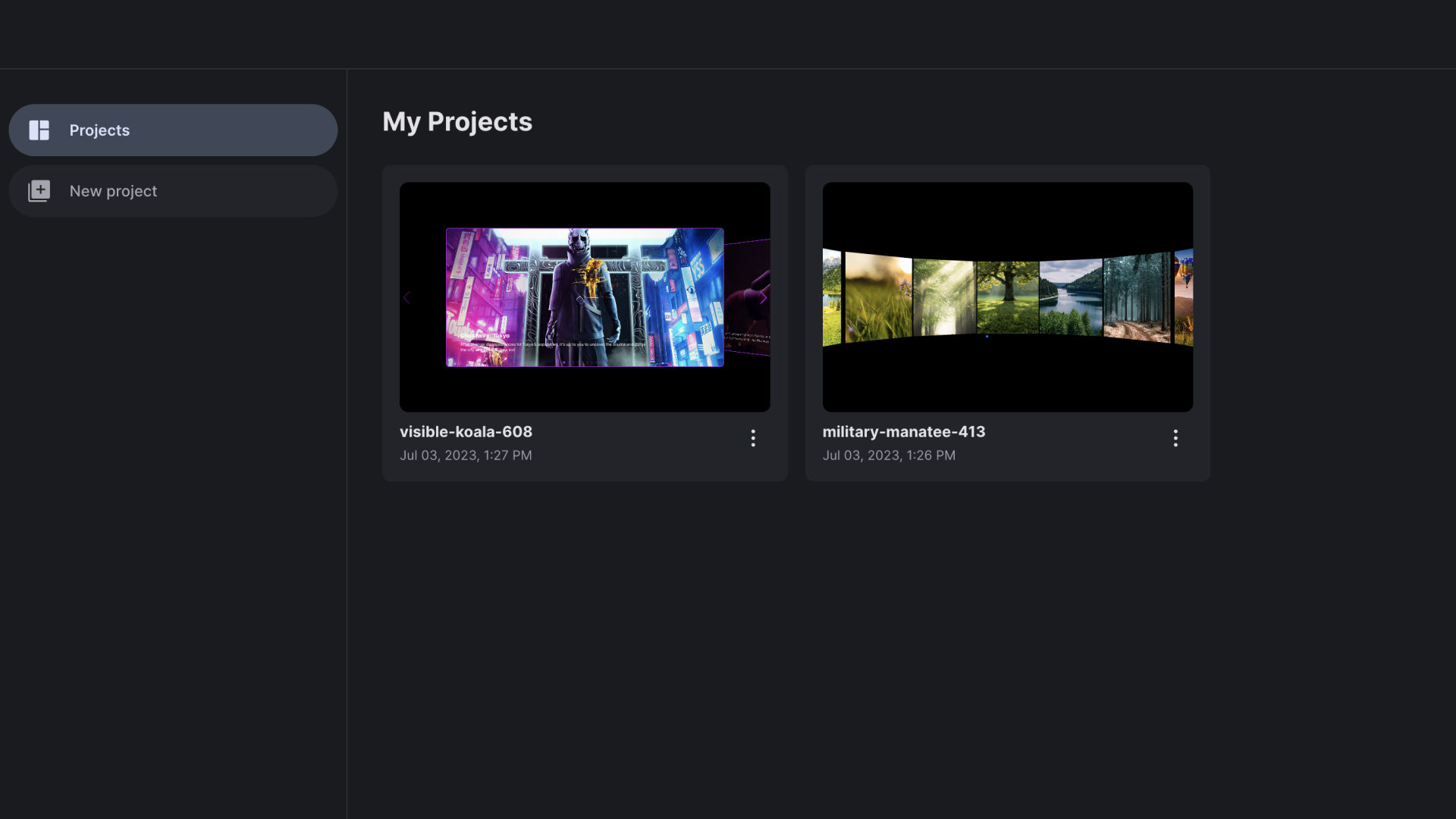
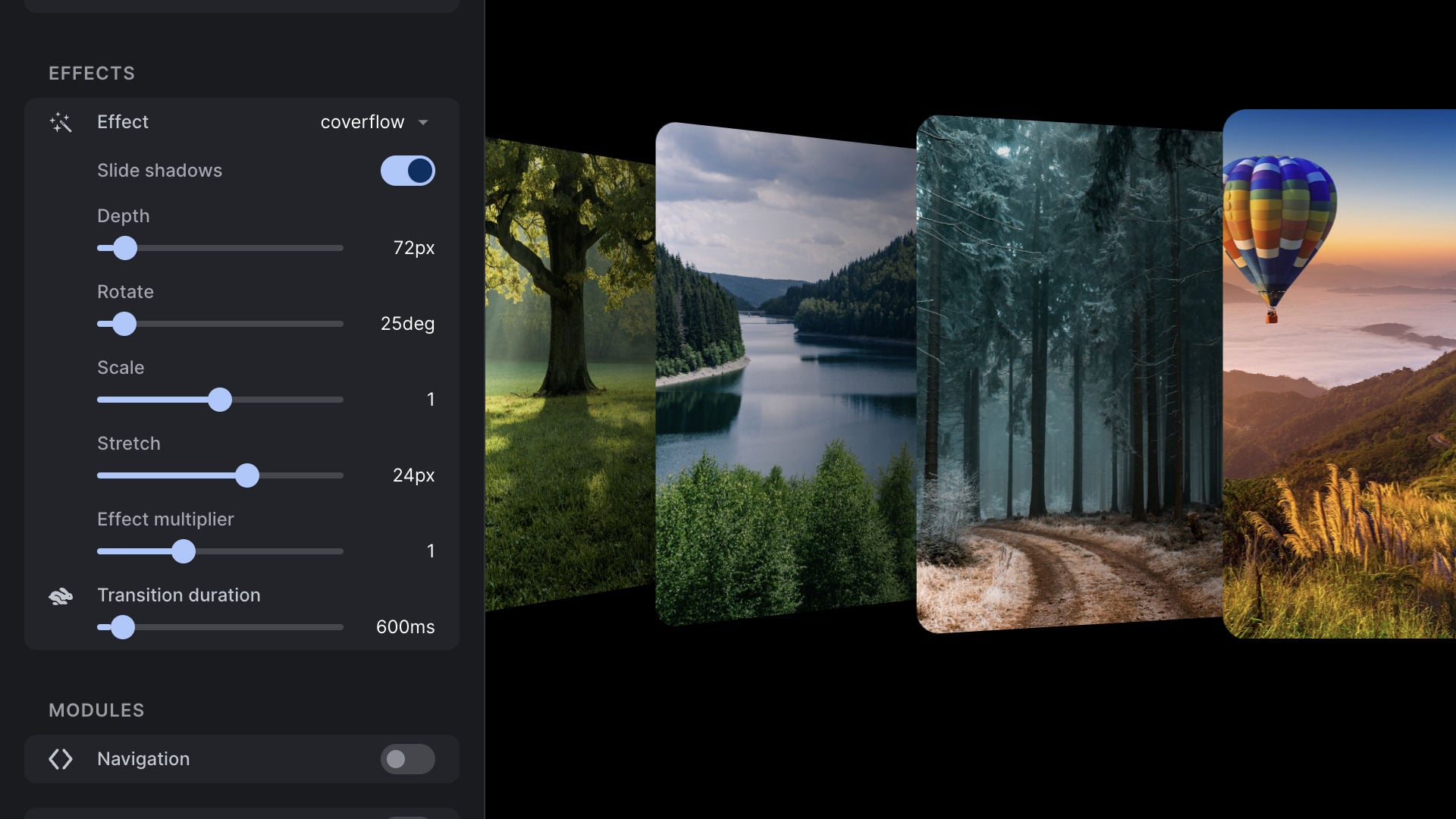
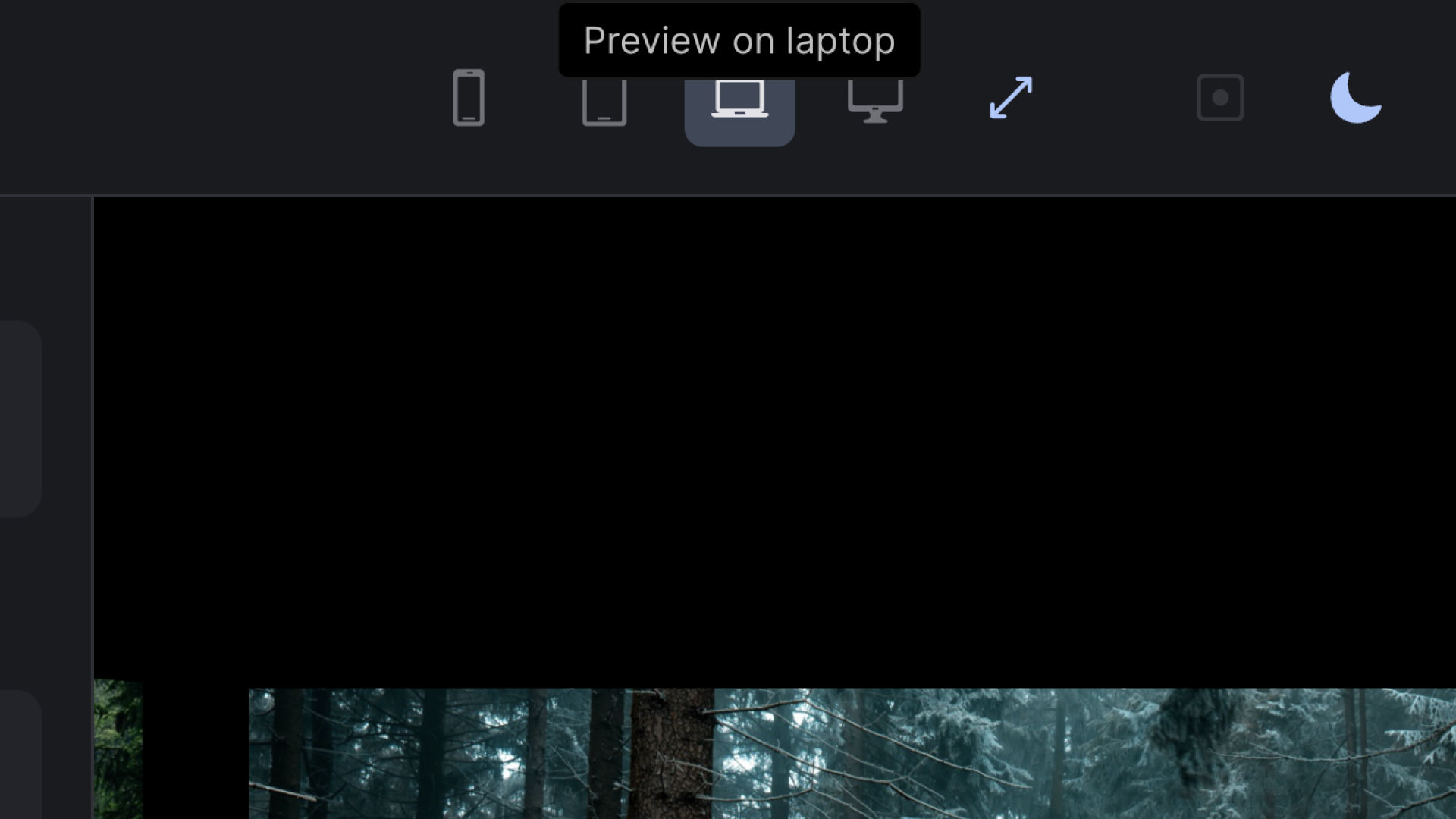
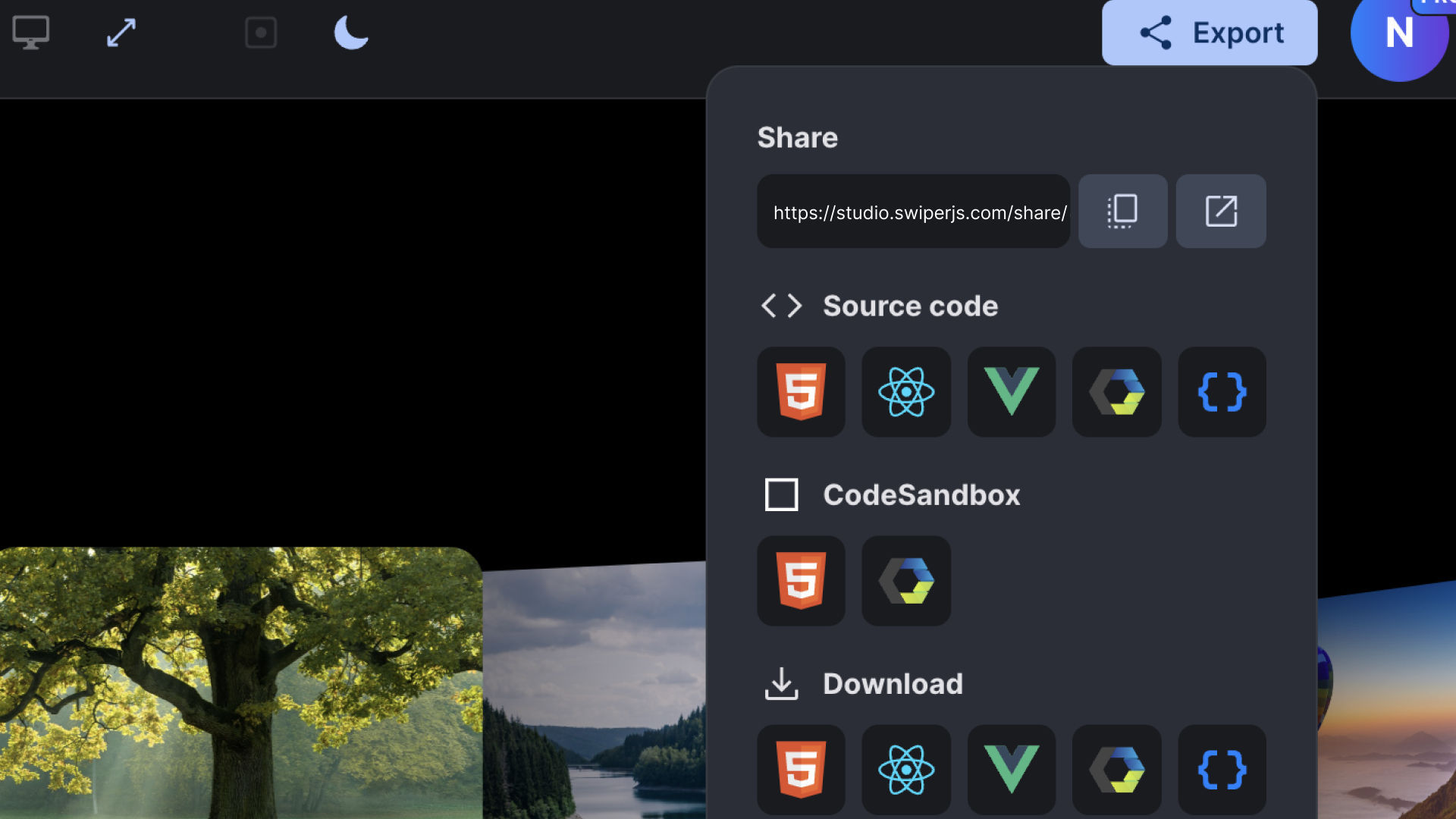
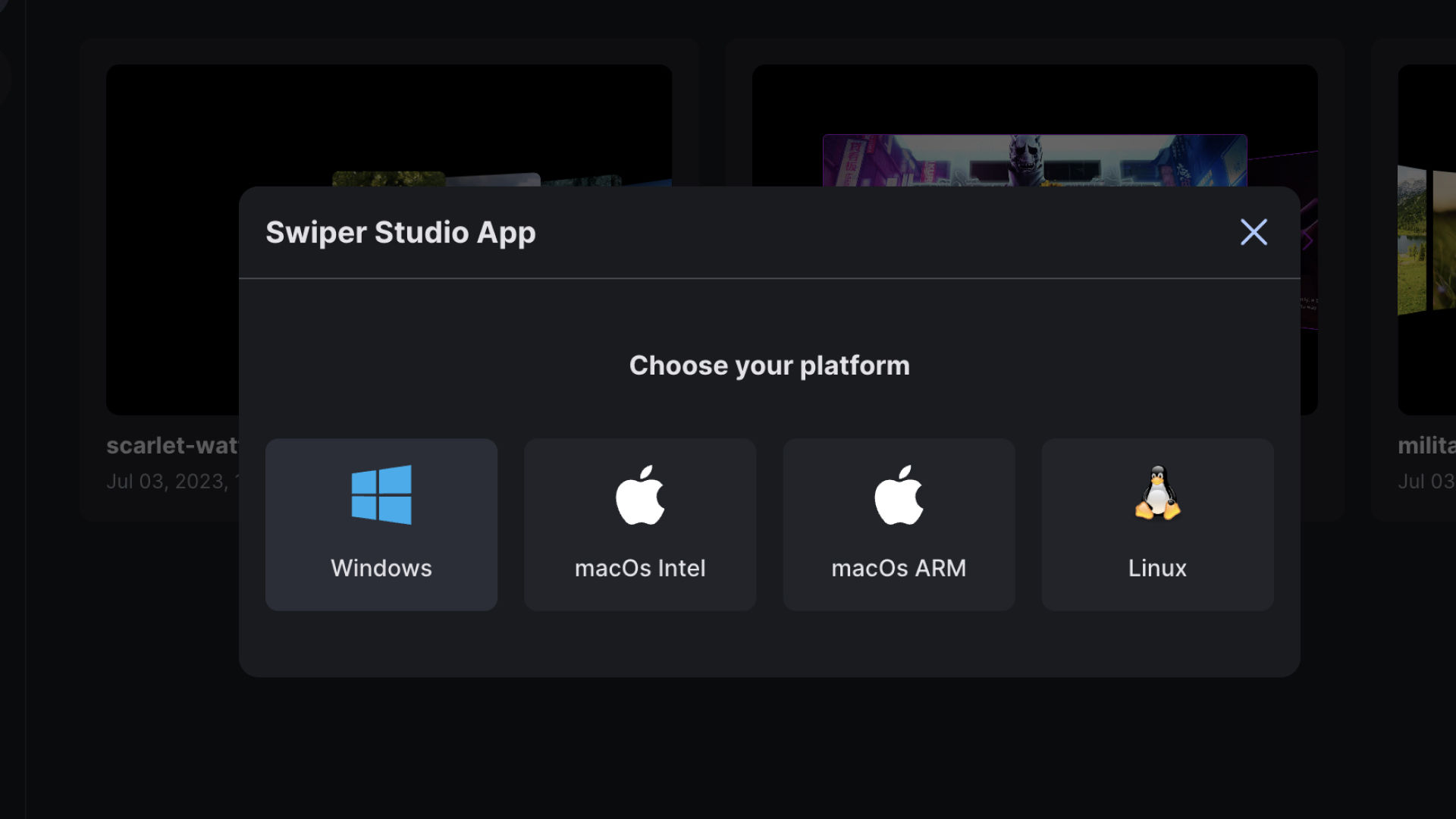
Swiper Studio was reviewed internally using user feedback, in-house testing, and market research to assess its performance, reliability, and user experience. Learn how we review products and our evaluation process.

Who should consider Swiper Studio
- Team types
- Medium Business, Small Business
Why teams choose Swiper Studio
Eliminates the need for coding skills in design.
Offers extensive customization for unique presentations.
Provides a variety of templates to choose from.
Is Swiper Studio right for you?
Best for creating animated slideshows without any coding skills.
Choose Swiper Studio if
- You need to design customized, animated slideshows quickly and easily.
- You want precise control over autoplay speeds and animation effects.
- You prefer a no-code platform focused on creative slideshow presentations.
Consider alternatives if
- You require advanced coding capabilities or backend integrations.
- You need a platform for broader app development beyond slideshows.
What buyers should know before choosing Swiper Studio
Swiper Studio simplifies the slideshow creation process, making it accessible for users without coding skills. Its extensive customization options allow for creative freedom in presentations.
Swiper Studio pros and cons
- Swiper Studio pros
Eliminates the need for coding skills in design.
Offers extensive customization for unique presentations.
Provides a variety of templates to choose from.
- Swiper Studio cons
Limited to slideshow functionality.
May not meet advanced design needs.
Ready to try it?
Get started with Swiper Studio
Connect with the team for a personalised demo.
Still comparing?
See how it stacks up
Compare Swiper Studio side-by-side with top No-Code Development Platforms Software alternatives.



What is the pricing of Swiper Studio?
Swiper Studio Pricing Plans
Weighing your options?
Not sure if Swiper Studio fits your budget?
Swiper Studio reviews and ratings
What buyers like
- No coding required
- Highly customizable slides
- User-friendly design
Common complaints
- Limited to slideshow creation
- May lack advanced features
- Performance may vary on older devices
Be the first to review Swiper Studio
You'll help thousands of buyers make a smarter decision.

- See if Swiper Studio fits your business
- Real pricing — no sales pressure
- A demo or quick answers, your call
Step 1 of 4
How big is your team?
We tailor recommendations to companies your size.















What are the features of Swiper Studio?
3D, or three-dimensional, refers to an object or environment that has height, width, and depth. It is a term commonly used in the field of t…
The access control structure is a crucial characteristic that distinguishes a digital asset management system from other storage systems. Yo…
Desktop interface refers to the graphical user interface (GUI) that appears on a computer screen, allowing users to interact with their comp…
HTML Support is a core feature found in various software applications that enables users to create, publish, and edit web pages. HTML, short…
Mobile Responsive is a revolutionary software feature that has completely transformed the way websites and applications are accessed and vie…
Parameterized Testing is a software testing technique where the input values and boundary conditions of a system or application are defined…
Project management is used to supervise a team's efforts to meet all project objectives while staying within budget. The information is desc…
Templates are pre-designed formats or layouts that are used as a starting point for creating various documents or designs. They serve as a f…
Swiper Studio security and data handling
Key compliance certifications and security features for IT and security teams evaluating Swiper Studio.
Developer & data
Alternatives to Swiper Studio
Empowering you to create limitless ...
Excellent



Swiper Studio Support Options
Frequently Asked Questions About Swiper Studio
Common questions buyers ask before choosing Swiper Studio.
Swiper Studio is a No-Code Development Platforms Software. Swiper Studio offers Project Management, Templates, 3D, HTML Support, Parameterized Testing and many more functionalities.
Swiper Studio is a strong fit if: You need to design customized, animated slideshows quickly and easily.; You want precise control over autoplay speeds and animation effects.. Consider alternatives if: You require advanced coding capabilities or backend integrations.; You need a platform for broader app development beyond slideshows..
Buyers commonly note the following limitations of Swiper Studio: Limited to slideshow functionality.; May not meet advanced design needs.; Performance issues on older hardware..
Some top alternatives to Swiper Studio includes SquareKicker, The m-Power Development Platform, Tabillo, Jet Admin and Triggre.
Swiper Studio offers One-time license pricing model
The starting price of Swiper Studio is $99.00 when Billed Yearly
Free buyer scorecard
Evaluate Swiper Studio with the no-code development software buyer scorecard
A weighted no-code development software scorecard to assess Swiper Studio objectively and compare it against the alternatives.
- Weighted criteria you can edit
- Score vendors side-by-side
- Shareable with your buying committee
No file downloads on screen — we email it to you. One-click unsubscribe anytime.
Ready to try it?
Get started with Swiper Studio
Get connected with the team for a personalised demo.
About the reviewer
Rajat Gupta is the founder of Spotsaas. Over the past two years, he has reviewed 2,000+ tools across CRM, HR, AI, and finance — applying hands-on product research and a background in commerce and the CFA program to evaluate software through a business and ROI lens. His goal: help teams make software decisions they won't regret.
Disclaimer: This research has been collated from a variety of authoritative sources. We welcome your feedback at [email protected].