

Seafile Review: Is It The Right Cloud File Storage Software For Your Team?
Best for SMB teams · Mid-market · Enterprise
Free Plan Available
 GDPR
GDPRStarts from $100 / User / Year, also offers free forever plan
 Kaspersky Lab
 Iniversite De Strasbourg
 Wuppertal
 Universitat Zuberlin
Trusted by teams including Kaspersky Lab
Overview
Pricing
Features
Buyer feedback
Alternatives
Customers
Media
Security & Compliance
Support
FAQ
Blogs
What is Seafile?
Seafile is a file synchronization, sharing and collaboration application. It gives user an easy-to-manage centralized cloud storage space. Any number of people can access Seafile from various platforms such as Windows, Mac, Linux, Android, iOS and etc. via browser or mobile app. There are two editions to choose for from cloud space: a free one and a premium one that offers more features and better performance.
Pricing
Starts from $100 / User / Year
Best For
Suited for small teams, SMBs, and enterprise
Security & Compliance
GDPRSSO & MFA supported
Data residency:Global
Platform
Web + mobile app (iOS & Android)
Installed - Windows
Installed - Mac
Seafile Screenshots

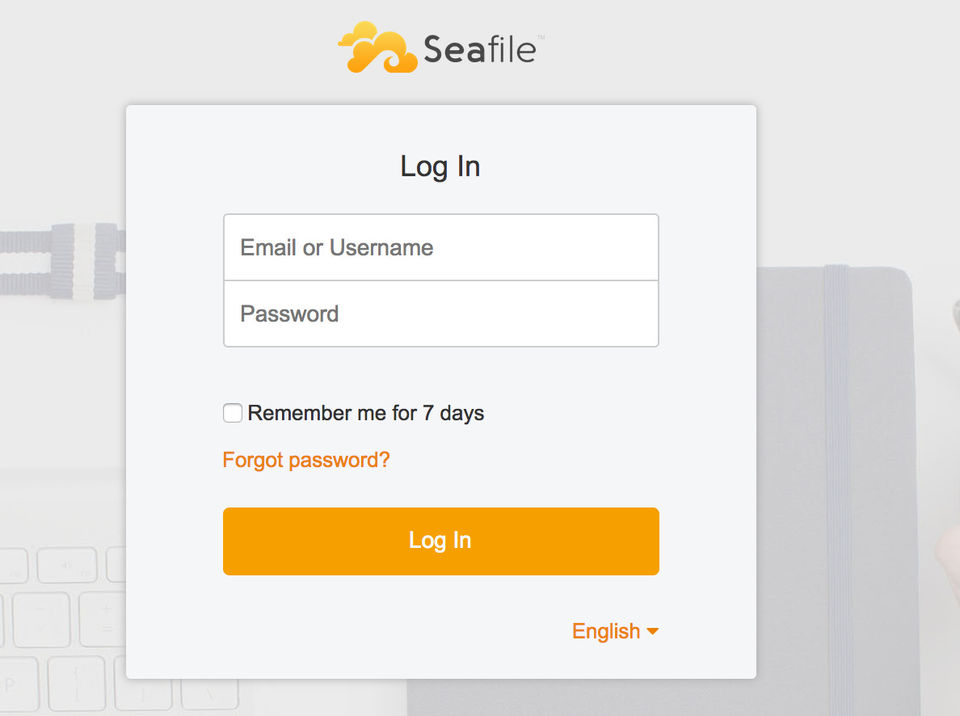
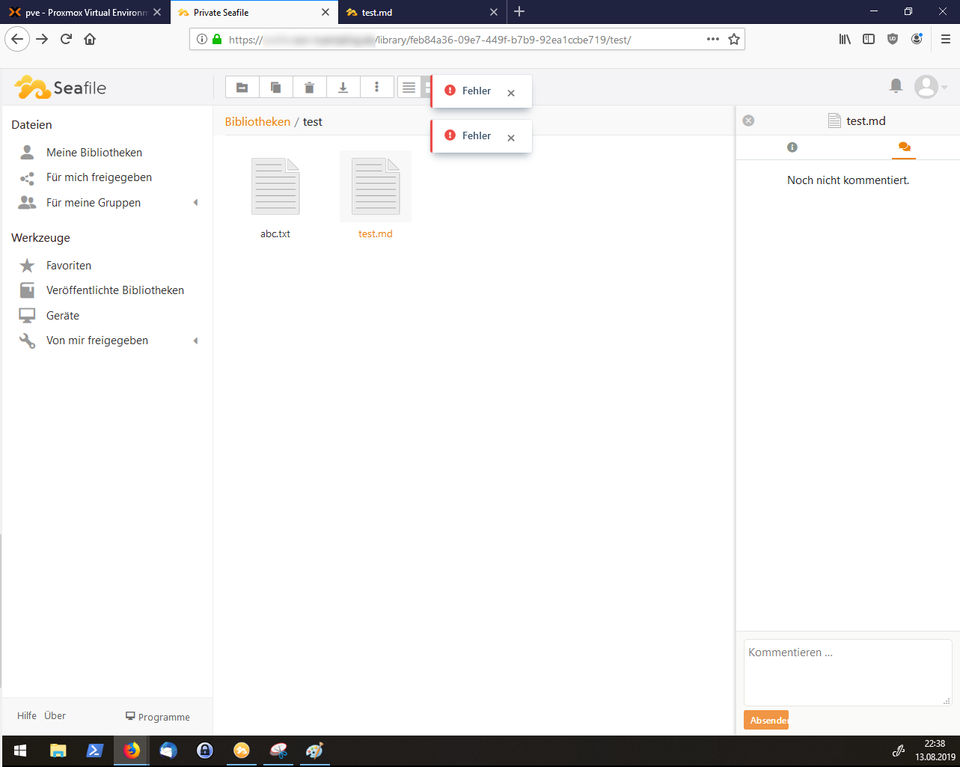
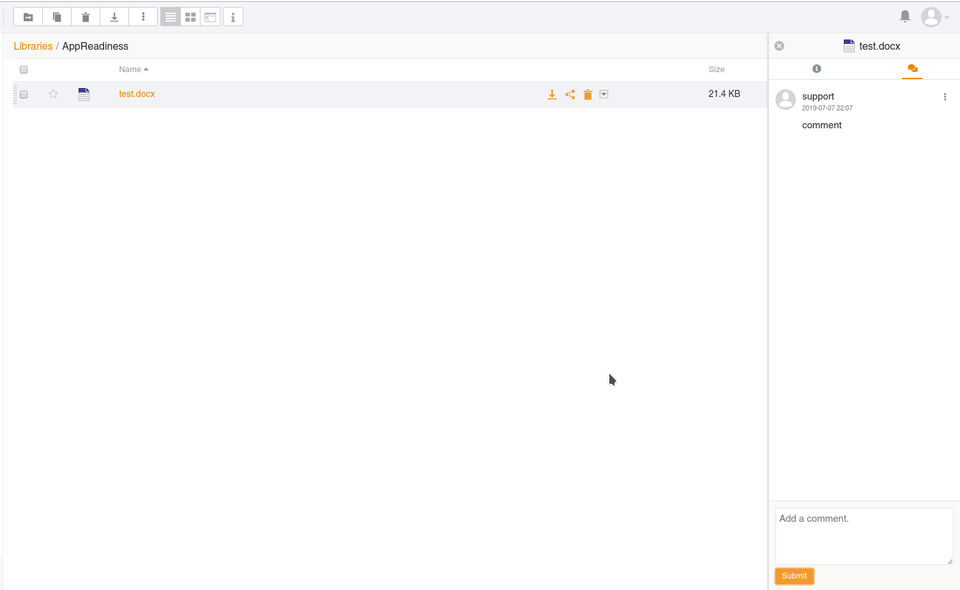
Seafile was reviewed internally using user feedback, in-house testing, and market research to assess its performance, reliability, and user experience. Learn how we review products and our evaluation process.

Who should consider Seafile
- Use cases
- IT and software development teams, Enterprises requiring secure file sharing, Organizations needing cross-platform file synchronization
- Team types
- IT administrators, Remote collaboration teams
- Company size
- Small Business, Large Enterprises
- Workflow style
- Flexible and configurable
- Setup complexity
- Medium
Why teams choose Seafile
Open-source nature providing security and platform independence
Robust real-time encryption and document management features
Seamless syncing of files across multiple devices and central server
Is Seafile right for you?
Best for secure, cross-platform file syncing in IT and enterprise teams.
Choose Seafile if
- You need robust encryption and secure document management features.
- Your team requires seamless file synchronization across Windows, macOS, Linux, Android, and iOS.
- You prefer an open-source solution allowing customization and transparency.
Consider alternatives if
- Your users are non-technical and need a simple, plug-and-play setup.
- You require extensive third-party app integrations and marketplace connectors.
What buyers should know before choosing Seafile
Seafile is best suited for teams that need self-hosted or private cloud file storage with strong encryption. Before shortlisting, verify that your IT team can manage server setup and maintenance—Seafile requires more hands-on administration than SaaS alternatives like Dropbox or OneDrive.
Check whether the client applications work reliably on your specific OS versions; some users report sync delays between client and server, particularly with large file sets or slow network connections. In demos, test the real-time encryption workflow to confirm it meets your security requirements, and verify that the sharing and permission controls match your compliance needs.
Ask the vendor about backup and disaster recovery procedures if you're self-hosting. Seafile's pricing is lower than many competitors, but factor in server costs, maintenance labor, and potential downtime if you're running your own instance.
Key limitations to assess: the mobile app is less feature-rich than desktop clients, and some third-party integrations may require custom configuration. If your team relies heavily on mobile access or needs tight integration with tools like Slack or Microsoft Teams, test those workflows in a trial.
Confirm that Seafile's sync performance meets your expectations with your actual file sizes and network setup before committing to a full deployment.
Seafile pros and cons
- Seafile pros
Open-source nature providing security and platform independence
Robust real-time encryption and document management features
Seamless syncing of files across multiple devices and central server
- Seafile cons
Sync errors and usability issues for non-technical users
Limited marketplace apps and connectors restricting advanced functionality
Ready to try it?
Get started with Seafile
Try the free plan and upgrade when ready.
Still comparing?
See how it stacks up
Compare Seafile side-by-side with top Cloud File Storage Software alternatives.


What is the pricing of Seafile?
Seafile Pricing Plans
Weighing your options?
Not sure if Seafile fits your budget?
Seafile reviews and ratings
Buyer sentiment
Users generally appreciate Seafile's secure, cross-platform file syncing and open-source benefits but note challenges with setup and occasional sync issues.
What buyers like
- Ease of use
- Security and encryption
- Cross-platform compatibility
Common complaints
- Sync errors
- Complex installation
Are you using Seafile?

- See if Seafile fits your business
- Real pricing — no sales pressure
- A demo or quick answers, your call
Step 1 of 4
How big is your team?
We tailor recommendations to companies your size.















What are the features of Seafile?
Cloud storage is an online data storage service that allows users to access and store their data remotely on the internet. It offers a flexi…
Collaboration has received a lot of attention in the marketing world recently. It's taking off in a big way but still has many questions sur…
Encryption is a crucial software feature that is used to protect sensitive information and data from unauthorized access. It involves conver…
File sharing is defined as the act of sharing or providing access to digital information or resources such as documents, multimedia (audio/v…
Real-time data gathering and transfer between the jobsite and project managers at the office is possible with mobile access. Employees on th…
Real-time sync is a feature that enables seamless and instantaneous updates across multiple devices and platforms. It ensures that changes m…
Version control, often known as source control, tracks and manages changes to digital asset management software code. Version control system…
Seafile security and data handling
Key compliance certifications and security features for IT and security teams evaluating Seafile.
Certifications
Security features
Developer & data
Alternatives to Seafile







Seafile Customers
Kaspersky Lab
Iniversite De Strasbourg
Wuppertal
Universitat Zuberlin
Seafile Support Options
Frequently Asked Questions About Seafile
Common questions buyers ask before choosing Seafile.
Seafile is a Cloud File Storage Software. Seafile offers File Sharing, Real-time Sync, Cloud Storage, Collaboration, Mobile Access and many more functionalities.
Seafile is a strong fit if: You need robust encryption and secure document management features.; Your team requires seamless file synchronization across Windows, macOS, Linux, Android, and iOS.. Consider alternatives if: Your users are non-technical and need a simple, plug-and-play setup.; You require extensive third-party app integrations and marketplace connectors..
Buyers commonly note the following limitations of Seafile: Sync errors and usability issues for non-technical users; Limited marketplace apps and connectors restricting advanced functionality; Installation and configuration can be challenging for beginners.
Some top alternatives to Seafile includes Resilio Sync Business, euBackups, MASV, Verizon Cloud and Megadisk.
Seafile offers Freemium, Open-source, Subscription, Quotation Based pricing models
The starting price of Seafile is $100/User/Year
Ready to try it?
Get started with Seafile
Get started with the free plan — no credit card required.
About the reviewer
Rajat Gupta is the founder of Spotsaas. Over the past two years, he has reviewed 2,000+ tools across CRM, HR, AI, and finance — applying hands-on product research and a background in commerce and the CFA program to evaluate software through a business and ROI lens. His goal: help teams make software decisions they won't regret.
Disclaimer: This research has been collated from a variety of authoritative sources. We welcome your feedback at [email protected].