
7.0
SpotScore

RiceDrive Review: Is It The Right Cloud Management Platform For Your Team?
Best for SMB teams · Mid-market · Enterprise
Free Trial Available
 SOC 2
SOC 2Add to compare
Starts from $0 / month when monthly
Overview
Pricing
Features
Buyer feedback
Alternatives
Media
Security & Compliance
Support
FAQ
Blogs
What is RiceDrive?
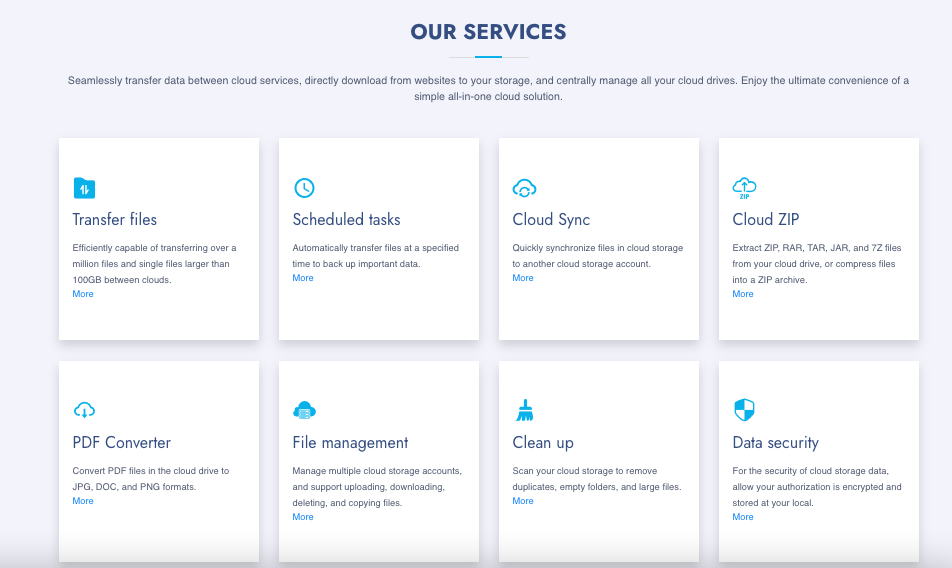
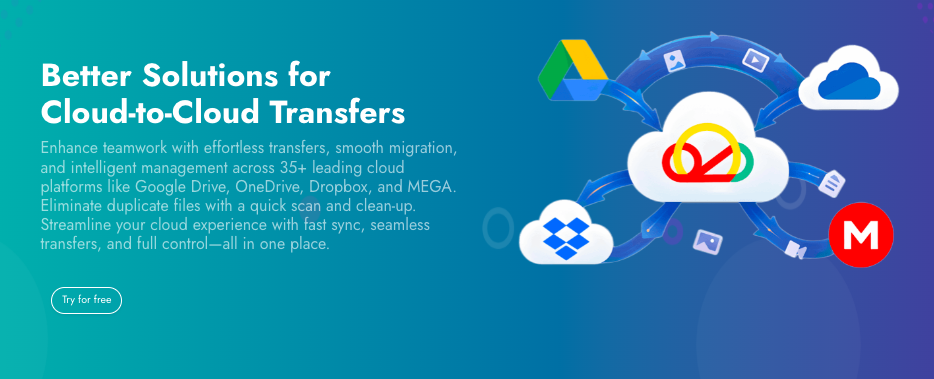
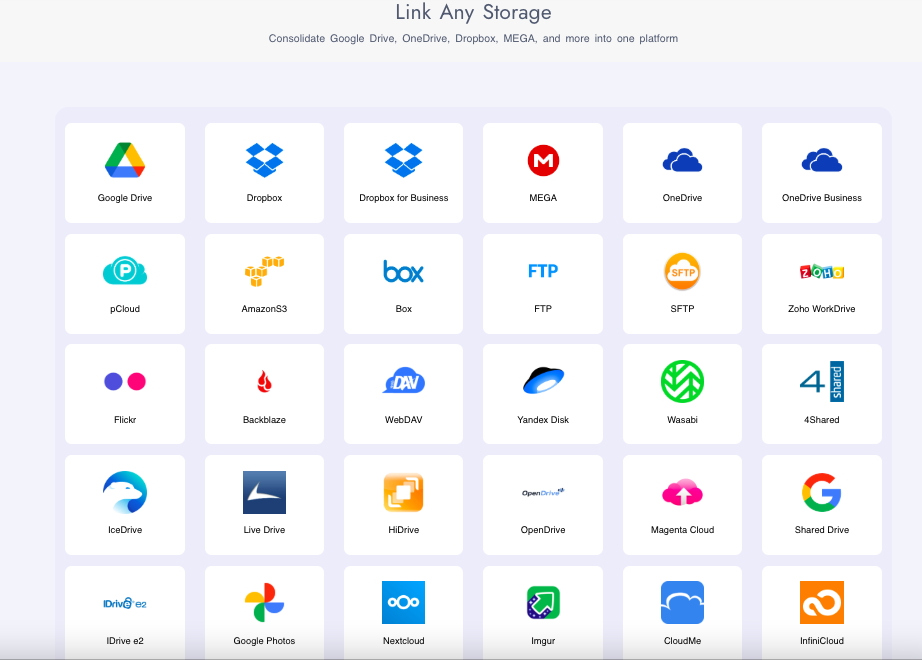
RiceDrive is a cloud-to-cloud data transfer and management platform designed for individuals, remote teams, IT admins, and cloud-first businesses that handle large volumes of digital files. It simplifies moving, syncing, and organizing files across 35+ popular cloud storage services, including Google Drive, Dropbox, OneDrive, MEGA, Box, Amazon S3, SharePoint, and more. Built for users who need centralized control over dispersed cloud accounts, RiceDrive enables quick data transfers, ZIP file compression/extraction, PDF conversion, and automated scheduling of backups or sync tasks. Its duplicate file scanner, multi-threaded download support, and detailed progress reports help optimize storage and save time. Whether managing personal files or coordinating data flows in a distributed workplace, RiceDrive offers a streamlined, secure, and user-friendly way to keep cloud storage organized and connected—all from one simple interface.
Pricing
Starts from $0 / month when monthly
Free Trial available
Best For
Suited for small teams, SMBs, and enterprise
Security & Compliance
SOC 2Data residency:Global
RiceDrive Screenshots
RiceDrive was reviewed internally using user feedback, in-house testing, and market research to assess its performance, reliability, and user experience. Learn how we review products and our evaluation process.

Who should consider RiceDrive
- Use cases
- IT Services, Creative Agencies, Education
- Team types
- IT Administrators, Digital Archivists
- Company size
- 1–200 Employees
Why teams choose RiceDrive
Seamlessly connects with 35+ cloud storage platforms, providing a single hub for managing multiple accounts efficiently.
Capable of transferring files exceeding 100GB and handling complex file migration projects with ease.
Encrypts credentials and stores authorization locally to protect user privacy and enhance data security.
Is RiceDrive right for you?
What buyers should know before choosing RiceDrive
RiceDrive has become a go-to tool for anyone juggling multiple cloud storage platforms. I found it incredibly efficient at transferring large files between services like Google Drive, Dropbox, and OneDrive, and the ability to schedule tasks and automate syncing was a big time-saver.
I appreciated the intuitive interface and how it handled duplicate file detection and cloud cleanup with minimal input. While it’s not designed for real-time collaboration or heavy integration with business productivity apps, RiceDrive excels in centralized file management and fast, secure data transfers.
For freelancers or small teams managing lots of cloud data, it’s a reliable and cost-effective solution.
RiceDrive pros and cons
- RiceDrive pros
Seamlessly connects with 35+ cloud storage platforms, providing a single hub for managing multiple accounts efficiently.
Capable of transferring files exceeding 100GB and handling complex file migration projects with ease.
Encrypts credentials and stores authorization locally to protect user privacy and enhance data security.
- RiceDrive cons
Does not support collaborative editing or live co-authoring features found in productivity suites.
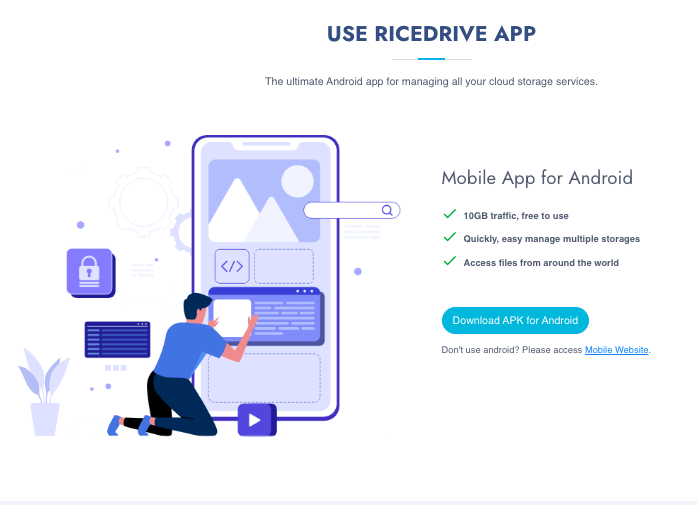
iOS users are limited to the mobile web experience, which may lack some features of the native app.
Ready to try it?
Get started with RiceDrive
Start your free trial — no credit card required.
Still comparing?
See how it stacks up
Compare RiceDrive side-by-side with top Cloud Management Platform alternatives.


What is the pricing of RiceDrive?
RiceDrive Pricing Plans
Free Plan
$0
/month
10GB data traffic
Transfer files across cloud drives
Sync files between cloud drives
Backup files
2 parallel downloads
Show more +
Basic Plan
$10
/month
1200GB data traffic
Transfer files across cloud drives
Sync files between cloud drives
Backup files
Up to 12 parallel downloads
Show more +
Advanced Plan
$25
/month
unlimited data traffic
Transfer files across cloud drives
Sync files between cloud drives
Backup files
Up to 12 parallel downloads
Show more +
Weighing your options?
Not sure if RiceDrive fits your budget?
RiceDrive reviews and ratings
What buyers like
- Seamlessly connects with 35+ cloud storage platforms, providing a single hub for managing multiple accounts efficiently.
- Capable of transferring files exceeding 100GB and handling complex file migration projects with ease.
- Encrypts credentials and stores authorization locally to protect user privacy and enhance data security.
Common complaints
- Does not support collaborative editing or live co-authoring features found in productivity suites.
- IOS users are limited to the mobile web experience, which may lack some features of the native app.
- Absence of integrations with tools like Trello, Slack, or Microsoft Teams may hinder workflow automation for some users.
Be the first to review RiceDrive
You'll help thousands of buyers make a smarter decision.

- See if RiceDrive fits your business
- Real pricing — no sales pressure
- A demo or quick answers, your call
Step 1 of 4
How big is your team?
We tailor recommendations to companies your size.















What are the features of RiceDrive?
RiceDrive connects to over 35 cloud platforms, including Google Drive, Dropbox, MEGA, OneDrive, and Box. By aggregating access to these serv…
RiceDrive prioritizes user data privacy through secure authorization protocols and a local encryption model. Instead of storing sensitive cr…
RiceDrive includes a reliable file management system that lets users perform essential operations such as uploading, downloading, copying, d…
The file transfer feature in RiceDrive lets you move data smoothly between cloud platforms, supporting millions of files or single file tran…
RiceDrive's multi-cloud management capability lets users integrate and control multiple cloud storage accounts from a unified interface. Whe…
PDF (Portable Document Format) conversion is a software feature that allows users to convert various types of documents, such as text, image…
Task scheduling in RiceDrive allows users to automate file transfers, backups, and other cloud operations by setting specific times or condi…
The traffic filter feature in RiceDrive lets users monitor and control data traffic across their cloud operations. It allows users to set li…
RiceDrive security and data handling
Key compliance certifications and security features for IT and security teams evaluating RiceDrive.
Certifications

Security features
Developer & data
Alternatives to RiceDrive





Empower Your Cloud Portfolio with ...
7.0
Very Good

Why buyers keep looking beyond RiceDrive
No native integrations with Slack, Notion, or project management apps — teams using these tools need separate workflows
Designed for file management and transfer rather than real-time collaboration — teams needing shared document editing look elsewhere
Interface lacks customization options and modern design elements compared to enterprise platforms with configurable dashboards
Automation limited to scheduled transfers without API access or Zapier integration — teams needing complex workflows add additional tools
iOS users cannot access native mobile app functionality and must use mobile web version
No built-in file preview or editing — users who need to view or modify documents without switching apps choose alternatives
RiceDrive Support Options
Frequently Asked Questions About RiceDrive
Common questions buyers ask before choosing RiceDrive.
RiceDrive is a Cloud Management Platform. RiceDrive offers Traffic Filter, Multi-cloud Management, File Transfer, File Management System, PDF Conversion and many more functionalities.
Buyers commonly note the following limitations of RiceDrive: Does not support collaborative editing or live co-authoring features found in productivity suites.; iOS users are limited to the mobile web experience, which may lack some features of the native app.; Absence of integrations with tools like Trello, Slack, or Microsoft Teams may hinder workflow automation for some users..
Some top alternatives to RiceDrive includes Cloud Gateway, DigitalOcean Droplets, CoreStack, CloudShell Pro and AWS CloudFormation.
RiceDrive offers Free Trial, Subscription pricing models
The starting price of RiceDrive is $0/month when monthly
Ready to try it?
Get started with RiceDrive
Start your free trial — no credit card required.
About the reviewer
Rajat Gupta is the founder of Spotsaas. Over the past two years, he has reviewed 2,000+ tools across CRM, HR, AI, and finance — applying hands-on product research and a background in commerce and the CFA program to evaluate software through a business and ROI lens. His goal: help teams make software decisions they won't regret.
Disclaimer: This research has been collated from a variety of authoritative sources. We welcome your feedback at [email protected].