

iBoysoft DiskGeeker for Windows Review: Is It The Right Disk Cleanup Software For Your Team?
Best for SMB teams · Mid-market · Enterprise
Add to compare
iBoysoft DiskGeeker for Windows offers custom pricing plan
Overview
Pricing
Alternatives
Media
Support
FAQ
Blogs
What is iBoysoft DiskGeeker for Windows?
iBoysoft DiskGeeker for Windows is a comprehensive disk management tool. The software allows users to clone entire disks or partitions, either fully or incrementally and supports cloning partitions to enable BitLocker encryption. It also provides tools for analyzing disk space to facilitate file cleanup and securely erasing data from disks. Additionally, iBoysoft DiskGeeker enables BitLocker encryption on Windows Home editions, offers advanced management of BitLocker-encrypted disks, tests disk performance, adjusts partition sizes, and recovers lost partitions on Windows systems.
Pricing
iBoysoft DiskGeeker for Windows offers custom pricing plan
Best For
Suited for small teams, SMBs, and enterprise
Platform
Installed - Windows
Desktop only — no mobile app
iBoysoft DiskGeeker for Windows Screenshots

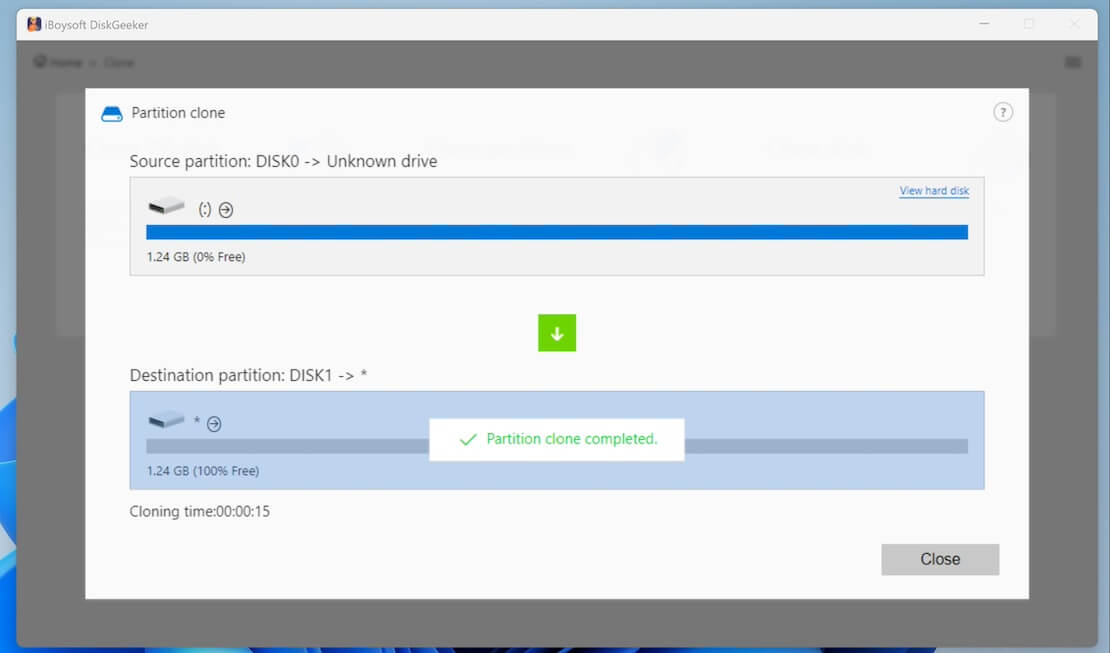
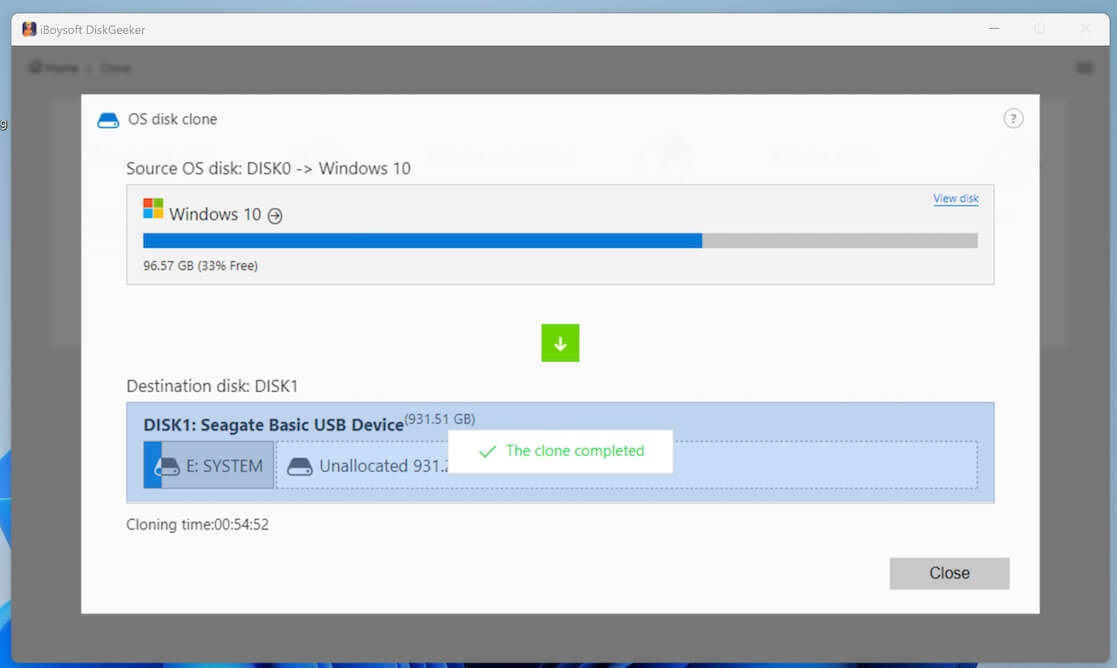
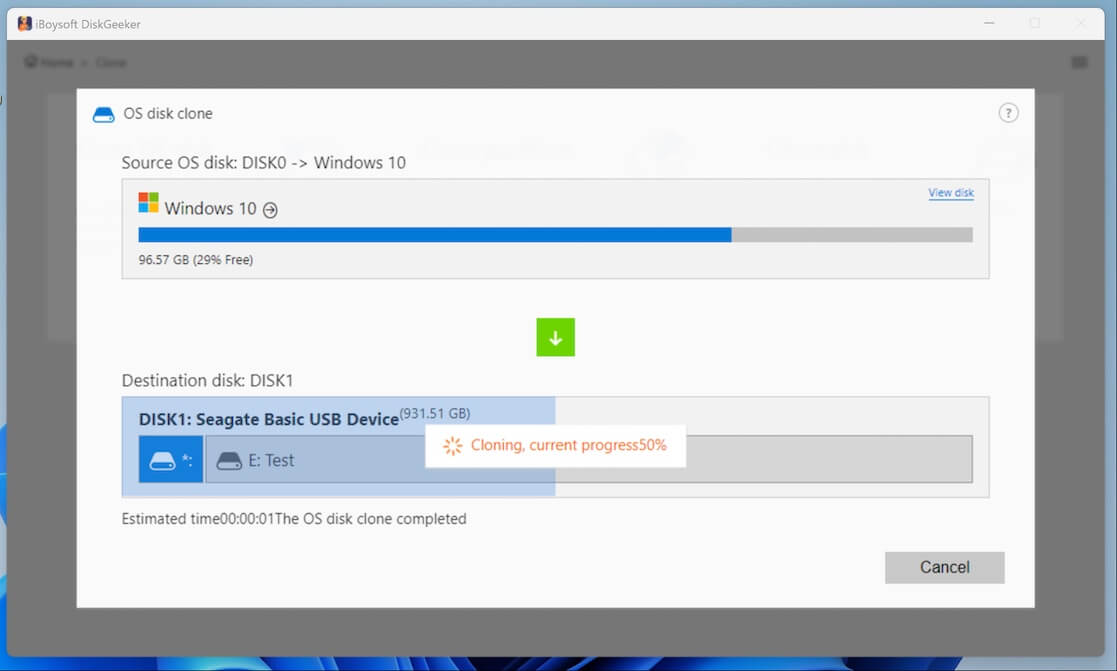
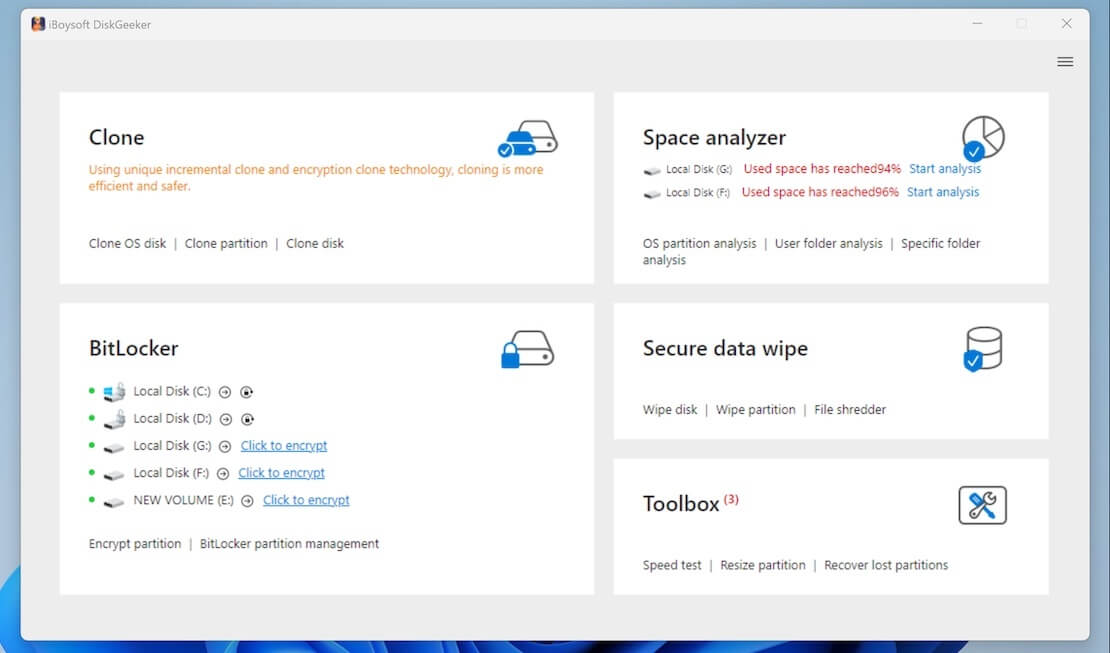
iBoysoft DiskGeeker for Windows was reviewed internally using user feedback, in-house testing, and market research to assess its performance, reliability, and user experience. Learn how we review products and our evaluation process.

Who should consider iBoysoft DiskGeeker for Windows
- Use cases
- IT departments managing disk encryption, Data security and compliance teams, System administrators handling disk cloning and cleanup
- Team types
- IT administrators, Security officers
- Company size
- 51-500 employees, 500+ employees
- Workflow style
- Flexible and configurable
- Setup complexity
- Medium
Why teams choose iBoysoft DiskGeeker for Windows
Comprehensive disk cloning including incremental cloning
Support for BitLocker encryption on Windows Home editions
Advanced management tools for BitLocker-encrypted disks
Is iBoysoft DiskGeeker for Windows right for you?
Best for IT teams needing advanced disk cloning with BitLocker support.
Choose iBoysoft DiskGeeker for Windows if
- You require cloning of disks or partitions with BitLocker encryption enabled.
- Your team manages disk encryption on Windows Home editions where BitLocker is uncommon.
- You need comprehensive disk space analysis combined with secure data erasure tools.
Consider alternatives if
- You are a freelancer or very small business without dedicated IT staff.
- You want a simple disk cleanup tool without complex encryption or cloning features.
iBoysoft DiskGeeker for Windows pros and cons
- iBoysoft DiskGeeker for Windows pros
Comprehensive disk cloning including incremental cloning
Support for BitLocker encryption on Windows Home editions
Advanced management tools for BitLocker-encrypted disks
- iBoysoft DiskGeeker for Windows cons
Pricing is quotation-based and not publicly available
No available user ratings or reviews to assess reliability
Ready to try it?
Get started with iBoysoft DiskGeeker for Windows
Connect with the team for a personalised demo.
Still comparing?
See how it stacks up
Compare iBoysoft DiskGeeker for Windows side-by-side with top Disk Cleanup Software alternatives.



What is the pricing of iBoysoft DiskGeeker for Windows?
iBoysoft DiskGeeker for Windows uses custom pricing — plans are tailored to your team size and needs. Contact them for a quote.
Weighing your options?
Not sure if iBoysoft DiskGeeker for Windows fits your budget?
iBoysoft DiskGeeker for Windows reviews and ratings
Buyer sentiment
No user reviews or ratings available to determine buyer sentiment.
Be the first to review iBoysoft DiskGeeker for Windows
You'll help thousands of buyers make a smarter decision.
Alternatives to iBoysoft DiskGeeker for Windows





iBoysoft DiskGeeker for Windows Support Options
Frequently Asked Questions About iBoysoft DiskGeeker for Windows
Common questions buyers ask before choosing iBoysoft DiskGeeker for Windows.
iBoysoft DiskGeeker for Windows is a strong fit if: You require cloning of disks or partitions with BitLocker encryption enabled.; Your team manages disk encryption on Windows Home editions where BitLocker is uncommon.. Consider alternatives if: You are a freelancer or very small business without dedicated IT staff.; You want a simple disk cleanup tool without complex encryption or cloning features..
Buyers commonly note the following limitations of iBoysoft DiskGeeker for Windows: Pricing is quotation-based and not publicly available; No available user ratings or reviews to assess reliability; Potentially complex setup for non-technical users.
Some top alternatives to iBoysoft DiskGeeker for Windows includes CCleaner, iBoysoft DiskGeeker, Avast Cleanup, Ashampoo WinOptimizer and Auslogics BoostSpeed.
iBoysoft DiskGeeker for Windows offers Quotation Based pricing model
The starting price is not disclosed by iBoysoft DiskGeeker for Windows. You can visit iBoysoft DiskGeeker for Windows pricing page to get the latest pricing.
Ready to try it?
Get started with iBoysoft DiskGeeker for Windows
Get connected with the team for a personalised demo.
About the reviewer
Rajat Gupta is the founder of Spotsaas. Over the past two years, he has reviewed 2,000+ tools across CRM, HR, AI, and finance — applying hands-on product research and a background in commerce and the CFA program to evaluate software through a business and ROI lens. His goal: help teams make software decisions they won't regret.
Disclaimer: This research has been collated from a variety of authoritative sources. We welcome your feedback at [email protected].