
7.8
SpotScore

Creo Review: Is It The Right Application Development Software For Your Team?
Best for SMB teams · Mid-market · Enterprise
Free Trial & Free Plan Available
Add to compare
Starts from $99 / Year, also offers free forever plan
Overview
Pricing
Features
Buyer feedback
Alternatives
Media
Security & Compliance
Support
FAQ
Blogs
What is Creo?
Creo is an easy-to-use application development software that is intended to help the user and programmer alike. By making it more intuitive and visually appealing, this offers a quicker way to develop a prototype and test out your ideas. It's interactive environment allows for quick changes that simplifies the entire design lifecycle. This program comes with many different programs, including pre-built templates for different types of projects such as business applications, CRM systems, commodity trading and financial services and more.
Pricing
Starts from $99 / Year
Free Trial available
Best For
Suited for small teams, SMBs, and enterprise
Security & Compliance
Data residency:🇺🇸
Platform
Web + mobile app (iOS & Android)
Creo Screenshots

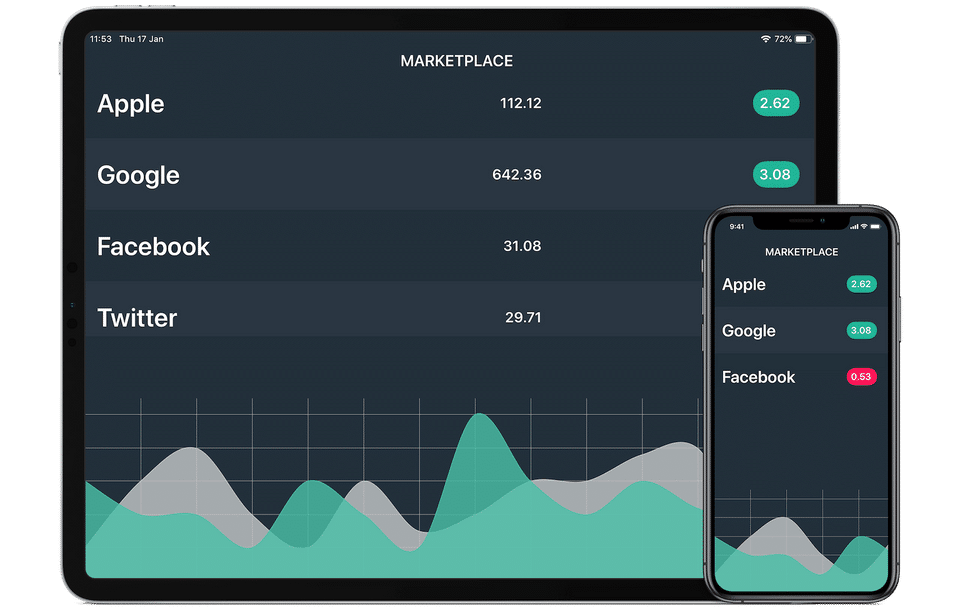
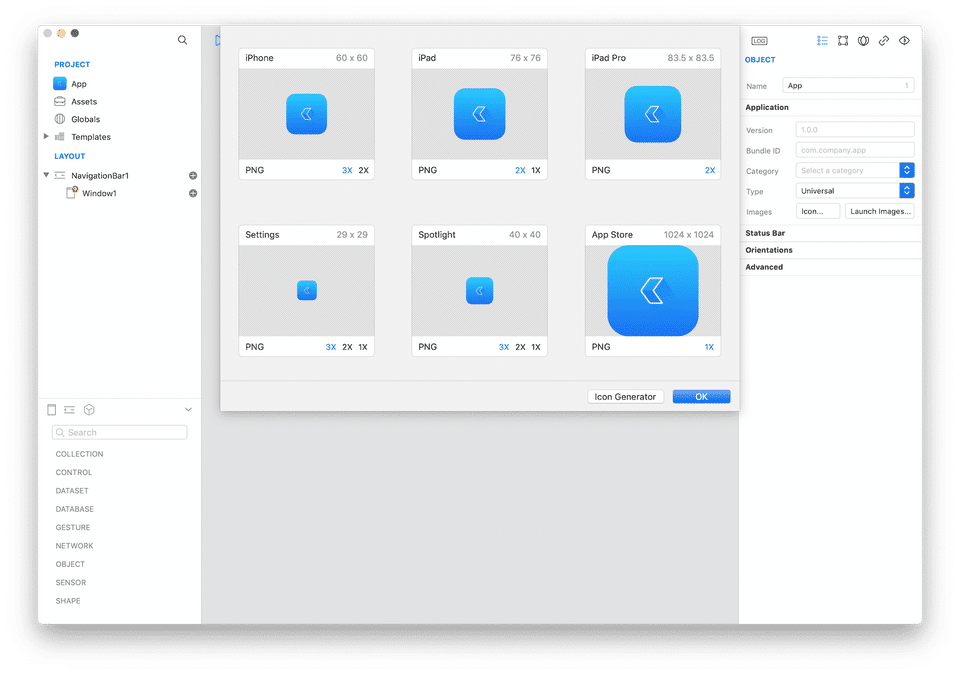
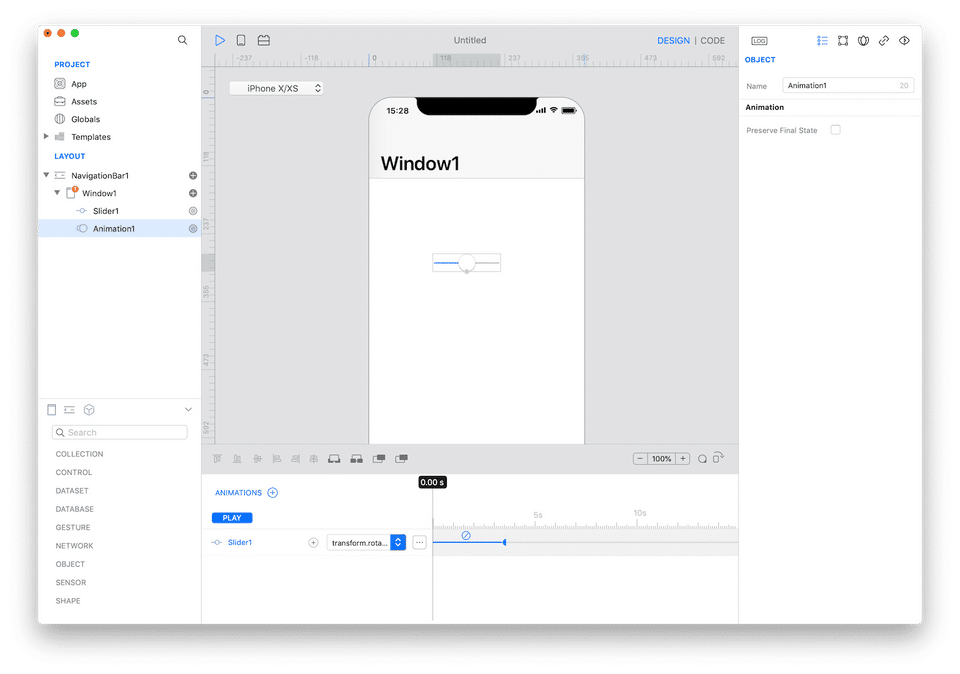
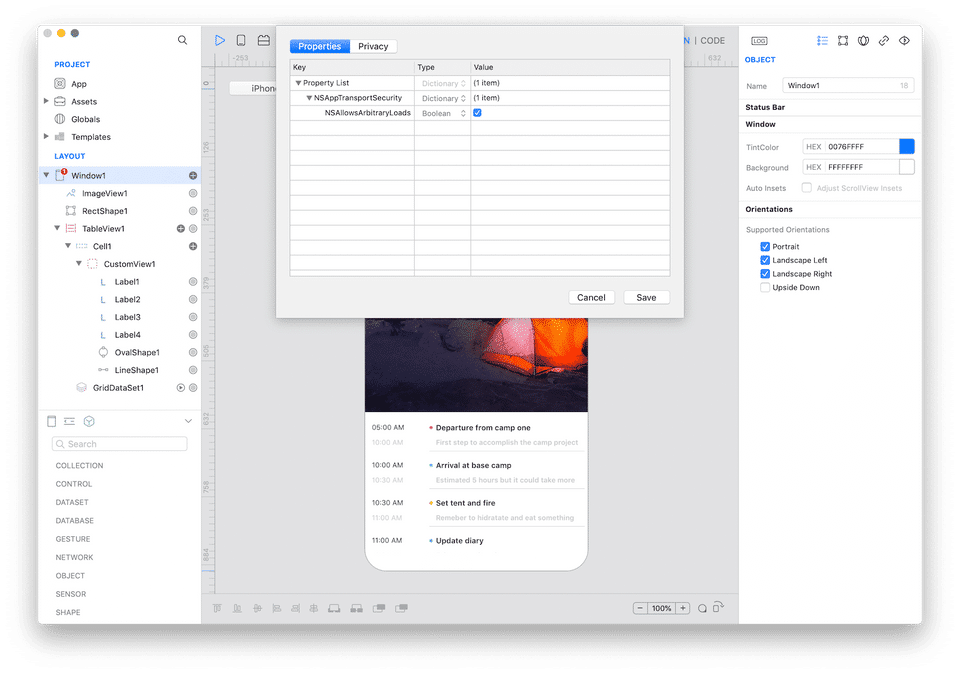
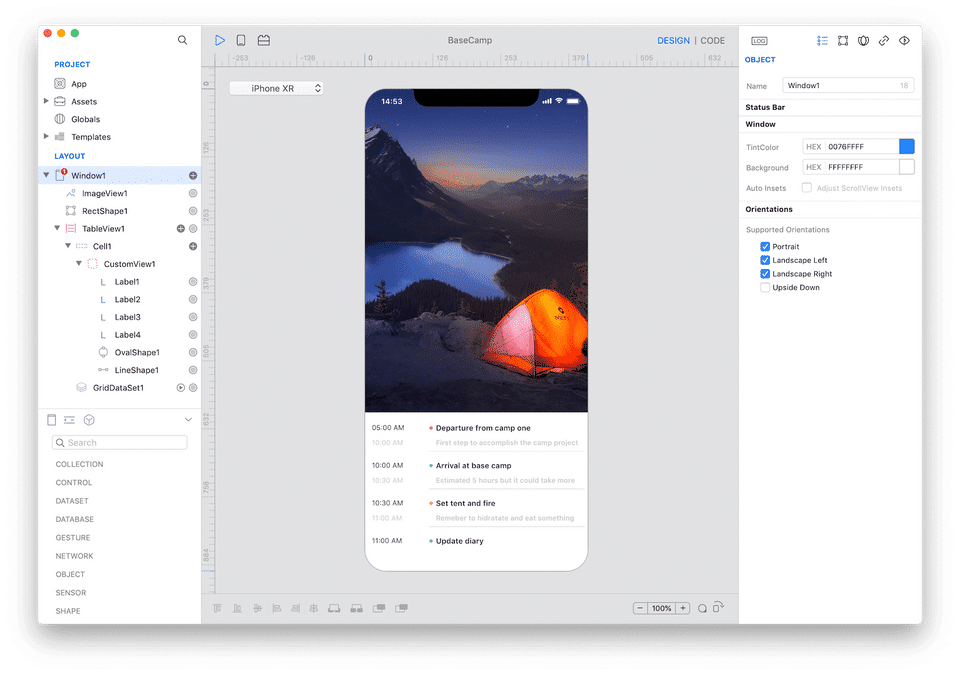
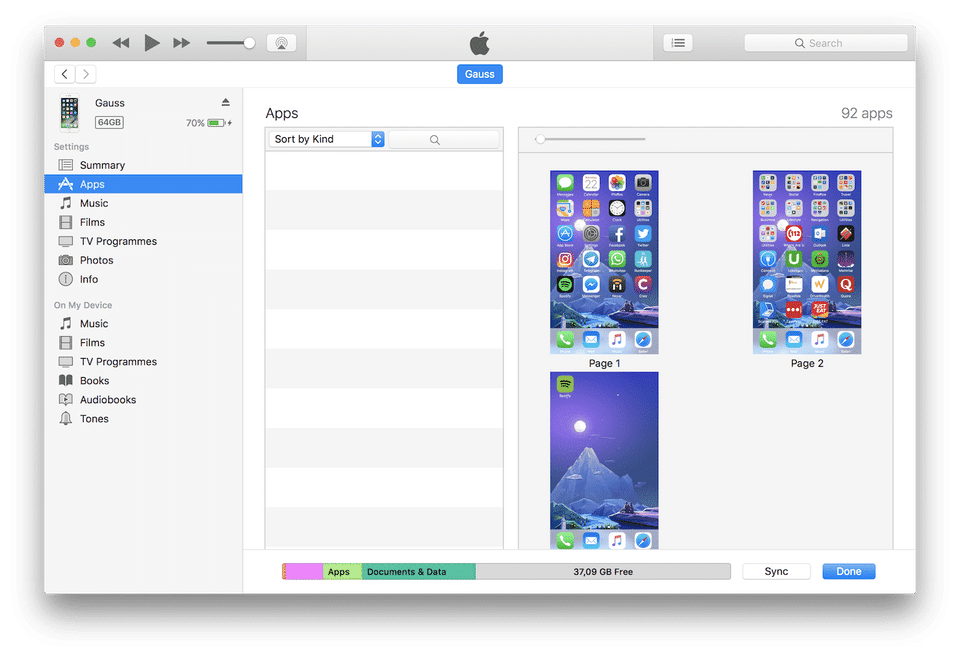
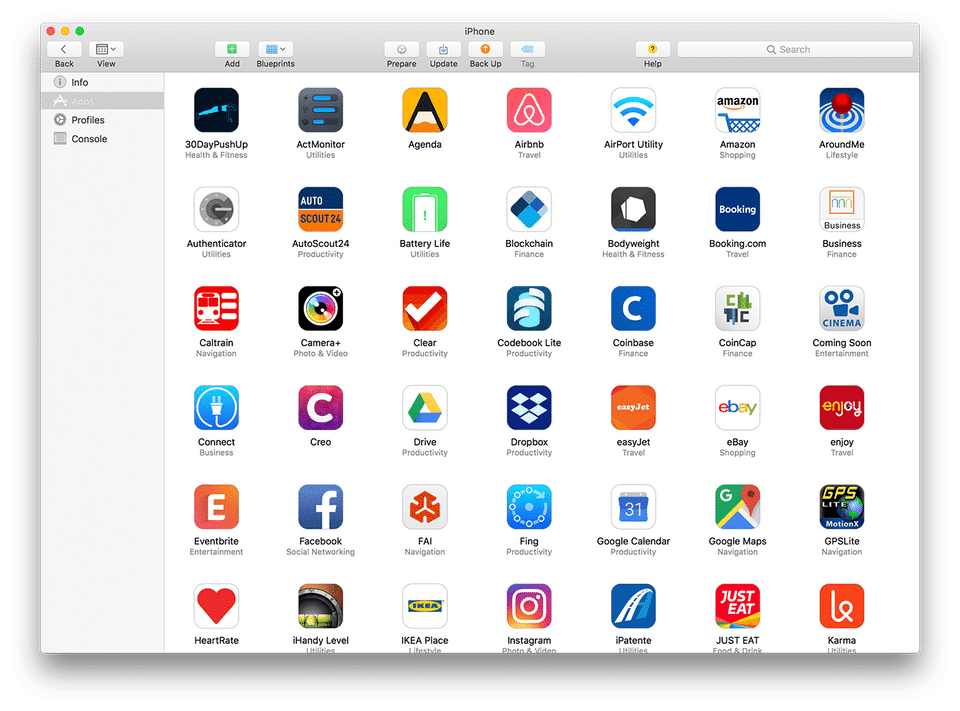
Creo was reviewed internally using user feedback, in-house testing, and market research to assess its performance, reliability, and user experience. Learn how we review products and our evaluation process.

Who should consider Creo
- Team types
- Individuals, Freelancers / Consultants
Why teams choose Creo
Facilitates rapid prototyping with intuitive tools.
Pre-built templates save time on project setup.
Interactive environment allows for quick design changes.
Is Creo right for you?
What buyers should know before choosing Creo
Creo offers an intuitive and visually appealing environment for application development, making it easy for users to prototype and test ideas quickly. Its pre-built templates cater to various project types, enhancing usability.
Creo pros and cons
- Creo pros
Facilitates rapid prototyping with intuitive tools.
Pre-built templates save time on project setup.
Interactive environment allows for quick design changes.
- Creo cons
Limited features for complex projects.
Customization options may be restricted.
Ready to try it?
Get started with Creo
Start your free trial — no credit card required.
Still comparing?
See how it stacks up
Compare Creo side-by-side with top Application Development Software alternatives.


What is the pricing of Creo?
Creo Pricing Plans
Free
Personal
$99
/Year
72 hour Support
Creo Splash Screen on App Store
Source Code Exporter Trial(1)
Animation
Code
Show more +
Indie
$299
/Year
48 Hour Support
No limitations on App Store
Source Code Exporter Trial(1)
Indie Analytics(2)
Includes features of All Plan
Pro
$699
/Year
36 Hour Support
No limitations on App Store
Source Code Exporter
Pro Analytics(2)
Crash Reports(2)
Show more +
Weighing your options?
Not sure if Creo fits your budget?
Creo reviews and ratings
What buyers like
- Intuitive design
- Rapid prototyping
- Pre-built templates
Common complaints
- Limited advanced features
- Not suitable for large projects
- May lack customization
Be the first to review Creo
You'll help thousands of buyers make a smarter decision.

- See if Creo fits your business
- Real pricing — no sales pressure
- A demo or quick answers, your call
Step 1 of 4
How big is your team?
We tailor recommendations to companies your size.















What are the features of Creo?
The access control structure is a crucial characteristic that distinguishes a digital asset management system from other storage systems. Yo…
Code assistance is a feature that is commonly found in software development tools. Essentially, it provides assistance to developers, progra…
Debugging is an essential feature in software development that involves identifying and resolving issues or bugs in a program's code. It is…
A graphical user interface, or GUI, is a type of user interface that allows individuals to interact with a software program through graphica…
Mobile development is a process of creating software applications that are designed specifically for mobile devices such as smartphones and…
Software development is the process of designing, creating, and implementing computer programs to perform a specific task or function. It in…
Testing Management is a crucial aspect of any software development process. It involves the planning, execution, and monitoring of tests to…
Creo security and data handling
Key compliance certifications and security features for IT and security teams evaluating Creo.
Certifications

Developer & data
Alternatives to Creo


Creo Support Options
Frequently Asked Questions About Creo
Common questions buyers ask before choosing Creo.
Creo is a Application Development Software. Creo offers Testing Management, Software Development, Graphical User Interface, Mobile Development, Debugging and many more functionalities.
Buyers commonly note the following limitations of Creo: Limited features for complex projects.; Customization options may be restricted..
Some top alternatives to Creo includes AppElixir, Nwicode, AgilePoint NX, A2Zapps and AppMaster.io.
Creo offers Free Trial, Freemium, Subscription pricing models
The starting price of Creo is $99/Year
Ready to try it?
Get started with Creo
Start your free trial — no credit card required.
About the reviewer
Rajat Gupta is the founder of Spotsaas. Over the past two years, he has reviewed 2,000+ tools across CRM, HR, AI, and finance — applying hands-on product research and a background in commerce and the CFA program to evaluate software through a business and ROI lens. His goal: help teams make software decisions they won't regret.
Disclaimer: This research has been collated from a variety of authoritative sources. We welcome your feedback at [email protected].