
Spotsaas Editorial
Unlocking the Potential of Ebsynth AI in Video Editing: Transforming Footage with Advanced Technology


Ebsynth AI is a video editing tool that lets you add hand-painted styling to a clip without editing it one frame at a time.
This post explains how the software works, what it can do, and how to use it to give ordinary footage an artistic look.
Key Takeaways
- Ebsynth AI uses Example-Based Synthesis to transform footage from a single painted frame, applying that look across every frame automatically.
- It cuts editing time by applying changes to a whole sequence instead of requiring frame-by-frame work.
- The tool runs on Windows and MacOS, produces high-resolution output, and receives regular updates.
- An active user community shares tips and help for tricky video projects.
- Competitors such as Charley AI push against Ebsynth’s position and keep the field moving.
Understanding Ebsynth AI
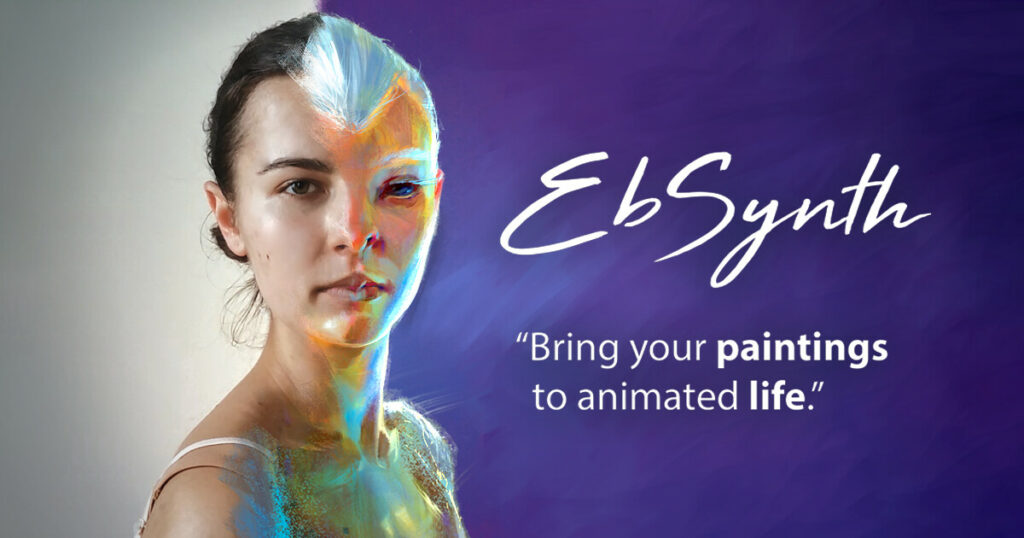
Ebsynth AI takes a different approach to footage in the world of video editing. Artists apply a painted-over effect to an entire video sequence by working a few strokes into one frame.
That simplicity is what makes it useful: it removes the hours normally spent on frame-by-frame animation or manual editing.
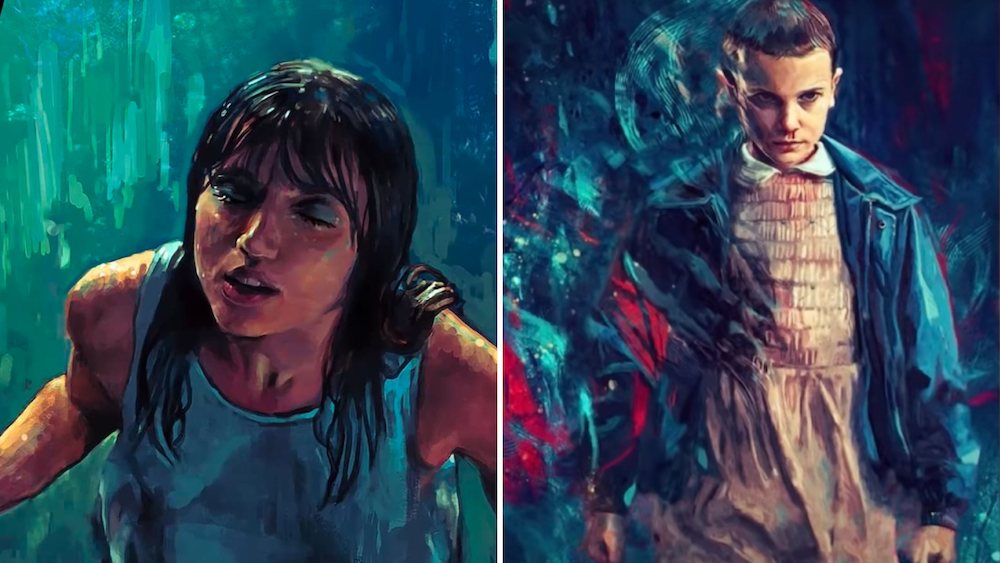
Once a user paints over one frame, Ebsynth takes over. Its algorithms carry that artwork across the remaining frames so the sequence stays consistent and fluid from start to finish.
The result is footage that keeps the original’s motion while carrying a new look created by hand, joining digital precision with traditional artistry. Because the software reads the motion already in the clip, the painted style moves with the subject instead of sitting flat on top of it, which is what keeps the sequence looking natural.
Because updates arrive often, users keep access to the newest features for their work. The team ships changes on a steady basis, and following the mailing list is the simplest way to know when a new build lands.
Features of Ebsynth AI
Ebsynth AI brings together a set of features aimed at video editing, and the table below breaks down what each one does.
| Features | Description |
|---|---|
| Frame-by-frame Control | Ebsynth AI grants users precise control over each frame. By painting on a single keyframe, the software replicates style changes across subsequent frames seamlessly. |
| Speedy Synthesis Process | The tool quickly applies edits to entire sequences, saving hours of manual labor and boosting productivity. |
| High-Quality Outputs | Expect smooth, high-resolution results that maintain the quality of the original footage while incorporating artistic modifications. |
| User-Friendly Interface | The interface is intuitive, making it easy for both beginners and professionals to navigate and apply complex effects without extensive training. |
| Compatibility Across Platforms | Ebsynth AI supports Windows and MacOS systems, ensuring accessibility for a broad range of users. |
| Continuous Updates | The development team frequently releases updates to improve functionality and add new features, which users can track through the mailing list. |
| Community Support | A passionate community surrounds Ebsynth AI; users share tips, tutorials, and support each other in achieving incredible video editing projects. |
The Technology behind Ebsynth AI
Ebsynth AI runs on a method called Example-Based Synthesis. You paint over a single frame, and the software uses texture synthesis to carry that change through the footage. Here is how it works.

Example-Based Synthesis
Example-Based Synthesis is the core of Ebsynth AI. It supports frame-by-frame manipulation by taking a single piece of artwork and using it to rebuild a whole series of video frames.
Paint a scene once, and that style is applied automatically to every frame in the sequence. The frame you paint becomes the model the rest of the shot is built from, so the more care you put into that single image, the cleaner the propagated result.
Using artificial intelligence, Example-Based Synthesis splits image synthesis into smaller parts. It assembles those parts across frames to build motion graphics or visual effects that hold the artist’s original look through the full clip.
With this method, filmmakers can give their videos a distinct algorithmic style without editing each frame by hand. One painted keyframe acts as the reference for the rest of the shot, so a change that would take a full day of manual redraws can be resolved in a single pass. That saved time is the main reason artists reach for the tool on longer sequences.
How to Use Ebsynth AI
You can get started with Ebsynth AI in a few steps:
- Download and install Ebsynth AI from the official website for free.
- Choose a single frame from your footage to paint over and create the look you want.
- Let Ebsynth AI apply your painted frame across the full length of the video.
- Try different options such as frame interpolation, video manipulation, visual effects, and motion graphics to reach your editing goals.
- Follow new releases and features by subscribing to the mailing list.
The Impact of Ebsynth AI on Video Editing
Ebsynth AI has changed how editors approach footage, opening new room for artistic expression and visual work.

Transforming Footage with Advanced Technology
Ebsynth AI changes footage through a painting-over process. It carries the painted frame across the full length of the video, so there is no manual frame-by-frame adjustment.
Users transfer their artwork onto any footage without extra software or hardware. That reach has affected job roles in fields such as 3D animation and VFX editing, where work that once needed a full team can now start from one artist painting a reference frame.
The automatic propagation feature is what sets Ebsynth apart from traditional editing tools. By moving artwork onto footage in one pass, it lets users apply their own look without deep technical setup. A hand-drawn style, a repaint of a scene, or a texture swap can all travel through the clip from that single frame, which lowers the barrier for artists who are not full-time editors.
Challenges and Competition in AI-Powered Video Editing
As AI-powered video editing keeps advancing, competition is growing. One name to watch is Charley AI, which offers similar features and challenges Ebsynth AI’s standing as a tool for reworking footage.
Introducing Charley AI: A Competitor in the Field
Charley AI is a serious contender in AI-powered video editing. Set up as an alternative to Ebsynth AI, Charley AI aims to rework video with its own features and technology.
Charley AI transforms footage with machine learning and targets new uses in video production and editing.
Its arrival gives users more options and pushes further work across AI-assisted video editing software. Head-to-head competition tends to help creators, since each tool has to keep improving its output quality and ease of use to hold its users.
Future Prospects of Ebsynth AI in Video Editing
Ebsynth AI has more planned, with a future release that adds an improved interface and workflow changes. The upcoming Ebsynth 1.0 promises an interactive design to make video manipulation faster.
That points to a more efficient, easier editing experience for professionals and hobbyists. A cleaner interface and clearer workflow would also help newer users get a first result without a long learning curve.
Beta testing has shown Ebsynth AI reworking footage with computer-generated imagery, a sign it could shift how the industry works once it ships in full.
As the software matures and moves into mainstream editing workflows, it could open new creative options and time savings, putting Ebsynth among the tools that shape where video editing goes next.
Conclusion
Ebsynth AI reworks footage with a painting-over method that needs no extra hardware or software. It supports artistic video transformations and fast propagation across a clip from a single painted frame.
Users get a free download, regular update notes, and an active community around the tool and its social accounts. The community side matters on harder projects, where shared tips and tutorials often solve a problem faster than the manual would. With Ebsynth handling texture application and visual work across a whole sequence, it earns a real place in video editing.
Check more Unstable Diffusion AI: How to Use for Image Generation in 2024
Related Articles

AI Software
AI Matching in ATS: What It Is, How It Works and Why It Matters for Hiring
Continue reading →

AI Software
How AI-Powered ATS Tools Boost Diversity in Hiring — Real DEI Use Cases (2026)
Continue reading →

AI Software
Best AI Resume Screening Tools in 2026 to Hire Faster
Continue reading →

AI Software
Is Riverside FM the Best AI for Podcasts and Video Recording?
Continue reading →