

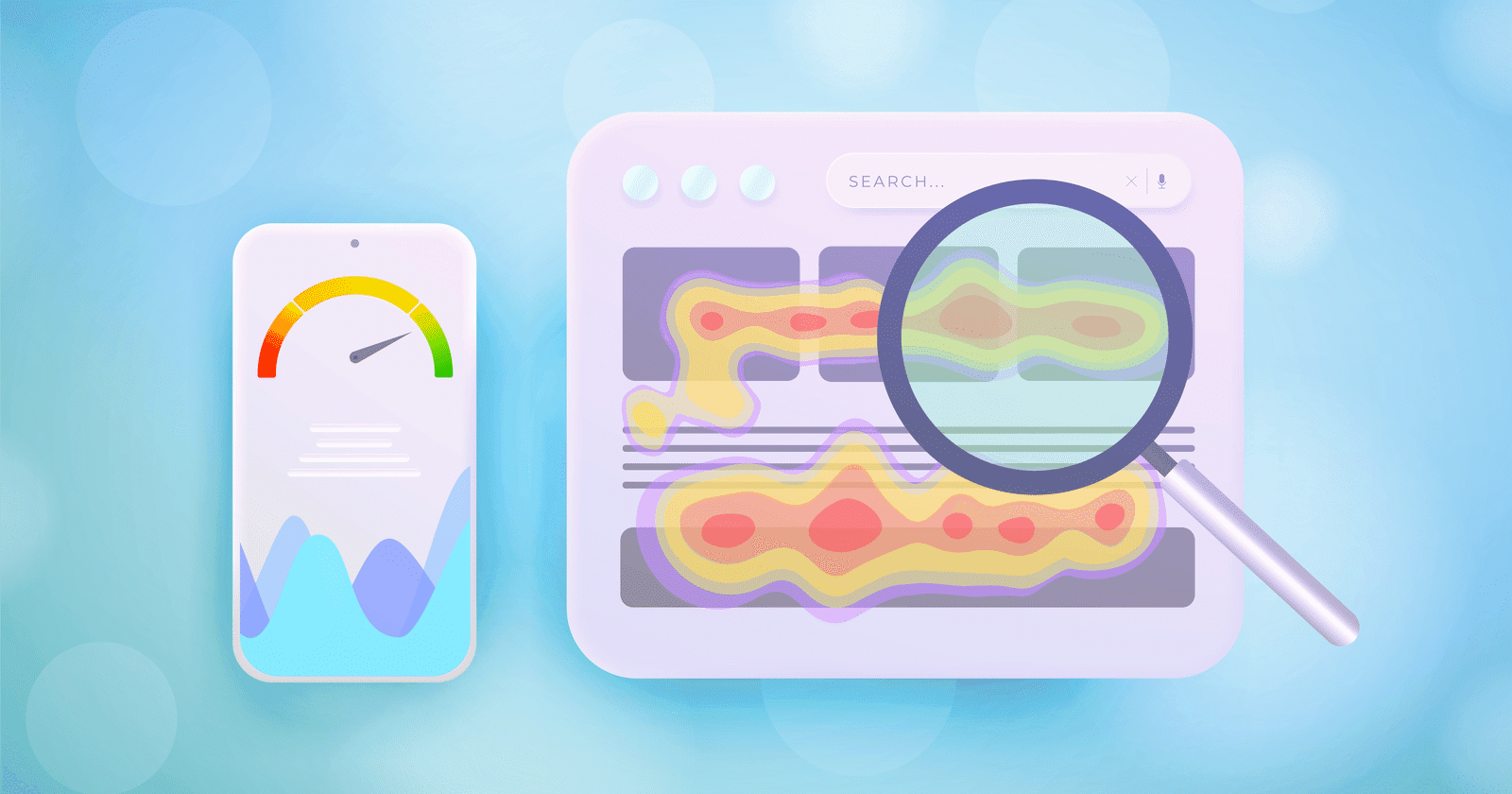
What are Heat Maps and What are it’s importance of using the right heat map software?
A heat map is a data visualization tool that uses color coding to represent the density or intensity of values in a dataset. Heat maps are widely used in various fields such as business, marketing, healthcare, and social sciences to gain insights from large datasets. They are particularly effective in identifying patterns, trends, and correlations in complex data sets, making them valuable tools for data analysis and decision-making.
Importance of using the right heat map software: Choosing the right heat map software is critical to achieving accurate and meaningful results. With the increasing availability of different heat map software options, it can be overwhelming to decide which one to use. Using the wrong software can lead to inaccurate or misleading interpretations of data, resulting in ineffective decision-making.
On the other hand, using the right software can help to uncover insights and trends that would otherwise go unnoticed, leading to informed decisions and better outcomes. Therefore, it is essential to carefully evaluate and select the appropriate software based on your specific needs and requirements.
Features to consider when choosing heat map software
Heat map tools provide robust features that cater to diverse data visualization needs, ensuring seamless user experiences and impactful insights. These tools support multiple data types, including numerical, categorical, and geographical, and seamlessly integrate with various sources such as Excel files, CSV files, databases, and APIs, making data import and management straightforward.
Customization options allow users to tailor heat maps to specific needs by adjusting elements like colors, scales, labels, annotations, filters, and legends. These features help create visuals that are both aesthetically pleasing and aligned with individual project goals or branding requirements.
Modern heat map tools offer advanced visualization capabilities, including choropleth, point-based, and 3D heat maps. Users can enhance their insights with overlays, animations, and zooming capabilities, enabling deeper exploration of complex datasets and trends.
User experience is prioritized with intuitive interfaces designed for easy navigation. Interactive elements, such as tooltips, click events, and dynamic data filtering, ensure a hands-on analytical approach. Additionally, comprehensive documentation and reliable customer support make these tools accessible to users of all experience levels.
Pricing and licensing models are designed to accommodate various budgets and preferences. Options include transparent subscription-based plans, perpetual licenses, and cloud-based solutions, providing flexibility for businesses and individuals alike. Together, these features make heat map tools invaluable for creating insightful and interactive data visualizations.
Comparison of popular heat map software
Overview of each software: There are several other popular heat map software options available in the market –
| Feature | Hotjar | Smartlook | Mouseflow | Crazy Egg | Lucky Orange |
|---|---|---|---|---|---|
| Heat Maps | Yes | Yes | Yes | Yes | Yes |
| Session Replays | Yes | Yes | Yes | No | Yes |
| Surveys | Yes | No | No | No | No |
| Conversion Funnels | No | Yes | Yes | No | Yes |
| Scroll Maps | No | No | No | Yes | No |
| Overlays | No | No | No | Yes | No |
Comparison of feature
| Aspect | Hotjar | Smartlook | Mouseflow | Crazy Egg | Lucky Orange |
|---|---|---|---|---|---|
| Data Types and Sources | Web Analytics | Web Analytics | Web Analytics | Web Analytics | Web Analytics |
| Customization Options | Colors, Scales, Labels, Annotations | Colors, Scales, Labels, Annotations | Colors, Scales, Labels, Annotations | Colors, Scales, Labels, Annotations | Colors, Scales, Labels, Annotations |
| Visualization Capabilities | Heat Maps, Others | Heat Maps, Others | Heat Maps, Others | Heat Maps, Scroll Maps, Overlays | Heat Maps, Others |
| Interactivity and User Experience | Interactive Features | Interactive Features | Interactive Features | Interactive Features | Interactive Features |
| Pricing and Licensing Options | Varying Plans | Varying Plans | Varying Plans | Varying Plans | Varying Plans |
Strengths and weaknesses:
| Software | Strengths | Limitations |
|---|---|---|
| Hotjar | Easy to set up, real-time heat maps, session replays | May lack advanced features |
| Smartlook | Advanced filtering, mobile device tracking | Costly for small businesses |
| Mouseflow | Conversion funnels, advanced filtering | Expensive for small businesses |
| Crazy Egg | Scroll maps, overlays, click tracking | May lack some advanced features |
| Lucky Orange | Real-time heat maps, conversion funnels | Expensive for small businesses |
Pricing and licensing options:
Pricing and licensing options vary between the different software options, with some offering free plans or free trials, while others offer paid subscription plans. It is essential to consider the pricing and licensing options that align with your budget and requirements.
Factors to consider before making a decision
| Consideration | Details |
|---|---|
| Budget and Resources | Assess affordability and resource requirements, considering free or low-cost plans, and additional needs like server space or technical support. |
| Technical Expertise | Choose based on the technical skill level of your team, from user-friendly interfaces to options requiring coding or programming skills. |
| User Requirements | Consider the specific needs of your users, such as software suited for e-commerce optimization or web design usability improvements. |
| Scalability and Future Needs | Ensure the software can handle increased traffic and data over time and integrates well with potential future software needs. |
Conclusion
Choosing the right heat map software is crucial for businesses and organizations looking to optimize their website, product, or service. When making a decision, it is important to consider the features of the software, such as data types and sources, customization options, visualization capabilities, interactivity and user experience, and pricing and licensing options.
Additionally, it is important to consider factors such as budget and resources, technical expertise, user requirements, scalability and future needs.
Related Articles
Best Tools
SaveFrom.Net Review (2026): Is It Safe, Legal & Worth Using?
Continue reading →
Buyers guide
How to Choose Healthcare Software: A Complete Buyer’s Guide (2026)
Continue reading →
Buyers guide
How to Automate HR Processes: A Practical Guide for 2026
Continue reading →
Applicant Tracking Software
How to Set Up an ATS: Step-by-Step Implementation Guide (2026)
Continue reading →