
Spotsaas Editorial
Create Stunning Images in Minutes with BlueWillow AI – Free AI Image Generator

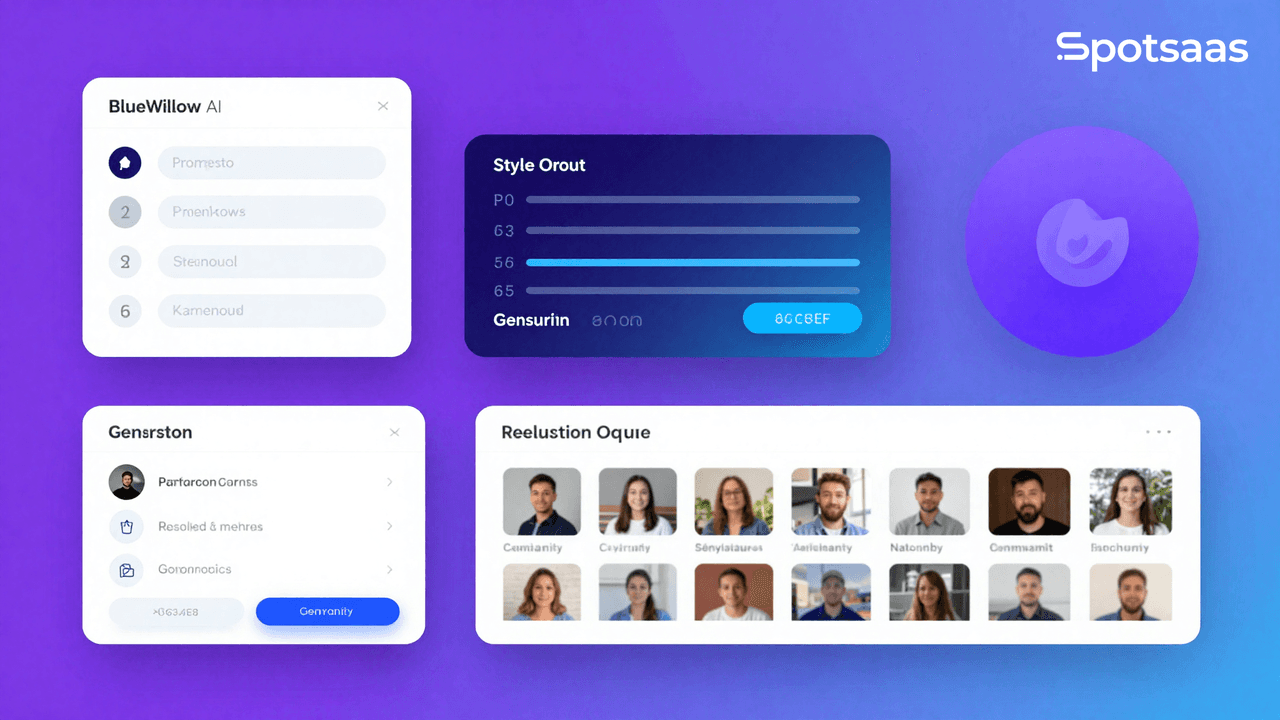
Creating eye-catching images can be hard work, especially if you’re not a professional designer. BlueWillow AI is a tool that generates images from text using artificial intelligence, which lowers the skill barrier for that kind of work.
This article walks through how BlueWillow AI helps both beginners and experienced designers produce strong visuals without much effort, and what to expect from the tool as it stands today.
Key Takeaways
- BlueWillow AI pairs artificial intelligence with artistic output, giving users a platform that turns text descriptions into detailed images.
- The tool aims to be easy to use and works for both beginners and experienced creators, with a simple interface that makes high-quality image generation less complicated.
- Community matters to how BlueWillow AI works: it runs an active Discord channel where users collaborate, trade ideas, and improve their work with help from other people.
- You can reach BlueWillow AI through Google Colab or GitHub installations, though some technical knowledge helps if you want to get the most out of those sources directly.
- The tool is still in the review phase with some areas that need work, but BlueWillow AI offers a free trial and several AI models that suit different styles and preferences in visual content.
Overview of BlueWillow AI

BlueWillow AI handles image generation well, combining artificial intelligence with a degree of artistic sense. At its core, the tool runs on several AI models and picks the one that fits a given prompt.
That approach gives both new and experienced creators a digital paintbrush for building detailed visuals out of plain text descriptions, without needing to know the underlying models.
The platform is more than its algorithms; it also supports a community where artists gather. Through an active Discord channel, users trade ideas, refine prompts, and produce images that are as distinct as they are striking.
BlueWillow AI presents itself as a modern creative tool, but it’s worth noting that the product is still under review. Feedback has flagged areas that need improvement alongside the features it does well.
For anyone keen to start, access comes through Google Colab or GitHub repository installations. Be ready to do some coding, though, if you plan to use it fully straight from those sources.
Pricing is not clearly stated, though the signs point to an initial free trial that could turn into a paid structure once the tool officially launches. For now, that leaves budgeting for the tool an open question.
The BlueWillow Free AI Image Generator

Here is how BlueWillow AI helps users create images across graphic design, logo creation, photorealistic scenes, and text-to-image conversion.
Below are the pros and cons of using BlueWillow AI and what it can do for visual content creation.
How BlueWillow AI Helps Create Images
BlueWillow AI is a capable option for graphic design and photo editing, with tools that widen what users can visualize. With its image software, even people new to image generation can produce professional-grade logos, graphics, and photorealistic scenes without much friction.
The platform’s main strength is its use of several AI models chosen to read prompts accurately, turning words into finished visuals. For more range, Frosting AI can turn static visuals into animations, which adds another set of creative options.
Users find BlueWillow AI’s interface easy to work with, which makes it approachable for artists at any skill level. The community support is another strong point; through an active Discord channel, people test prompts with each other, share tips on rendering techniques, and get answers quickly. That kind of shared learning improves everyone’s experience with the tool.
This shared space speeds up skill development and sparks new ideas that show up in the striking images people make with BlueWillow AI.
The Pros and Cons of Using BlueWillow AI
Using AI for image generation is both promising and complicated. BlueWillow AI enters this space aiming to keep the process easy to use and open to people without a technical background. Here are the advantages and disadvantages of the tool.
| Pros | Cons |
|---|---|
| User-friendly interface simplifies the AI image creation process for all levels of users. | Actual pricing model is undisclosed, potentially causing uncertainty for budget planning. |
| Adaptable technology selects the best AI model for each specific prompt to optimize results. | Product is under review due to flagged practices which may affect user trust. |
| Offers a free trial, allowing users to explore capabilities without initial investment. | Poor customer reviews suggest the service may not meet all user expectations. |
| Multiplicity of models ensures a wide range of styles and aesthetics for generated images. | Reliance on AI can limit the user’s control over the creative nuances of their images. |
Using AI for creative work like image generation cuts both ways, but platforms like BlueWillow AI are trying to make the technology available to more people. By weighing both the benefits and the drawbacks, users can make an informed choice that fits their creative needs.
Conclusion
Get more out of AI image generation with bluewillow.ai. Use its user-friendly interface to create logos, graphics, and photorealistic scenes.
Join the AI art community on Discord for support and inspiration on your digital artwork. It’s a practical way to work on visual content with this AI tool.
Improve your design process and follow your artistic vision with BlueWillow AI’s image technology, keeping in mind that the product is still being reviewed and refined.
If you want to look at another AI tool that can change how you handle contract management, take a look at LinkSquares AI.
FAQs
How does AI image generation work with bluewillow.ai?
AI image generation with bluewillow.ai uses advanced algorithms to create realistic and high-quality images based on input parameters.
Can I use AI-generated images for commercial purposes?
Yes, you can utilize AI-generated images from bluewillow.ai for commercial purposes after complying with any licensing or usage requirements specified by the platform.
What types of images can be generated using bluewillow.ai?
A wide range of images including landscapes, portraits, abstract art, and more can be generated using bluewillow.aiu0026#8217;s versatile capabilities.
Is it possible to customize specific features in the AI-generated images?
Yes, you have the ability to tailor specific features such as colors, textures, styles, and compositions within the AI-generated images through user-defined inputs.
How can I get started with AI image generation on bluewillow.ai?
To start creating AI-generated images on bluewillow.ai, simply sign up on their platform and explore the intuitive tools and settings available for customization and creation.
Related Articles
AI Software
AI Matching in ATS: What It Is, How It Works and Why It Matters for Hiring
Continue reading →

AI Software
How AI-Powered ATS Tools Boost Diversity in Hiring — Real DEI Use Cases (2026)
Continue reading →

AI Software
Best AI Resume Screening Tools in 2026 to Hire Faster
Continue reading →
AI Software
Is Riverside FM the Best AI for Podcasts and Video Recording?
Continue reading →